Stop an autoflow to a contact
You can stop an automated flow for all of your contacts by pausing it. Other than that, you stop an automated flow for a specific email address. When you stop automated emails for a contact, the system removes them from all sending queues in every element of your selected flow.
If you delete a contact from a mailing list, your automated emails won’t stop for them. To stop sending emails to this contact, unsubscribe them using the method described in the article.
Note that you can’t change the mailing list in the trigger settings of an active flow. To do this, copy the flow and create a new automation.
To stop a contact in a flow, open the flow and click its starting element in the workspace. In the window, find the required email address and click Stop.
Then, confirm your action in the window that opens.
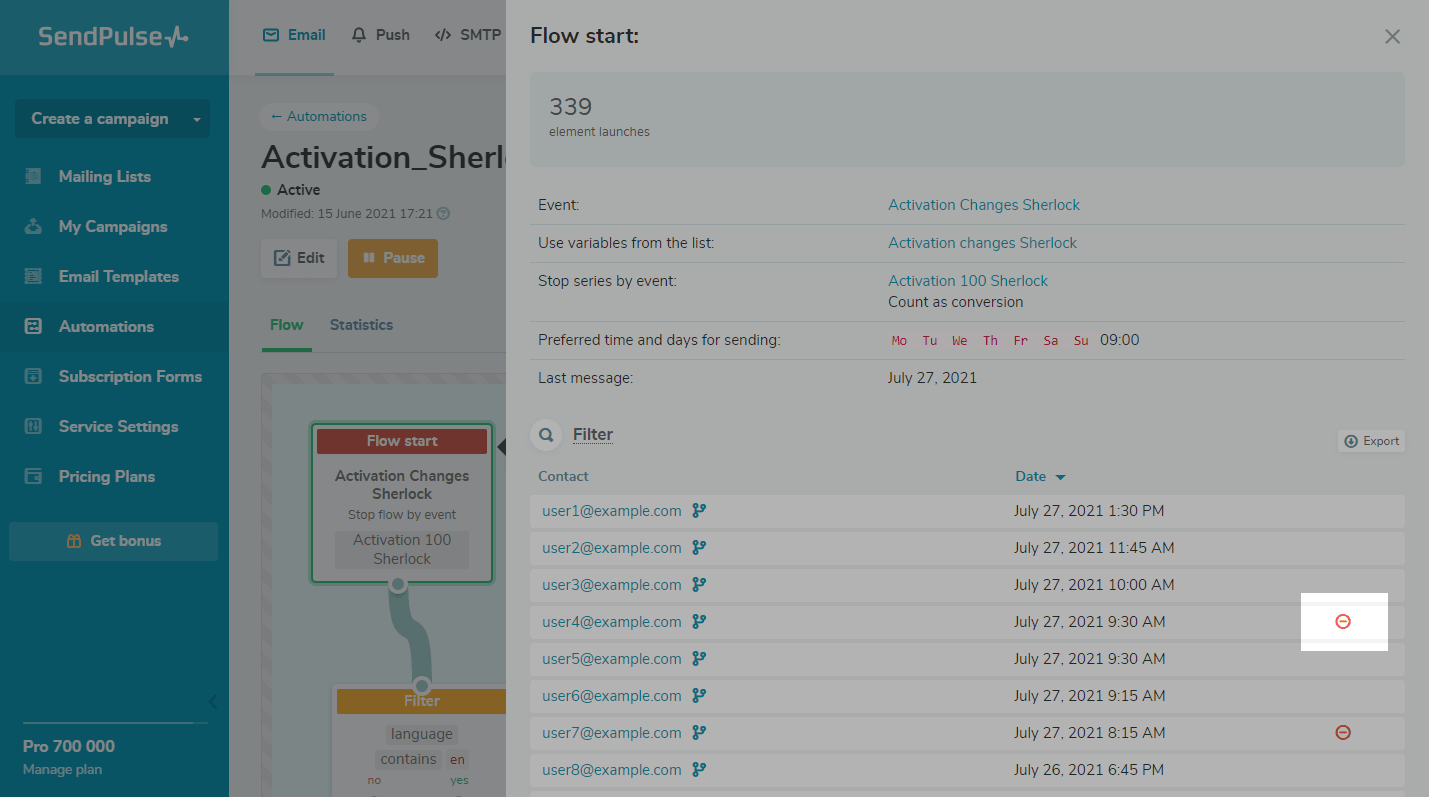
The contact for whom you have stopped the flow or a contact who has completed the series will no longer display the icon in the starting element of the flow. Statistics about all passed elements will remain in the flow.
If you are working with a team, the button is visible to invited users with the roles Manager, Editor, and Superman.
 Last Updated: 12.01.2026





or