





















What is an SMS chatbot?
An SMS chatbot is a bot that works over text messages and handles the replies your campaigns bring in.
Incoming texts no longer go unanswered — every reply starts an automated flow. Send an SMS campaign, and when a customer texts back with a question, your chatbot answers in seconds with no human agent involved.
Here’s what an SMS chatbot does:
-
 Answers common questions with personalized replies
-
 Routes open-ended questions to an AI agent
-
 Runs surveys and captures the data you need
-
 Saves contacts, updates CRM records, and hands conversations to human agents behind the scenes
What teams automate with an SMS chatbot
SMS campaigns are just the beginning. Automate your conversations, data collection, and routine business operations with no manual work.
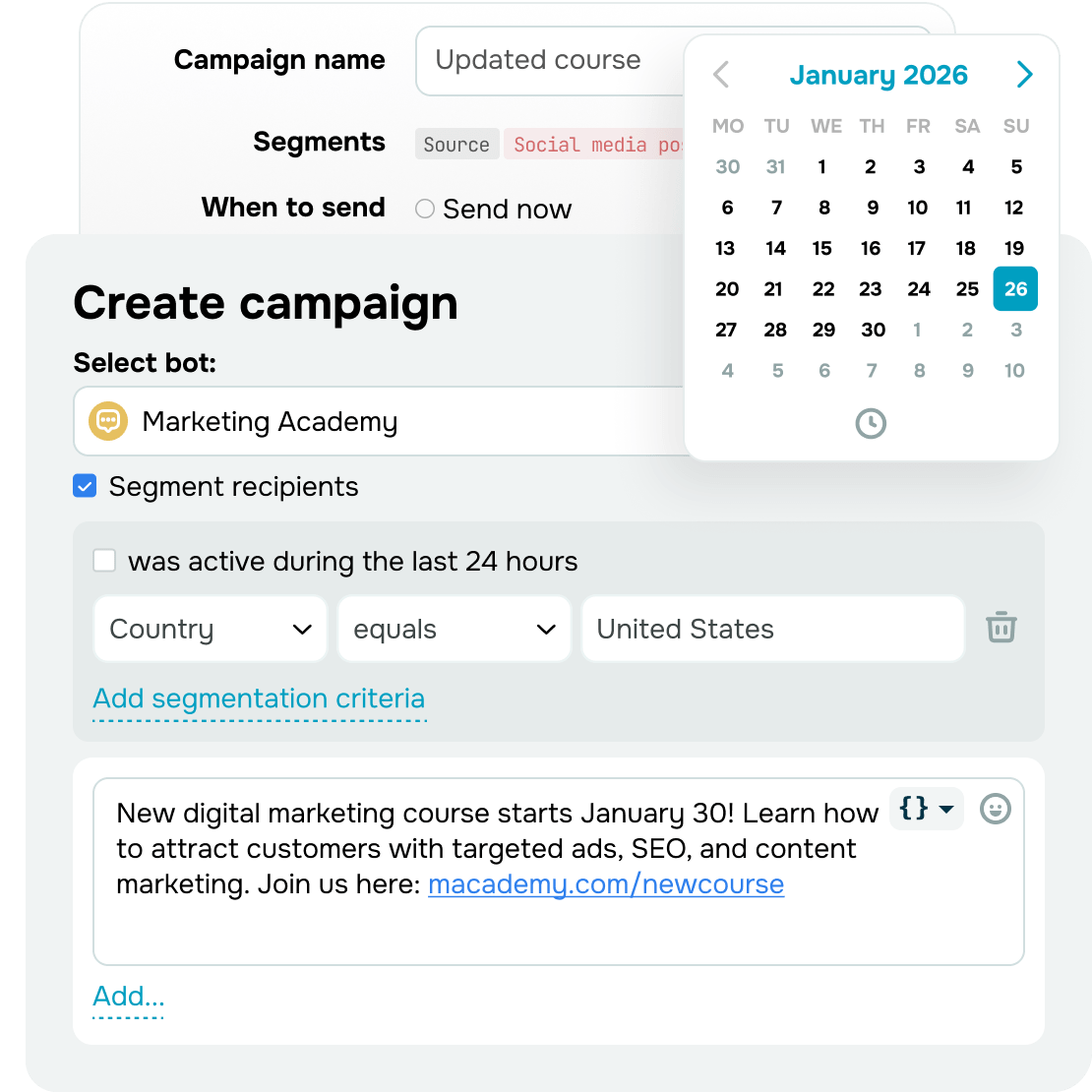
Sales through SMS conversations
Send campaigns from your SMS chatbot's phone number and keep the conversation going afterward.
When customers text back:
- Your chatbot handles standard messages using a flow you set up
- An AI agent gives thorough, personalized answers to more complex questions
- A human agent jumps in at any point to anything the first two can't
This way, an SMS campaign stops being a one-way notification and starts leading customers toward a purchase.
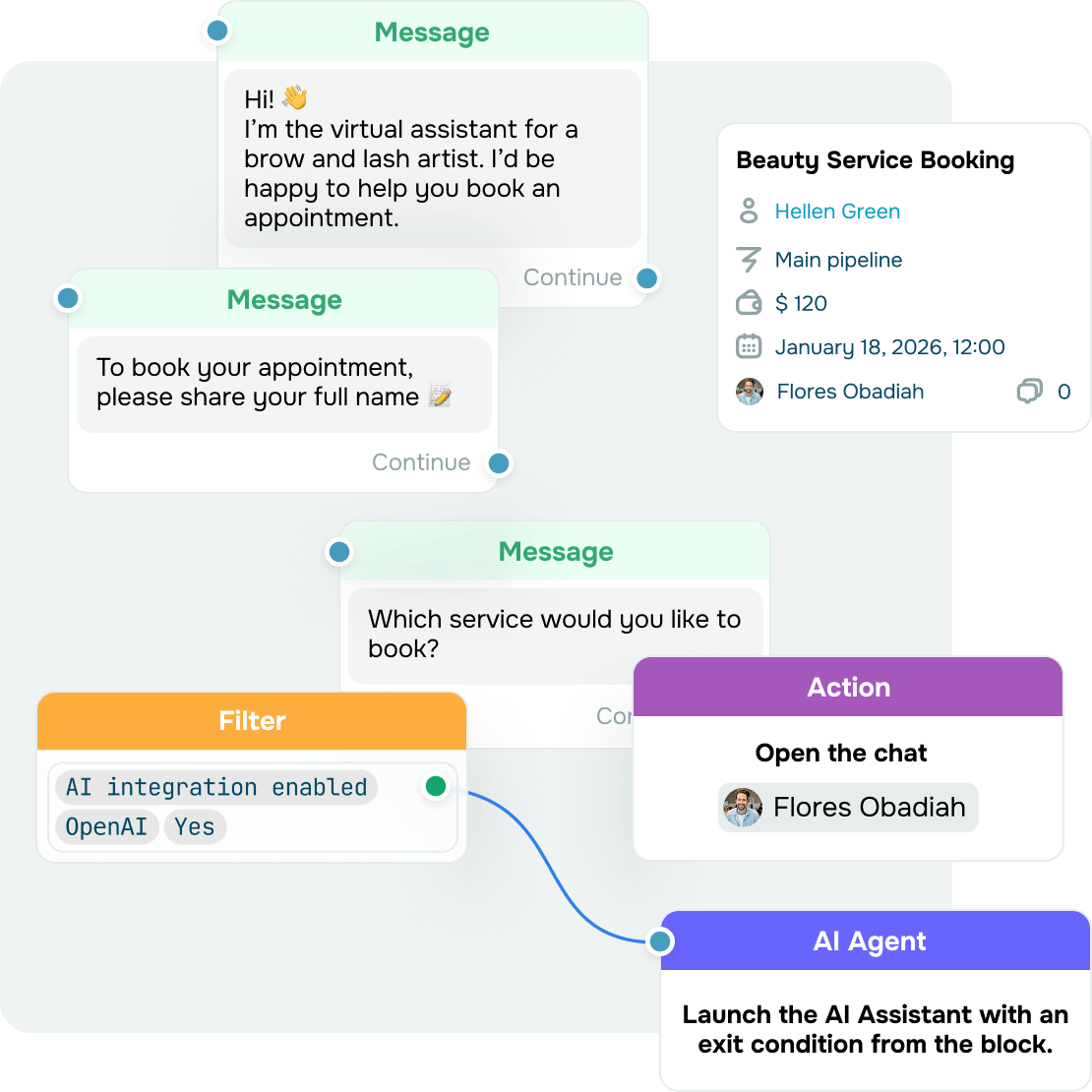
Self-service booking and appointments
Let customers book a service, schedule an appointment, or confirm a visit without phone calls or manual scheduling.
Your chatbot handles it end to end:
- Checks what's available and locks in the date and time
- Asks for the customer's contact details and saves them to your CRM
- Confirms the booking and sends a reminder the day before, so fewer people miss their appointment
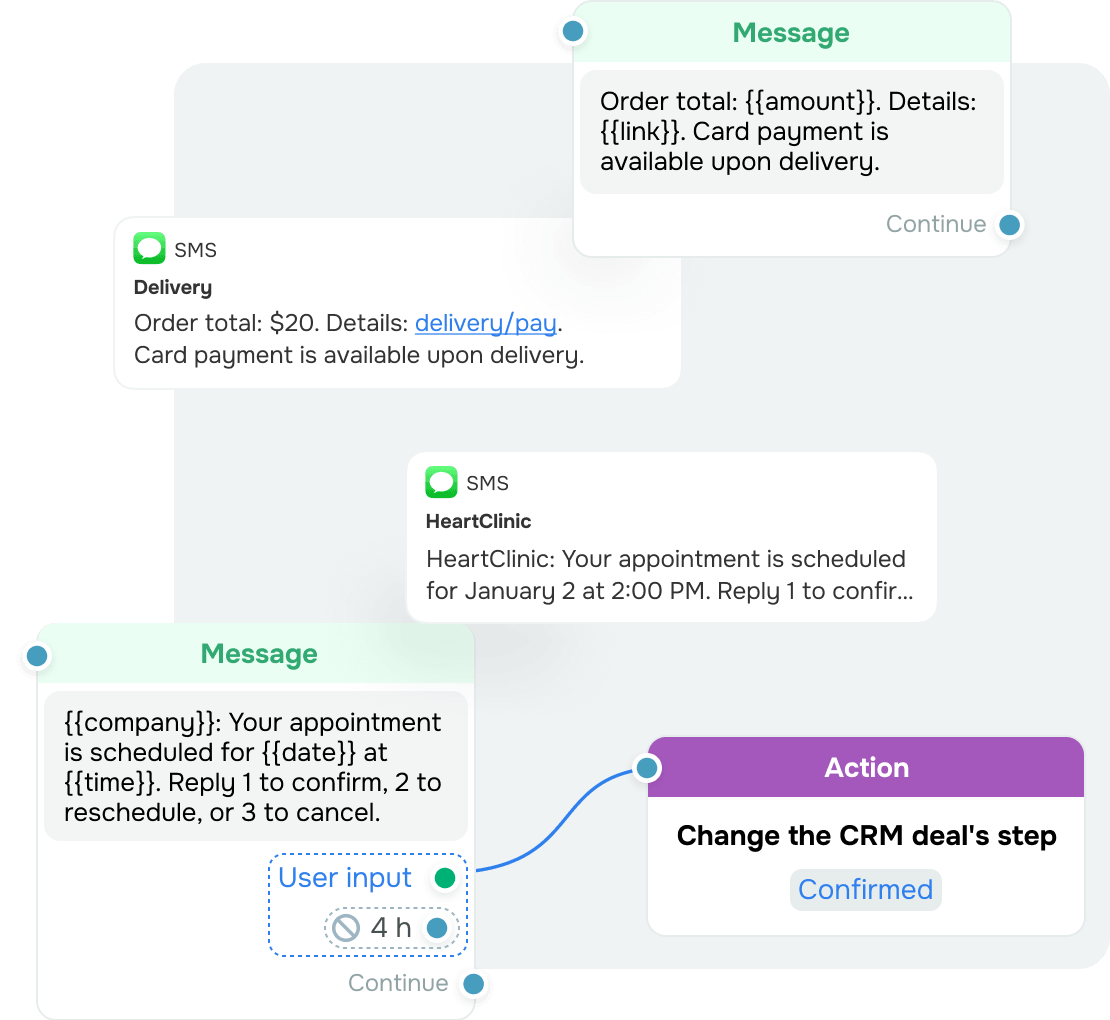
Service notifications with no manual follow-ups
Deliver reminders, confirmations, order status updates, and other service messages, then handle replies automatically:
- Confirm, cancel, or reschedule appointments
- Collect missing details
- Answer common questions about an order, delivery, or payment
- Update records in CRM as you go
Instead of a no-reply message, customers get a quick way to reach you, and your team saves time on routine interactions.
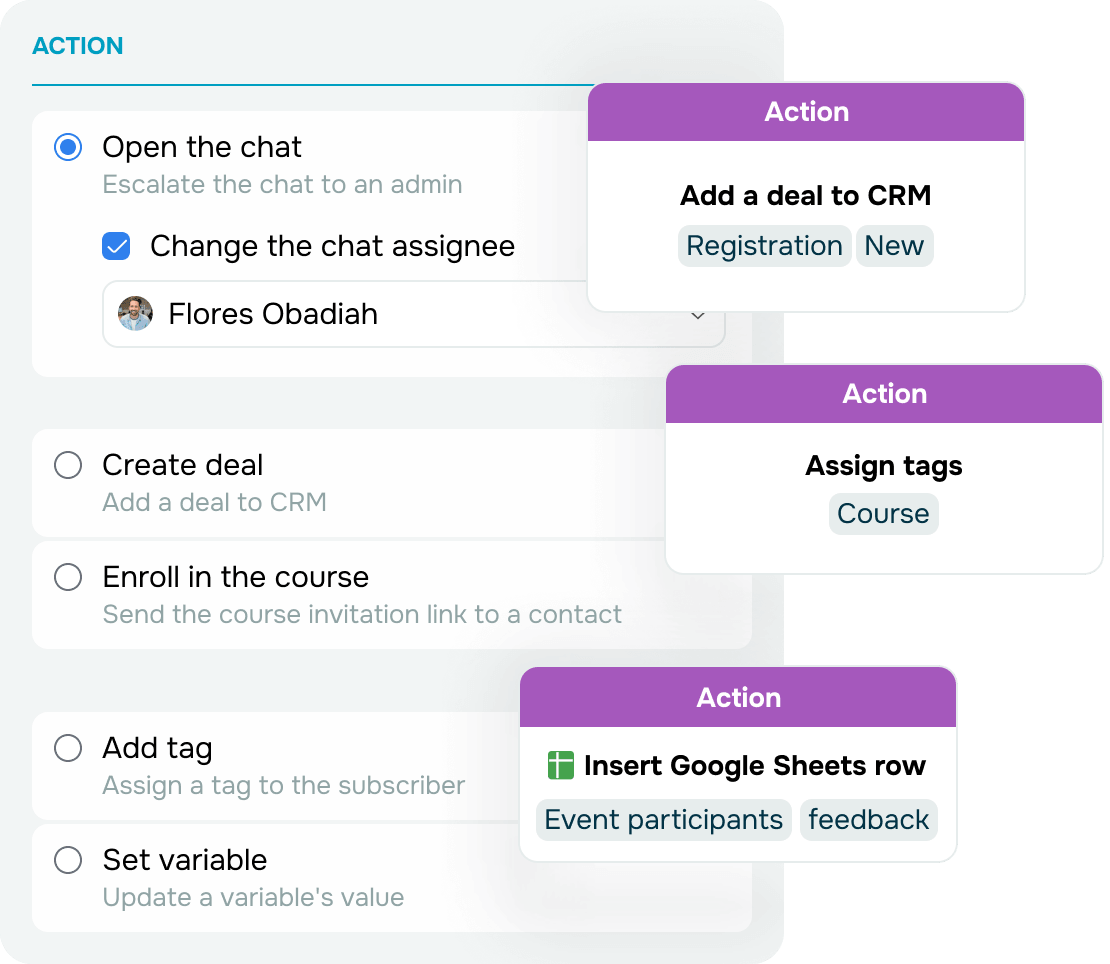
Surveys and feedback right in the text thread
Run post-purchase surveys, evaluate customer service quality, or carry out market research.
Your chatbot handles every step of the survey on its own:
- Sends each question once the last one is answered
- Saves responses to your CRM, Google Sheets, or another tool
- Analyzes survey results and triggers follow-up actions based on the answers
You never dig through replies, and customers take your survey simply by texting back, with no forms or third-party links.
Make your SMS chatbot part of your everyday setup
Automate the full cycle of customer communication, not just one-off messages.
Log deals automatically and run omnichannel flows
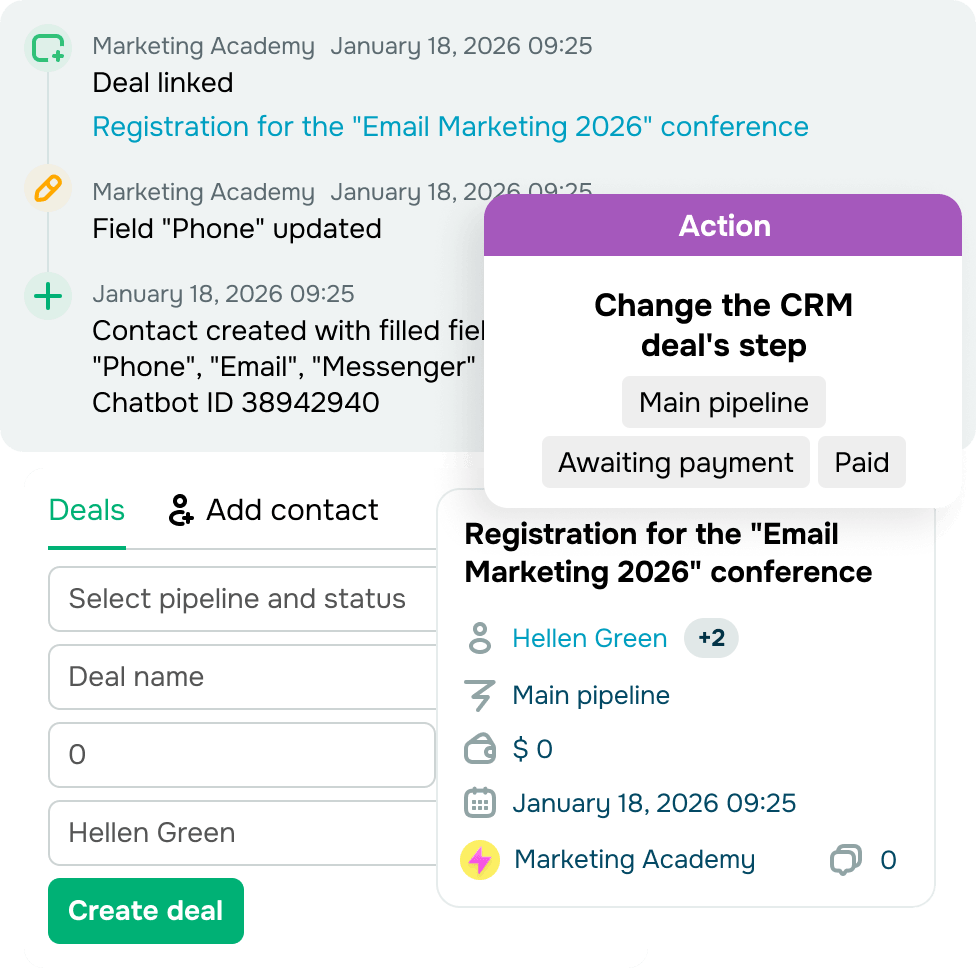
Find a sales opportunity in every conversation. Create and update CRM deals from what customers tell you, so their record stays up to date.
Send conversation data into omnichannel flows and trigger email or messaging app campaigns based on what a contact does in your SMS chatbot. All SendPulse tools connect to each other, which keeps the whole customer journey within a single pipeline.
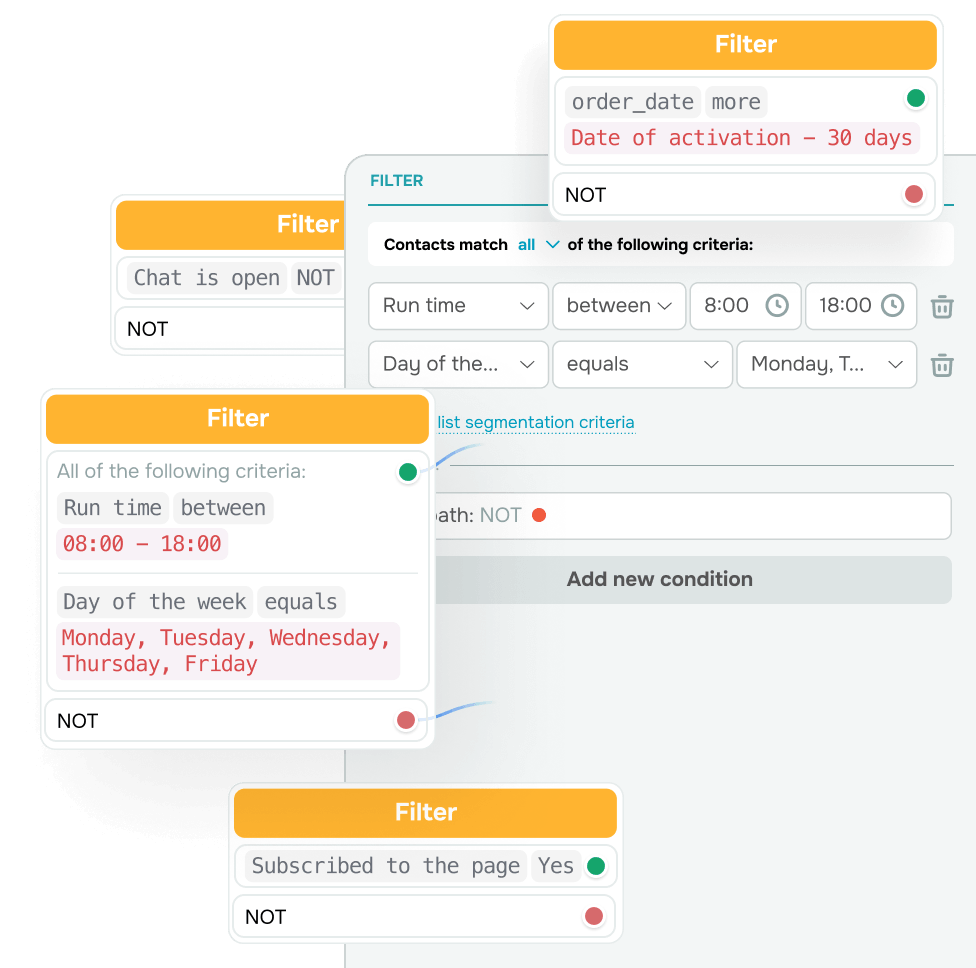
Send personalized messages instead of one blast for everyone
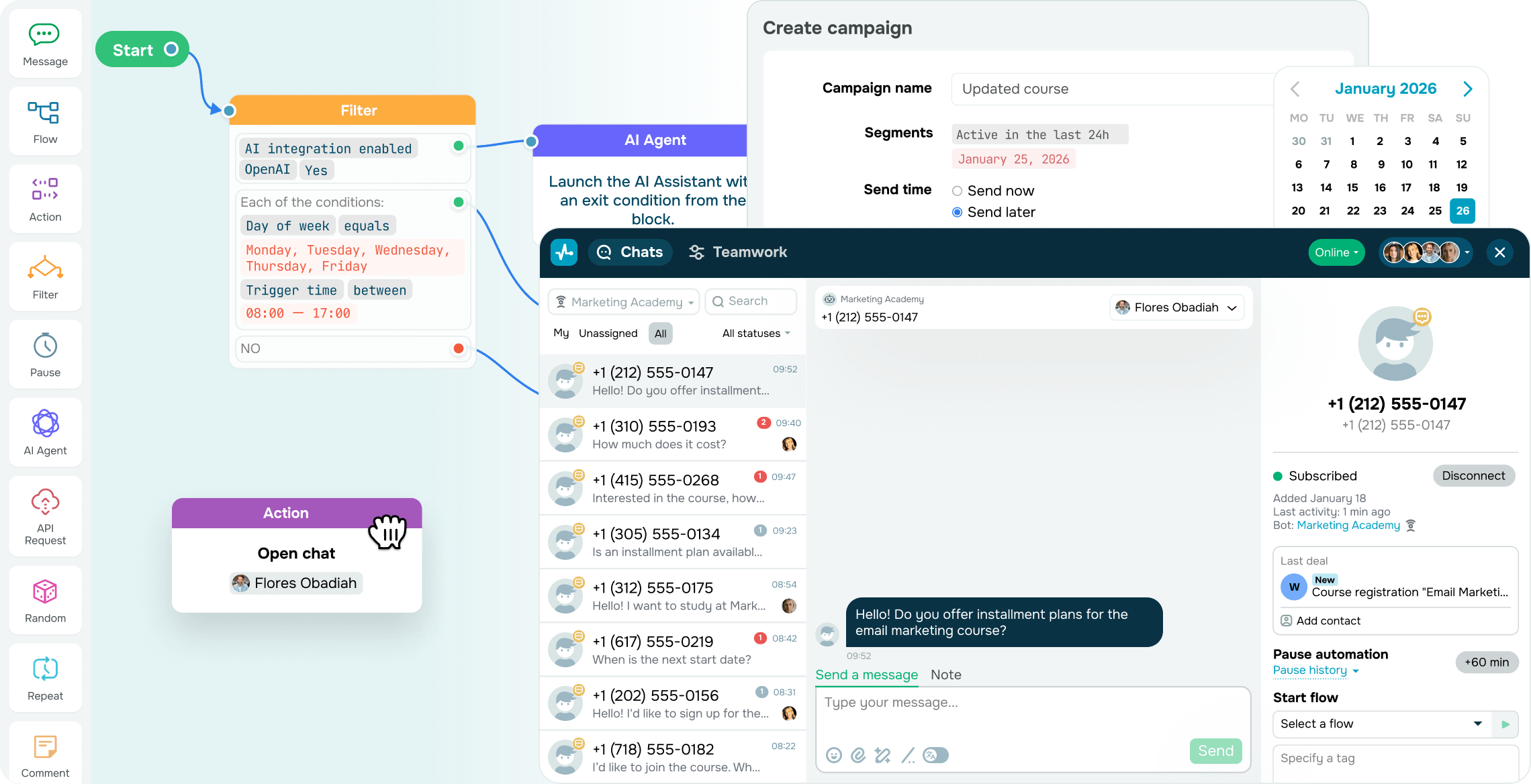
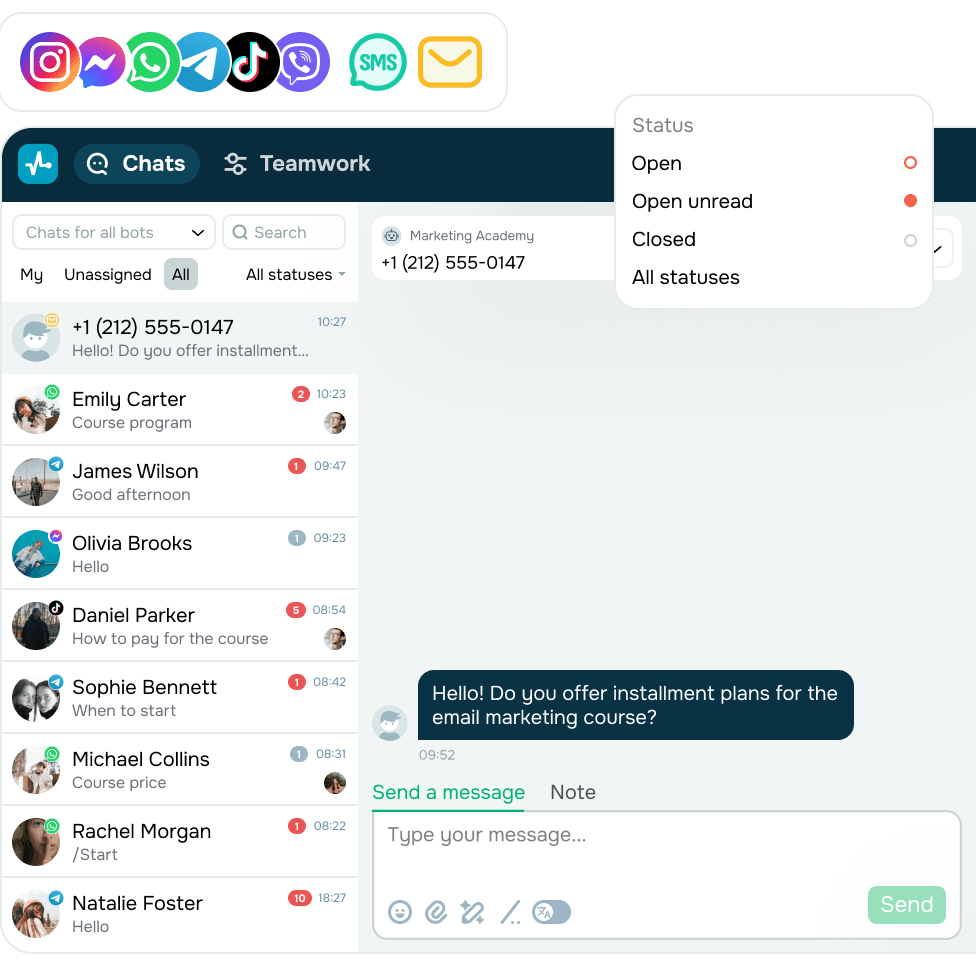
Handle incoming SMS in one omnichannel inbox
Manage SMS, email, messaging app conversations, and WhatsApp calls in one shared interface. Stay in touch with customers without extra tabs or lost messages.
Full context in one place helps your team reply faster and offers a clear view of how deals move through the pipeline and how each agent performs.
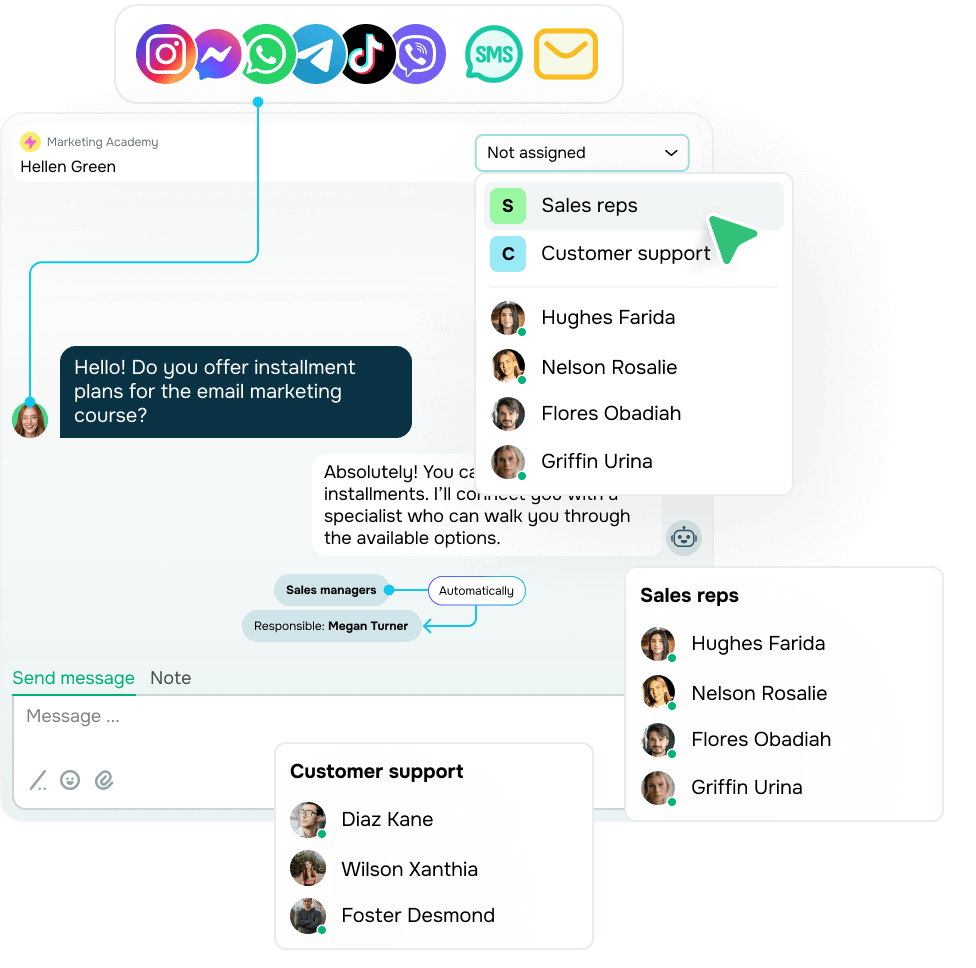
Route complex conversations to your team
When a question falls outside the flow, your chatbot saves the contact to your CRM, assigns a tag, and hands it over to an agent with full context.
Your team member can jump in right away, so the customer never has to repeat themselves. Once it's all sorted, your chatbot picks up where it left off.
Reach customers when nothing else gets through
An SMS chatbot works on practically any phone, with no app, internet connection, or sign-up.

Nothing to install
SMS is already built into every phone, from a flagship smartphone to a simple feature phone, and requires no setup.

No internet needed
Your message arrives even where there is no Wi-Fi or mobile data: on the road, outside the city, or abroad on roaming.

Reaches everyone
Unlike email or messaging app accounts, every customer has a phone number. Stay in touch with all of them without exception.

High visibility
Text messages land right on the screen, not in a notification feed, so recipients are more likely to open them right away.

Every age group
Older customers who do not use messaging apps can still receive your SMS campaigns and reply to them.

Delivered in seconds
Recipients get your messages with no delay. Send up to 500 SMS per second at a 99% deliverability rate.
How to create an SMS chatbot
No need for coding, developers, or complex setup.
-
Register a phone number
Install the SMS Chat in SendPulse app and register a unique phone number for each country you want to reach.
Current rates for all countries are listed on our pricing page.
-
Set up triggers and flows
-
Go live and track results
Run SMS campaigns and let your chatbot handle incoming replies automatically. Track performance with in-depth analytics to optimize your flows.
Build and run an SMS chatbot with no coding or developers
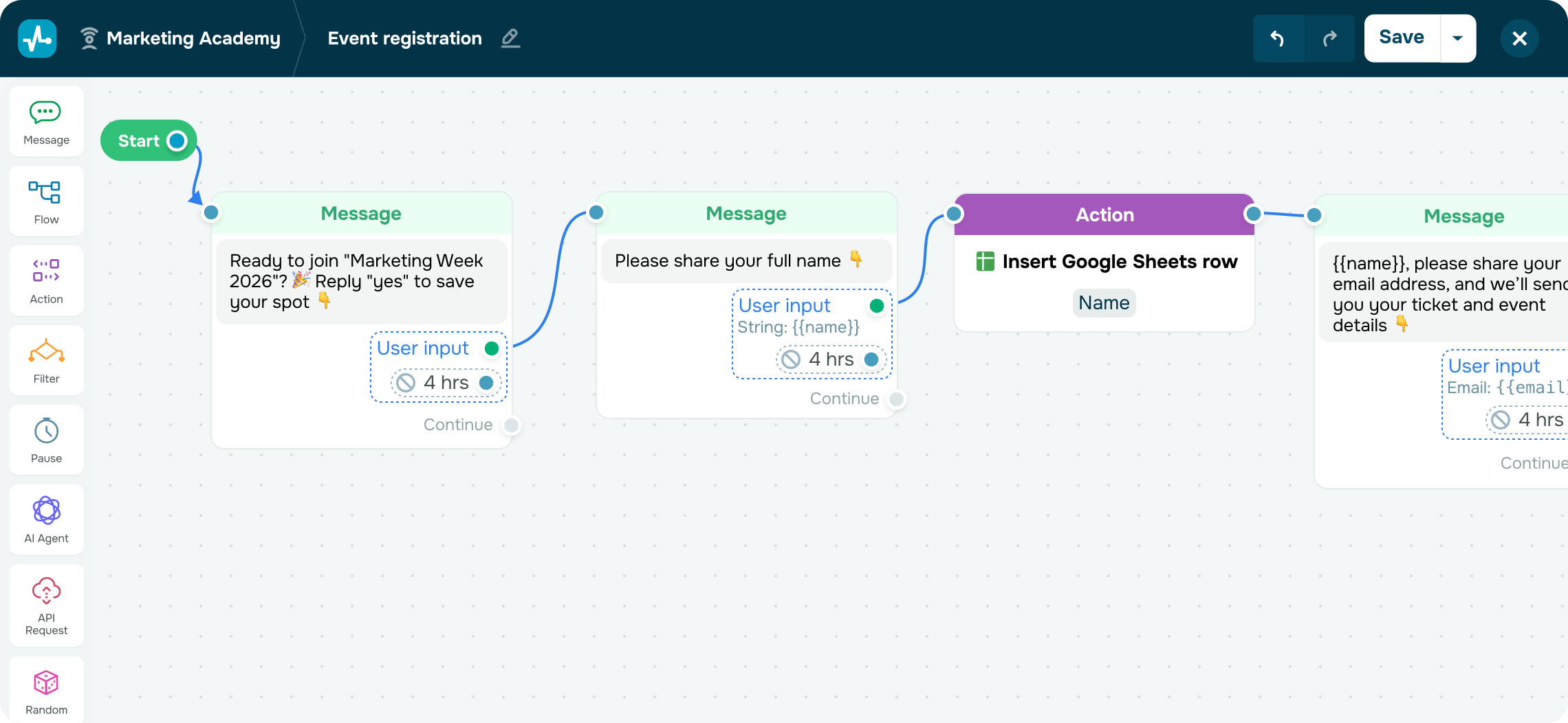
Map out the conversation, choose the keywords or conditions that trigger a reply, then build your flow from ready-made elements. You see every automation step as you build it, and your SMS chatbot starts replying the moment you go live, with no coding involved.
FAQ
Do I need an SMS chatbot if I already send SMS campaigns?
An SMS campaign sends the same message to your list and stops there. An SMS chatbot handles what happens next. It reads every reply, answers automatically from your flow, updates your CRM, and routes the conversation to your team when needed.
Can I use my SMS chatbot's phone number for bulk campaigns?
Yes. The phone number registered for your SMS chatbot doubles as a bulk SMS sender. When a customer replies, your flow takes over, and an AI agent can answer questions you haven't scripted.
How much does an SMS chatbot cost?
There are three charges to plan for:
- A one-time fee to register your phone number
- A monthly fee to keep that phone number active
- A charge for every SMS you send, at the rate of your recipient's country
Incoming messages are free in most countries.
What can I include in an SMS chatbot message?
One message fits up to 160 Latin characters or 70 Unicode characters, spaces included. Anything longer is sent as multiple messages, and you're billed for each one. SMS carries plain text and links only, with no images. And without buttons to tap, your flow moves on after a pause or once the customer texts back.
Do I need coding skills to build an SMS chatbot?
Not at all! You build an SMS chatbot in a no-code editor by placing ready-made elements into a flow. Set triggers, messages, and conditions in the builder, and use AI to generate a flow layout or build on one you've started.
Can I get help from your support team?
Absolutely. Our support team is online 24/7, so just start a chat whenever you need help.
Automate customer communication over SMS
Don’t settle for one-way messages. Start conversations, automate your workflows, and run SMS alongside your CRM, messaging apps, and email campaigns using a single platform.
Create an SMS chatbot
or