



















Who can benefit from TikTok chatbots?
Manage your TikTok interactions automatically. Your chatbot picks up the conversation instantly, qualifies leads, and sends them to your CRM system, so no potential sale slips away.

eCommerce brands
Create a smooth customer journey from first contact to purchase. Your chatbot helps shoppers find the right products, handles orders and payments, and sends customer data to your CRM automatically.

Service businesses
Capture leads without your team stepping in. Your chatbot learns what each client needs, how much they're ready to spend, and when they'd like to come in, then adds it all to their CRM contact card. All that's left is to confirm the appointment.

eLearning providers
Win new students and bring graduates back for more. Every contact is saved to your CRM, so you can promote upskilling courses and training programs through your chatbots and other marketing channels anytime.
Grow sales in TikTok chats and build customer loyalty
Automate routine conversations and sales to free up your team for high-value deals without increasing headcount.
Offer a seamless customer experience
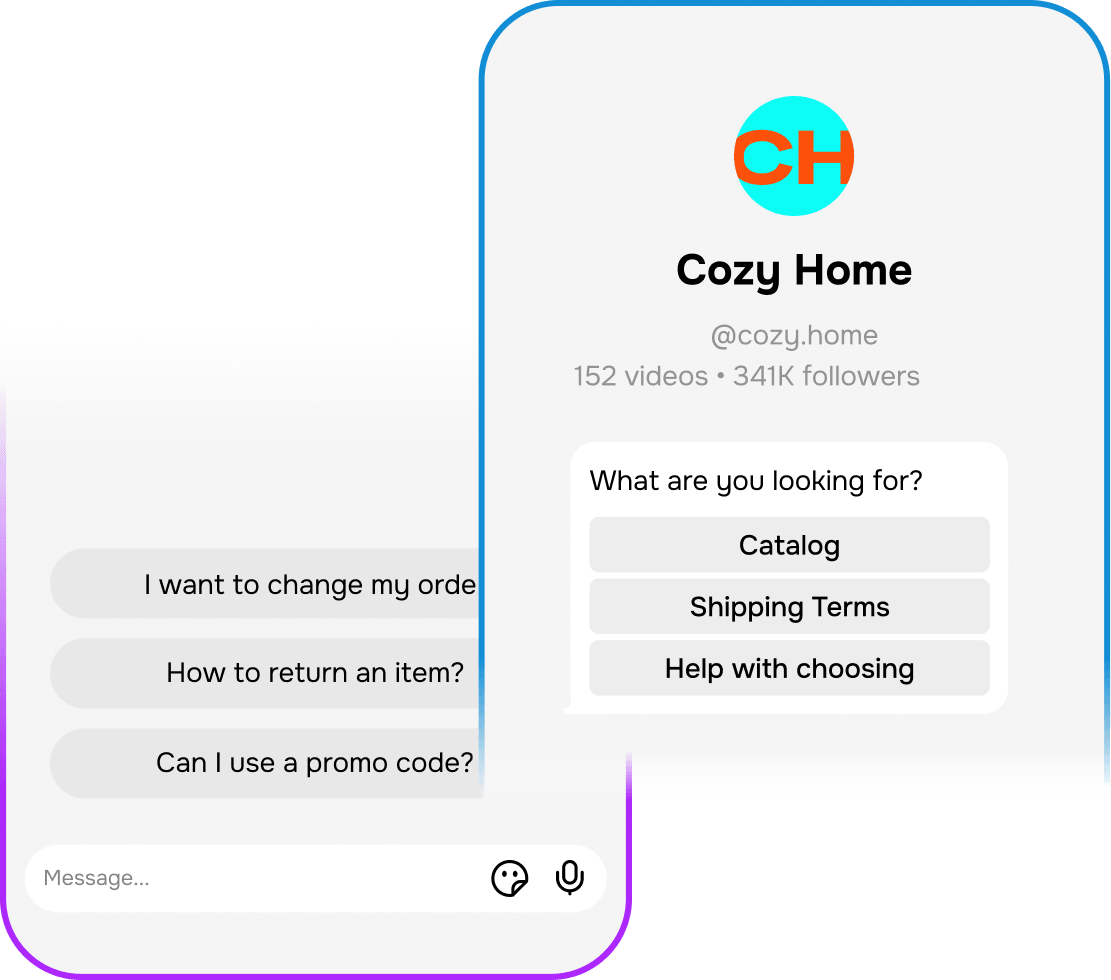
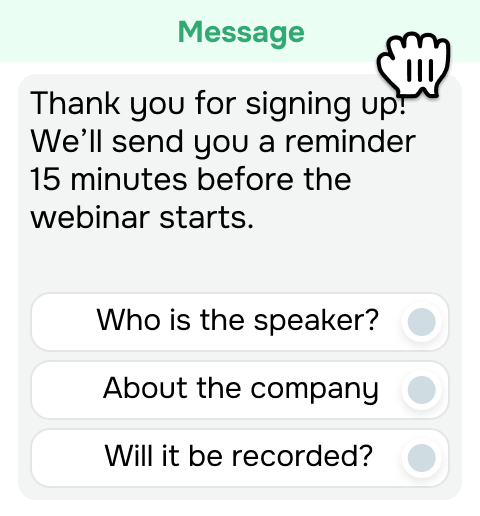
Help TikTok followers reach your brand in one tap. Automate incoming messages and comment replies.soon Show suggested questions in the chat and use profile links or ads to trigger chatbot flows.
Don’t let viral attention die down with the views. Capture the leads your content brings in, nurture them by keeping the conversation going, and turn short-lived TikTok buzz into sales.
Handle orders and payments right in the chat
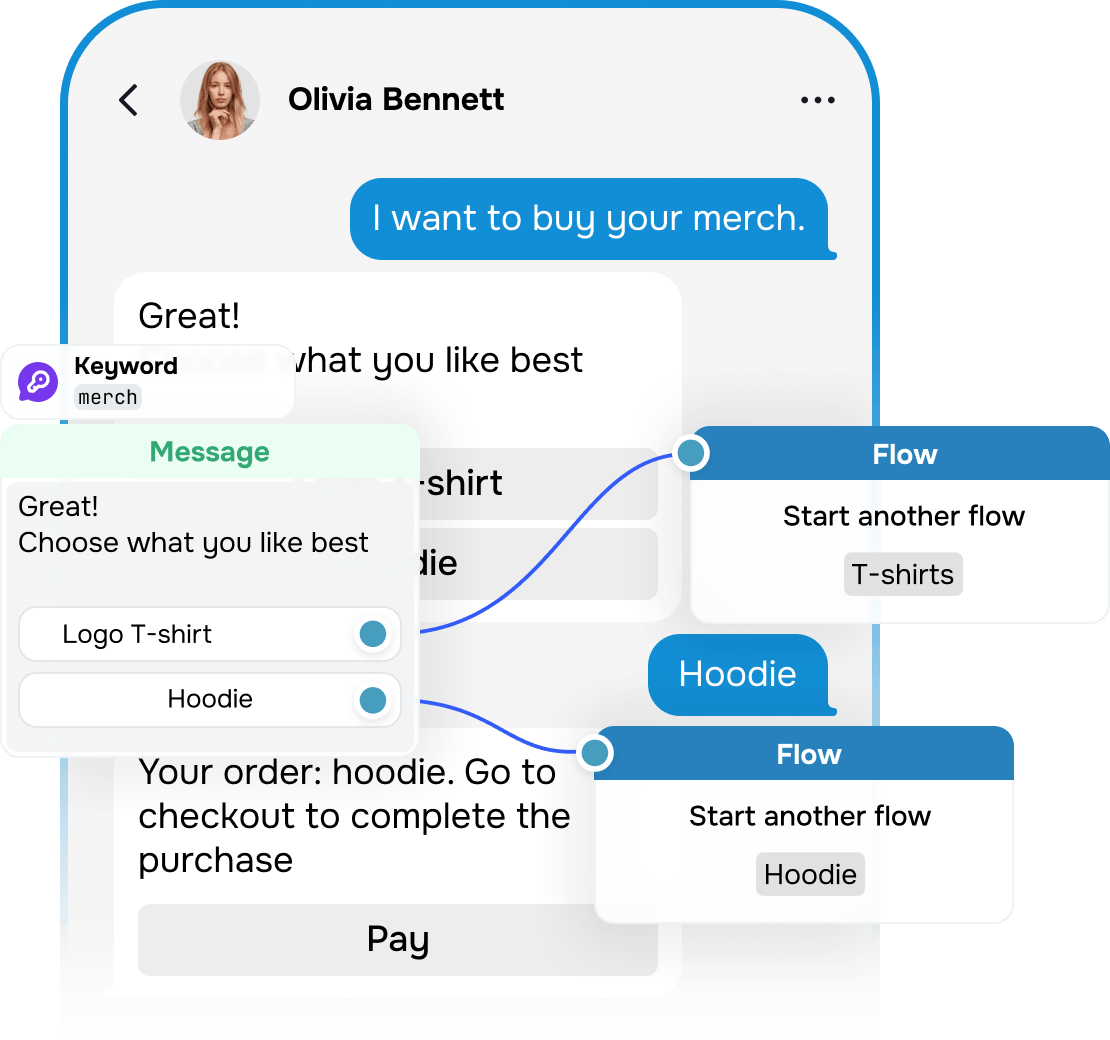
Your chatbot learns what customers are looking for, suggests products that make sense for them, and walks them through your flow all the way to checkout. Contacts and deals land right in your CRM, so you always know where each one stands.
If a conversation needs a human touch, your chatbot hands it over to a team member with the full chat history attached, so no one has to start over.
Keep TikTok customers coming back
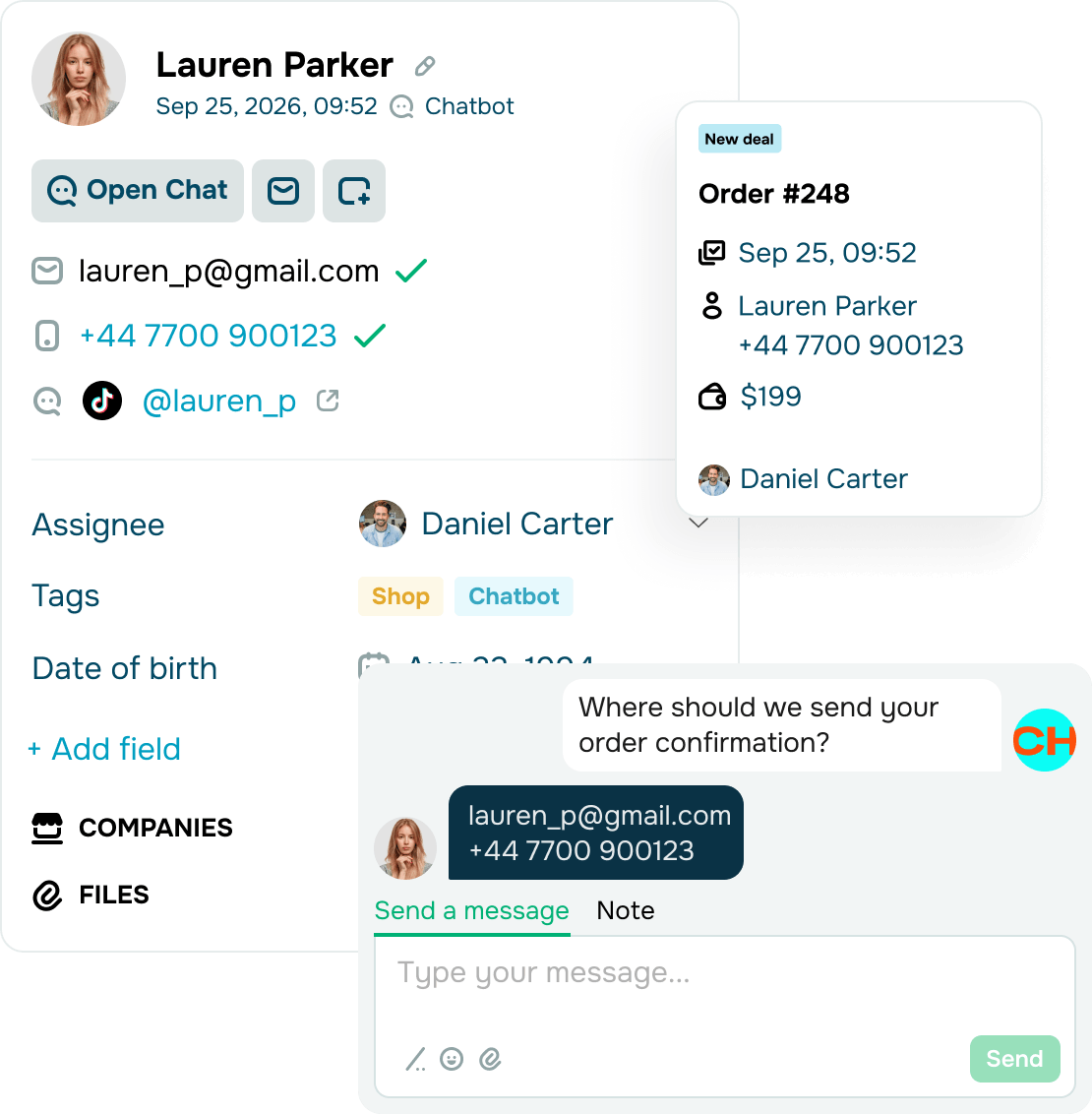
Get your chatbot to capture customer data, preferences, and order history, then save it all to your CRM system. Once the 48-hour messaging window on TikTok ends, you can keep the conversation flowing through email, SMS, and other marketing channels.
From there, nurture them into repeat customers. Ask for feedback after a purchase, recommend products that go well with what they bought, and send personalized promo codes tailored to their interests.
Let your AI assistant do the heavy lifting
Hand off routine workflows to AI and focus on work that needs a personal approach.
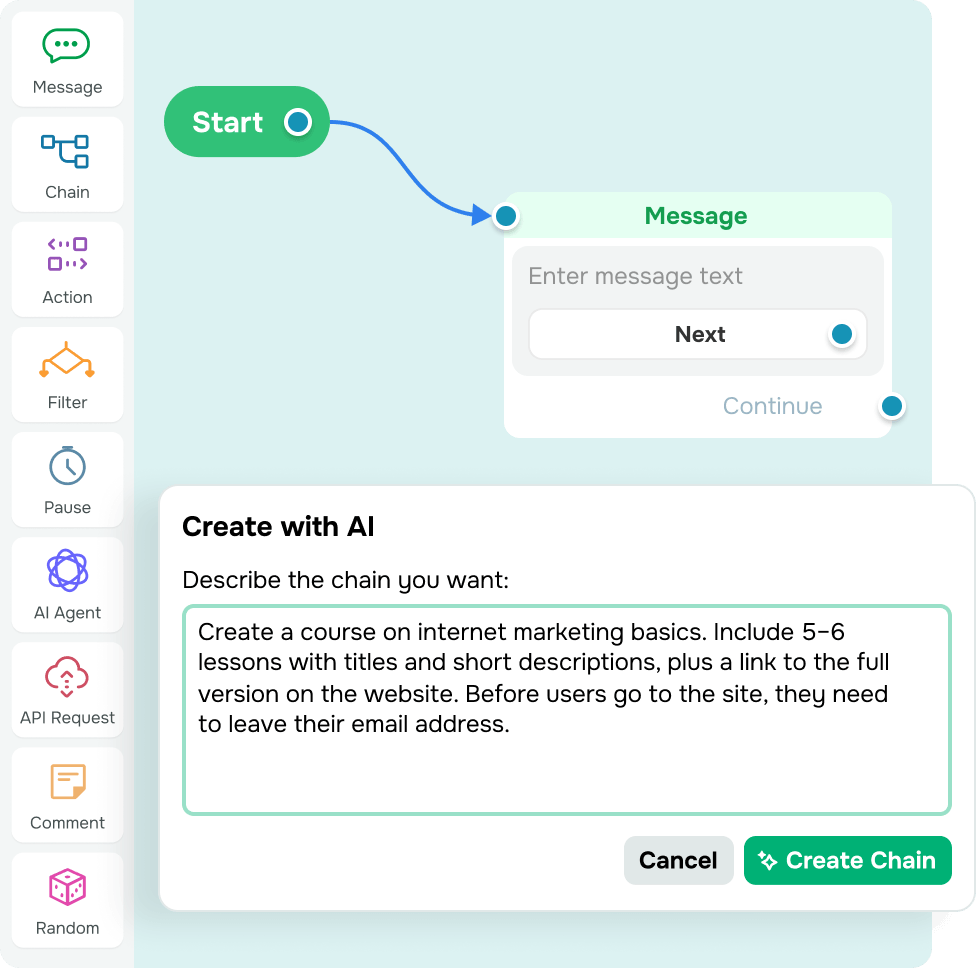
Builds flows for you
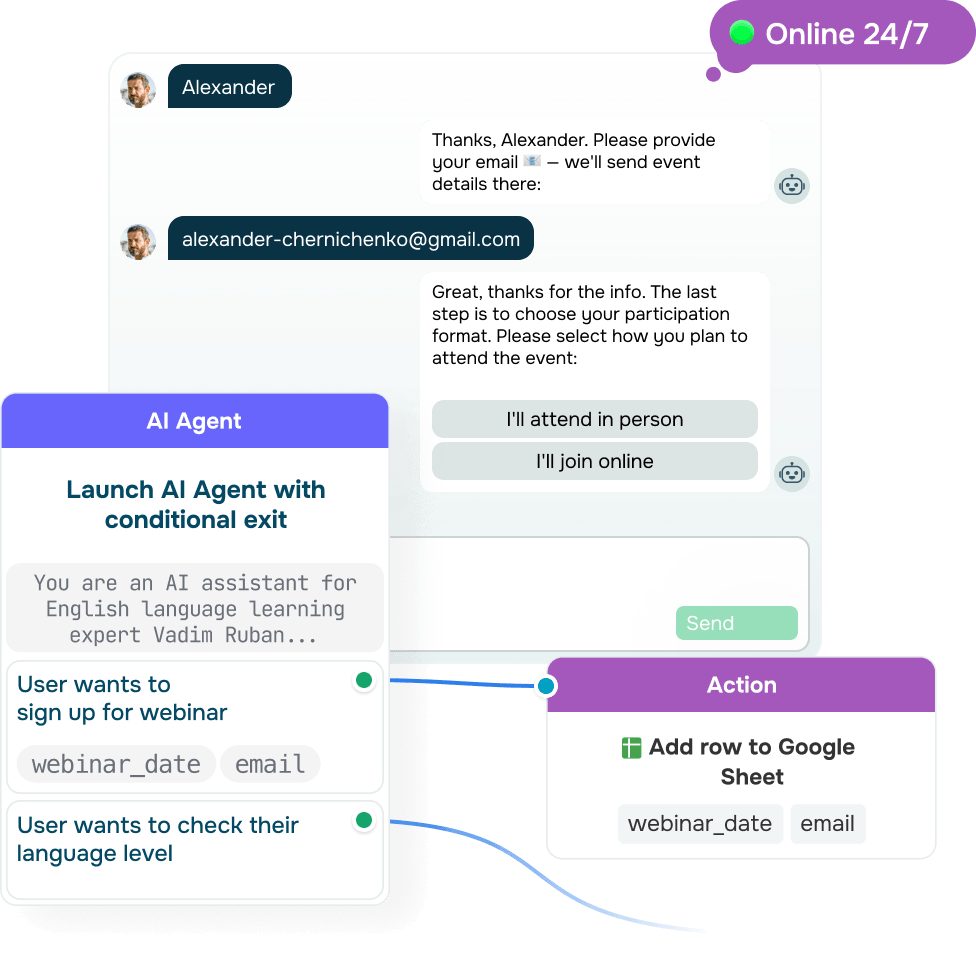
Guides every conversation from greeting to action
Your AI assistant can run each conversation on its own. It analyzes subscribers’ needs and sentiment, recommends the best-fit options, and leads them to the next step, such as a purchase, course enrollment, or a call with your team.
Your AI assistant can:
- Give answers based on your prompts and reference content
- Look up current information online within predefined limits to keep answers accurate
- Chat in multiple languages and translate messages without twisting the original meaning
- Understand voice messages and reply to them in text, so subscribers can reach out however they prefer.
Acts on what subscribers say and do
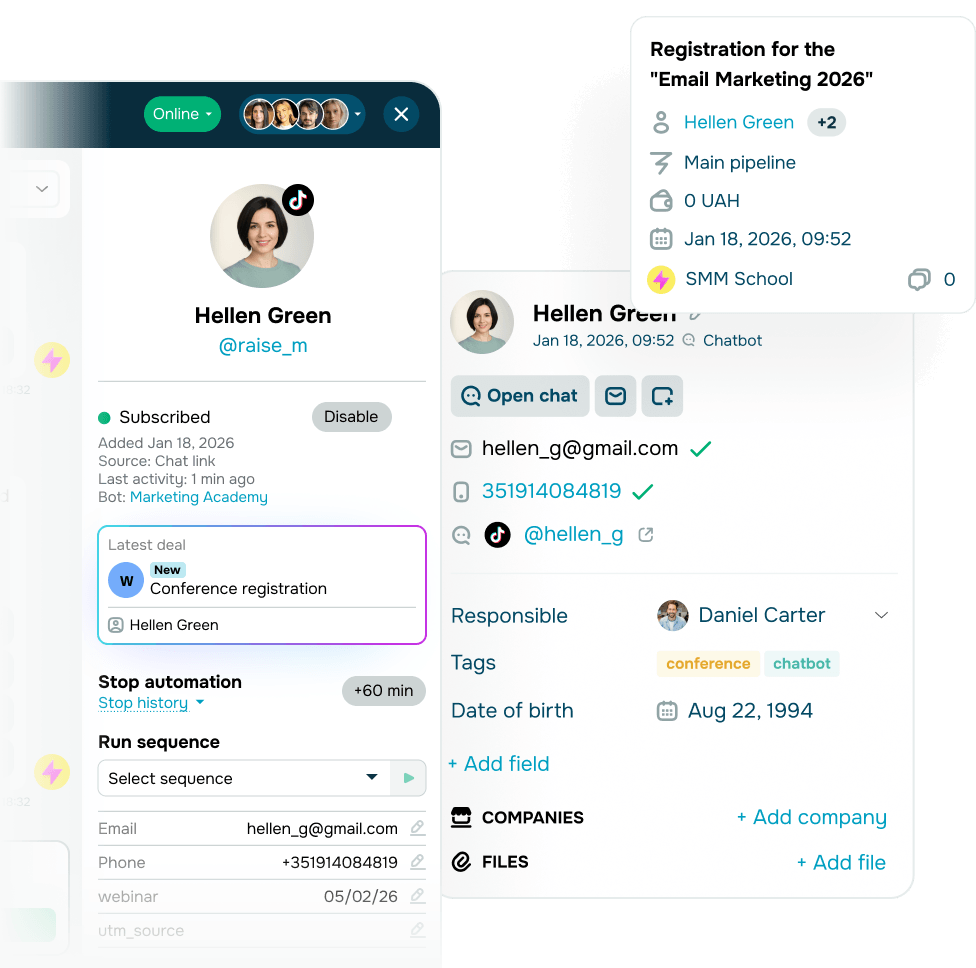
Your AI assistant adapts the flow to each subscriber's replies or behavior and knows when to act. This turns conversations into another step toward a sale, even while your team is busy with larger deals.
Your AI assistant can:
- Save customer data, including name, language, preferences, and budget, to variables and tags
- Create and update CRM deals and contact cards
- Process orders and take payments in the chat.
Handles SendPulse workflows for you
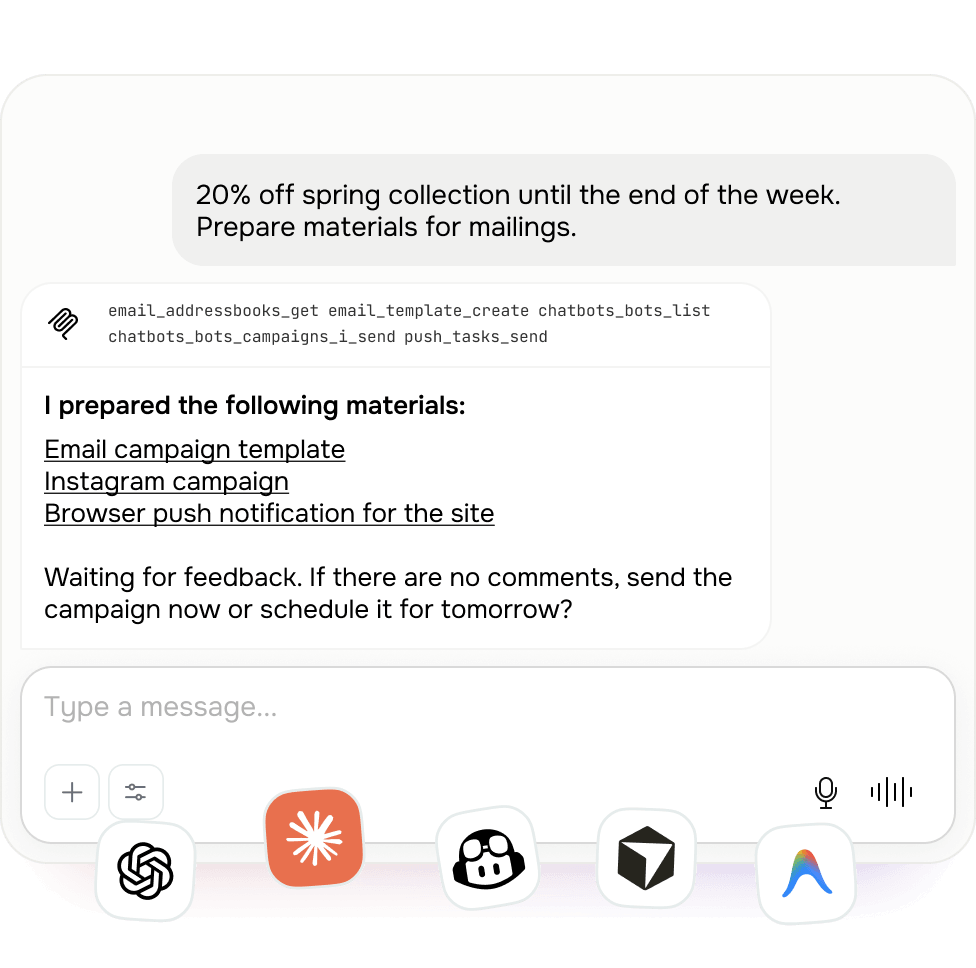
No need to dig through the interface for the right setting. Just tell Claude, ChatGPT, or another AI tool, connected through SendPulse’s MCP, what you need, and it will get it done.
Your AI assistant can:
- Pull up chatbot statistics
- Filter subscribers by tags or variables
- Run campaigns for selected audience segments
- Message specific subscribers and pause automated flows for them
- Update subscriber tags and variables.
Get started for free
Manage TikTok chatbots on your smartphone
Install the SendPulse Chatbots app to reply on the go and stay in control anytime, anywhere.


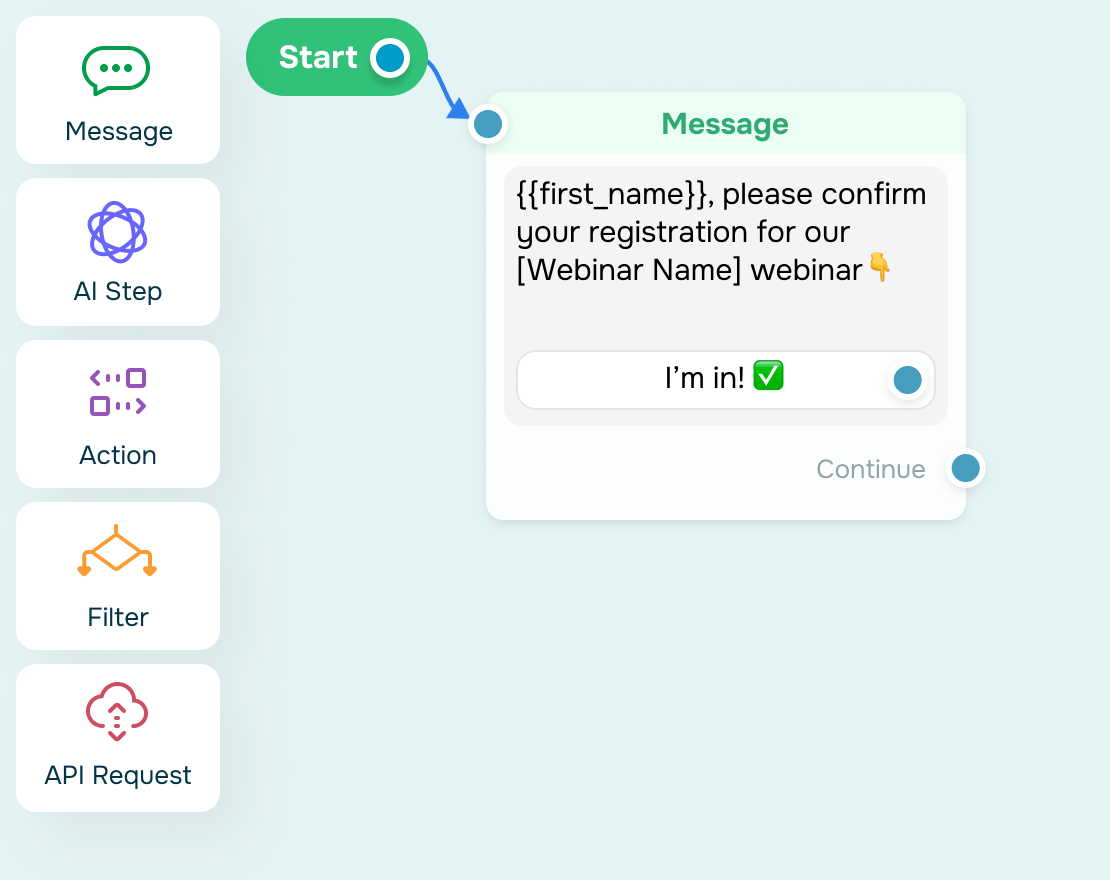
Automate your DMs with a no-code TikTok chatbot builder
Create a chatbot without the tech hassle. Drag ready-made elements into our visual builder to map out messages, conditions, and actions that match your workflows. Then launch and update your chatbot flow with ease — no coding or developers needed.
Why choose our TikTok chatbot builder:

Launch-ready chatbots in minutes, not weeks

Templates to get you started without the blank-screen panic

User-friendly interface and seamless flow management

Full editing freedom, no coding skills needed
Scale your TikTok sales, not your team
Grow your sales without adding to your team's workload. Your TikTok chatbot nails incoming messages 24/7, while your reps join in when a lead is ready to buy.

Never put your marketing on pause
Run automated flows the moment customers reach out — even at night, on weekends, or right after your TikTok goes viral.

Create a repeat sales cycle
Have your chatbot save captured data to your CRM system, so you can keep engaging leads beyond TikTok and drive repeat purchases.

Free up your team for what matters
Hand off routine messages and customer data collection to your chatbot to give your team more time on closing deals.

Create a smooth brand experience
Plan quick replies and sales steps in your flows to keep every conversation consistent, focused, and on brand.

Shape your flows based on real data
Keep tabs on how your chatbot and customers interact to uncover what works best and scale your most successful flows.

Make viral moments pay off
Reply to hundreds of customers at once and keep up with every interaction, even when a video goes viral or an ad drives a surge in messages.
Keep every customer-facing team in sync on TikTok
Run more campaigns and close deals faster with marketing, sales, and support teams working side by side.
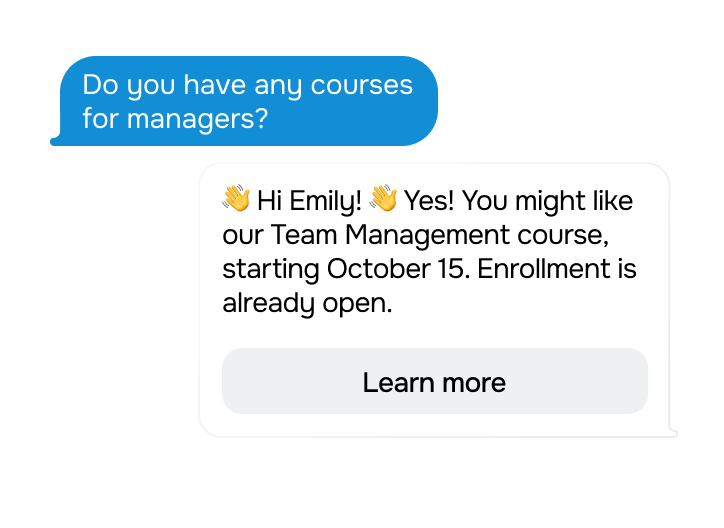
TikTok chatbot for marketing
Group active subscribers using tags and customer data. Then tailor campaigns promoting your courses, products, or events to every segment, and track which offers sell best in each.
TikTok chatbot for lead generation
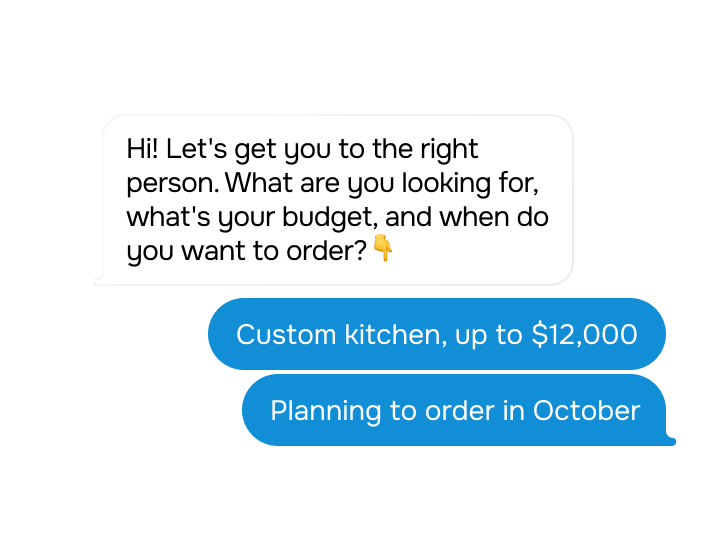
Tell your chatbot how to capture and qualify leads based on their needs, budget, and purchase intent. This keeps your flow consistent across every campaign and helps your team prioritize ready-to-buy prospects, not window shoppers.
TikTok chatbot for sales
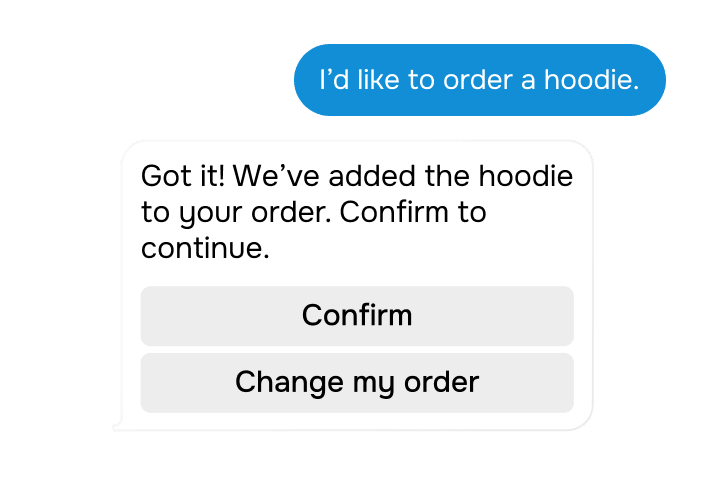
Send every order, appointment, and registration straight to your CRM, along with purchased items, prices, and chat history. If a customer needs support, your team can join the chat, answer their questions, and walk them through payment.
TikTok chatbot for support
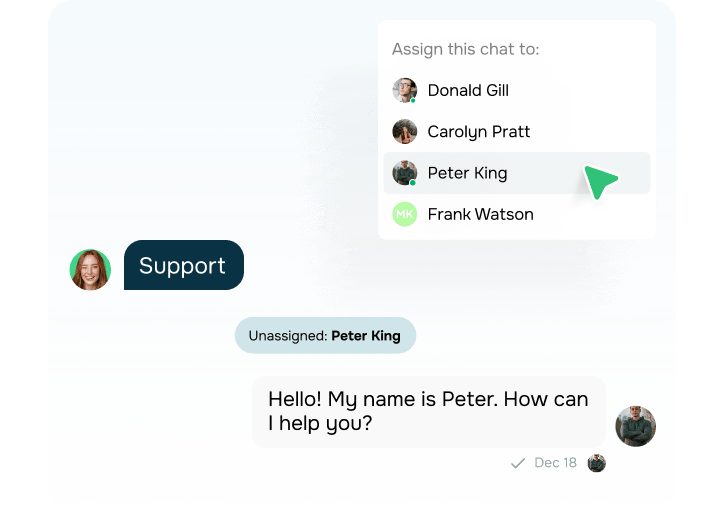
Automate answers to FAQs and route complex inquiries to the right support rep based on the product, language, purpose, or complexity. Balance workloads across team members and queue peak-hour messages so that nothing gets missed.
Chat while you create with an official TikTok integration and the TikTok Business Messaging API
Set up the TikTok API integration in a few clicks by authorizing SendPulse in TikTok. You'll need a public Business account registered outside the EU, EEA, and US. Within 48 hours of a follower's last reply, you can send up to 10 messages with text and standard emojis.
TikTok app
Split your time between making videos and replying to followers
Disconnected replies
Replying to comments and following up in DMs manually takes twice the effort.
No support for off-script inquiries
Questions outside your mapped flow stay unanswered until a team member steps in.
No segmented campaigns
All followers get the same messages, no matter their interests or behavior.
Chats without data sync
Growing message volume makes it harder to keep track of payments and update your records.
TikTok Business Messaging API integration with SendPulse
Let AI handle TikTok conversations and keep all data in sync
Automated follow-ups from comments
Respond to public comments and move the conversation to DMs in one flow. Ask questions, learn what followers need, and guide them toward a purchase.
AI for questions beyond your flow
A built-in AI agent reads the context of each message and adjusts its replies to fit. Included in the PRO plan and above.
Targeted campaigns within TikTok's 48-hour window
Reach the right subscribers based on tags, variables, or activity with messages of up to 6,000 characters and 3 buttons.
Payment data synced within one flow
Send a checkout link in your message text, then create a CRM deal and add a row to Google Sheets. TikTok flows don't support payment buttons yet, so the link does the job.
See your free TikTok chatbot in action
All the essentials you need for a quick start — no fees or time limits.
Start with up to 500 subscribers
Run full-fledged chatbot flows from day one and upgrade your plan as your audience grows.

Send up to 10,000 messages every month
Split your monthly message limit across all your chatbots to cover both automated replies and campaigns.

Choose from 10 flow triggers
Set conditions that trigger flows based on user actions, so your chatbot can instantly re-engage those who drop off on the path to purchase.

Talk to followers like you know them
Save subscriber details to variables and use them to personalize messages, add flow conditions, and guide customers through the right conversation branch.
Stay on top of every deal in your CRM system
Keep deals up to date automatically, so your team can reach out to every lead at the right moment.

Go beyond the basics with API
Sync your website or CRM data with your chatbot using the SendPulse API.
FAQ
Are SendPulse-powered chatbots safe for my TikTok account?
By all means! SendPulse-powered chatbots are completely safe for your account since they use TikTok’s official API.
Will using a third-party chatbot get my TikTok account blocked?
No, not at all. SendPulse-powered chatbots fully comply with TikTok’s standards and community guidelines, so using them will not put your account at risk.
Is SendPulse’s TikTok chatbot builder available worldwide?
At the moment, it is available globally, with the exception of the United States, the United Kingdom, and the European Union. Expanding coverage is already on our roadmap, so stay tuned.
I don’t have a TikTok business account. Can I connect a chatbot to my personal account?
According to TikTok's official guidelines, you’ll need a TikTok business account to connect a chatbot. The good news? Switching to a business account takes less than a minute. Simply go to your privacy settings and click “Switch to Business Account” to unlock chatbot features and account insights.
How long does it take to get a TikTok chatbot running?
On average, SendPulse users spend only 2–5 minutes. All you have to do is sign up, go to “Chatbots,” click “Add bot,” select TikTok, and follow the prompts.
Can I create a TikTok chatbot myself if I don’t know anything about programming?
Our no-code builder makes chatbot development easy. To speed things up, you can also use pre-made templates or generate chatbot flows using built-in AI tools.
Can I get help from customer support?
Yes, we offer 24/7 support. If you have any questions or need help, start a chat or fill out the form. Our support team is here for you anytime.
Do TikTok conversations have time limits?
Yes. Within 48 hours of a follower’s last reply, your chatbot can send up to 10 messages. Use engaging questions, quick replies, and personalized offers to keep the conversation going and reach your goal.
Can I try SendPulse for free before subscribing?
Totally! Start with a free plan, complete with essential tools for as long as you need them. Build a TikTok chatbot to start automating your first interactions and growing your audience. When you’re ready to scale, upgrade to a paid plan to enjoy advanced chatbot builder features and send unlimited messages.
Need an easier way to manage TikTok interactions?
Build a SendPulse-powered chatbot to capture attention, spark conversations, and drive sales.
Scale faster with TikTok chatbots
or