


16 ready-to-use prompts for everyday tasks and advanced workflows
Copy a prompt, customize it, and let your AI agent take it from there.
Meet your AI agent
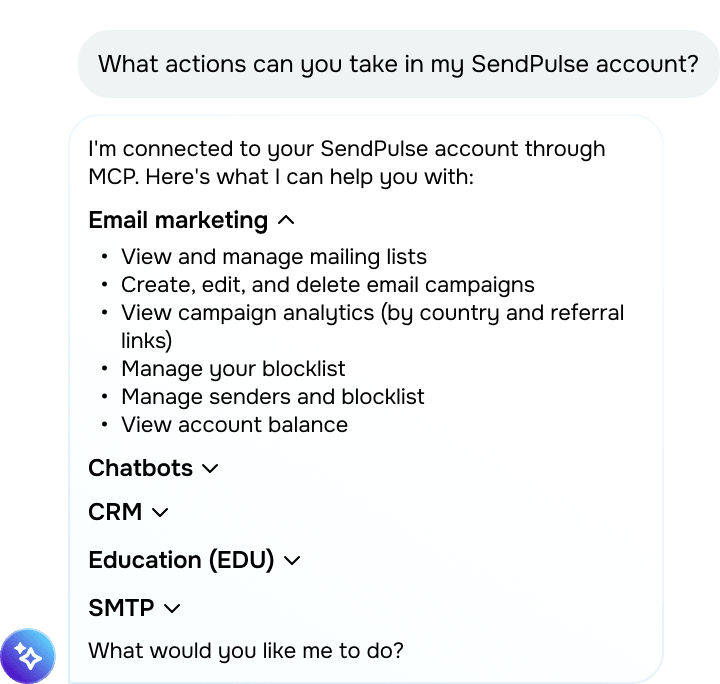
Give these prompts a try to learn what your AI agent can do:
- What actions can you take in my SendPulse account?
- What are you unable to do?
Keep in mind that your AI agent may not always recognize its limitations. See our guide for the full list of supported actions.
Make smarter decisions with analytics
Get more from your performance data. Set up your AI agent to spot patterns and opportunities that are easy to miss in raw numbers.
Prompts you can use:
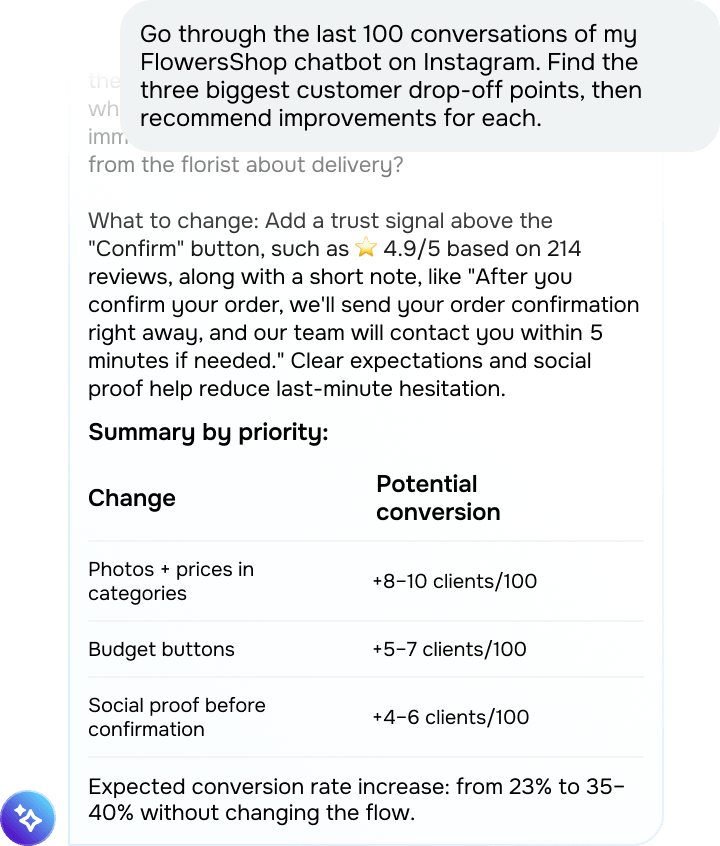
- Go through the last 100 conversations of my FlowersShop chatbot on Instagram. Find the three biggest customer drop-off points, then recommend improvements for each.
- Compare lead sources in my "Online store" pipeline. Which ones produce the highest-value deals, and which deserve a larger share of my marketing budget?
- Analyze my welcome emails’ performance over the last three months. Which subject lines achieved the highest open rates and CTR, and what do they have in common?
- Review transactional email delivery failures from the last 30 days. Group them by cause and highlight the recipient domains with the highest failure rates.
- Analyze completion rates in my "Instagram Marketing Basics" course. Flag students who are falling behind or have stopped making progress, then place them in a dedicated group.
Hand over your daily workflows
Let your AI agent create contacts, run campaigns, manage deals, and take on your routine.
Prompts you can use:
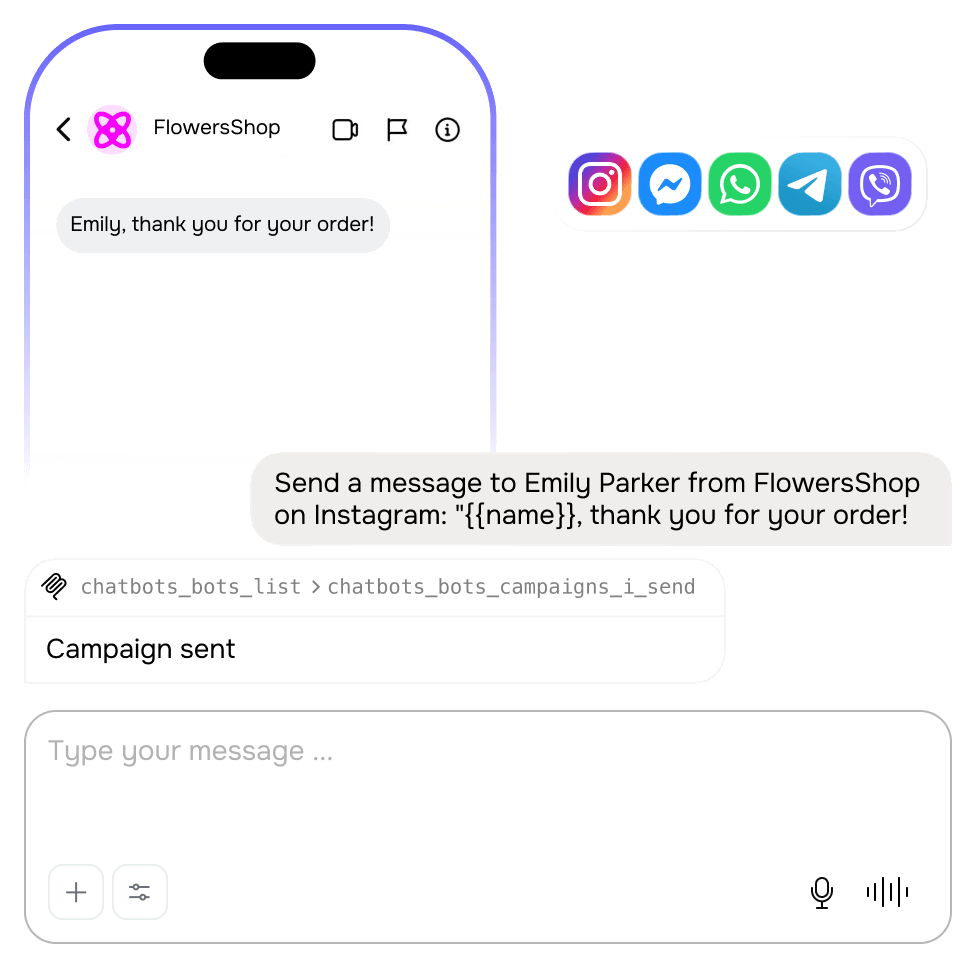
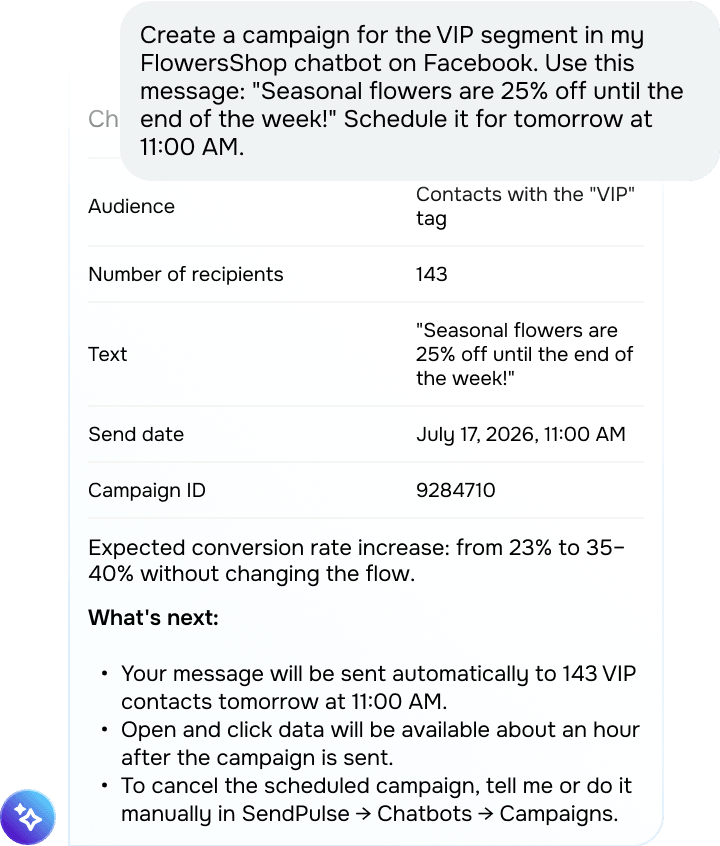
- Create a campaign for the VIP segment in my FlowersShop chatbot on Facebook. Use this message: "Seasonal flowers are 25% off until the end of the week!" Schedule it for tomorrow at 11:00 AM.
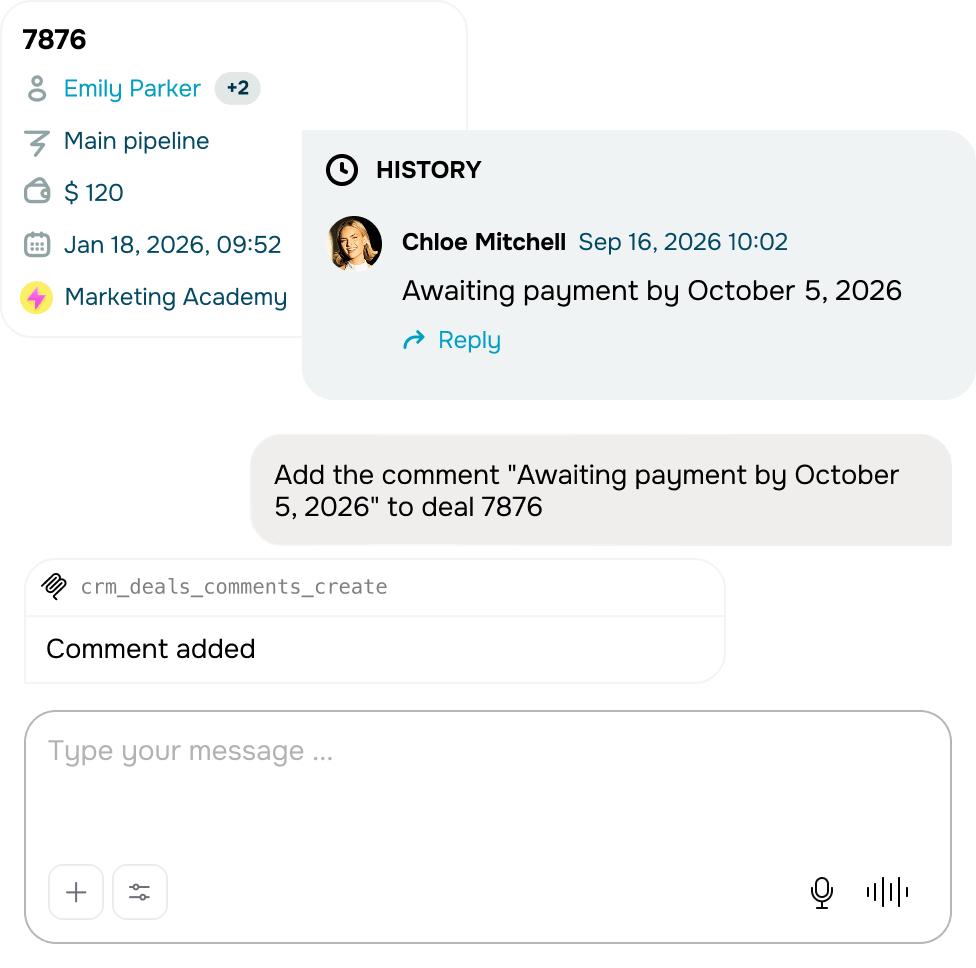
- Create a contact for Emily Johnson, add David Wilson as a chat assignee, and link the contact to a new "Partnership" deal in the "Partnerships" pipeline. Set the deal value to $5,000 and move it to the "Negotiation" stage.
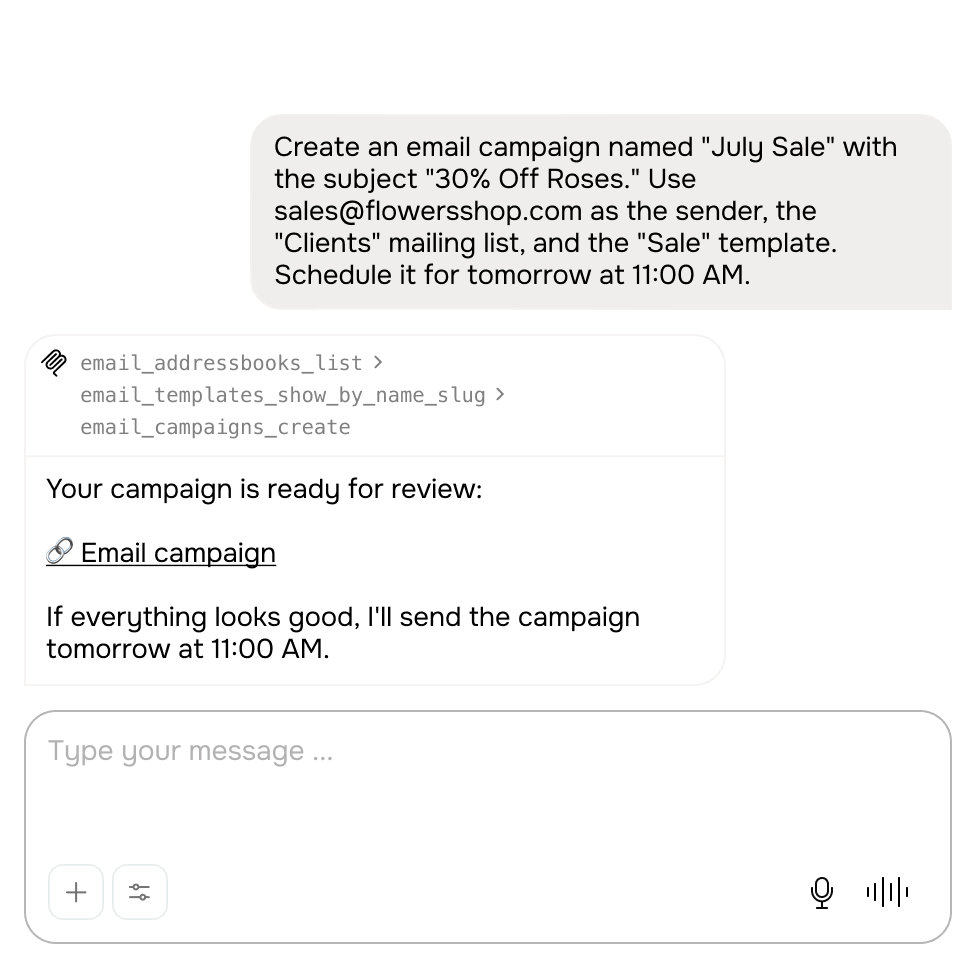
- Create a three-email re-engagement campaign for my “Customers” mailing list and schedule every email two days apart. Highlight a 15% discount, free shipping, and new arrivals. Generate the email copy automatically.
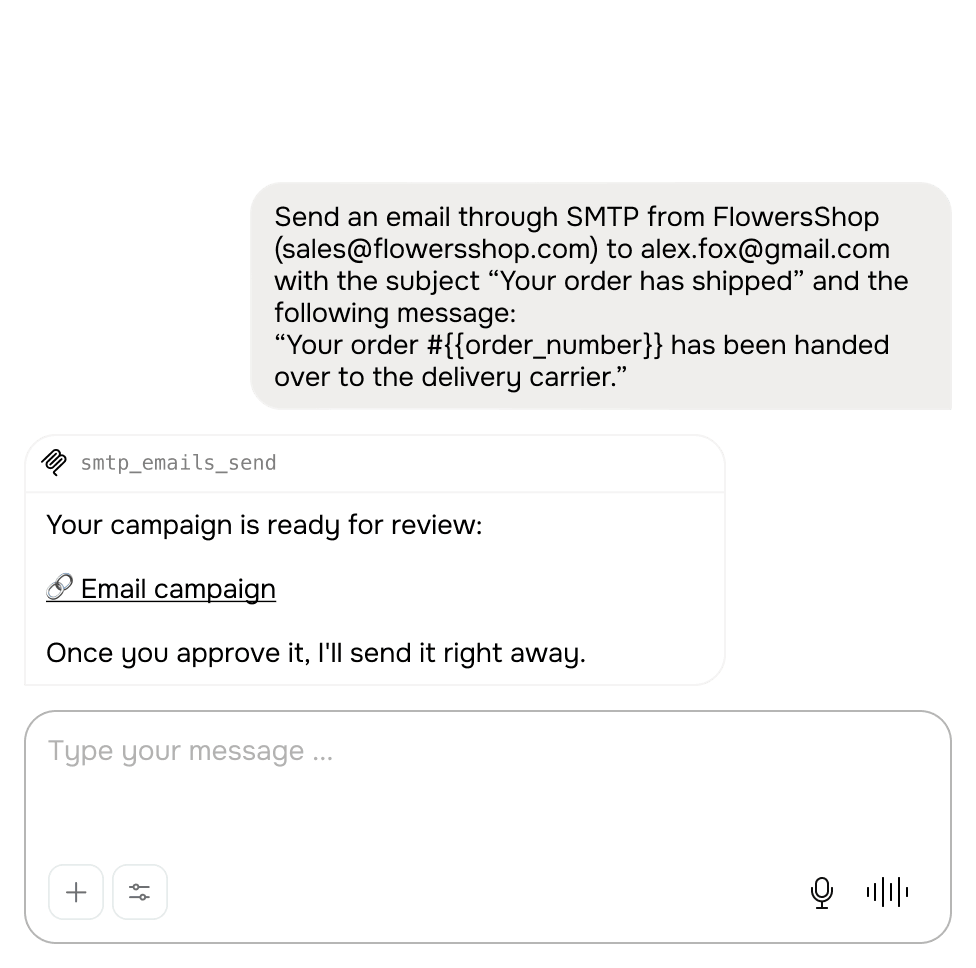
- Opt emily-j@gmail.com out of transactional SMTP emails.
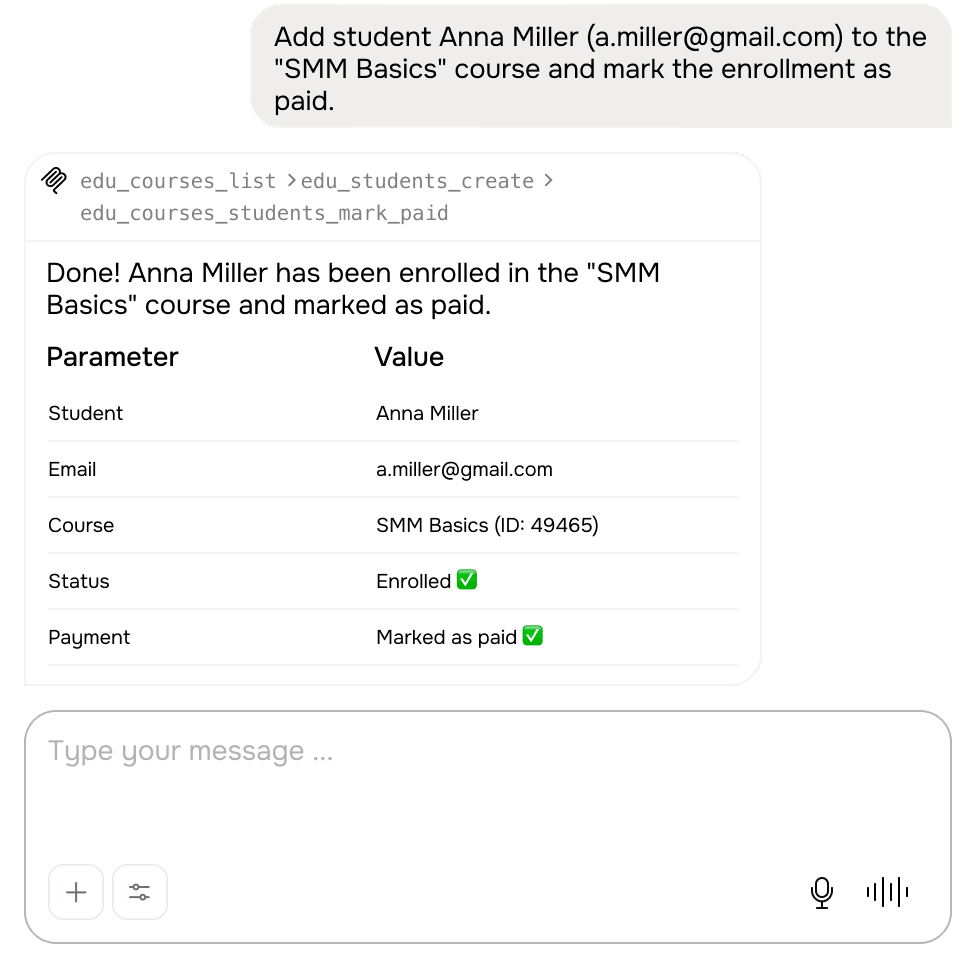
- Enroll Anna Miller (a.miller@gmail.com) in my "Programming Basics" course and mark her payment status as “Paid.”
Plan and run multistep workflows
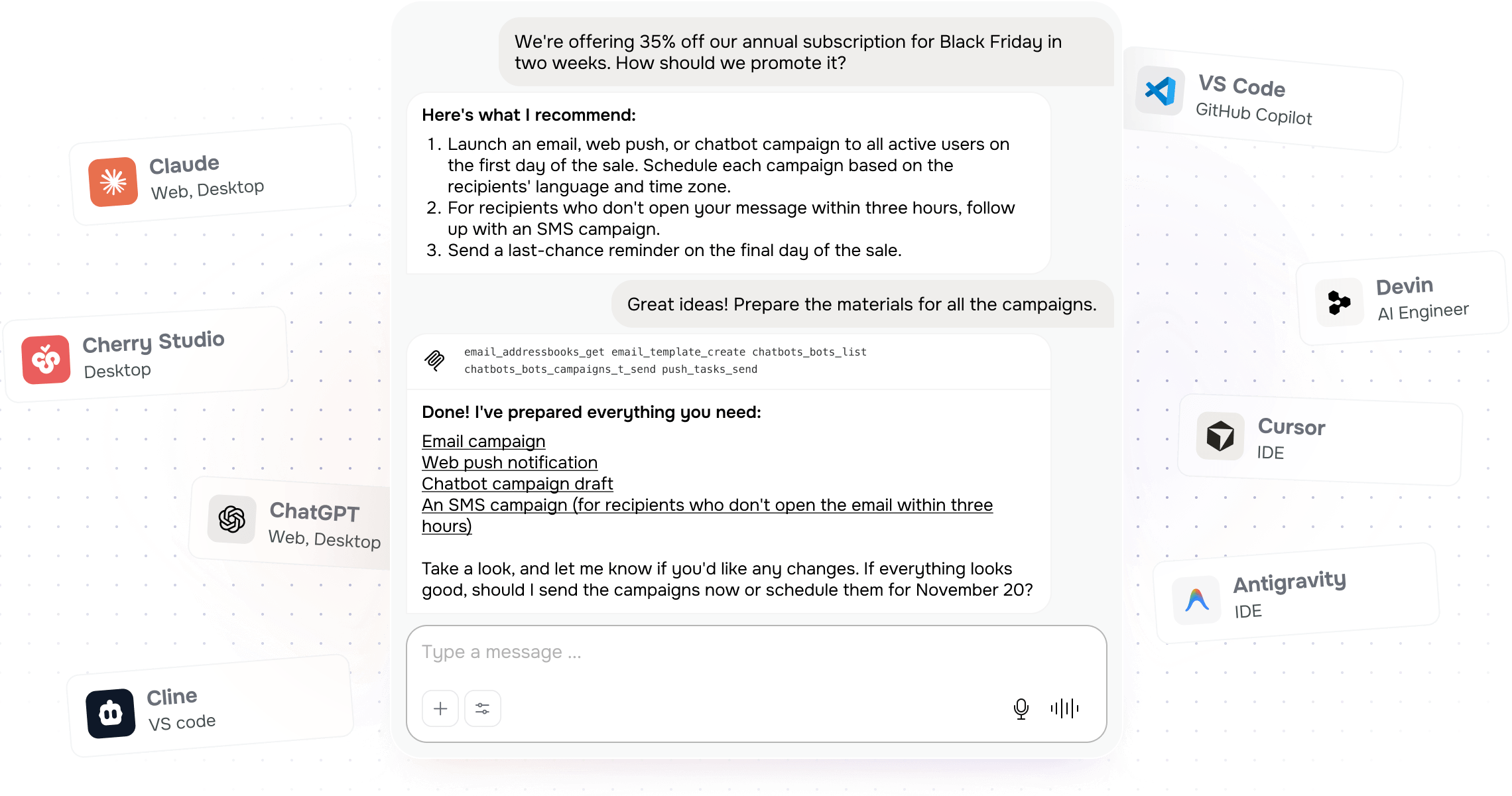
Hand off end-to-end workflows across multiple SendPulse tools to your AI agent. It will analyze your data, take authorized actions, and ask for approval at key steps.
Prompts you can use:
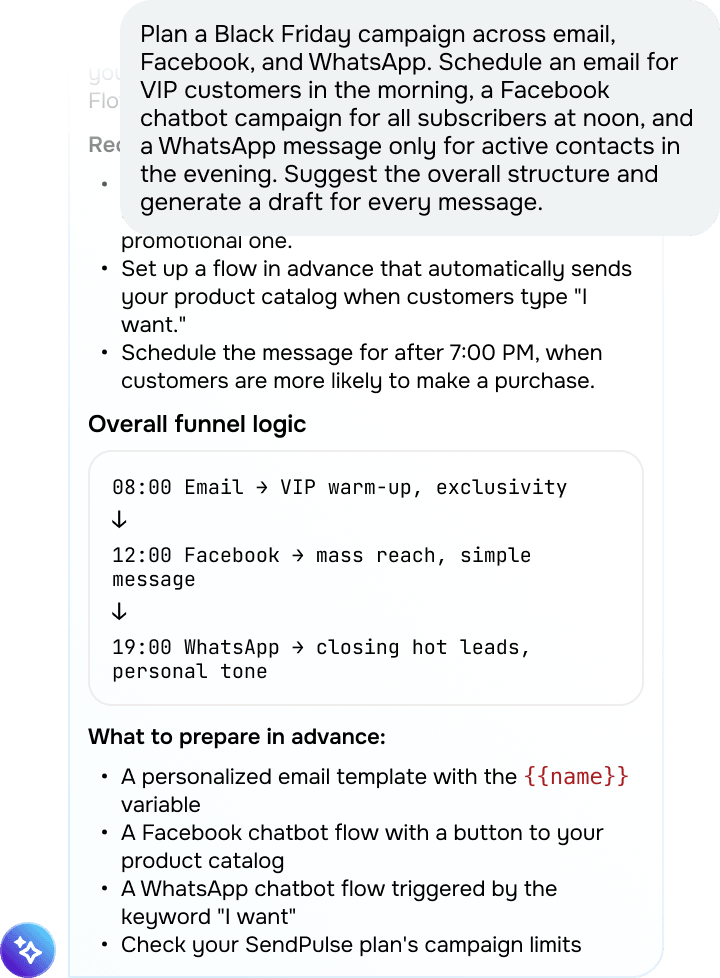
- Plan a Black Friday campaign across email, Facebook, and WhatsApp. Schedule an email for VIP customers in the morning, a Facebook chatbot campaign for all subscribers at noon, and a WhatsApp message only for active contacts in the evening. Suggest the overall structure and generate a draft for every message.
- Review the last 60 days of FlowersShop chatbot conversations on Instagram linked to my “Place an order” flow. Use the results to model 500 hypothetical user journeys, find the bottlenecks, and recommend flow improvements.
- Find FlowersShop chatbot conversations from the past week where customers sent their shipping details. Create deals for them in my “Online store” pipeline at the “Order placed” stage. Add the contact, product, and price from every conversation to the corresponding deal. Show me the full order list and wait for my confirmation.
- List all students in my "Instagram Marketing Basics" course whose payment status is “Unpaid.” Once I approve the list, update their payment statuses to “Paid.”




or