Add the SendPulse pixel to your website
The SendPulse pixel is a piece of code that helps you track key events on your website. Install the pixel on your website to automatically receive data on product views and other events.
Let’s talk about how to add the pixel to your website.
Go to your website settings and open the Analytics tab. Next to SendPulse Pixel, click Connect.
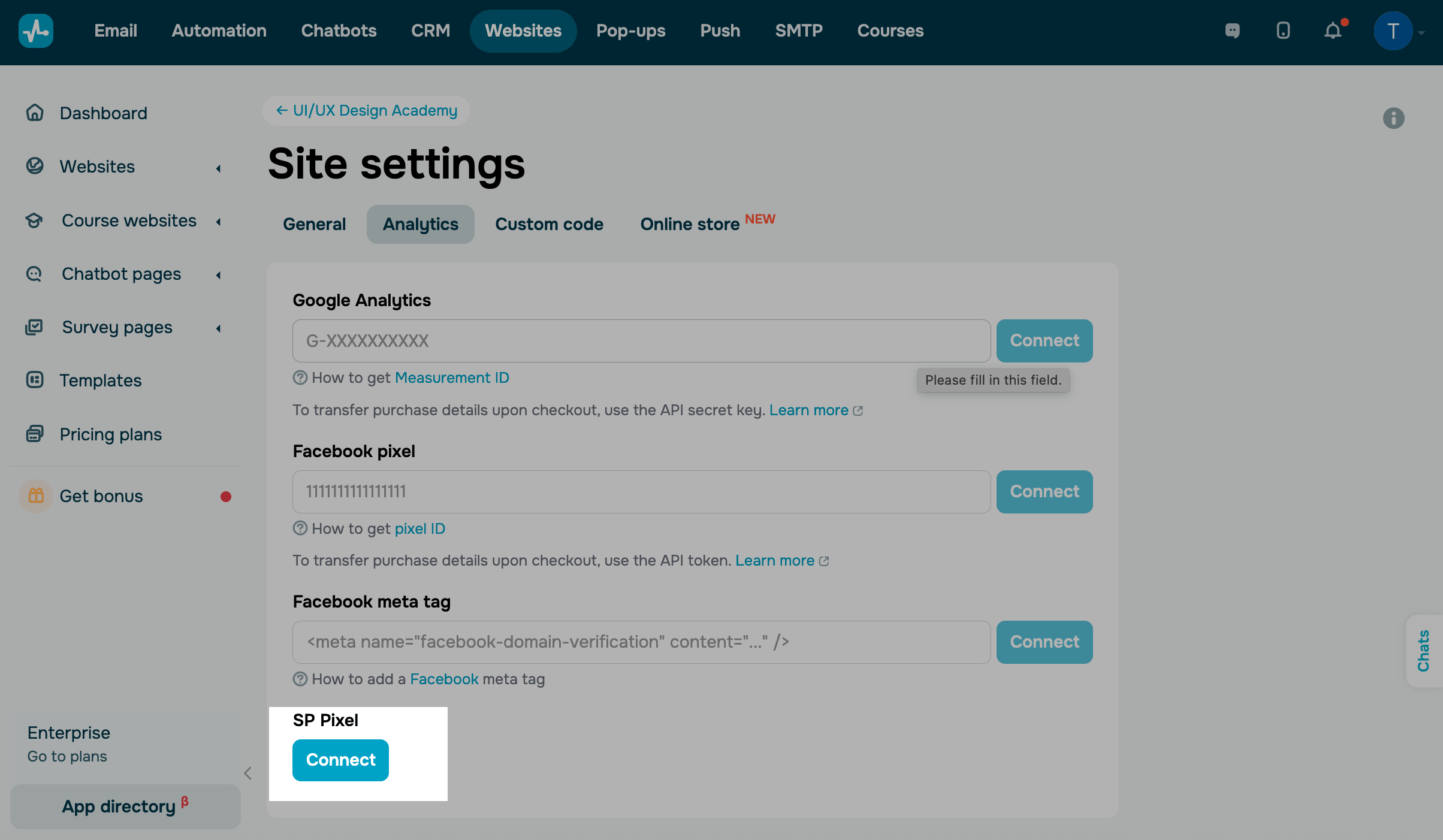
You will be redirected to Automation > Pixel, where a pixel will be created for your website.
You can also create a pixel for any website in Automation.
Add your own events to the pixel, such as condition-based events or code-based events.
To view website events, go to your pixel’s Event log.
If you’ve created a pixel for your online store, the ViewContent event will be automatically sent to the pixel’s Event log when someone views a product page.
 Last Updated: 03.03.2026





or