The Section element in website builder
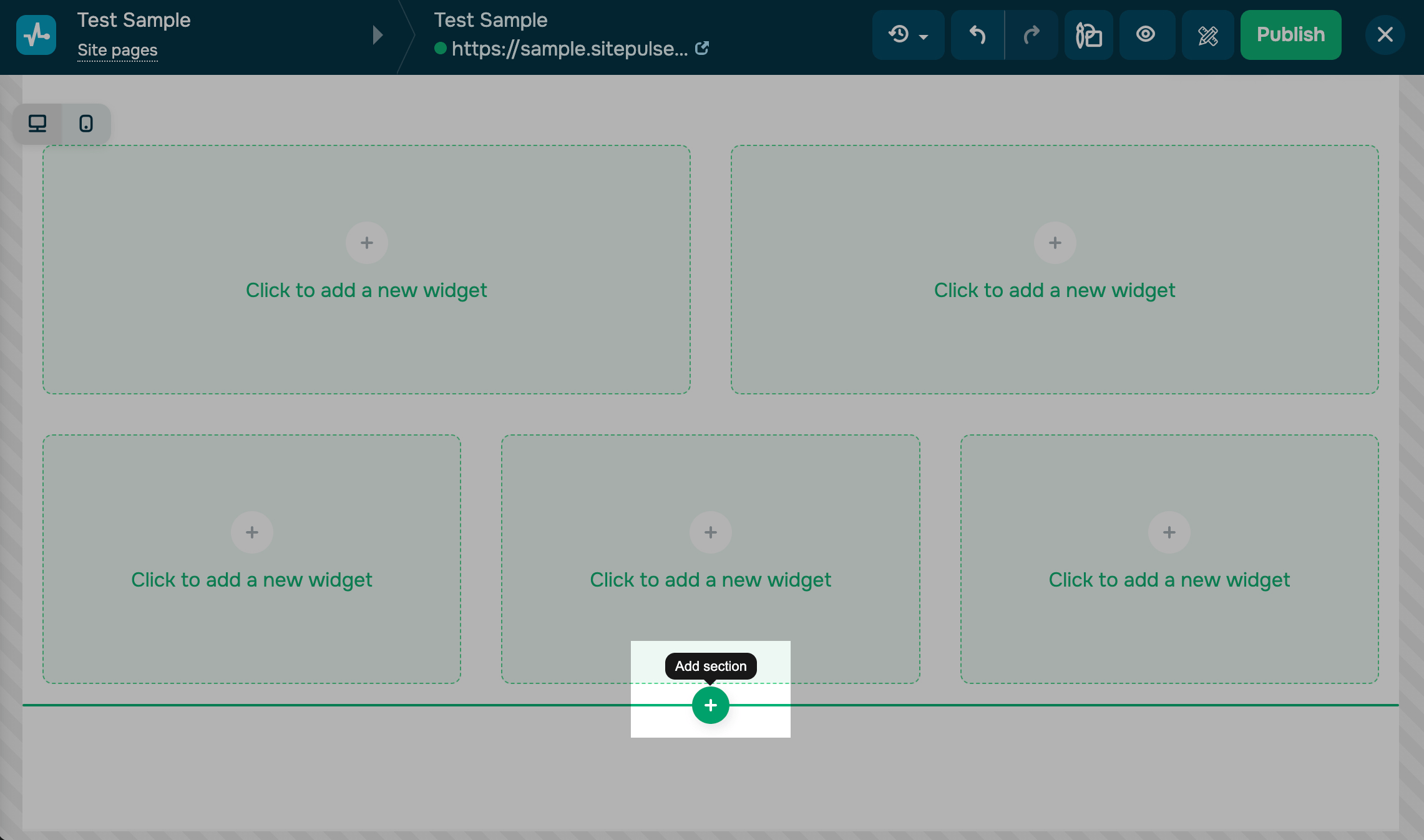
The Section element allows you to place a new row of columns in one block. Hover over the bottom line below the columns or the top line above the columns, and click + (Add Section) to it.
With this element you can only add a new row of columns in a block, but not customize, copy, or delete it. You need to work with each column separately.
 Last Updated: 18.07.2025





or