Course settings overview
To configure course settings, go to your course and click Settings.
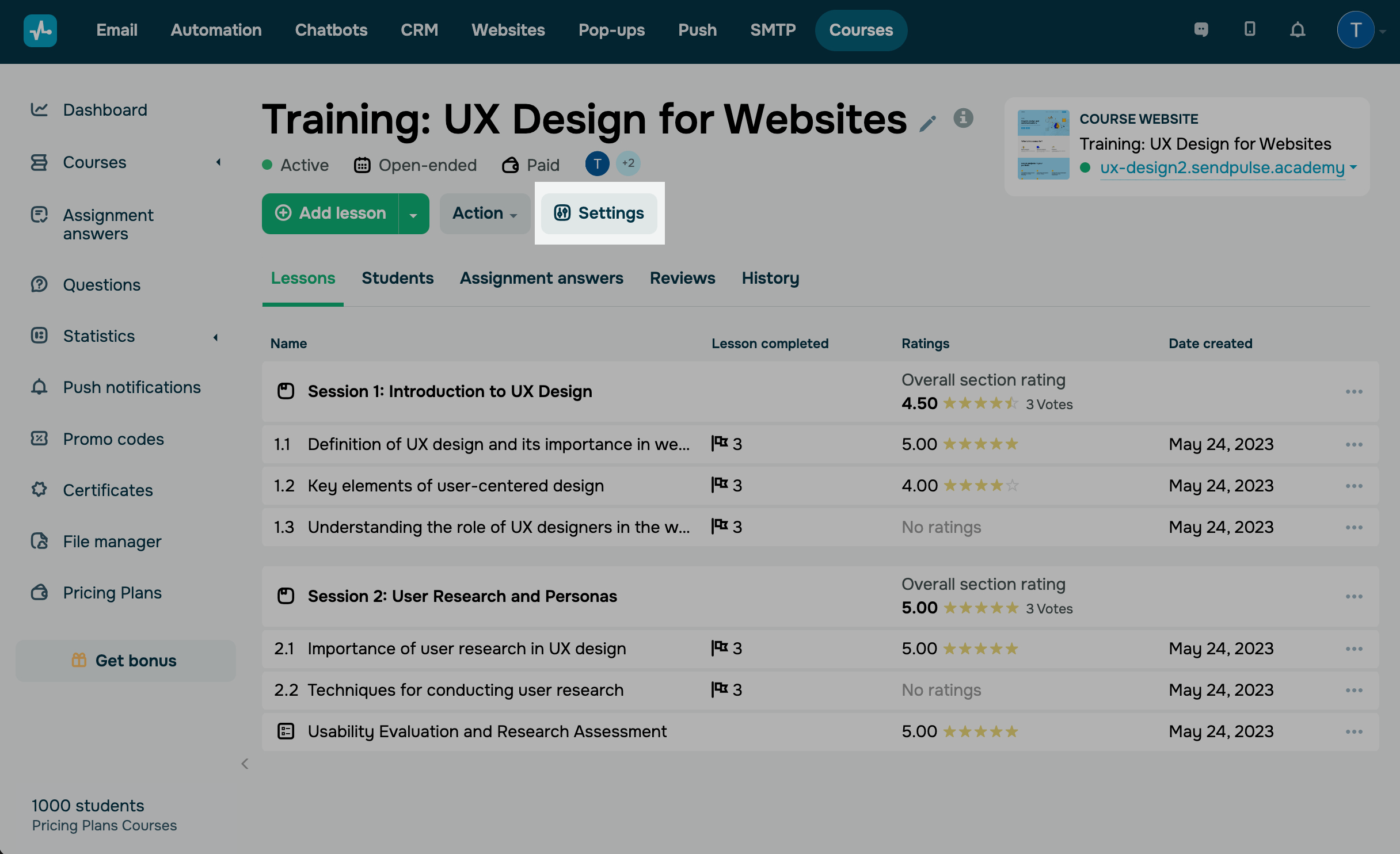
Select a relevant tab:
| General | Configure learning settings and overall course appearance. |
| Pricing plans | Configure course payments, add pricing plans, and select access levels. |
| Tariff renewal | Configure paid and free plan renewal offers so that students can extend their course access after their current pricing plan expires. |
| System emails | Manage system emails and edit messages triggered by course activity. |
| Recomendations | Add course recommendations. |
 Last Updated: 28.11.2025





or