Make an overdue plan payment
If there aren’t enough funds in your account when a charge is scheduled, SendPulse creates an outstanding balance, and your pricing plan will remain inactive until payment is completed.
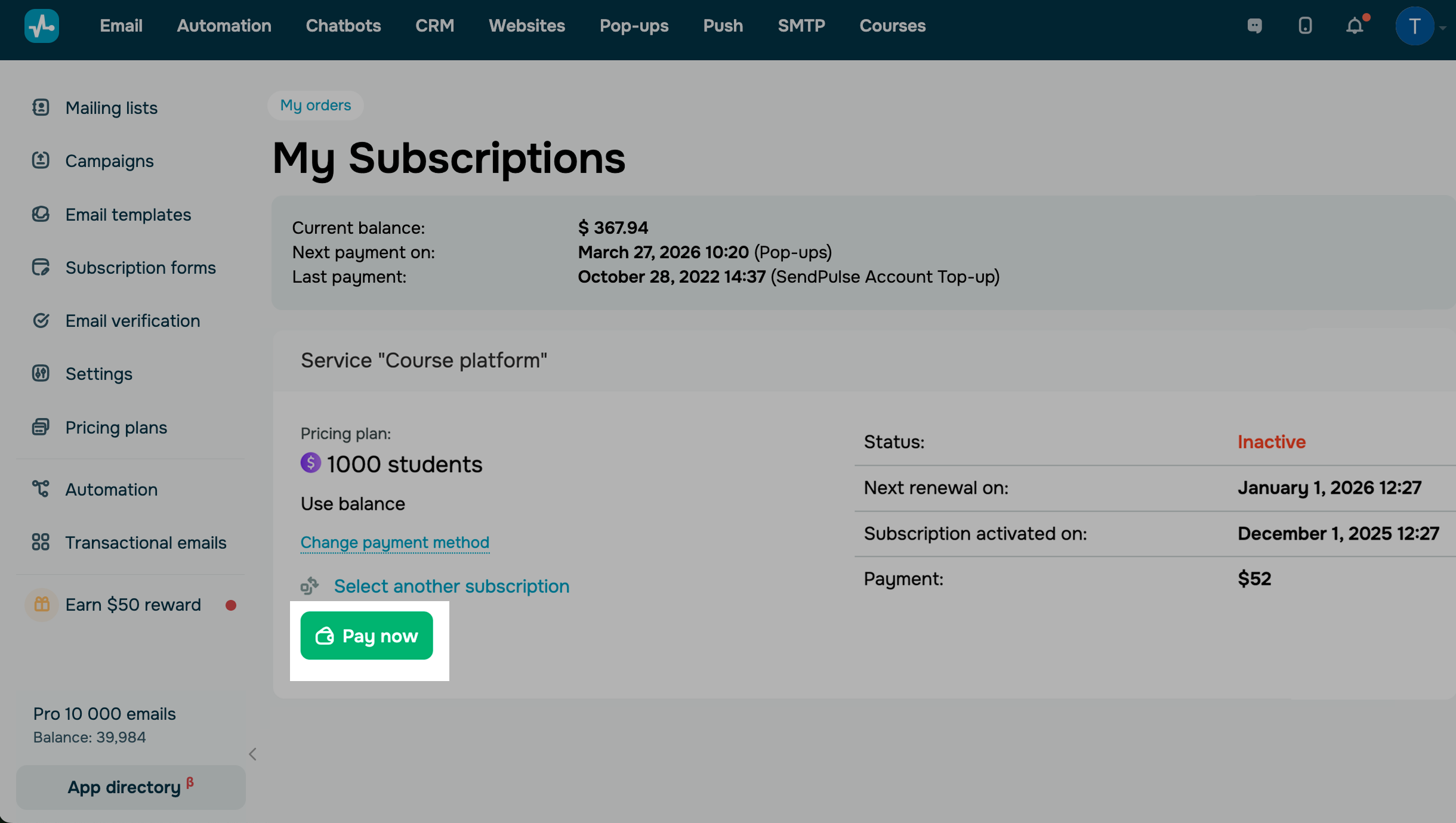
To make an overdue payment, go to My orders > My subscriptions. In your subscription, click Pay now.
If your account balance or selected payment method has sufficient funds and the payment is successful, your subscription renews immediately.
However, if your balance has insufficient funds or the payment fails, you will be redirected to the checkout page to complete your payment.
 Last Updated: 03.03.2026





or