Close the chat in the Action element
The Close the chat action marks the subscriber's chat as closed and moves it down the Conversations list. Use it to keep your inbox organized after a chat ends, like when your chatbot confirms the issue is resolved.
Let's walk you through how to set up the Close the chat action.
Add the Action element
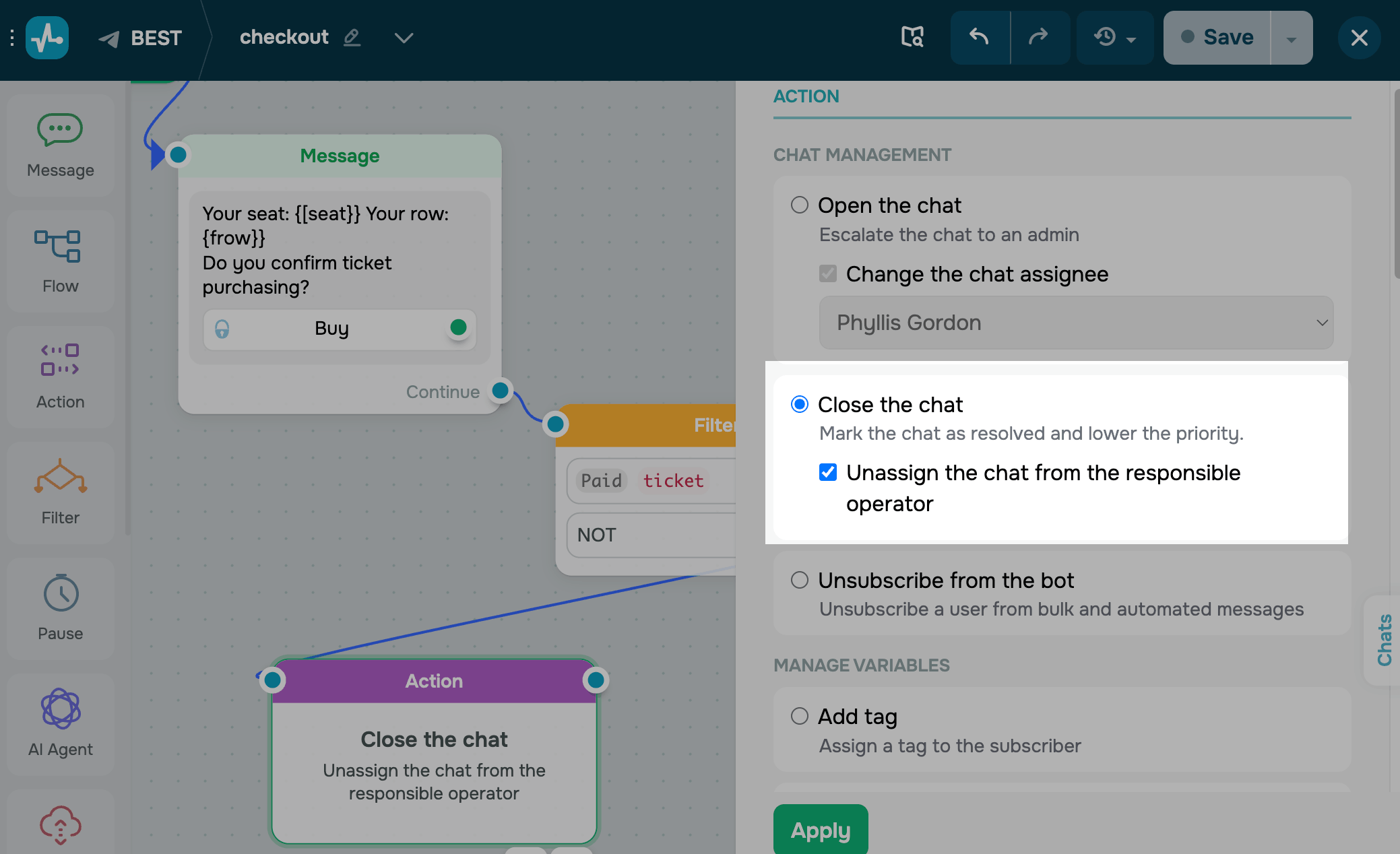
Drag the Action element to the workspace. In the settings that appear, select Close the chat.
To remove the assigned team member when the chat ends, select the Unassign the chat from the responsible operator checkbox. If you don't select it, the chat ends but stays assigned to the same team member, which is useful for reporting.
Save the element
Click Apply. From now on, every subscriber who reaches this step will have their chat closed and moved down the Conversations list, so your team can focus on what's still open.
 Last Updated: 28.04.2026





or