View your orders
In My Orders, you can view your account’s order history, see order statuses, and place the same orders again.
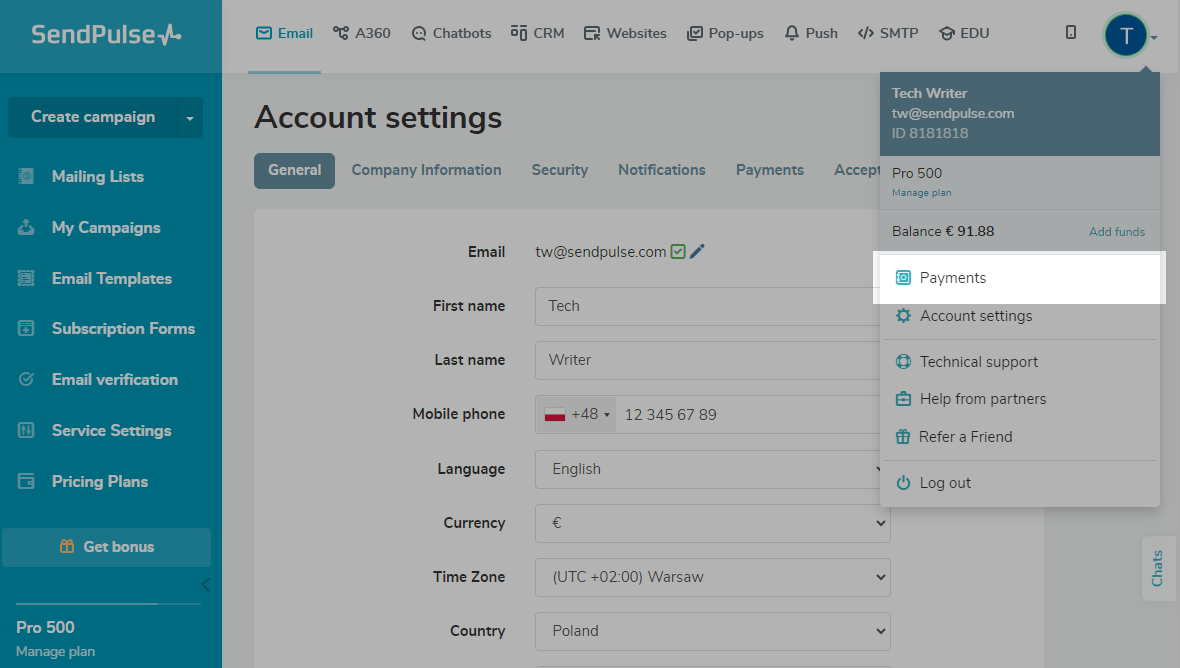
To view your orders, click your profile picture and select My Orders.
To see transactions for a specific timeframe or SendPulse tool and separate top-ups from charges, use the Filter button.
To place a new order or repeat a previous one, click the three dots next to the order and select Place a new order.
 Last Updated: 06.03.2026





or