Integrate SendPulse tools with n8n
n8n is an open-source workflow automation tool that lets you design, run, and monitor multi-step processes in a visl editor. Its node-based architecture makes it easy to connect databases and messaging platforms.
You can integrate SendPulse with n8n by linking blocks in a visl editor — no need to involve developers. To do this, copy a webhook URL, enter an API key, or set up OAuth2. Then, use ready-made nodes such as HTTP Request, Webhook, and conditional nodes to collect, process, and pass data between systems.
In this article, we’ll talk about how to integrate SendPulse with other apps through n8n.
Send data from SendPulse to n8n
When a SendPulse event occurs, send a request with customer data to n8n to start an n8n flow.
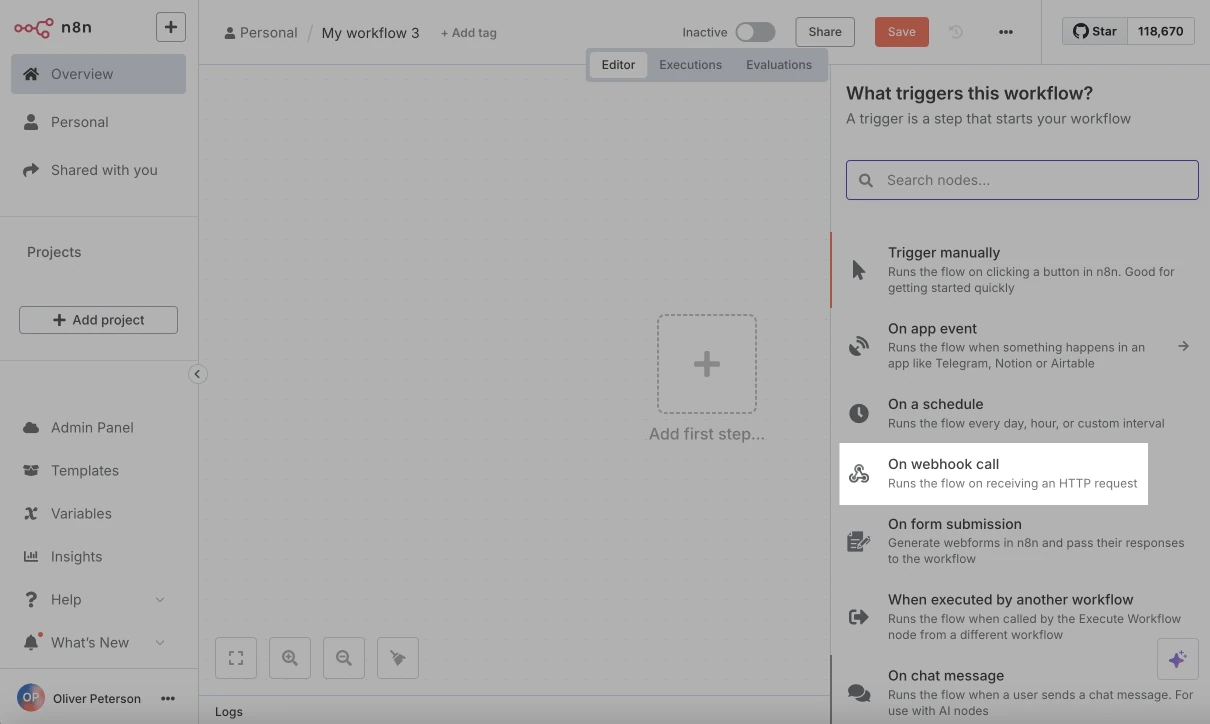
In n8n, add the On webhook call trigger. In the Parameters tab, under HTTP method, select POST and copy the webhook URL — you’ll paste it into the relevant SendPulse tool.
n8n will then monitor incoming events at that URL.
Next, paste the webhook URL where you need it in SendPulse. You can use it in the following cases:
| Request sending element in SendPulse* | Event example | Variable transfer |
| The API request element in chatbots. |
After a subscriber goes through a chatbot flow, send a request with flow variables. For example, when a customer asks if a product is in stock, you can use an AI agent to capture their intent and check your inventory in the CRM system. See a use case: How to generate chatbot replies using n8n. |
Unlike webhooks, the API request element lets you shape the payload and pass any variable types. |
| The Send webhook action in Automation. | After a customer completes a CRM, Courses, or other automated flow, send a webhook, for example, to notify your warehouse about a new shipment. |
See payload examples in Webhook structure. User variables are retrieved from automation triggers. |
| Payment webhooks |
After a customer makes a payment through your website, chatbot, the CRM system, or other source, send a webhook, for example, to confirm this payment and start processing their order. See a use case: Start an n8n flow after a successful payment in SendPulse. |
See payload examples in Payment webhooks. |
| The Send webhook action in chatbots | Triggers when a user reaches a webhook element in your flow. |
See payload examples in Webhooks triggered upon reaching a flow element. |
| Global webhooks in chatbots. | Triggers when specified events occur within a flow. |
See the list of events and examples in Global webhooks. |
Send data from n8n to SendPulse
In your n8n flow, add a step to pass data to SendPulse. You can send data one-way (n8n → SendPulse) to start flows or perform other actions. Alternatively, set up a two-way exchange to start flows in n8n, retrieve data points, and return them to SendPulse.
Before you build an n8n flow, copy your method details from SendPulse. You can use:
- a flow launch in Automation;
- a flow launch in Chatbots;
- any SendPulse REST API method, for example, to create a deal, send an SMS message, or update a chatbot contact.
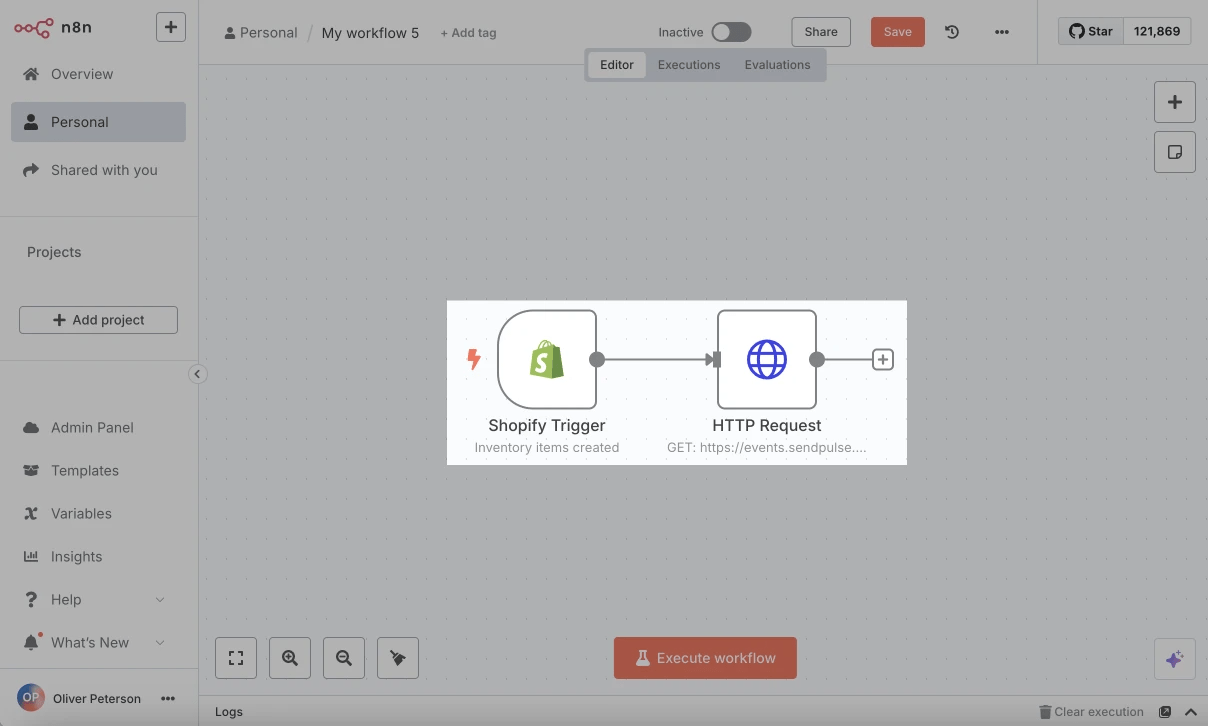
At the point in your n8n flow where you want to call SendPulse, add an HTTP Request and configure it.
Read more: Pass data from other systems to SendPulse through n8n.
 Last Updated: 14.08.2025





or