Website pixel event trigger
With SendPulse, you can build an automated flow that triggers when the SendPulse pixel detects events on your website. This helps you automatically respond to visitor actions and trigger interaction scenarios in real time.
Flow start events require at least one of these two variables: email or phone.
In total, you can add up to 100,000 contacts per day to all flow starts in your account. The counter is reset every day at midnight based on the time zone from your account settings.
Click Events and select the Website pixel event trigger.
To use this trigger, add a pixel and set up events to track.
Select the website where your event is tracked, and then choose the event.
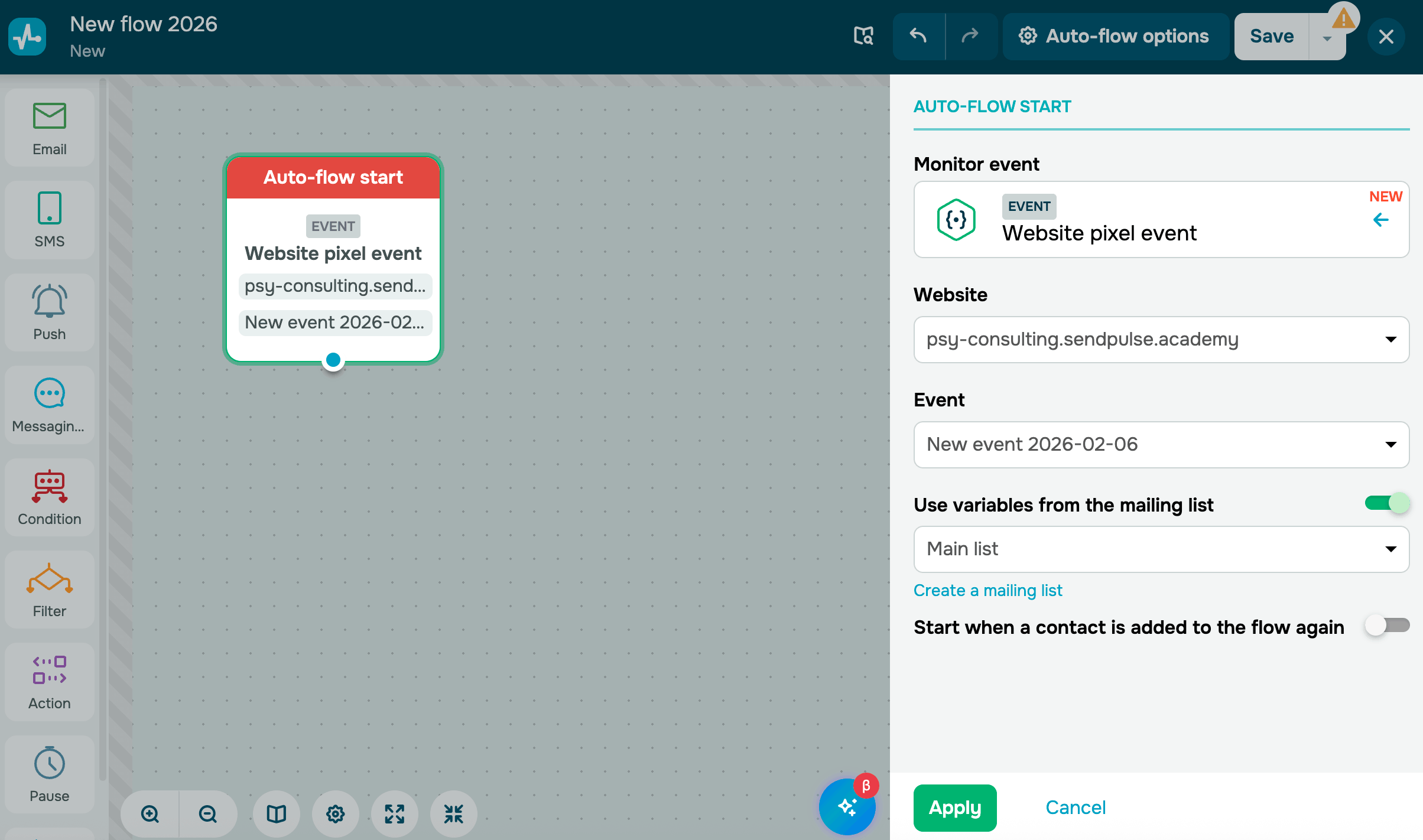
You can also turn on the Use variables from the mailing list toggle if, for example, you cannot pass data through an event.
 Last Updated: 03.03.2026





or