View payments
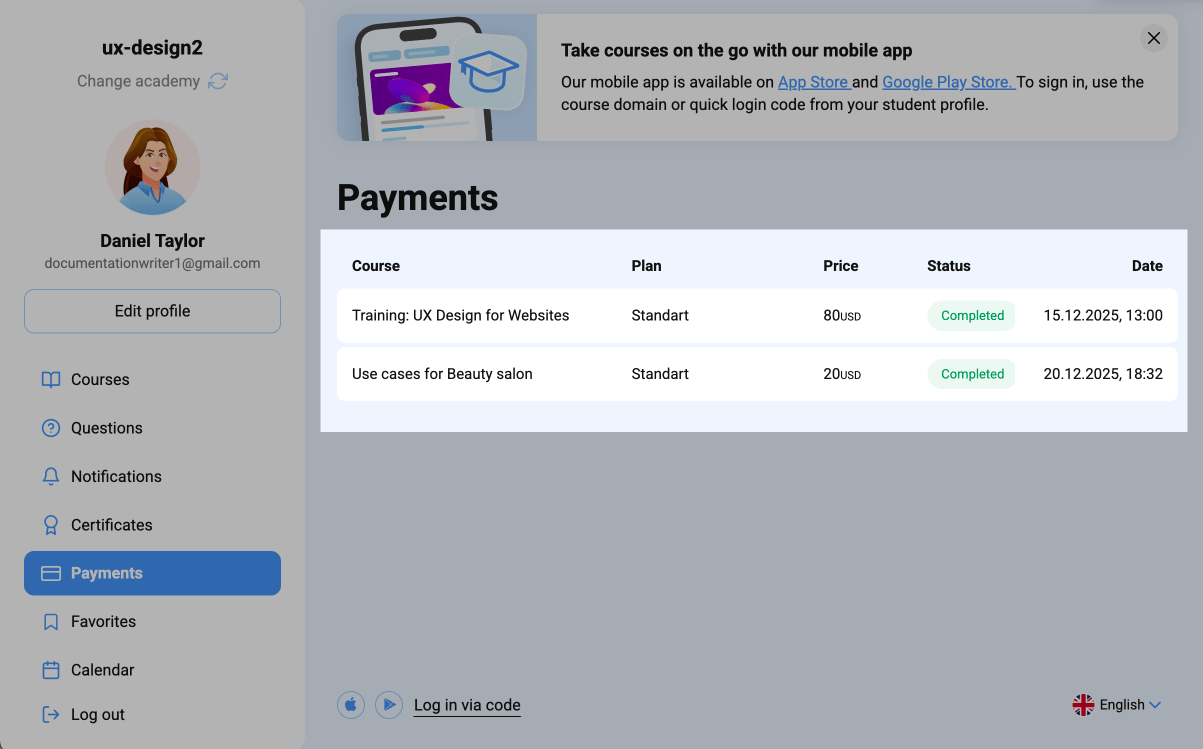
You can view all of your academy’s transactions in the Payments tab, including course payments, selected pricing plans, amounts, transaction dates, and payment statuses.
Go to the Payments tab. The page shows records of each course in the following fields:
| Course | Course name. |
| Plan | Selected course plan. |
| Price | Course price. |
| Status | Payment status. |
| Date | Payment date. |
 Last Updated: 23.12.2025





or