Spin-to-win pop-up element
Spin-to-win is a gamification element used to attract visitors' attention and increase their engagement. It creates a sense of excitement and provides an opportunity to win discounts or other bonuses, which motivates users to share their contact data or perform other targeted actions.
In this article, we will talk about how to set up the Spin-to-win pop-up element.
In the pop-up builder select the Spin-to-win element and customize it. To create a gamified pop-up also add the Entry field and Button elements.
Choose where to save the data
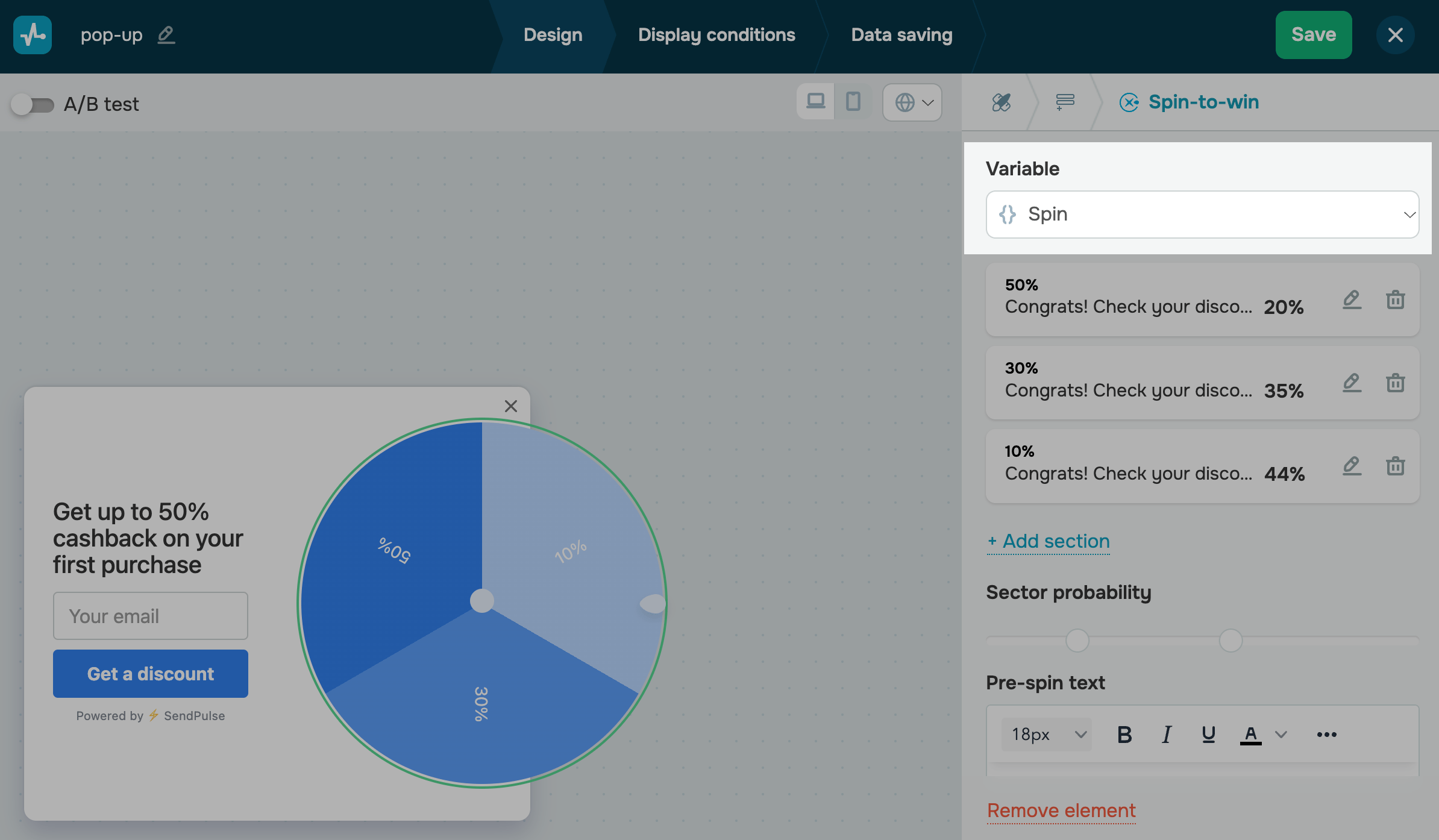
In the Variable field select or create a variable to store the value.
In the variables list, system variables can be found above the line while the variables you created in Pop-ups and CRM are found under the line.
Add and configure sectors
By default, there are two wheel sectors. Click Add section to add a new one.
The maximum number of sectors in one wheel is 8.
Click the pencil icon to go to sector settings. Configure the following sector parameters.
| Sector title on the wheel | Enter the text that subscribers will see on your wheel sector. |
| Text color | Click the colored square, and select a sector text color using the palette. |
| Background color | Click the colored square, and select a sector color using the palette. |
| Post-spin text | Enter the text that subscribers will see after the wheel stops — it will appear instead of the main text. |
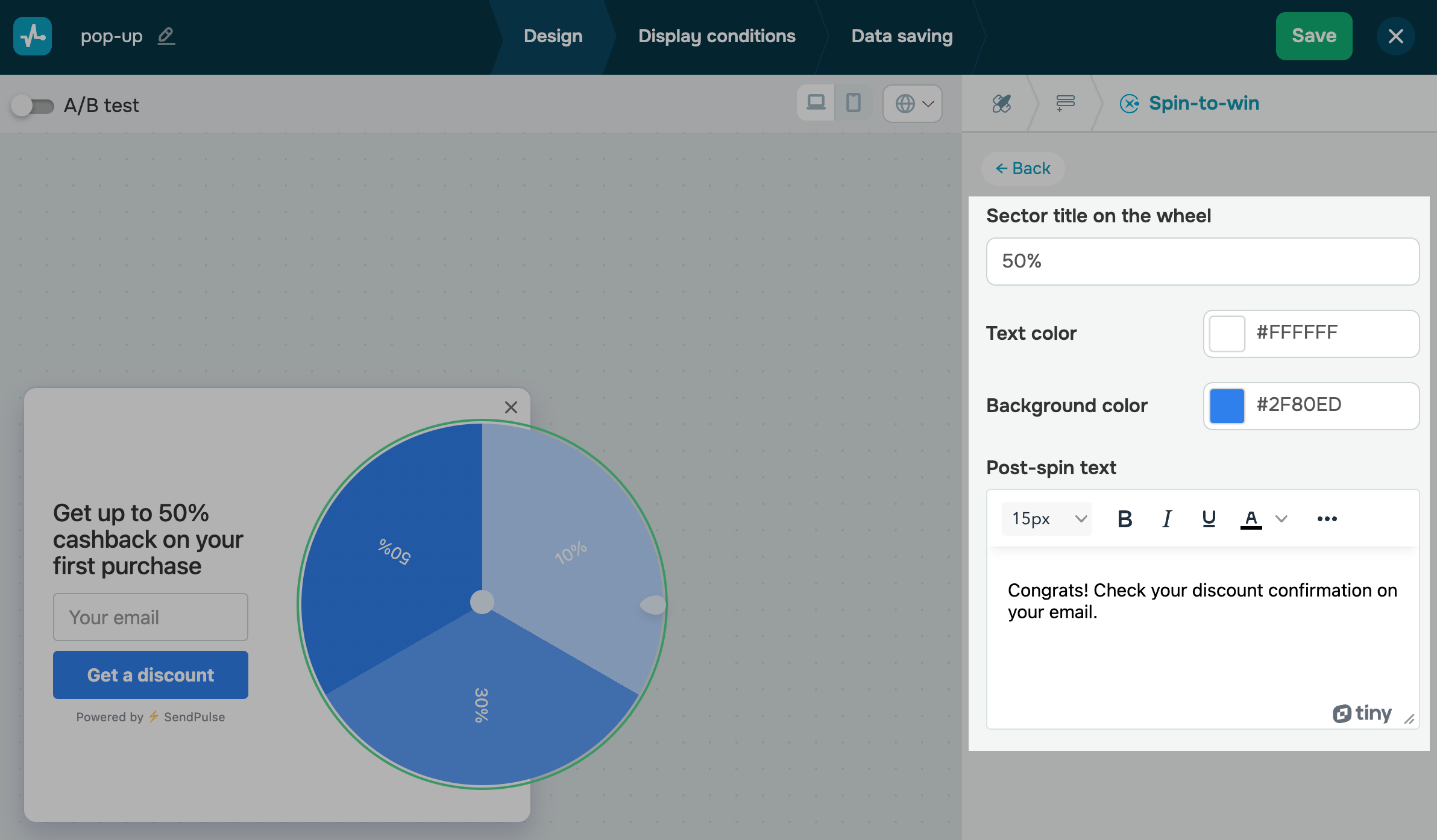
Click Back on the upper panel, and customize all sectors in the same way.
Adjust your sector probability
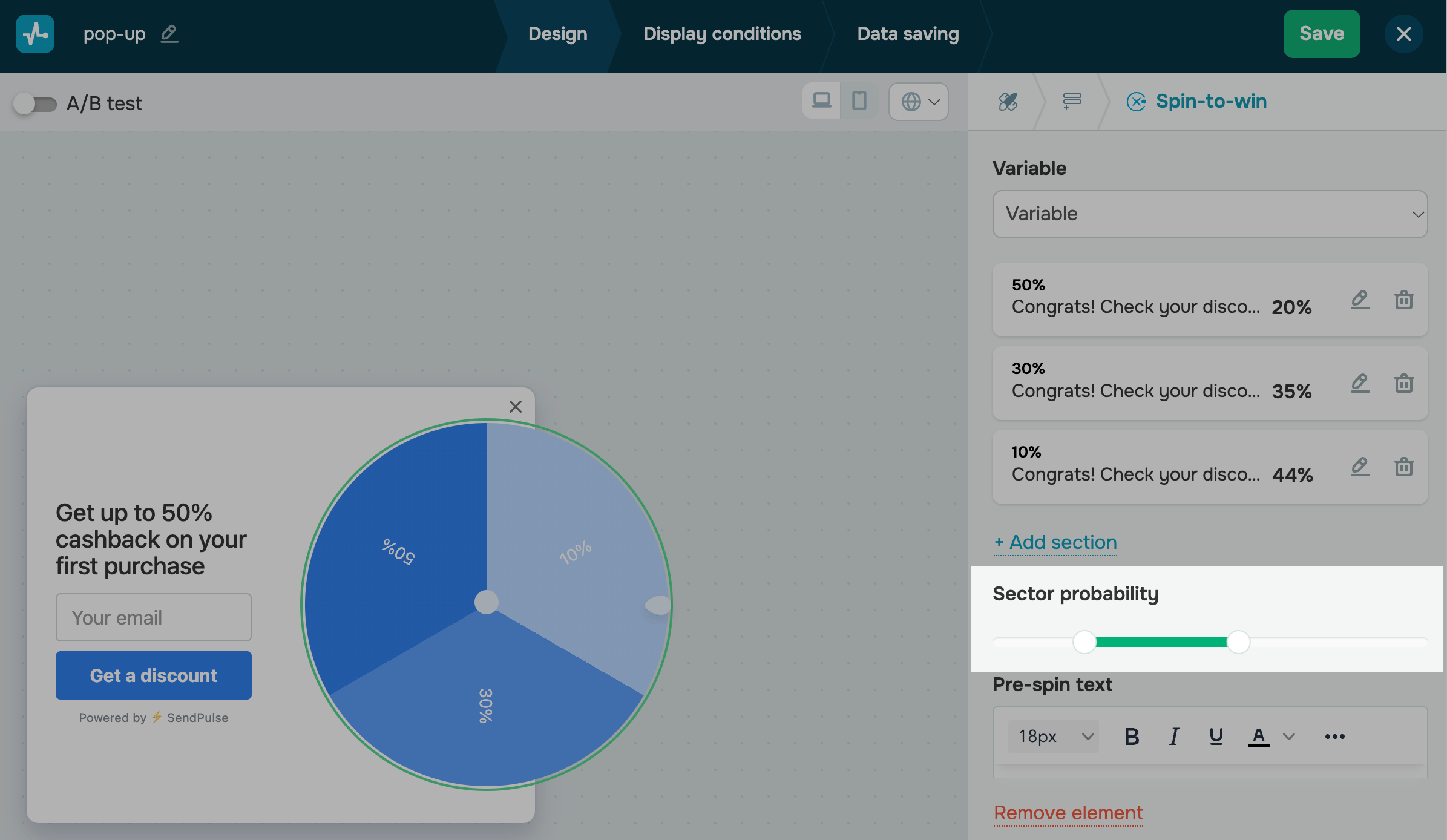
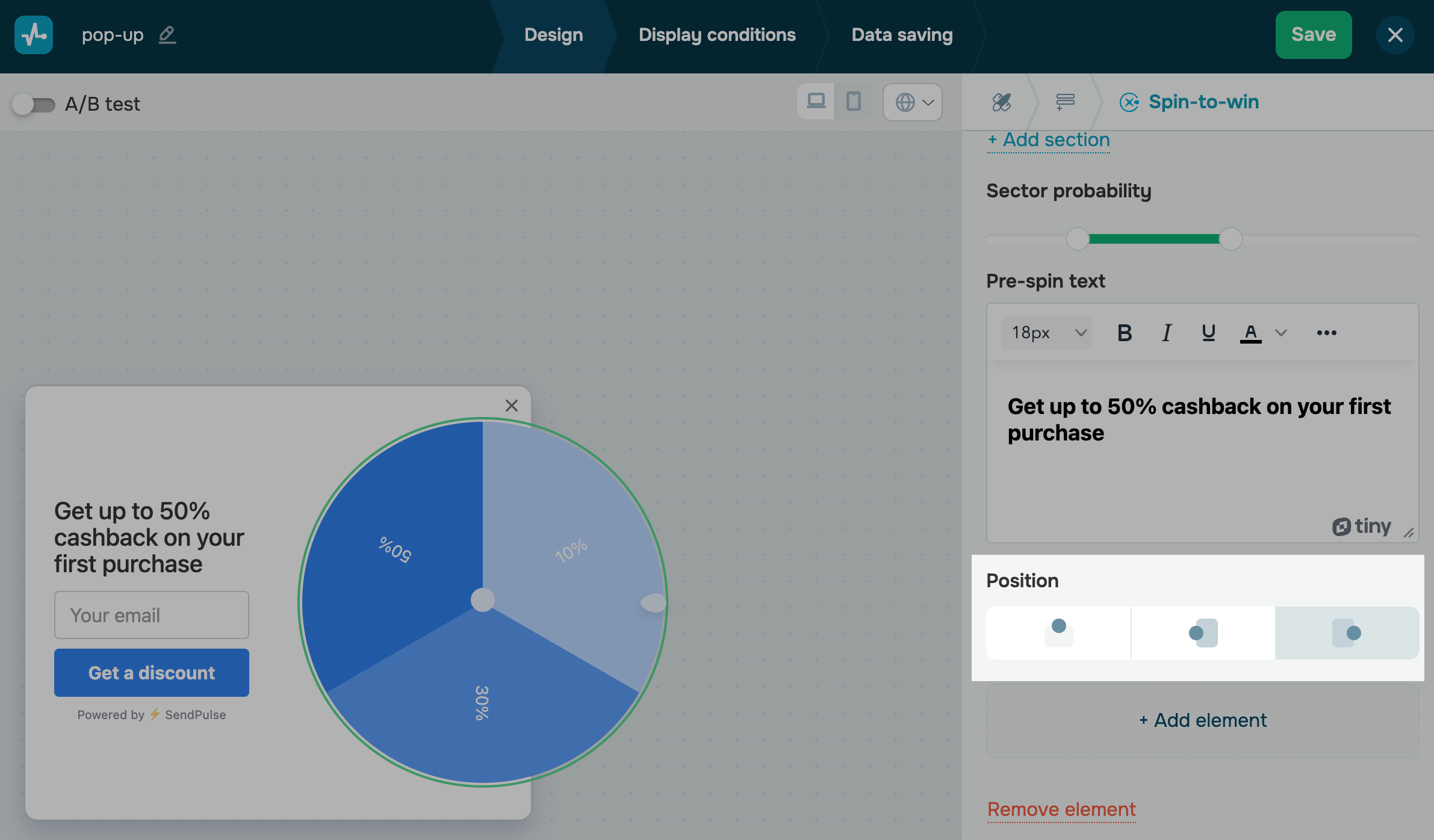
You can adjust the probability of the wheel stopping on a certain sector. To reduce the first sectors’ probability, in the Sector probability section, move the sliders to the left. To increase the first sectors’ probability, move the sliders to the right.
You will see the probability percentage next to every sector. It shows how many users out of the total number can stop the wheel on this sector.
Add text
You can add the main text next to your wheel. Type in a short how-to or call-to-action text to increase engagement with your pop-up.
When a user spins and stops the wheel, the main text will be replaced with the sector text you added in its settings.
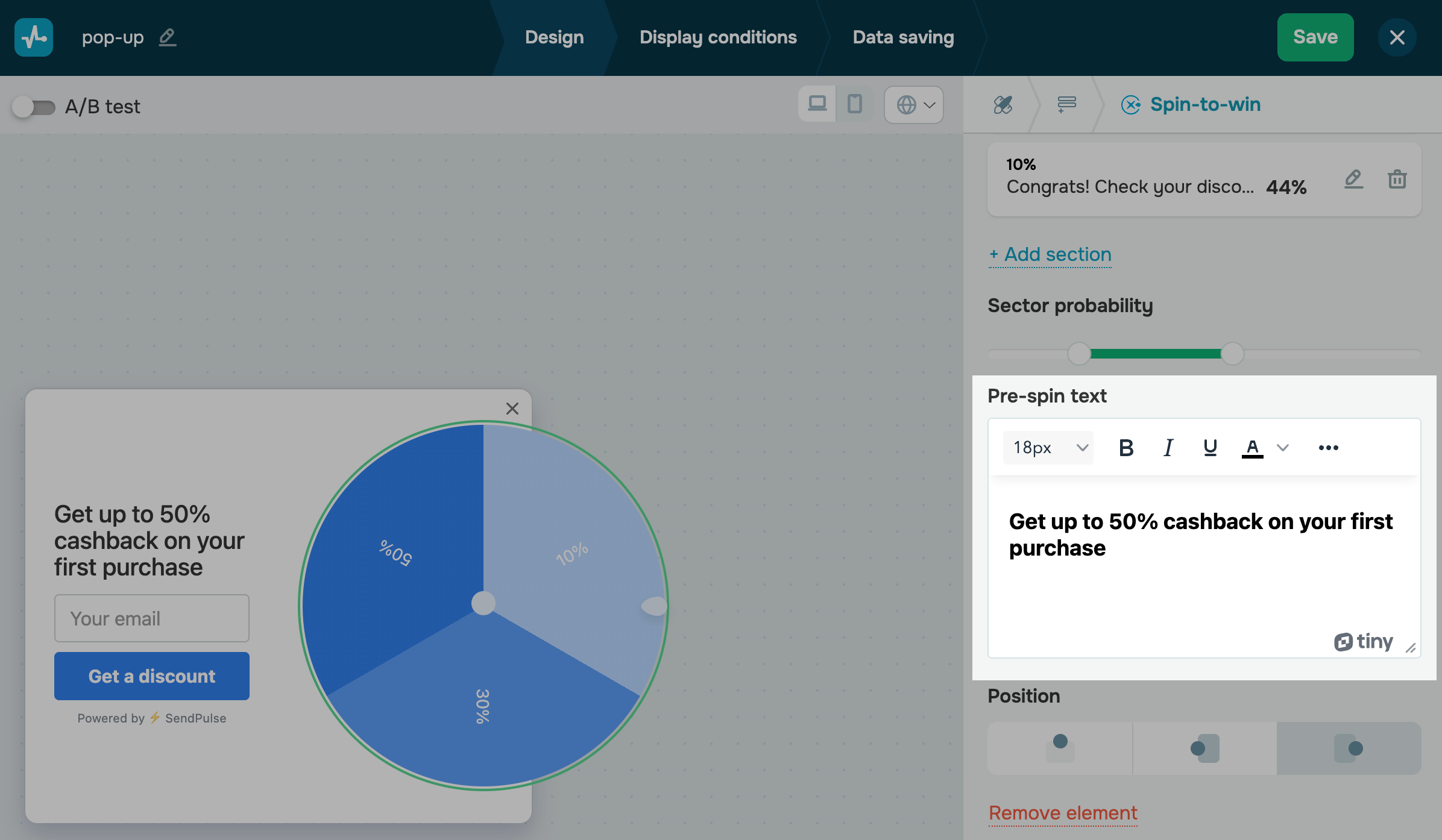
You can also use the Text element for your title.
Select a location
In the Position section, select a wheel location relative to your pop-up (top, left, or right).
 Last Updated: 06.05.2025




or