Copy your test
If you have the same or similar elements in your course, you can copy sections, lessons, or tests to speed up the process of course development.
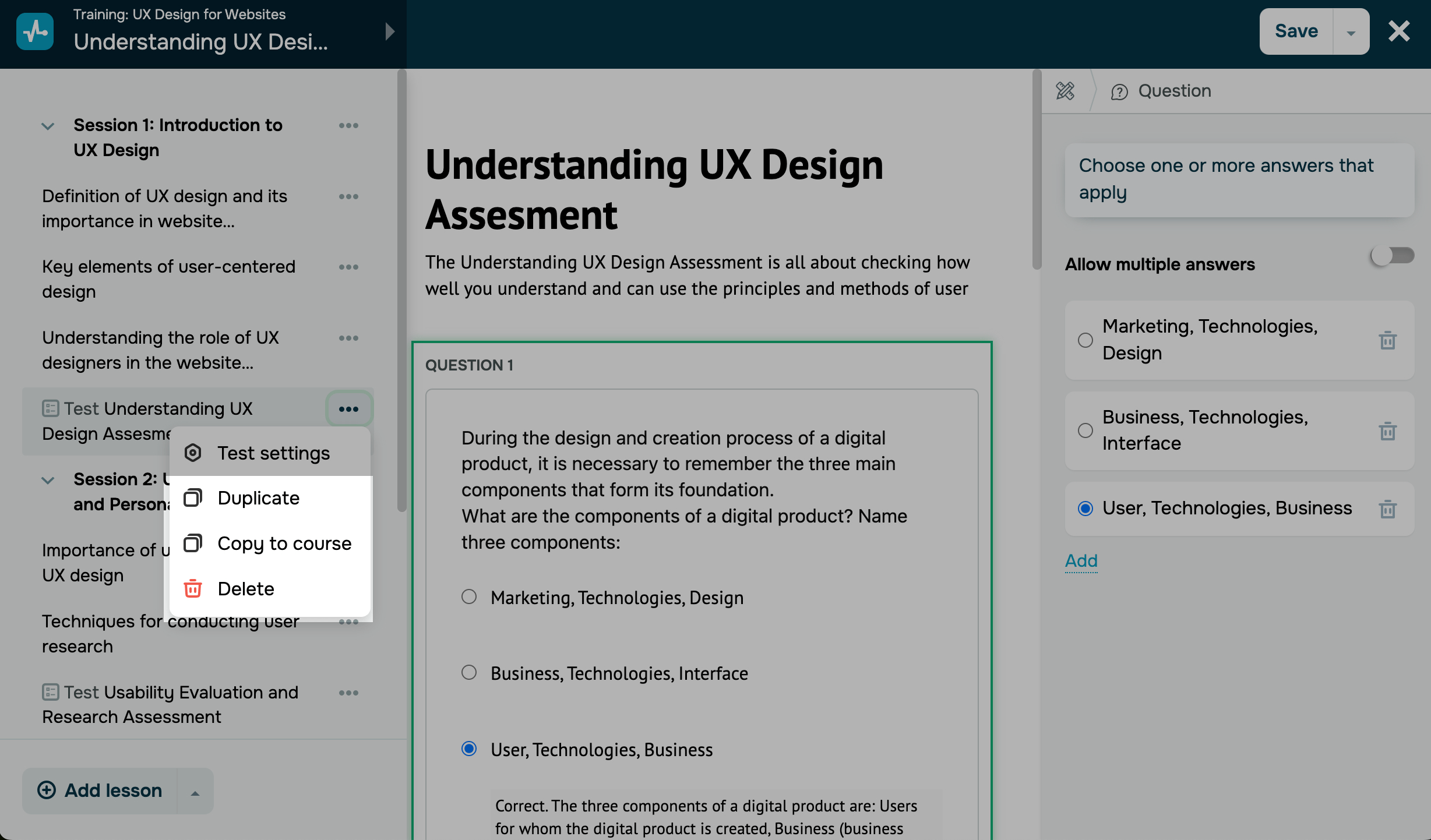
Go to the left sidebar menu, and click the three dots icon next to your section name.
| Duplicate | Allows you to add the exact same section with all its lessons, tests, and settings to the current course. |
| Copy to course | Allows you to add the exact same section with all its lessons, tests, and settings to another course. |
| Delete |
Permanently deletes the test. In this case, all the test progress will be lost for students who gained a passing score. |
 Last Updated: 17.12.2025





or