View your account balance transactions
In Transaction History, you can view all financial operations related to your account balance, including top-ups, charges, and payments. This helps you track your fund flow and assess your expenses.
Go to My Orders > Transaction History.
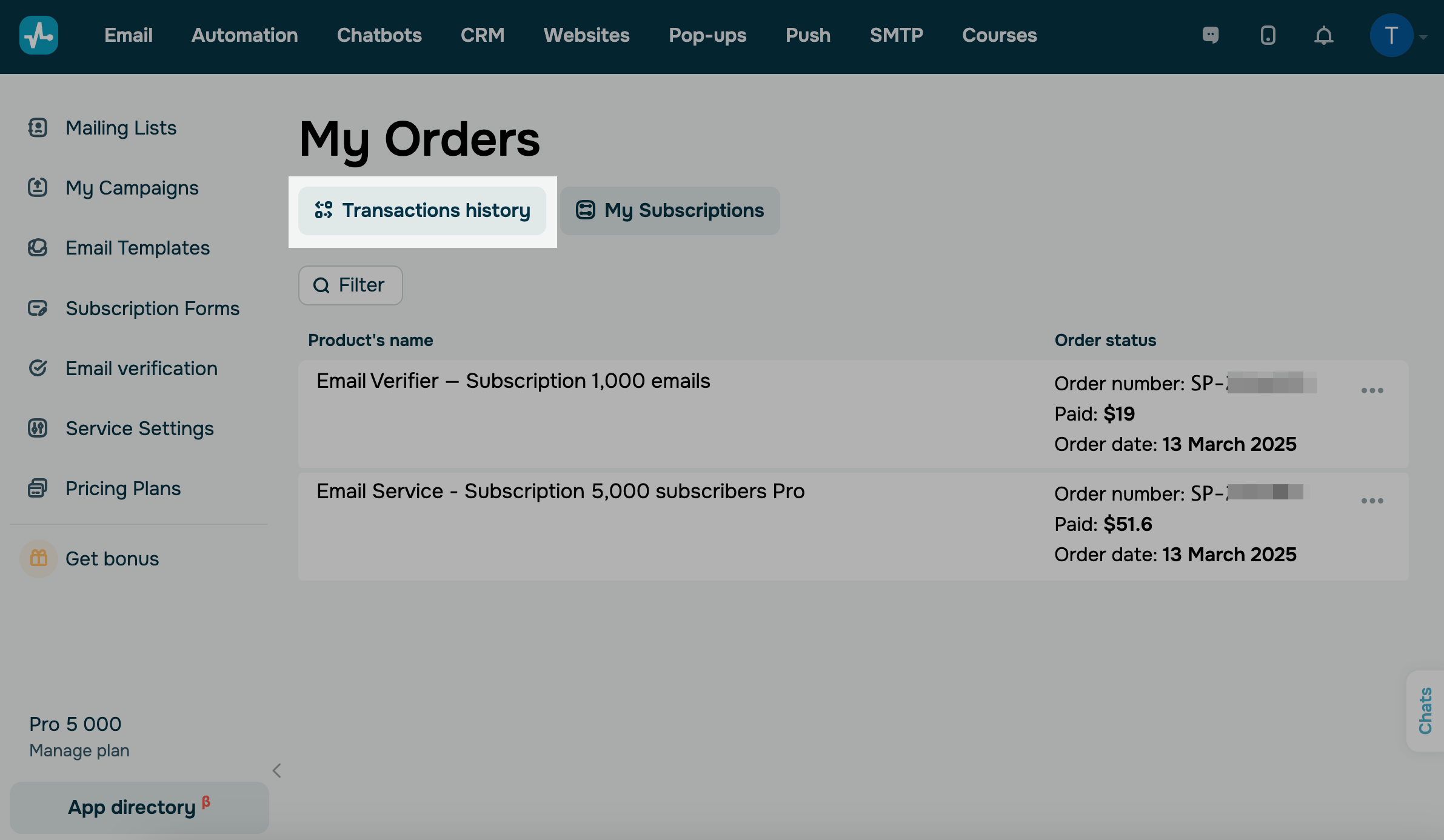
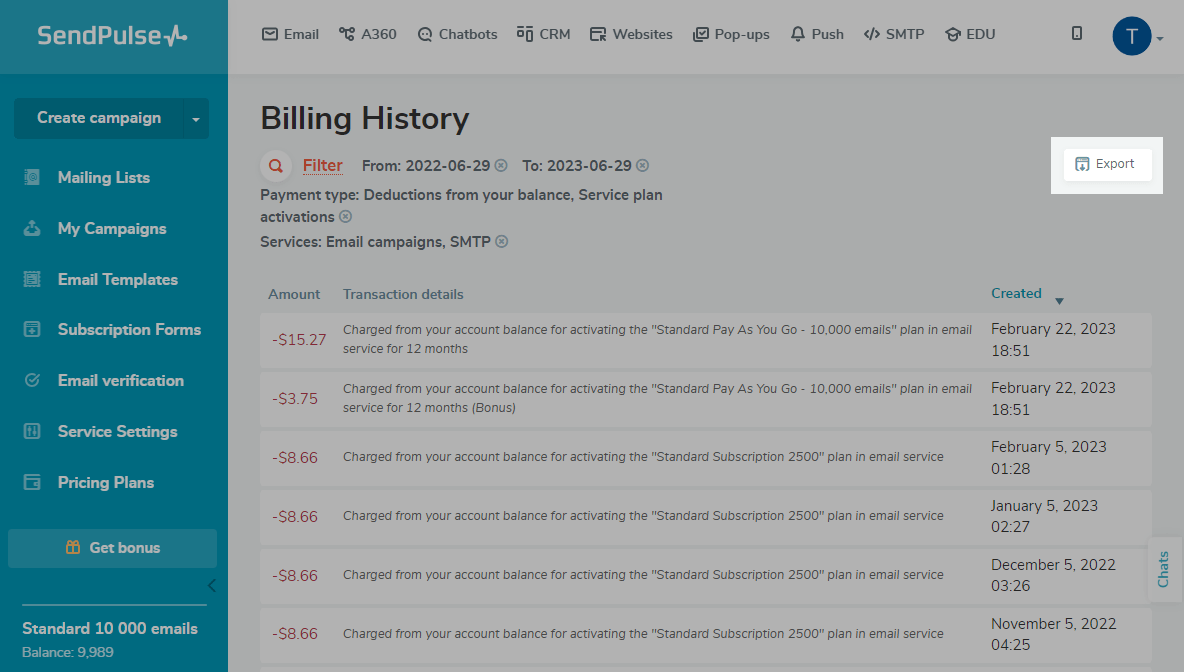
To see transactions for a specific timeframe or SendPulse tool and separate top-ups from charges, use the Filter button.
You can also click Export to download the history of selected transactions as a CSV file.
 Last Updated: 06.03.2026





or