Remove the previous message in the Action element
Available with the Pro plan and above
The Remove the previous message action deletes messages sent by your Telegram chatbot in the subscriber's chat when they reach this step in the flow. Use it to remove outdated content or prevent interactions with old messages. For example, you can delete an expired discount offer after the promotion ends.
Telegram allows you to delete only messages sent within the last 48 hours.
Let's walk you through how to set up the Remove the previous message action.
Add the Action element
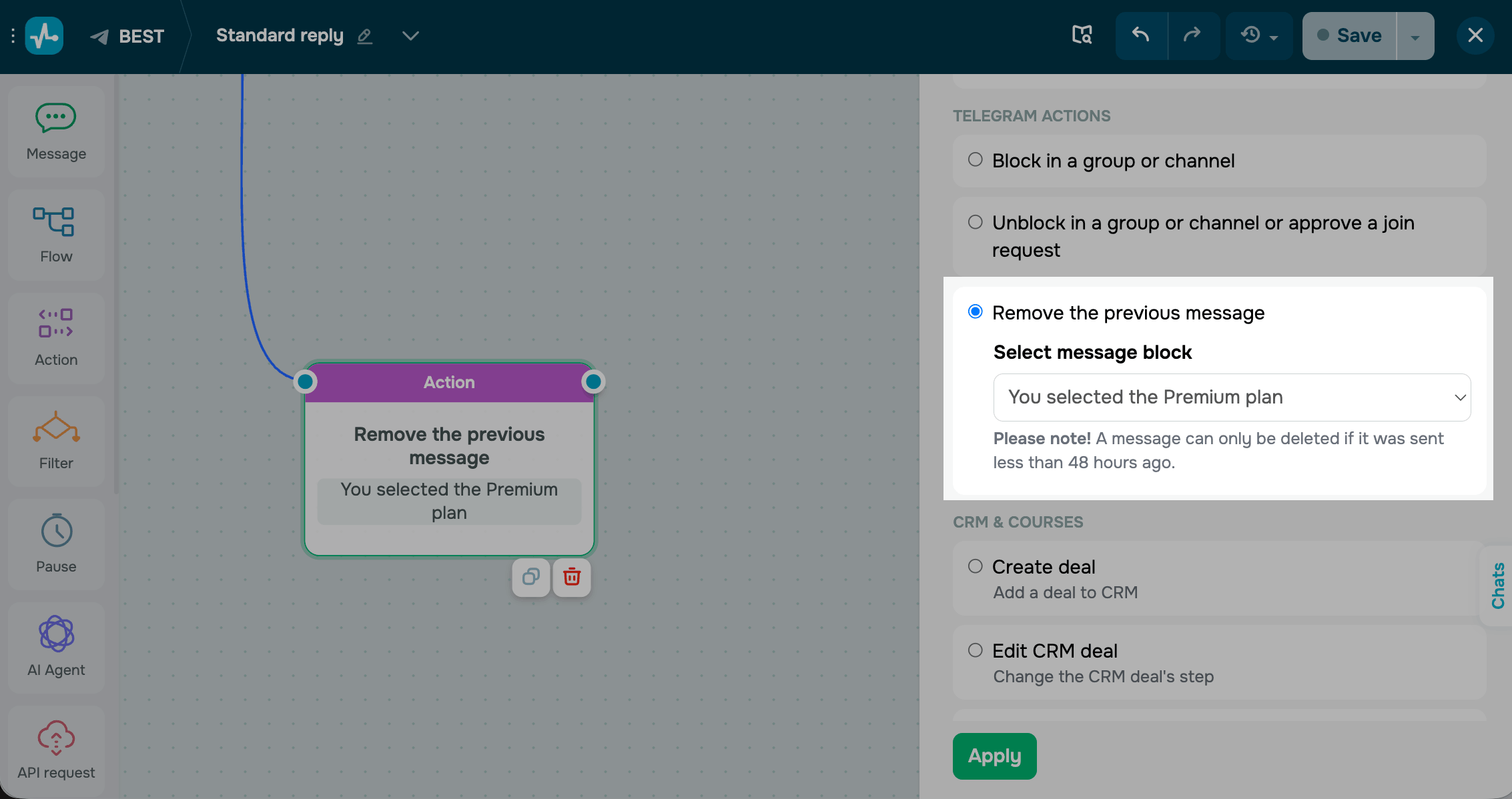
Drag the Action element to the workspace. In the settings that appear, select Remove the previous message.
Select the message you want to delete.
Save the element
Click Apply. The element is now ready and will delete the selected message from the subscriber's chat every time they reach this step.
 Last Updated: 01.05.2026





or