Payment statuses
You can monitor each payment's status to see if it needs further action. This helps you quickly understand if a payment was successful, pending, canceled, refunded, or declined by the payment system.
Let’s talk about the statuses a payment can have.
View payment statuses
To view payments, go to CRM > eCommerce > Payments. In the Stage column, you can see the current payment status.
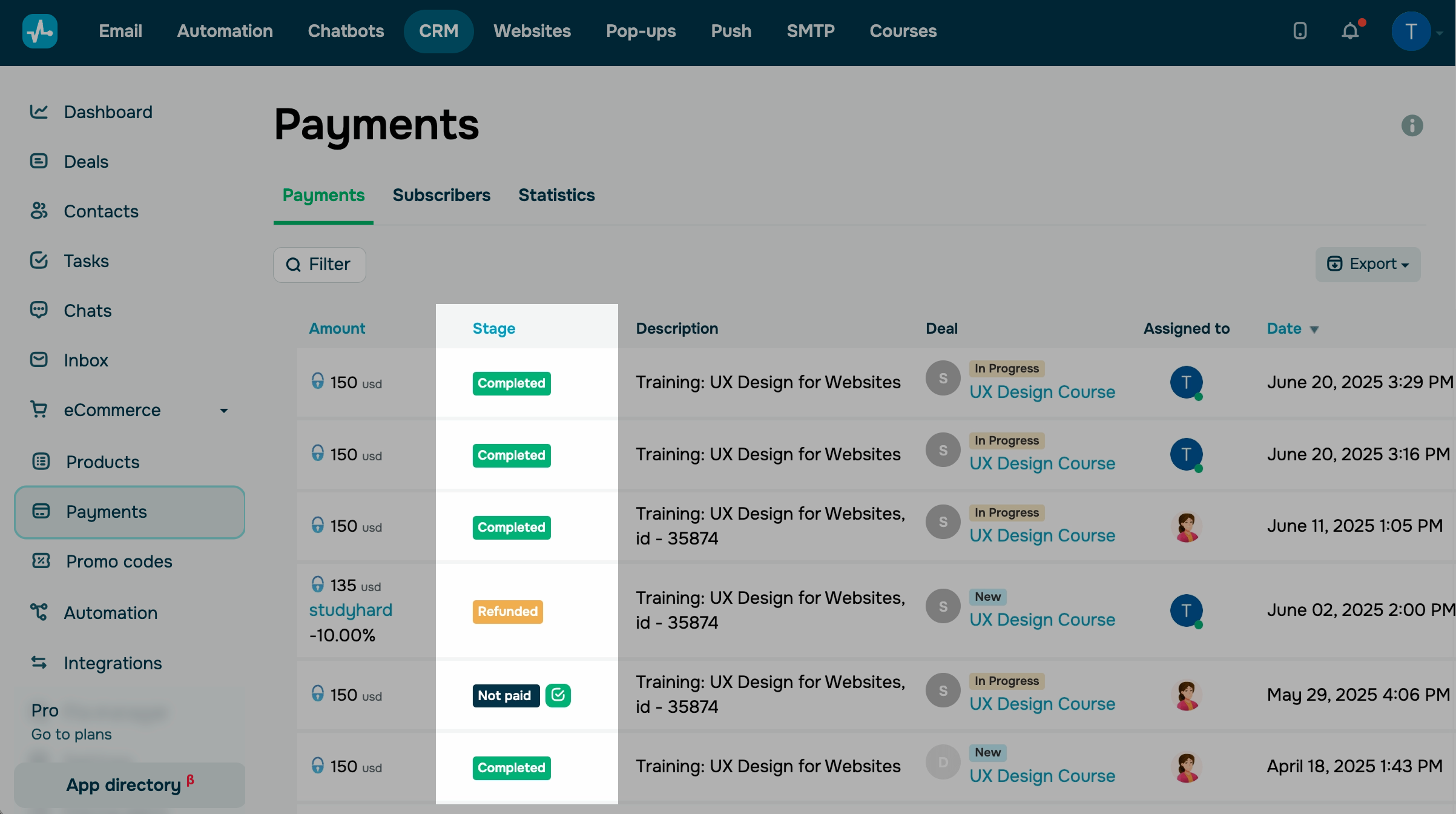
The payments can have the following statuses:
| Processing | The customer has already made the payment, but their bank or payment system has not transferred the funds to their SendPulse account yet. |
| Pending | The customer has followed the payment link but has not made the payment yet. |
| Completed | The payment has been successfully made in full. |
| Canceled | The customer has canceled the payment. In some cases, this status appears when the customer visits the payment page but does not end up paying. |
| Refunded | The seller* has returned the payment to the customer in full. |
| Reversed |
The payment system has returned the payment to the customer in full. The seller* has not participated in this. |
| Rejected |
The payment system has canceled the payment. The client needs to check for possible errors during the transaction and, if necessary, contact their bank. |
| Not paid | The client went to the payment page but did not pay. |
| Refunded partial | The seller* has partially returned the payment. |
| Incomplete |
The payment has been successful, but the credited amount is less than the amount specified by SendPulse. Notify the customer that the full amount must be paid. This status is applicable to PayPal, Fondy, and Cryptomus. |
| Error |
A payment error has occurred. The client should try again or contact their bank. |
| Confirmed by team member | The payment was processed outside the online checkout and confirmed manually by a team member. Hover over the profile picture next to this status to see the team member’s name. |
*A seller is a person who uses SendPulse to sell goods to clients.
Mark as paid
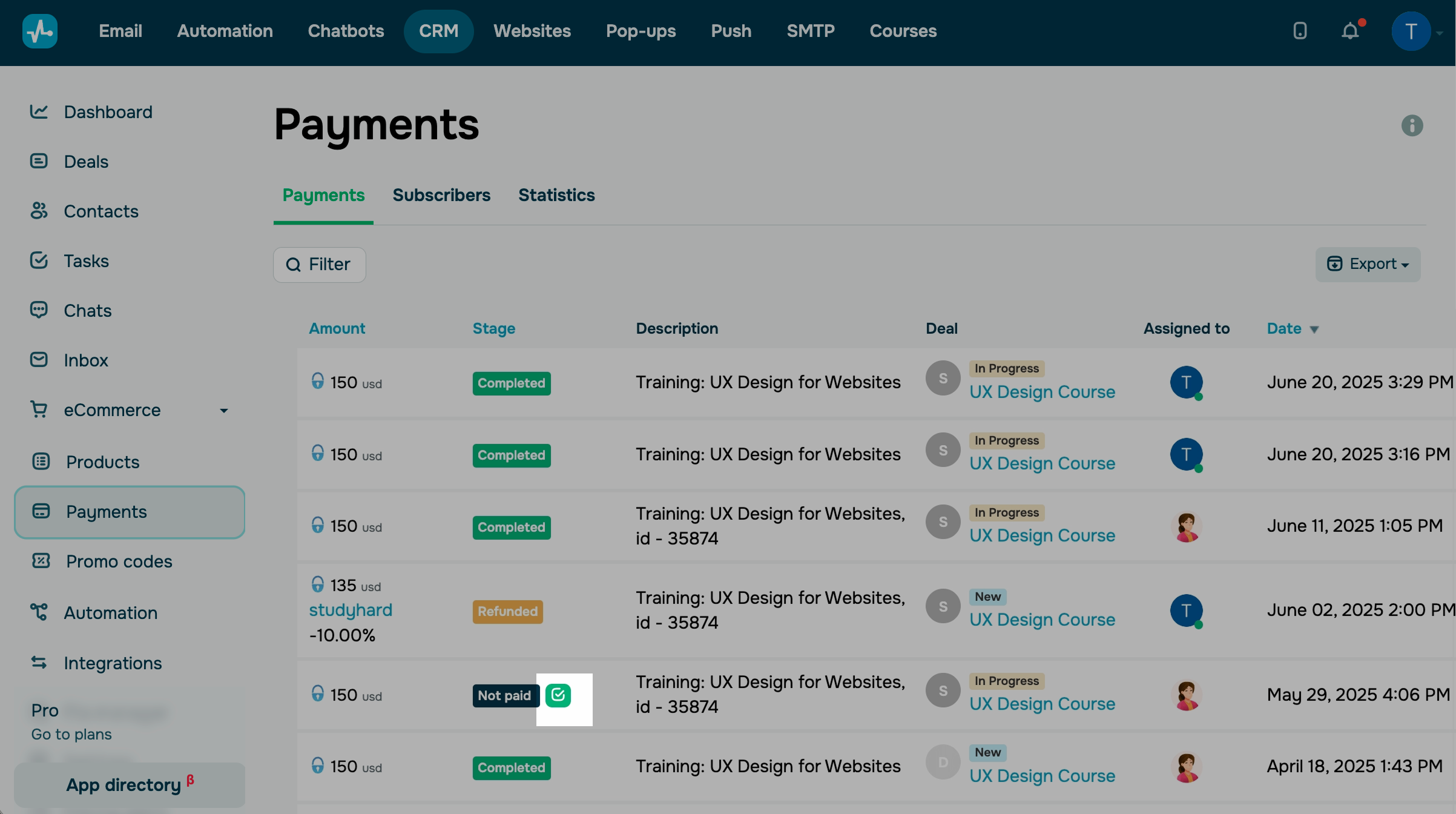
You can also mark payment as paid manually. To do this, in the Stage column click Confirm payment next to unfinished payment.
 Last Updated: 17.12.2025





or