Subscriber rating
The subscriber rating shows the overall level of each contact’s activity in your mailing campaigns.
For example, you can identify subscribers with low engagement and send them a re-engagement campaign with a special offer, or create a separate segment of highly active contacts who regularly open emails and click links.
Let’s talk about how the subscriber rating works and where to view it.
How rating system works
We calculate each subscriber's score based on their activity in the last 60 days. We consider the open rate, click-through rate, and the total number of sent campaigns.
For instance, recipients who unsubscribe from your campaigns get a zero star rating. But subscribers who regularly read your campaigns and click the links get five stars.
Subscriber rating is displayed next to their emails. Go to the Mailing lists tab and open any mailing list to view subscriber rating.

Why do we need a subscriber rating?
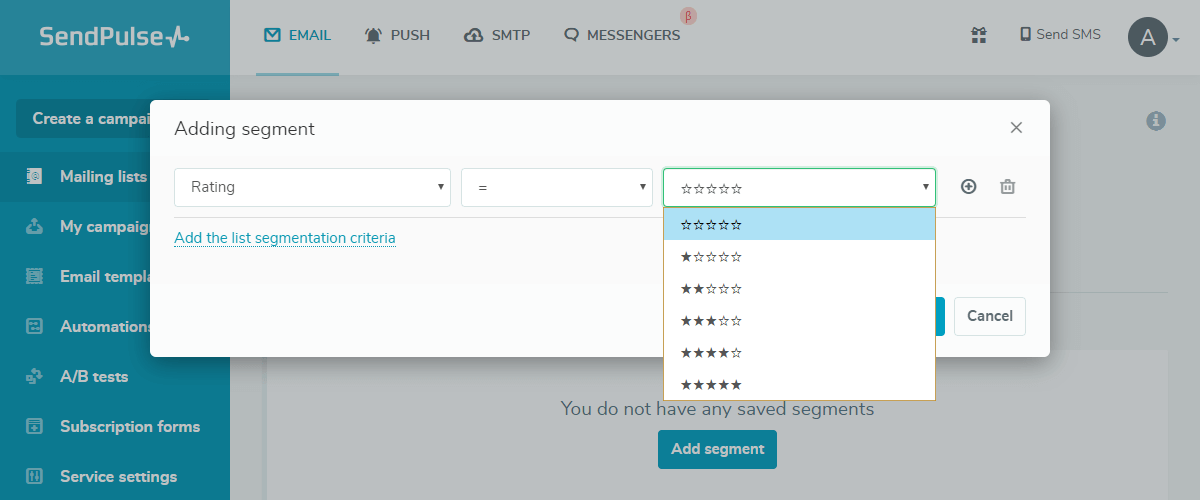
This feature allows you to understand your user activity better and target each group based on their score. For example, you can send special discount offers to a specific group of users to try to increase their participation or create a loyalty program for your most engaged users.
 Last Updated: 04.12.2023





or