
















×

Want to see SendPulse in action?

picture for noty

Book a personalized demo, and our representative will walk you through our core features, answer your questions, and help you get started with the service.

Book a demo

Trusted by 3M+ users. Loved by 4K+ reviewers

ufs rocher dominos jooble viessmann puma samsung lot swatch karcher PWC radisson tata jackwolfskin sofitel

WhatsApp message templates reply before you blink

Missed a chat? Templates help you follow up with zero delay.

Choose a template for any goal

Choose a template for any goal

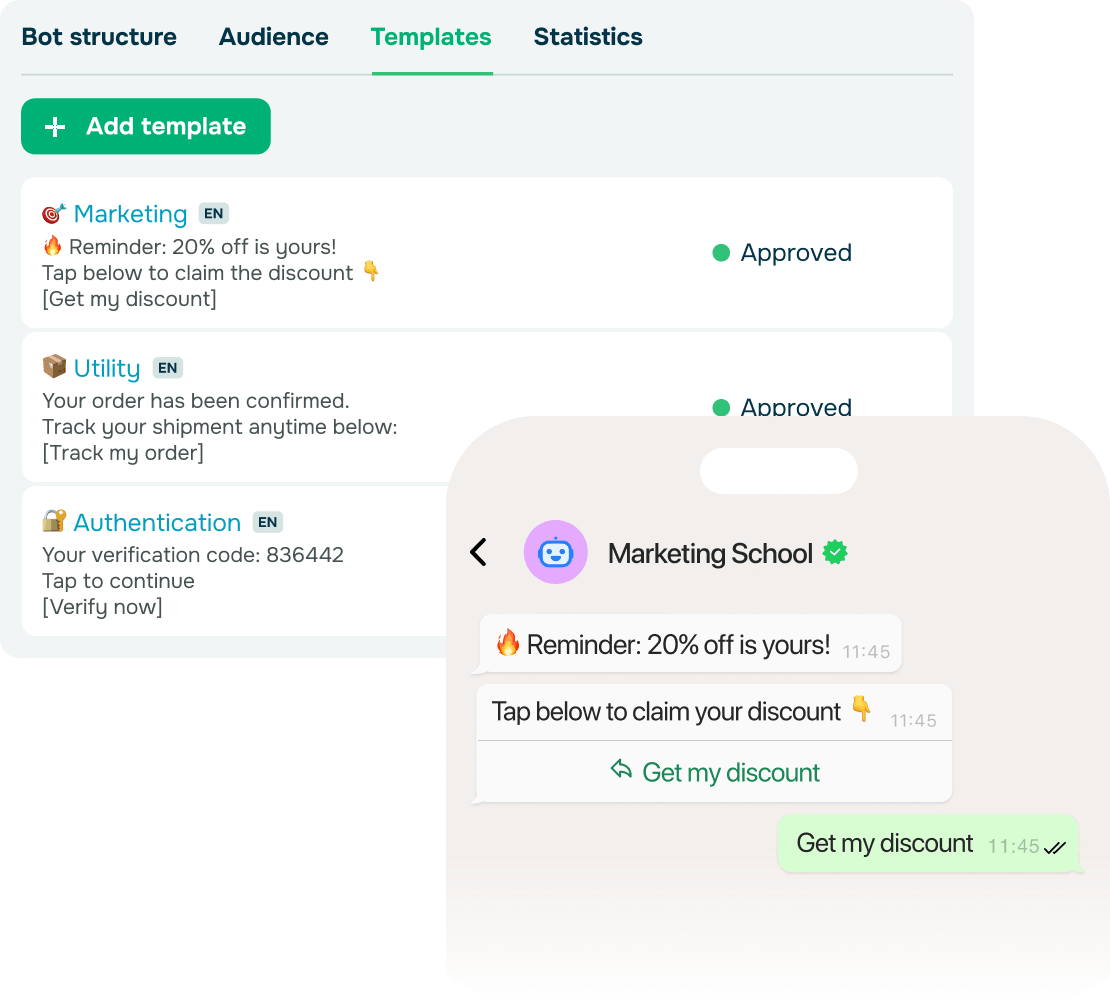
Ever had a customer reach out, show interest, and then just stop responding? Re-engaging them takes time, and delays can cost you the conversation.

WhatsApp message templates help you take control of these moments. Pick a template — marketing, utility, or authentication — and send it instantly. Because these WhatsApp templates are pre-approved, you can reach out first or restart a conversation even outside the 24‑hour window.

What follows is simple: your replies always feel relevant, and your audience keeps moving forward instead of drifting away.

Personalize messages with ease

Personalize messages with ease

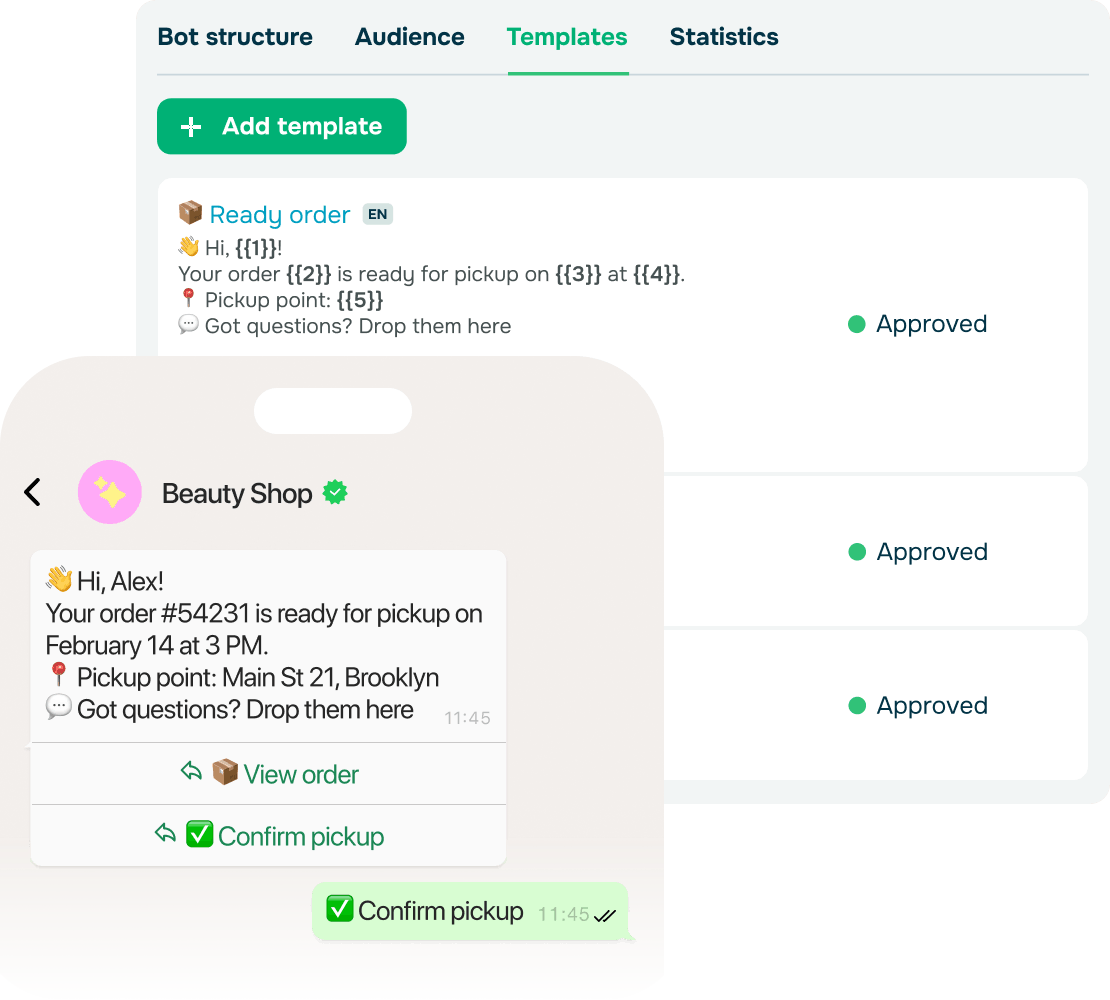
Imagine a client opening a message that greets them by name and offers a quick button to guide them to the next step. That message feels clear, helpful, and easy to act on.

WhatsApp message templates make this easy. Add images, videos, files, emojis, and variables like names, dates, or order details. You can also place CTA buttons that seamlessly click to links or chatbot flows.

With this in place, every message stays thoughtful while your team keeps its pace. Customers easily reply, confirm, or continue their journey without hesitation.

app

Keep messaging on the go with a WhatsApp chatbot

Stay in control from any mobile device, manage interactions seamlessly, and keep conversations going — even when chats resume.

Learning hub

Follow up faster with WhatsApp message templates and keep every conversation on track.
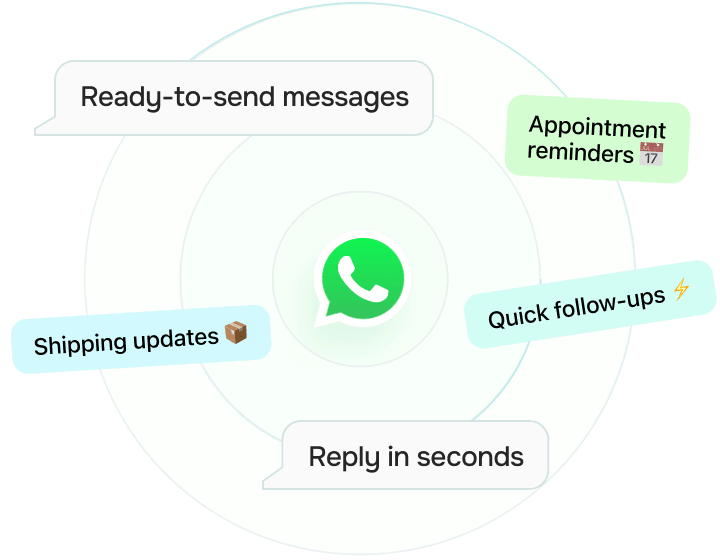
How do WhatsApp templates boost my response time?

How do WhatsApp templates boost my response time?

They cut the wait. Instead of typing the same message over and over, your team just taps to send it. Deliver shipping updates, appointment reminders, or quick check-ins even outside the 24-hour window.

And just like that, you reply on the spot, stay compliant, and keep the convo warm without lifting a finger.
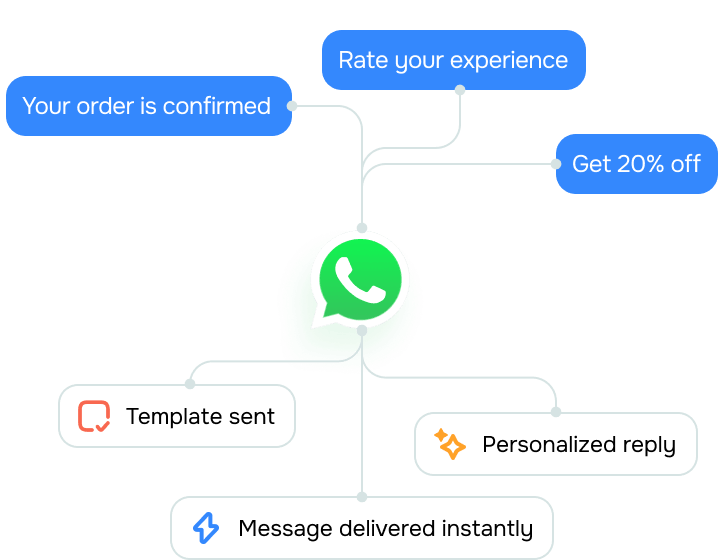
Can WhatsApp message templates handle different clients?

Can WhatsApp message templates handle different clients?

Absolutely! You can create templates for any scenario, including confirmations, delays, upsells, and feedback requests. This is how your replies stay accurate and personal, even when your inbox is full.
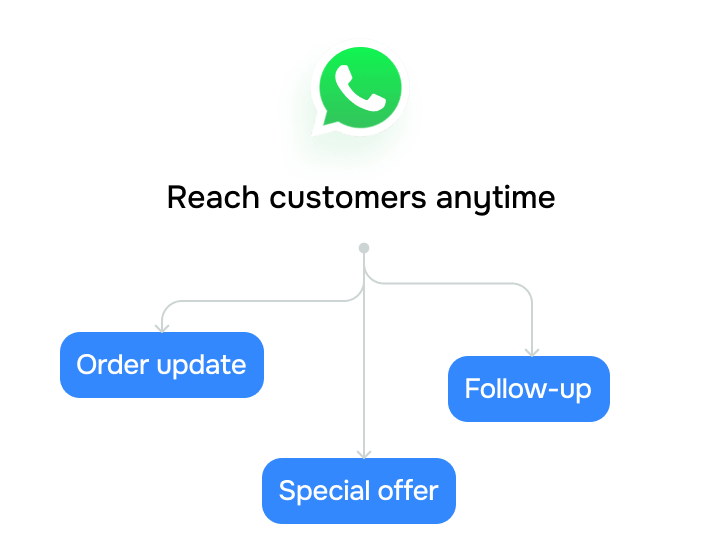
Why do businesses rely on WhatsApp templates?

Why do businesses rely on WhatsApp templates?

Normally, you can only reply within 24 hours on WhatsApp — templates change that. You can send template messages to check in, follow up, or send promo offers anytime, moving conversations toward a sale.
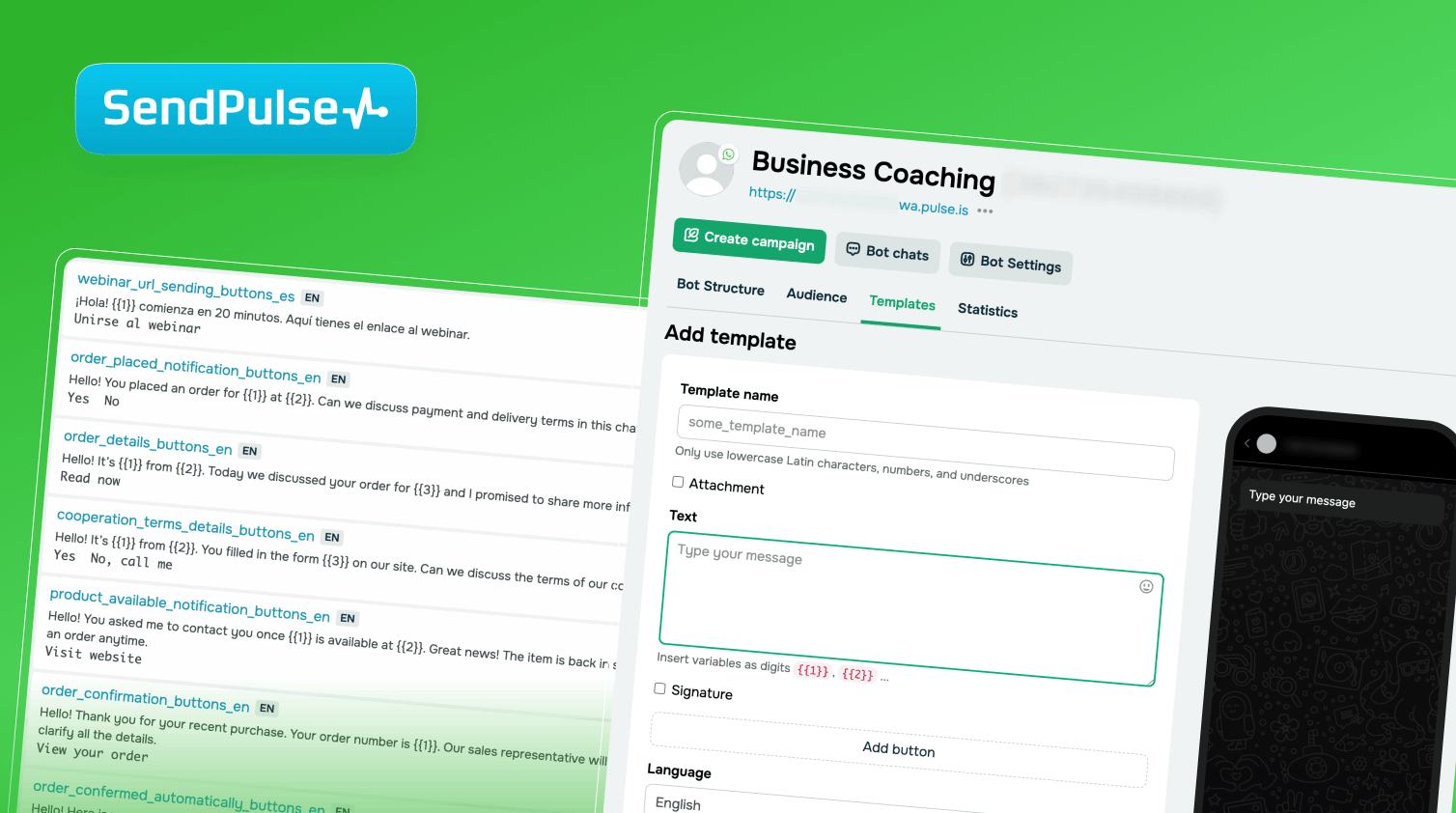
How to add a template for WhatsApp campaigns

Learn how to create and customize WhatsApp templates to save time and keep your messages consistent.

Study online with SendPulse Academy

Create a WhatsApp chatbot with SendPulse

Explore how to build a WhatsApp chatbot, verify your business in Meta, and grow your chatbot audience.

WhatsApp templates designed to fuel your business growth

WhatsApp message templates keep conversations quick, clear, and easy to engage in.

icon
Bring back cold leads

Forgot to reply? No worries. With WhatsApp message templates, you can follow up even after 24 hours and keep deals on track.

icon
Share content that converts

Help your best offer get the attention it needs to convert. Deliver exclusive deals right in chats when your clients are most likely to buy.

icon
Update at the perfect moment

Keep clients updated every step of the way. Send real-time notifications about deliveries, reservations, or payments right on time.

icon
Remind users what’s waiting

Don’t lose high-intent customers. Send automated follow-ups that nudge shoppers back to finish their purchase.

icon
Drive conversions in one tap

Make it easy to take action. Add buttons, carousels, or images to your WhatsApp messages and turn tapping into conversions.

icon
Say more with less

Target hot leads with the right message at the right time. Segment your audience, schedule campaigns, and scale your business — all in one place.

FAQ

Yes, every WhatsApp message template must be reviewed and approved by WhatsApp. However, it takes minutes, not days. Once approved, you can reuse the template without limits.

There’s no limit to how many templates you can create. Group them by topic or purpose, such as greetings, reminders, reactivations, or promos, to keep outreach consistent and your team efficient.

By all means! WhatsApp templates support images, videos, PDFs, buttons, and even payment links. You can move beyond plain text and deliver interactive experiences right in the chat.

official-icon
Official WhatsApp Business Solution Provider

Official WhatsApp Business Solution Provider

Revive cold leads with optimized WhatsApp message templates

Start sending high-impact messages effortlessly using WhatsApp templates.

icon

Resume chats after 24 hours

icon

Recover abandoned carts

icon

Send promos that drive results

icon

Encourage action in just one tap

icon

Deliver real-time updates

icon

Segment your audience effectively