


























5 tips for using WhatsApp for sales
To use WhatsApp for sales, make it easy for customers to find your business, get their permission to message them, respond while their interest is high, and send messages that are relevant and easy to scan. These five tips help you turn WhatsApp into a more structured sales channel.
1. Let people know your business is on WhatsApp
What to do. Promote WhatsApp as an official way to contact your business and tell customers what they can expect when they message you there.
When to use it. You've started using WhatsApp for sales and need your existing audience to know where and why to contact you.
How to set it up:
- Mention WhatsApp on your website, social media, newsletters, and other customer touchpoints.
- Explain what people will get there, such as product updates, offers, or a direct way to ask questions.
- Add your WhatsApp Business number to your contact details.
- Remind new customers that they can reach you on WhatsApp.
Example. A retailer adds its WhatsApp number to its website and social media, with a note that shoppers can use it to ask about products and hear about new offers. Customers know the number is official and what kind of messages to expect.
2. Collect phone numbers and permission to message customers
What to do. Build your WhatsApp contact list with people who have shared their phone numbers and agreed to receive messages from your business.
When to use it. You want to send sales messages, updates, or offers to customers after their first interaction with your business.
How to set it up:
- Ask for a phone number when someone makes a purchase or registers for an event.
- Offer relevant content or updates in exchange for contact details.
- Add a signup pop-up where visitors can subscribe to company news, discounts, or product updates.
- Ask for clear permission to message people on WhatsApp, for example, with a checkbox they tick themselves.
Tip. Give people a specific reason to opt in. "Get new product updates on WhatsApp" sets clearer expectations than a generic subscription request.
3. Reply to sales questions faster
What to do. Answer product and purchase questions while the customer is still considering the offer.
When to use it. A buyer needs more information, such as product details or availability, before deciding to buy.
How to set it up:
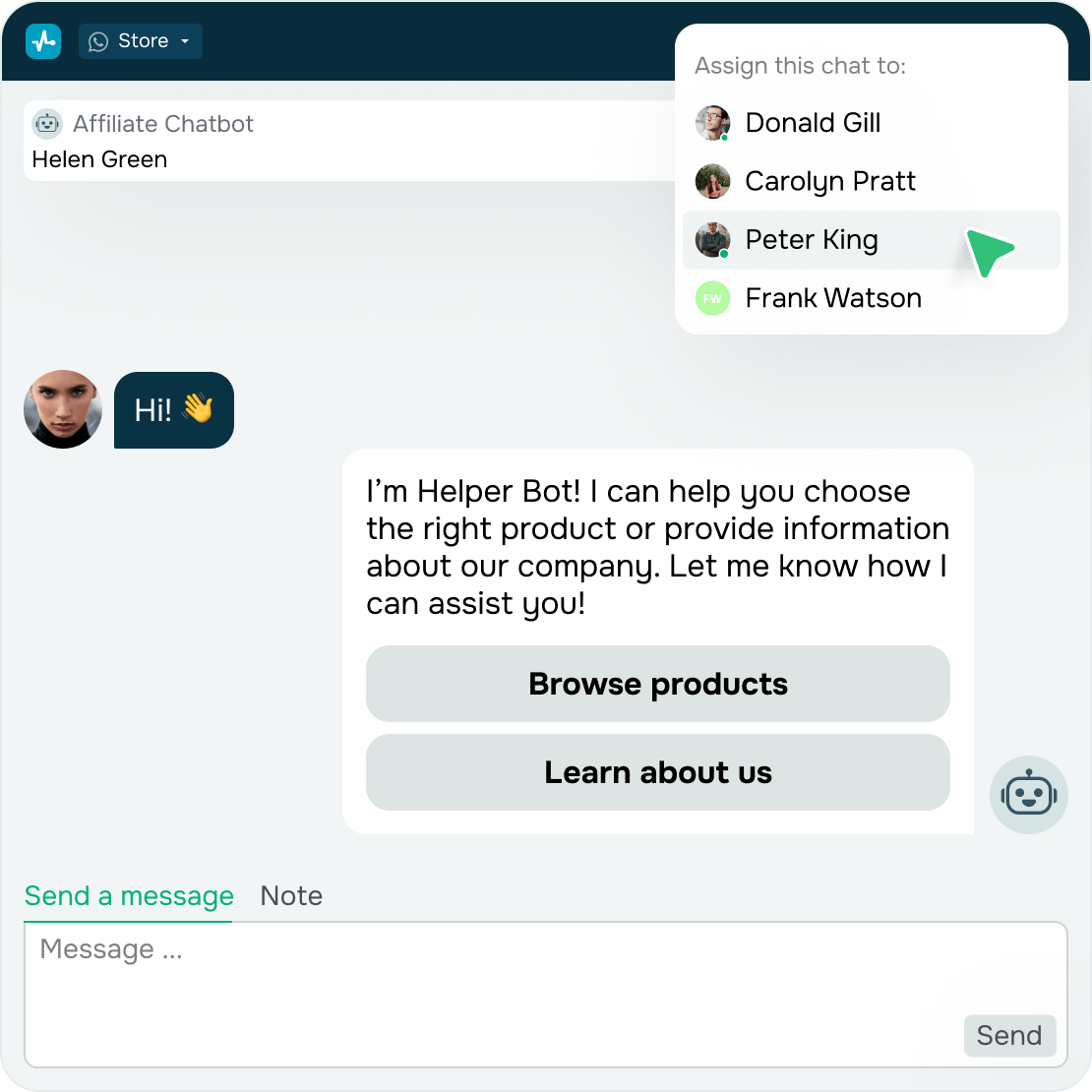
- Tag incoming sales questions and assign them to the right sales rep, so nothing gets lost in a busy inbox.
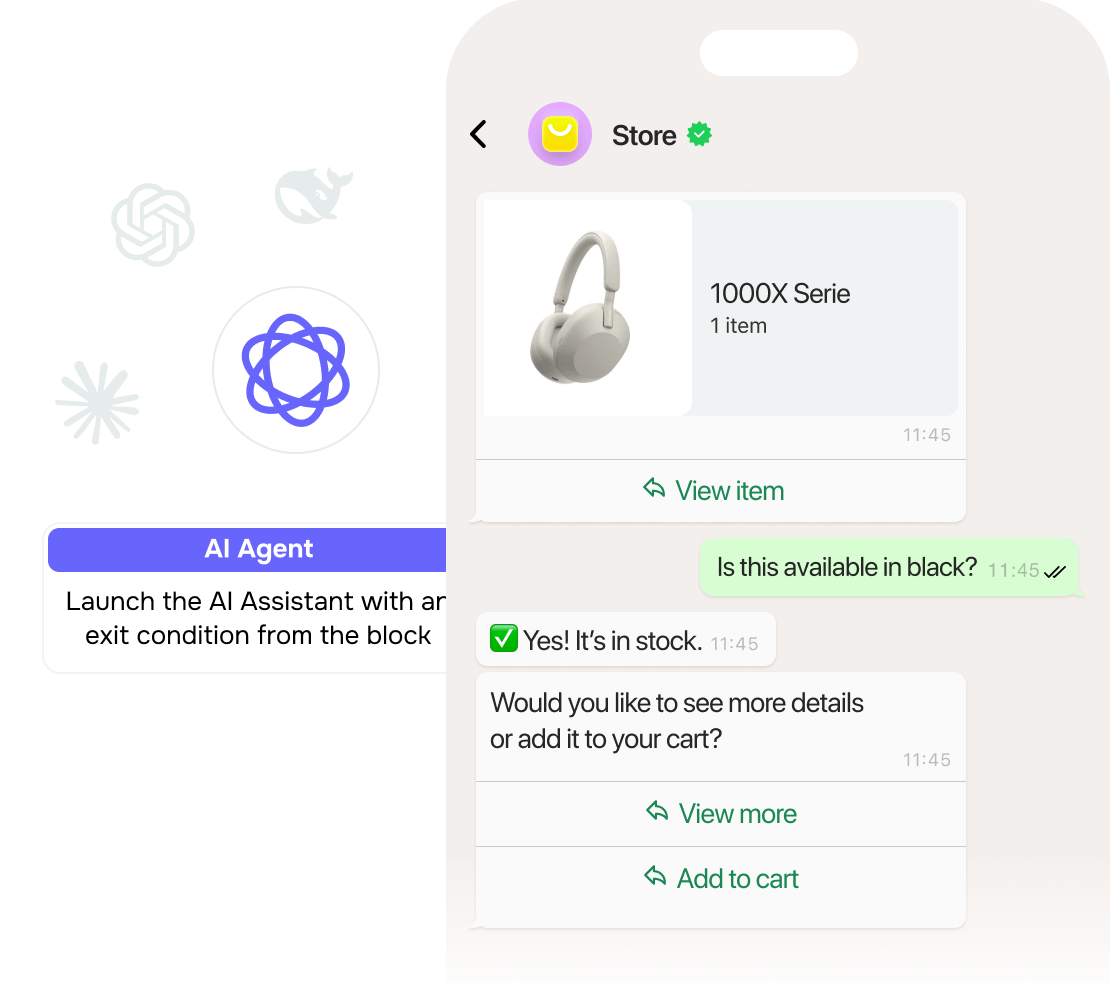
- Use a WhatsApp chatbot to reply instantly when a sales rep can't, then bring in your team when the conversation needs a person.
Example. A food delivery business gets menu questions on WhatsApp. A chatbot replies instantly with common answers, and a team member steps in for special requests like allergies or large orders.
4. Segment your audience by interests
What to do. Group contacts based on what they are interested in so you can send more relevant sales messages.
When to use it. Your business sells different product categories or serves customers with different preferences.
How to set it up:
- Use customers' interests, previous purchases, or browsing behavior to group contacts into segments.
- Match each promotion to the people most likely to care about it.
Example. A craft store groups customers interested in painting separately from those interested in knitting. People who previously browsed paint and brushes receive painting-related offers instead of promotions for yarn and knitting needles.
5. Put the key message first
What to do. Lead with the most important part of your sales message so customers understand its value from the first line.
When to use it. You send promotions, reminders, or other WhatsApp messages where the opening line needs to grab attention.
How to set it up:
- Put the main offer, reminder, or useful information in the first sentence.
- Keep the opening specific enough that customers immediately understand why the message matters.
- Use the rest of the message to add the details they need to take the next step.
Example. A beauty salon's WhatsApp promotion opens with "20% off all manicures this week." The next lines list available times and include a Book now button.



![How to Set Up WhatsApp Welcome Messages [Examples & Templates]](https://www.spcdn.org/blog/wp-content/uploads/2026/01/whatsapp-welcome-message-cover-255x167.png)
or