


















×

Want to see SendPulse in action?

picture for noty

Book a personalized demo, and our representative will walk you through our core features, answer your questions, and help you get started with the service.

Book a demo

Trusted by 3M+ users. Loved by 4K+ reviewers

ufs rocher dominos jooble viessmann puma samsung lot swatch karcher PWC radisson tata jackwolfskin sofitel

Make your website conversation-ready using a WhatsApp live chat widget

A WhatsApp widget for your website removes friction and drives action even while you’re away. This makes it easy for users to ask, book, and subscribe instantly.

Start chats that capture leads smoothly

Start chats that capture leads smoothly

Forms slow visitors down. Many don’t finish them, and you lose potential customers who are ready to act.

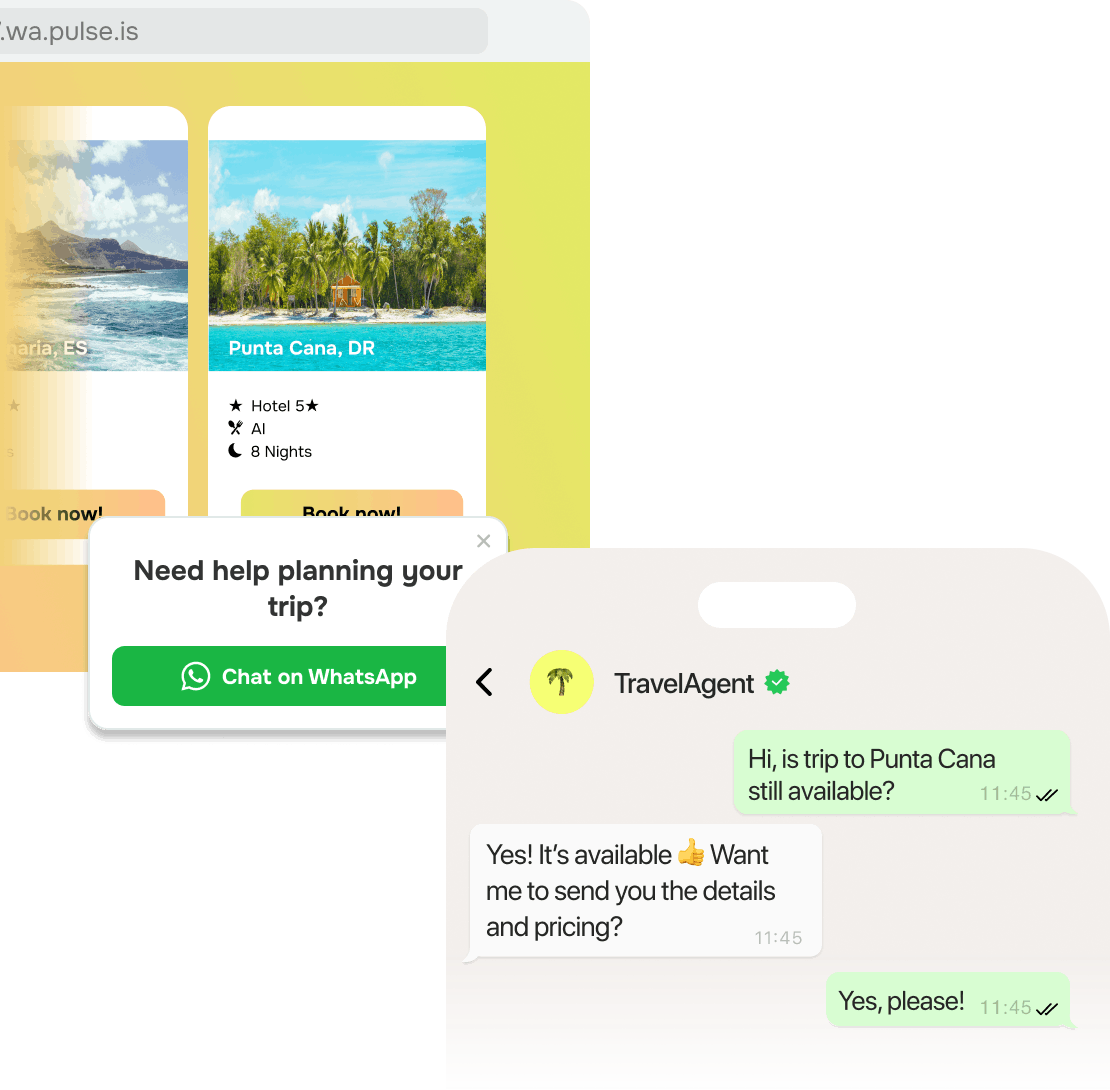
WhatsApp chat widgets for your website solve this. One tap opens WhatsApp and subscribes them to your chatbot. From here, your chatbot can qualify leads, capture data, or send offers.

Over time, every visit gets a chance to become a deal, nurturing your leads and keeping your website easy to use.

Reply instantly and win more deals

Reply instantly and win more deals

Leads often have last-minute questions before they buy or book. If they can’t get answers fast, they leave for another option.

In the meantime, a WhatsApp widget for your website keeps you just a tap away. Your widget stays visible as visitors browse, and once they click, they land in your chatbot.

Just like that, conversations move faster, making it easier to flip questions into deals.

Trigger your widget when it matters most

Trigger your widget when it matters most

Random pop-ups often do more harm than good. They interrupt, distract, and drive users away.

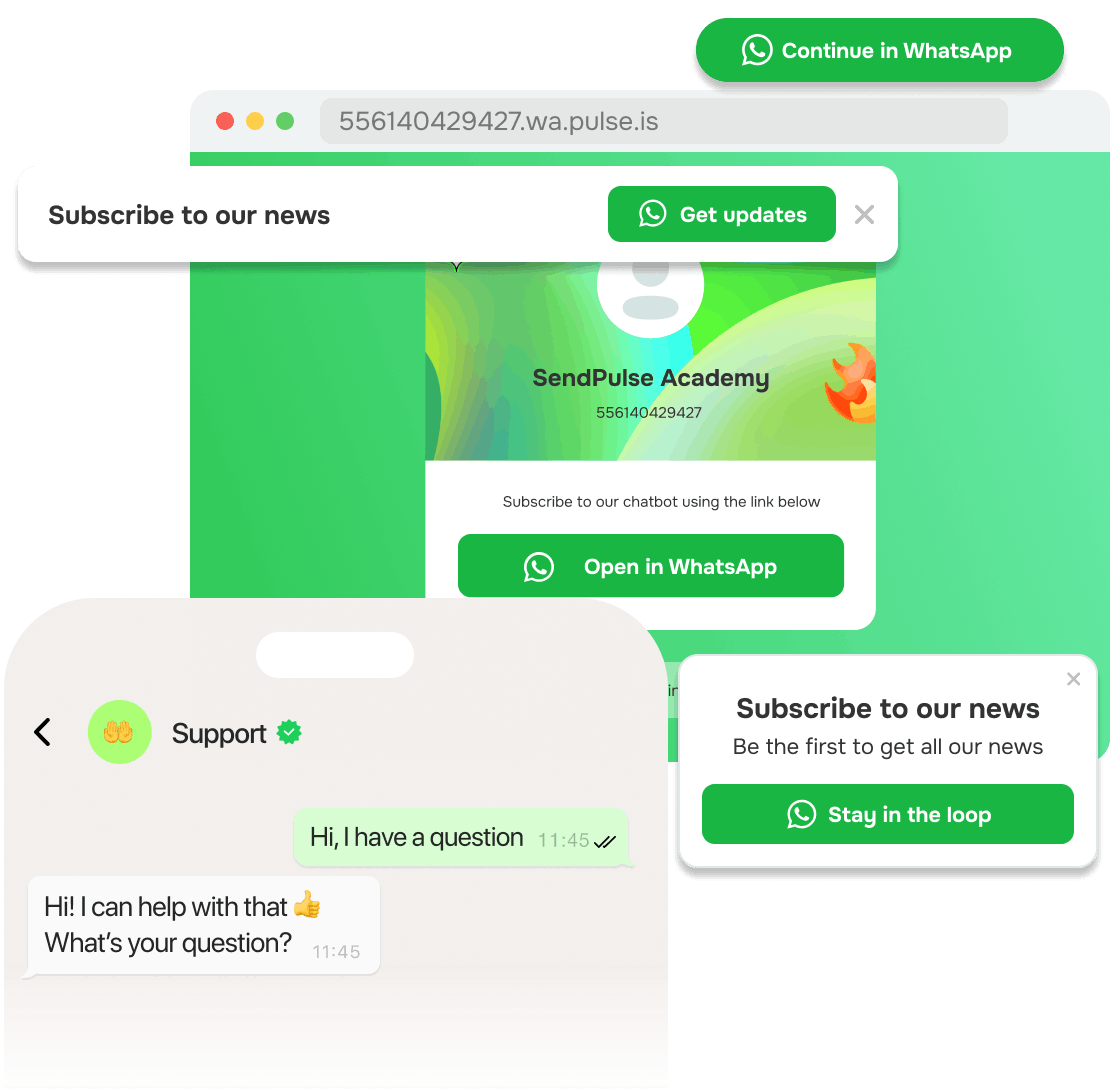
A WhatsApp live chat widget, on the other hand, appears only when attention is highest and stays fully under your control. You can style it as a bar, button, floating bubble, modal window, embedded chat, or checkbox, then decide when it shows up. Trigger it on scroll, exit intent, or key pages.

More importantly, your widget will feel natural instead of intrusive. This can help you capture interest when visitors are actually ready to chat and convert.

app

Chat, remind, assist — right on your website

Guide visitors to your chatbot using a WhatsApp widget to reply, follow up, and support them every step of the way.

Learning hub

Give visitors a quicker path from interest to action using a WhatsApp widget for your website.
How does my widget turn visitors into prospects?

How does my widget turn visitors into prospects?

A WhatsApp chat widget for your website removes the gap between interest and action. Instead of searching for emails or filling out forms, visitors tap your widget and land right in your chatbot.

On top of that, your chatbot can capture data, qualify leads, and suggest next moves automatically. Every click becomes a chance to convert, and attention turns into conversations.

With this approach, your business builds relationships faster and keeps engagement high.
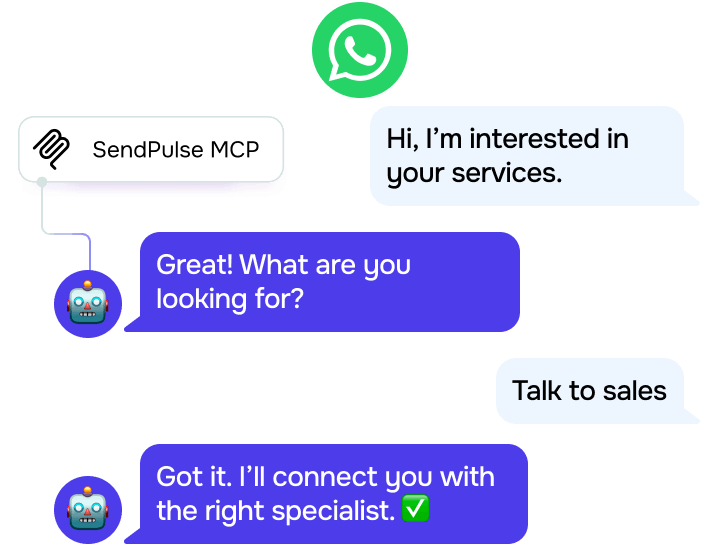
What happens when someone clicks my widget?

What happens when someone clicks my widget?

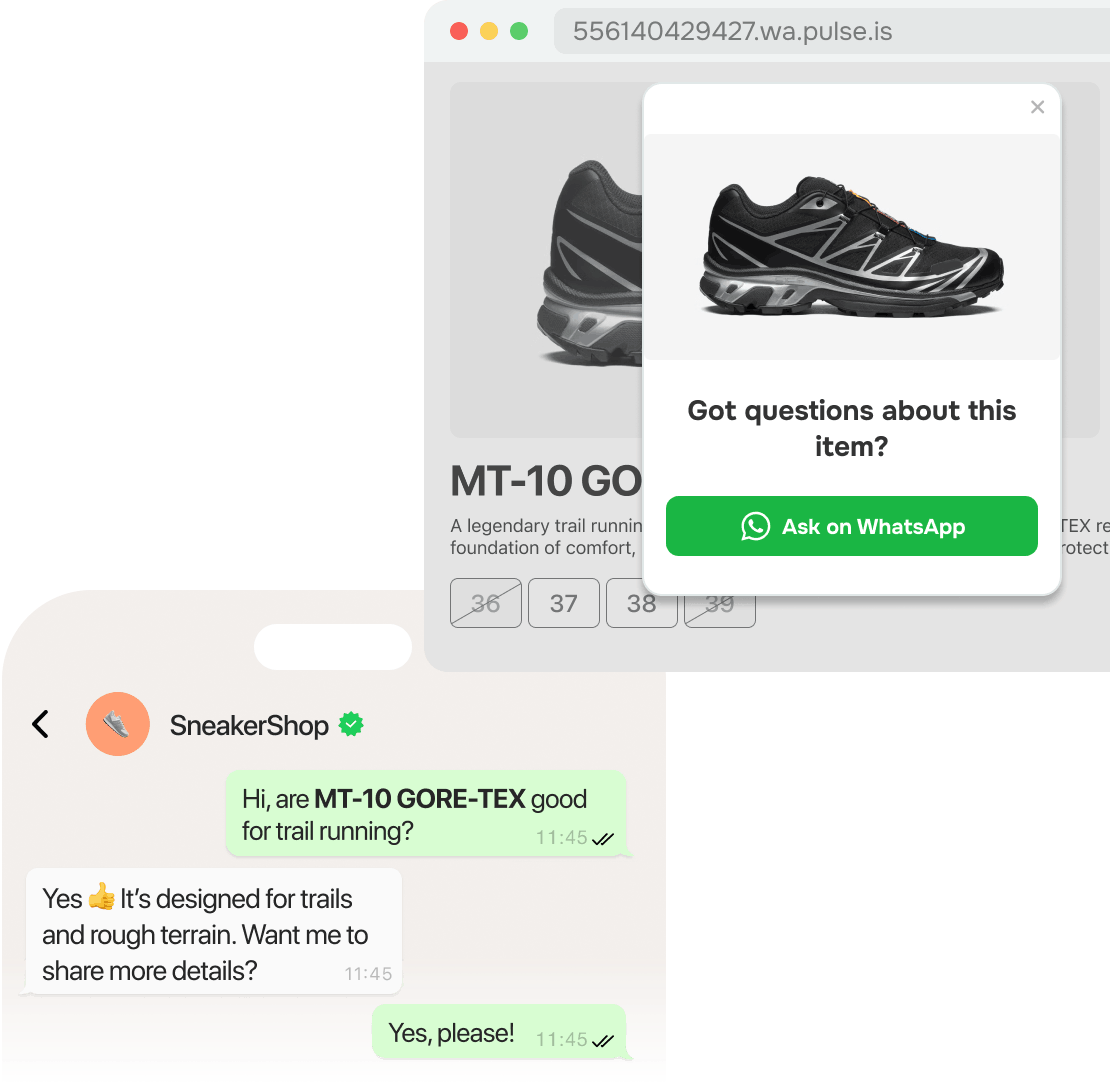
Once a visitor taps your WhatsApp live chat widget, they instantly subscribe to your chatbot. Then, your chatbot welcomes them, asks qualifying questions, offers help, or routes their messages to your team.

Better yet, your widget can pass UTM tags and custom data, which helps your CRM system track lead sources and behavior. With this context, your team can personalize replies, segment users, and move them toward conversion.
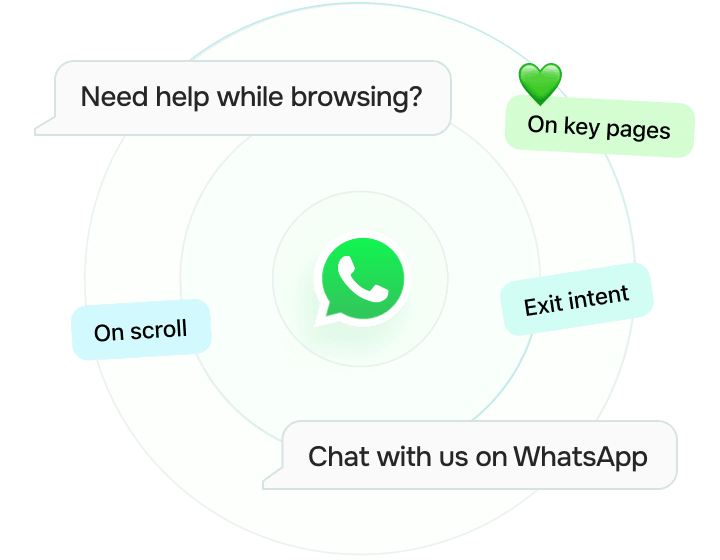
Can I customize my WhatsApp widget?

Can I customize my WhatsApp widget?

Your WhatsApp widget for your website adapts to visitor behavior and page context. You can style it as a floating bubble, pinned bar, modal window, embedded chat, or button.

Some widget options work best while visitors scroll, others when they’re about to leave or checking key pages.

You can also customize the visuals to match your brand identity. With this setup, your widget feels supportive, not intrusive, and your website visitors have more reasons to stay and reach out.
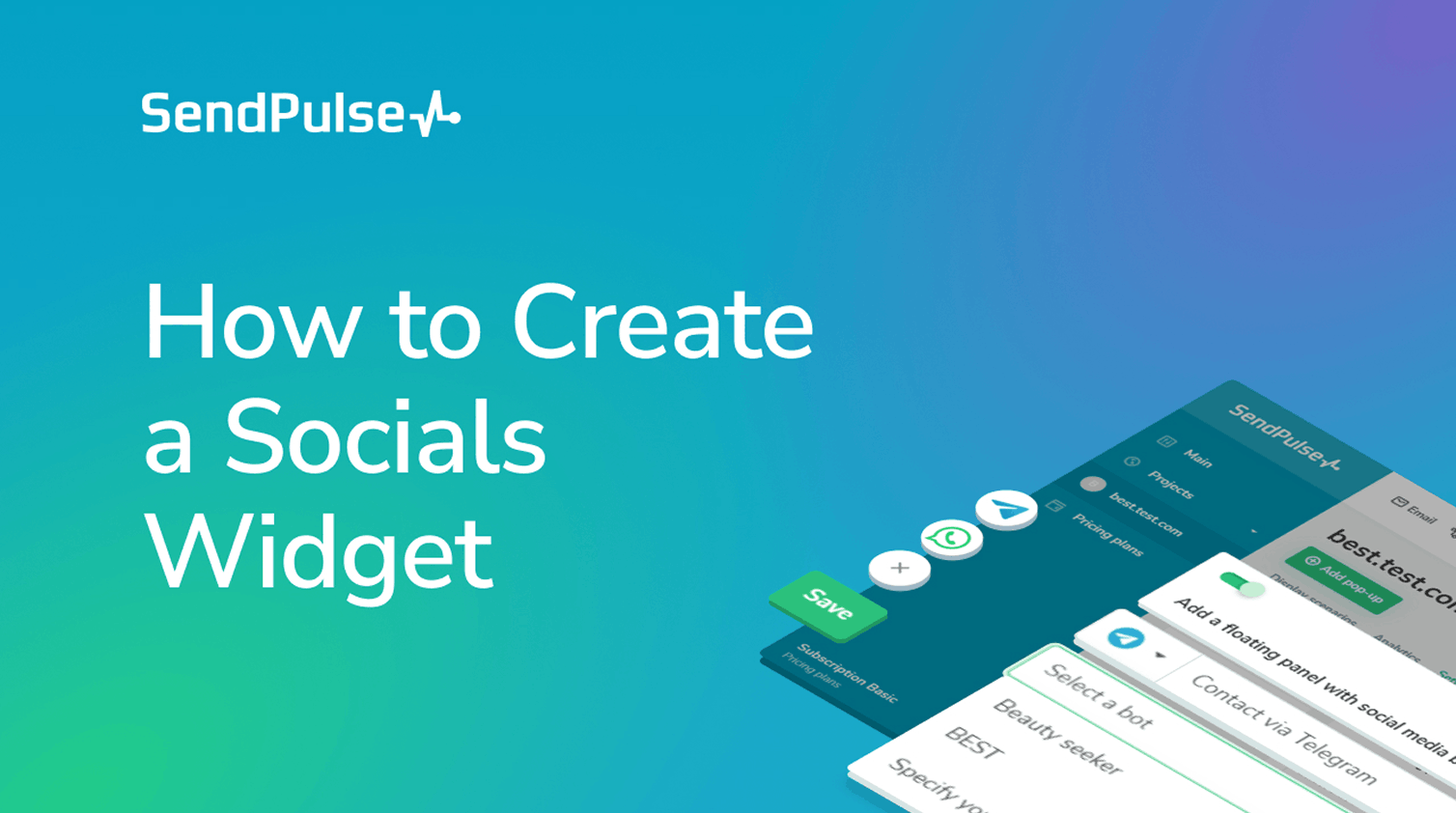
How to build a widget

Explore smart ways to create your first widget without the guesswork.

Study online with SendPulse Academy

Create a WhatsApp chatbot with SendPulse

Learn how to set up a WhatsApp chatbot using approvable templates and automate flows.

Get more from every website visit with a WhatsApp live chat widget

Why make visitors fill out forms when they can just tap and chat? Grab interest on the spot with a WhatsApp widget for your website.

icon
Turn traffic into WhatsApp chats

Let clients book or buy the moment they’re ready, no need for contact forms or extra steps.

icon
Pick a widget layout that fits

Try a bar, button, modal, or embedded layout, then customize a WhatsApp chat widget for your website to match user behavior.

icon
Kick off when interest peaks

Let your widget kick in when a visitor’s actions show interest, like scrolling, browsing, or staying on your page.

icon
Step in when it counts

Start new chats instantly, so no question goes unnoticed, even without your support team online.

icon
Stay on brand with your widget

Customize colors, position, and icons to reflect your brand identity at every touchpoint.

icon
Grow your audience

Capture leads through every chat and sync their data with your CRM system seamlessly.

FAQ

Absolutely! Your WhatsApp live chat widget can capture UTM tags and custom variables. From here, SendPulse’s CRM system sees exactly which campaigns or pages generate conversions. This makes it easier to optimize your traffic and personalize every chat.

Once you've created your widget, you'll get a ready-to-use code snippet. Just copy and add it to your website — no coding needed. Then, the WhatsApp chat widget for your website can start capturing leads right away.

By all means! You decide which pages show your widget, when it shows up, and how it behaves. Whether it’s a floating bubble on your homepage or a checkbox at checkout, your WhatsApp live chat widget adapts to your workflow.

official-icon
Official WhatsApp Business Solution Provider

Official WhatsApp Business Solution Provider

Keep conversations flowing right on your website

Turn every visit into a conversation with a WhatsApp widget for your website that stays on brand and replies right away.

icon

Start chats on any page of your website

icon

Choose where your widget shows up

icon

Capture leads at the right moment

icon

Never miss a conversation

icon

Match your website style flawlessly

icon

Grow your contact list with every click