























Learning hub
See how recruiting bots handle screening, candidate questions, and application data.
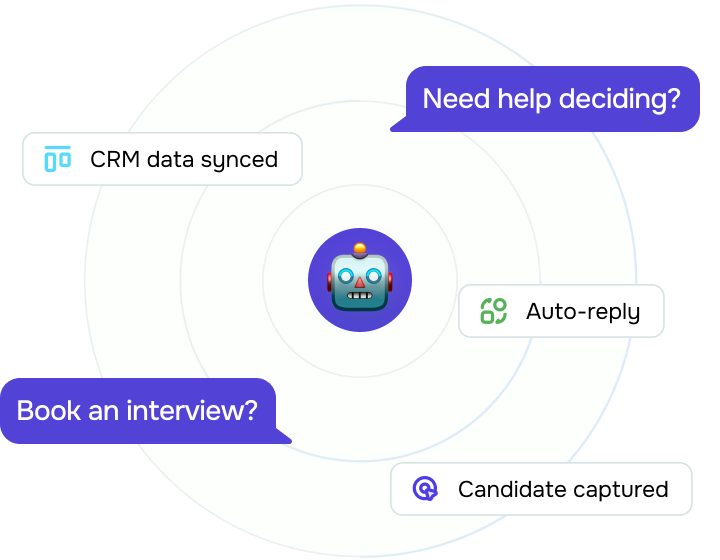
How can I use a recruiting bot on messaging apps?
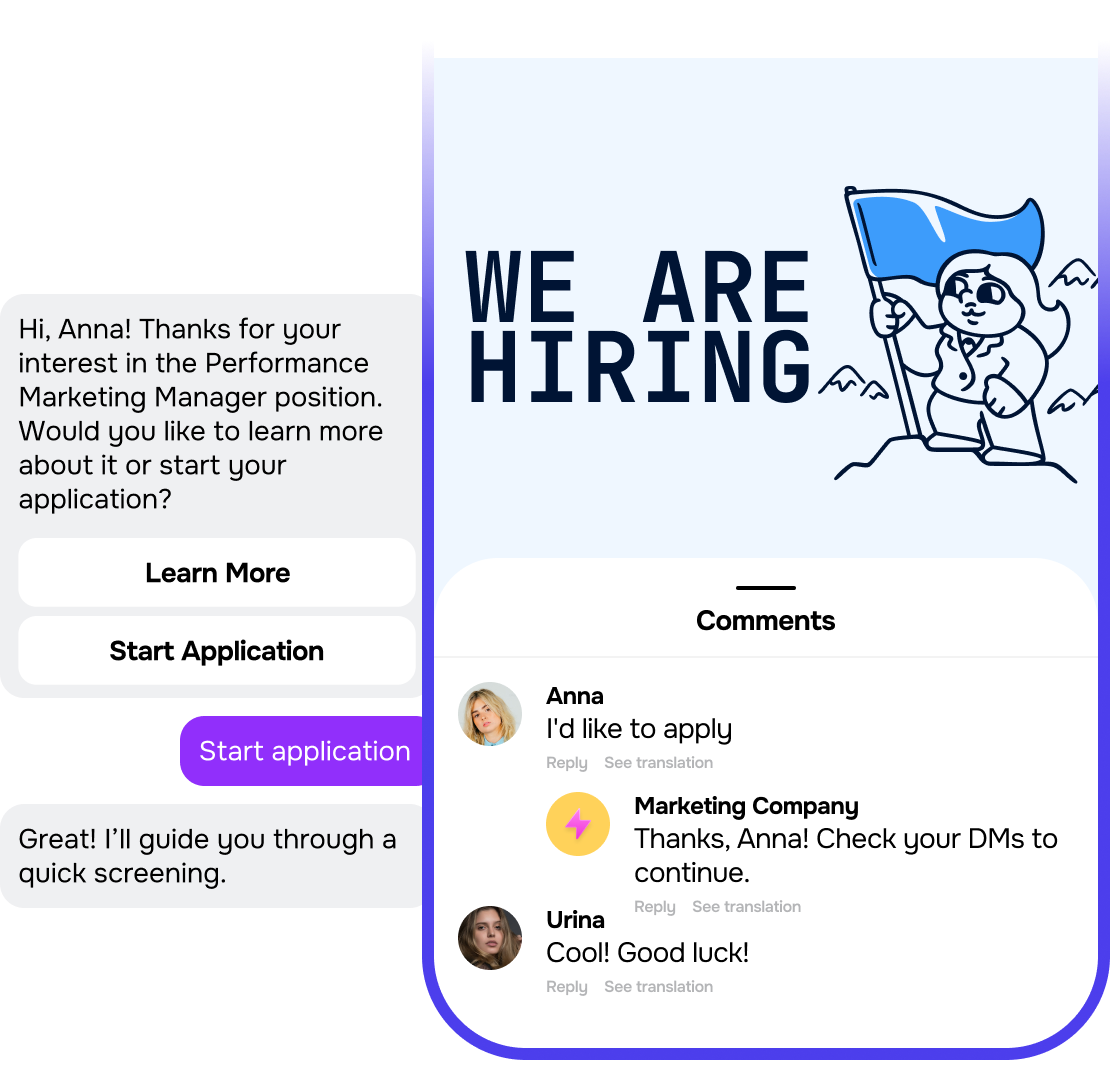
Your recruiting bot can greet applicants, collect their details, and guide them through the first stage of hiring in the messaging app they already use. It can ask screening questions, tell them about the role, and move qualified candidates to the next step.
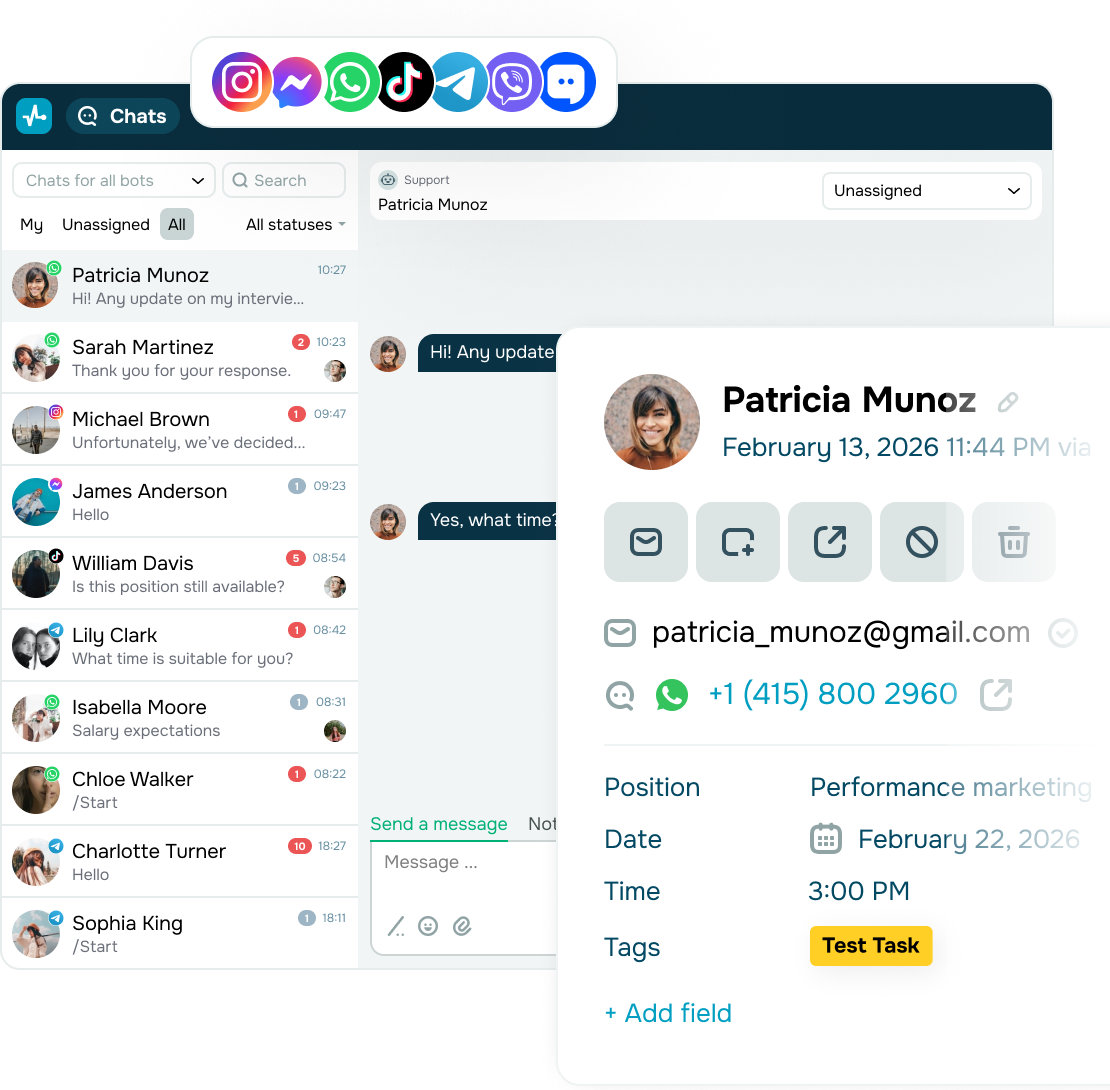
Conversations from different messaging channels stay connected in one place, so you do not have to piece together the candidate journey manually.
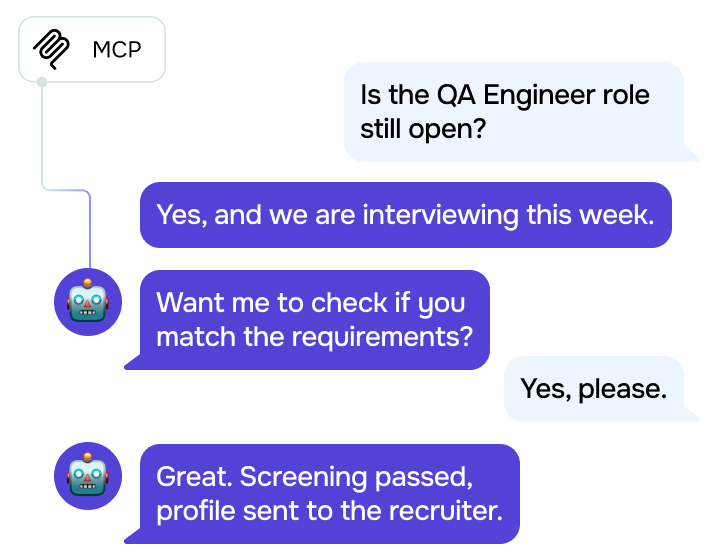
How does a recruiting bot automate candidate screening?
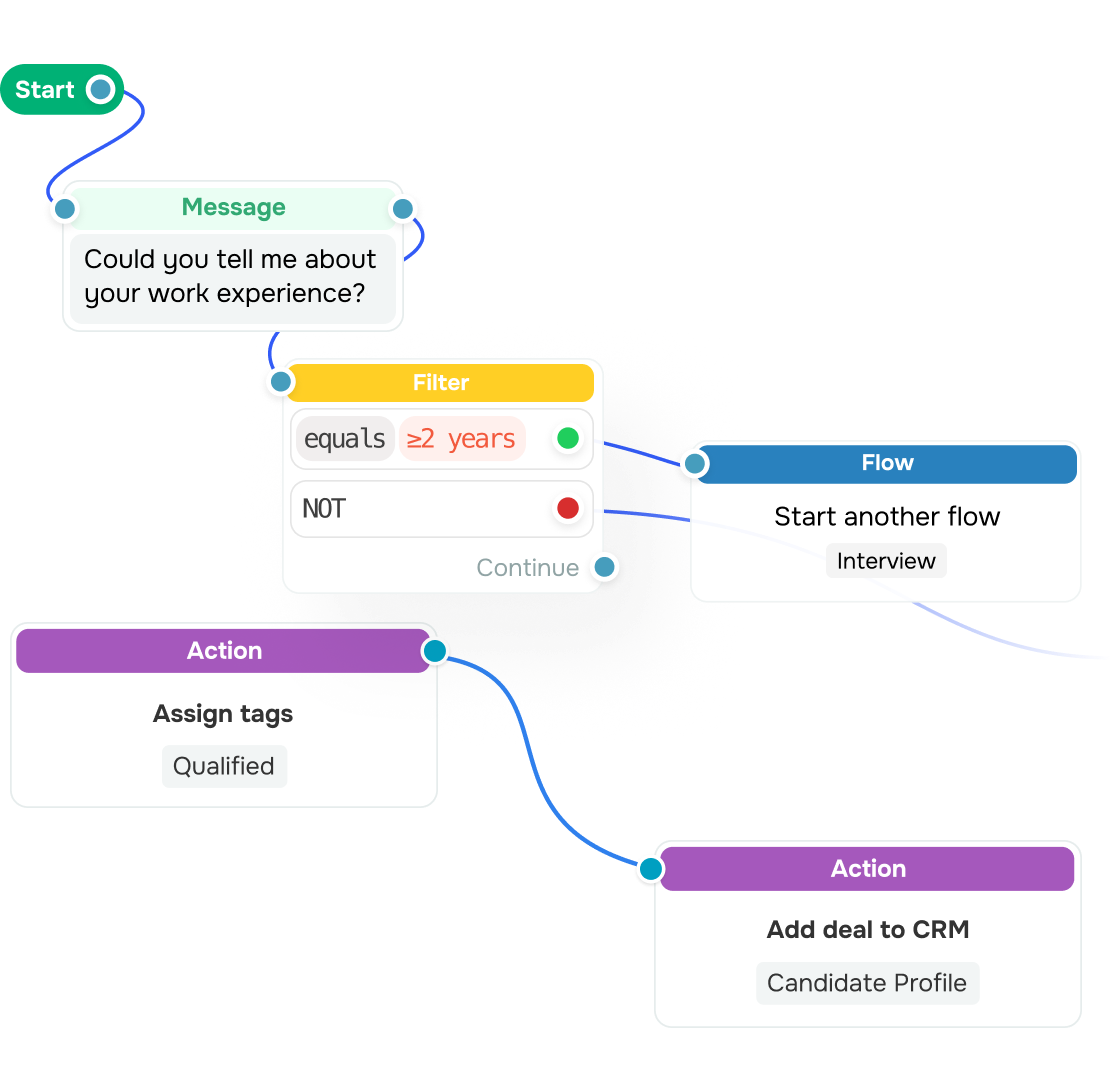
Your recruiting bot guides candidates through a screening flow based on the requirements you set for each role, including the experience, salary expectations, location, and work arrangement. Branching filters choose the next question and end the screening politely when a reply does not meet a criterion.
Next, your chatbot adds tags and saves every answer to the candidate profile, giving you a ready-to-review shortlist.
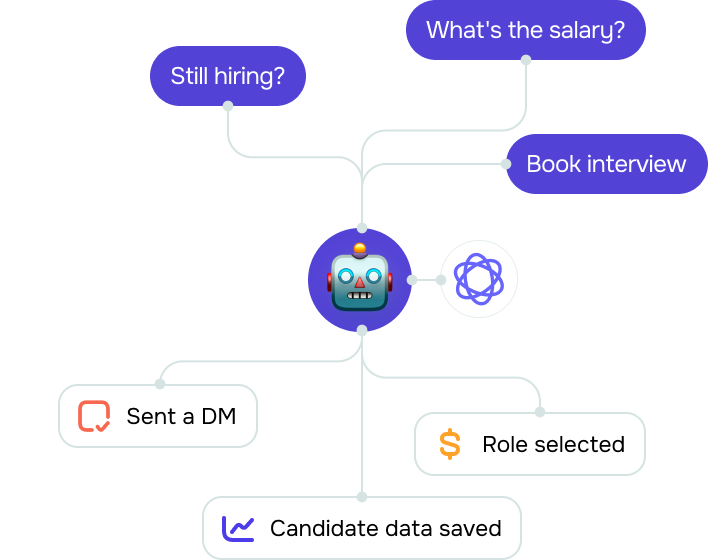
Can a recruiting bot answer questions outside a preset flow?
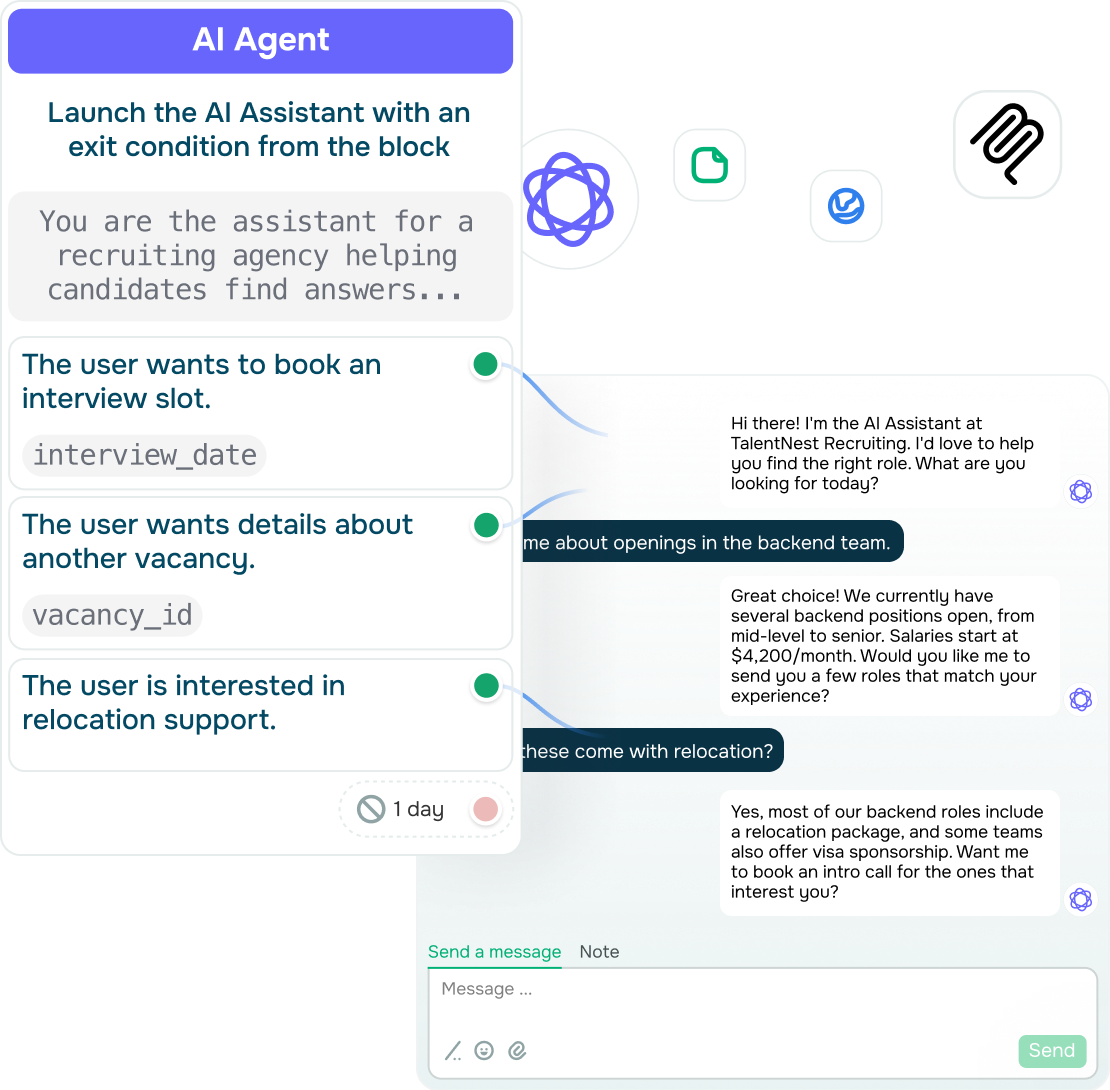
Yes. When candidates ask unexpected questions, an AI-powered recruiting bot can still continue the conversation without involving your team. It uses the conversation history to understand context and give a relevant answer.
With this in place, candidates get help after hours, and you step in only when the conversation needs a human touch.
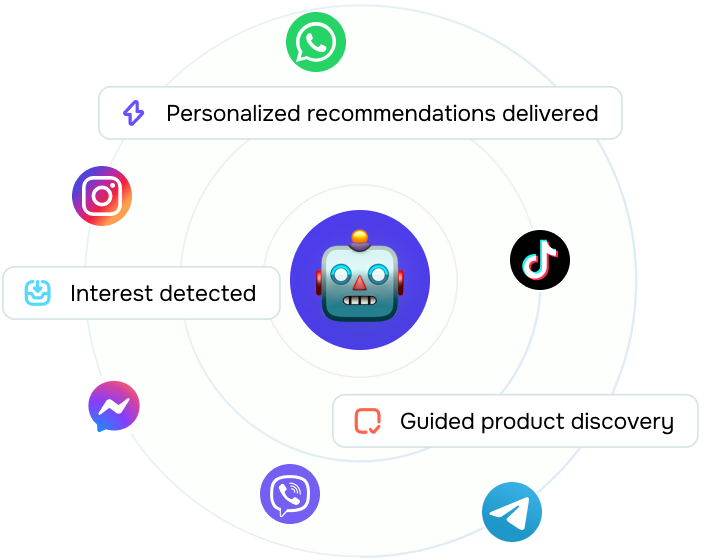
How can I manage applications across multiple messaging channels?
Connect each messaging app to the same workspace. Your team can then keep track of messages, screening answers, and contact details without juggling multiple inboxes.
Your recruiting bot also creates contacts and deals in CRM automatically, so you won’t have to copy candidate data between tools.






or