



















×

Want to see SendPulse in action?

picture for noty

Book a personalized demo, and our representative will walk you through our core features, answer your questions, and help you get started with the service.

Book a demo

Trusted by 3M+ users. Loved by 4K+ reviewers

ufs rocher dominos jooble viessmann puma samsung lot swatch karcher PWC radisson tata jackwolfskin sofitel

Support every client across every chat

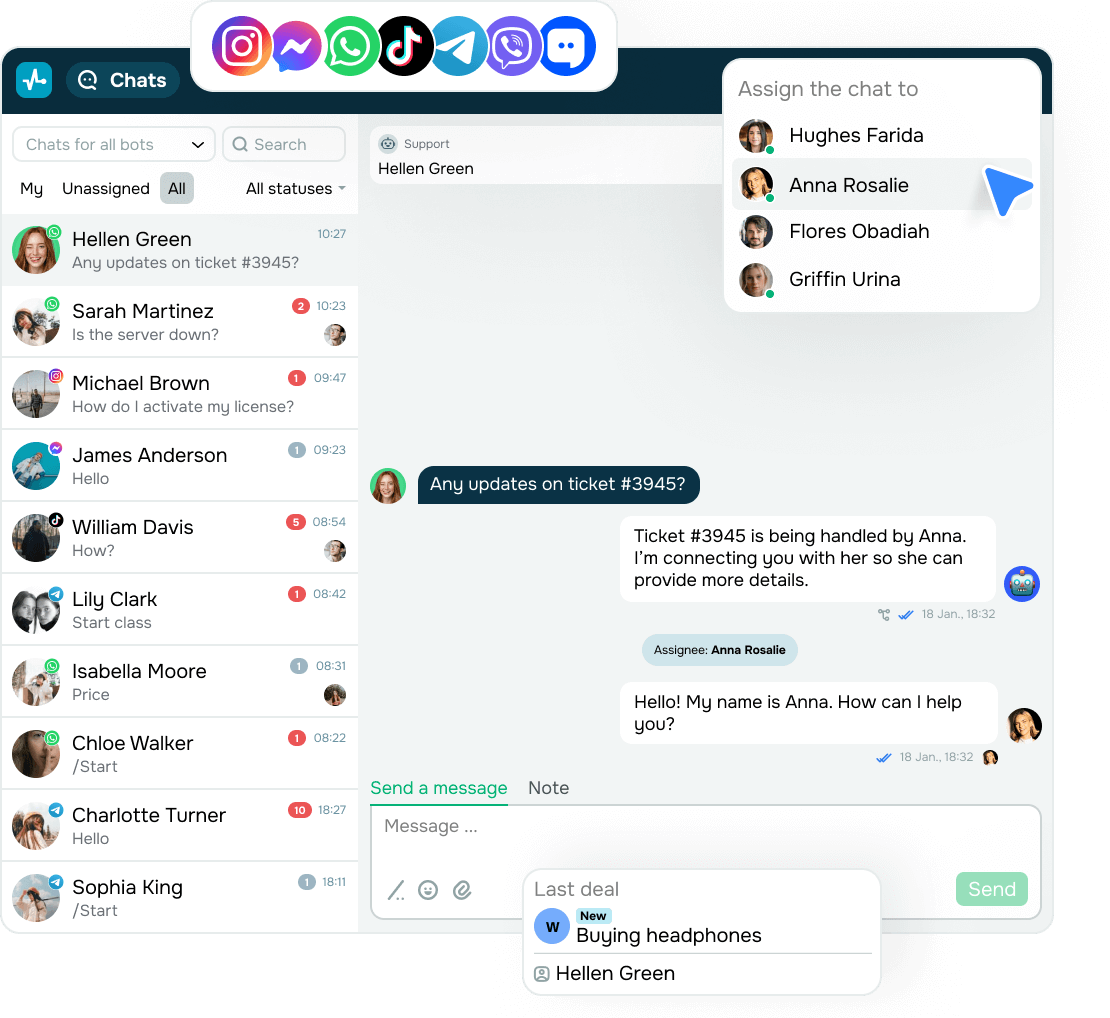
Users may reach out across multiple platforms, but chatbot IT support brings every message into a shared inbox. Your chatbot replies within seconds and keeps each conversation on track before it turns into a growing ticket backlog.

One inbox for every conversation

One inbox for every conversation

When replies arrive late or end up in the wrong inbox, issues start piling up. Gaps in response times hurt user trust and delay resolution.

In this case, chatbot IT support merges all incoming chats into a shared workspace. So, your team sees every ticket with full context, assigns tasks, and replies in relevant threads.

This way, questions don’t slip through, and answers stay consistent. Your users receive quick, clear replies no matter where they ask.

Every ticket finds the right agent

Every ticket finds the right agent

Generic inboxes slow down your IT support. Your agents lose time sorting urgent issues, while your users wait.

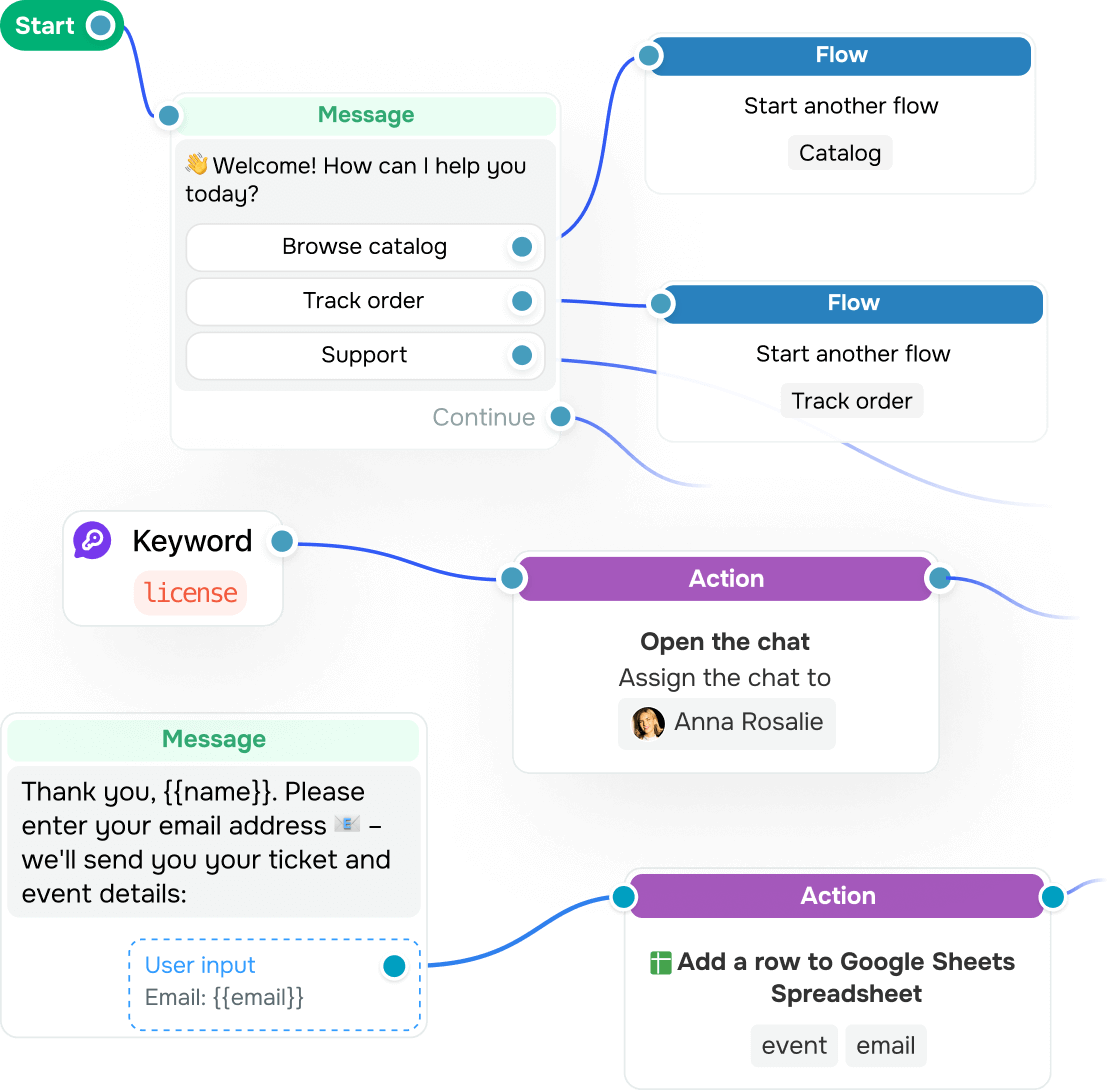
Meanwhile, chatbot IT support qualifies each ticket by asking a few quick questions and routes them to product managers, security, DevOps, or other teams.

This helps you avoid back-and-forth and prevent misrouted tickets. Your users receive expert help faster, and your team gets more time for more complex tasks.

Smarter, context-aware replies

Smarter, context-aware replies

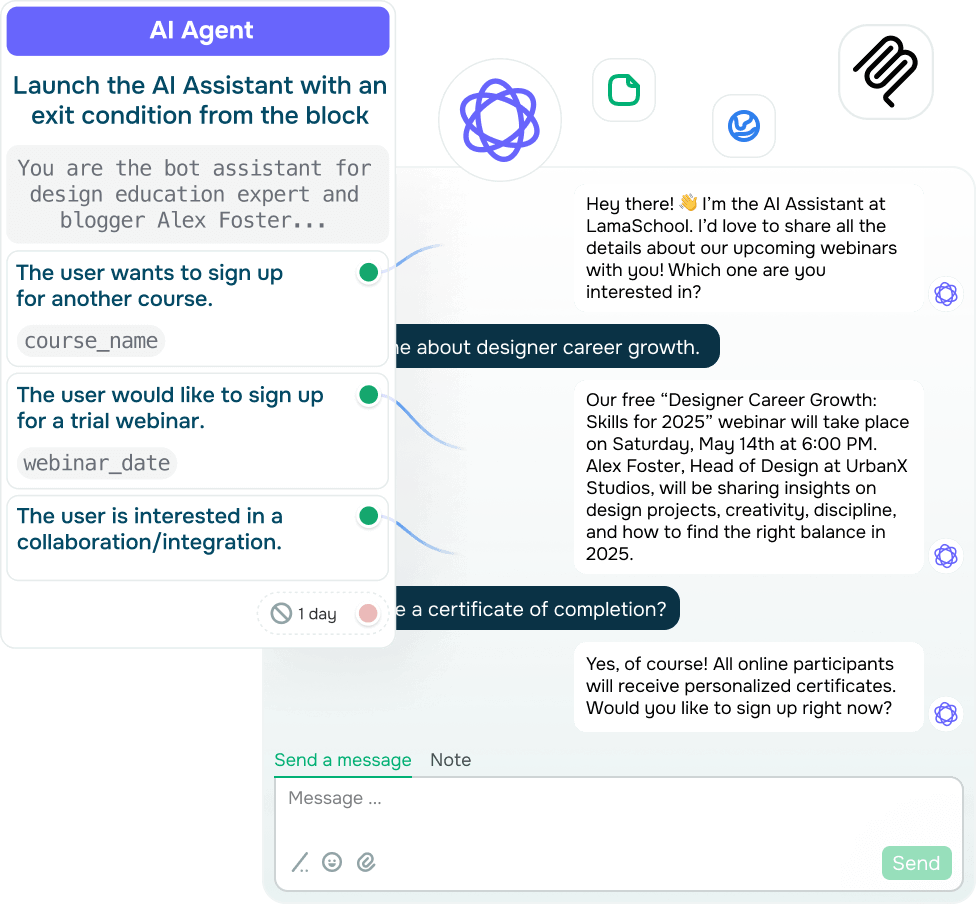
Clients expect fast and relevant answers, not generic templates. Still, support tone often breaks across chats, especially when things get more technical and complex.

Chatbot IT support, powered by an AI model, adapts each reply, maintains a consistent tone of voice, and pulls in relevant info from your CRM system and ticket history.

With this approach, users feel heard, trust grows, and support becomes a natural part of your product experience.

app

Chatbot IT support that unites chats across apps

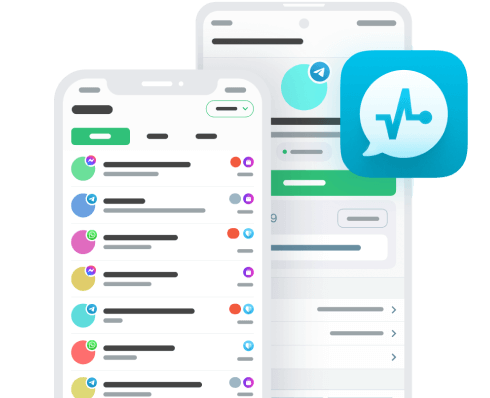
Confirm credentials, resolve issues, and share knowledge base links from your phone.

Learning hub

Turn replies into solved issues. Chatbot IT support spots intent, shares links, and connects users to your team before confusion slows things down.
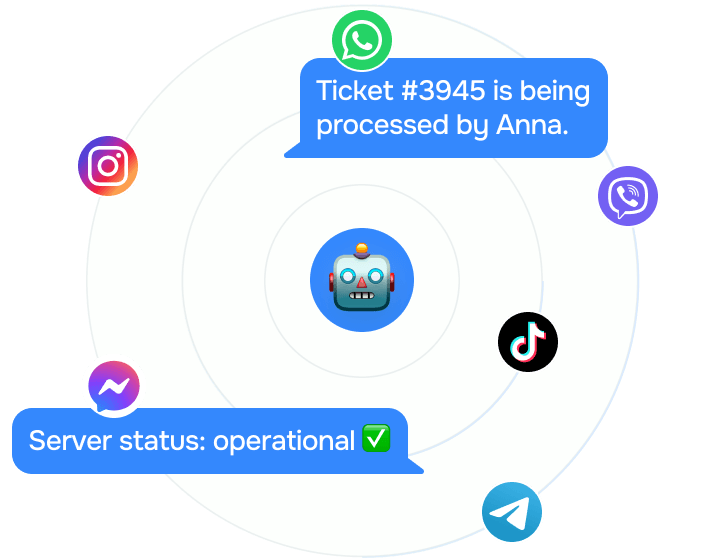
Why do tech teams choose chatbot IT support over more agents?

Why do tech teams choose chatbot IT support over more agents?

Your support team has to handle nonstop tickets across platforms, time zones, and tools. Meanwhile, a chatbot IT support system replies instantly, without human delay.

It routes issues, offers tips, and shares self-help resources in real time.

With this in place, your support runs 24/7, your clients receive help in seconds, and your team stays on top of critical tasks.
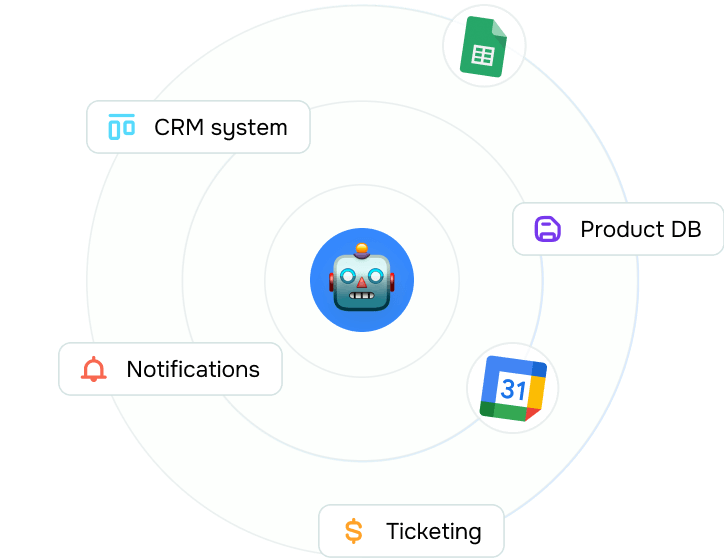
Can chatbot IT support tools integrate with your system?

Can chatbot IT support tools integrate with your system?

Absolutely! Chatbot IT support integrates with ticketing platforms, CRM systems, databases, and internal tools.

It logs every client request, updates user profiles, and triggers actions like password resets, access right changes, or system notifications.

This way, your support team stays fully aligned with your tech stack without switching between tools.
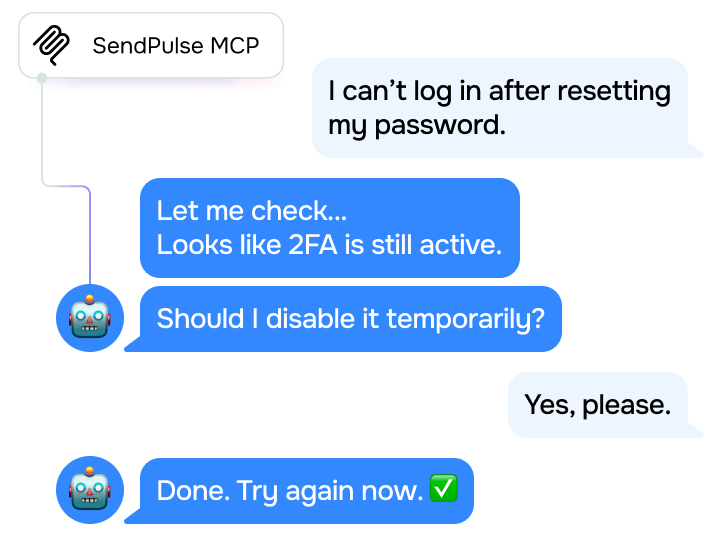
What defines the best chatbot IT support tool?

What defines the best chatbot IT support tool?

A strong chatbot IT support tool replies instantly, understands context, and routes every ticket to the right team.

With the MCP server in place, your chatbot links up with your CRM system, syncs docs, and grabs spot-on answers from your knowledge base. It acts as the bridge between your bot and external tools, smooth, smart, and seamless.

Once you set this up, you will be able to reduce repetitive tickets, prioritize urgent messages, and support your clients.
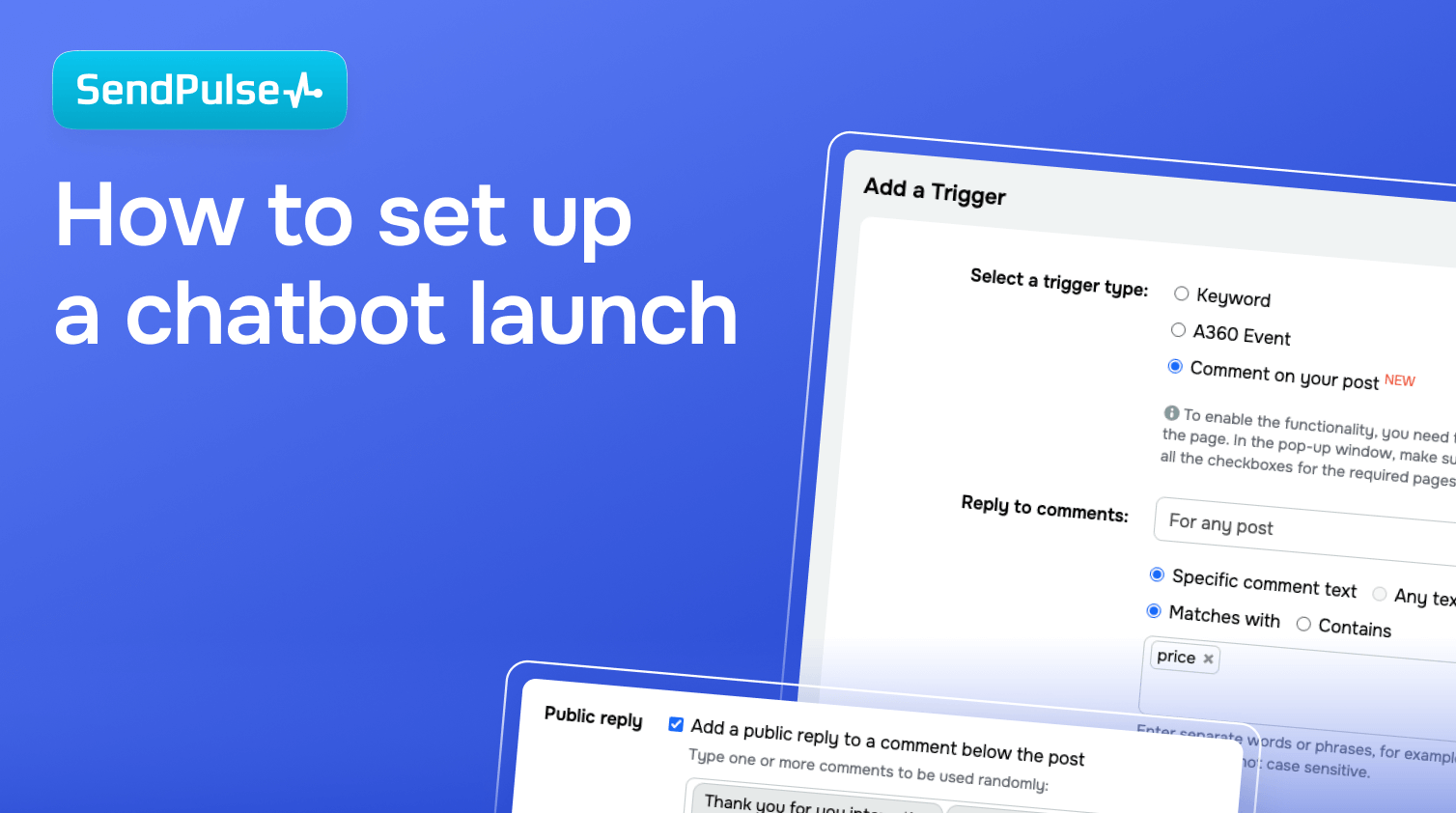
How to set up a chatbot launch

This setup guide helps you map out your chatbot, define your flows, and connect your core systems.

Study online with SendPulse Academy

Create a chatbot with SendPulse

Level up your IT support response time, handle more tickets, and earn user trust with AI-powered chatbot flows.

Chatbot IT support: solve faster, scale smarter

Handle routine tech questions, route support tickets, and tackle issues automatically without overloading your team. Chatbot IT support streamlines responses, cuts down wait times, and keeps your workflows organized.

icon
Reply instantly to everyday messages

Answer frequent questions about logins, access, or resets without delays. Your chatbot IT support is always ready.

icon
Route each ticket to the right team

Automatically direct users to the right specialist based on their answers, no manual forwarding or wasted time.

icon
Share self-help resources in chat

Chatbot IT support helps search and share useful content, so users don’t have to browse your help center on their own.

icon
Guide clients step by step

Whether it’s software setup or a product question, your chatbot explains it clearly, one action at a time.

icon
Tackle issues before they arise

Capture configuration details, detect patterns, qualify issues early, and keep your team focused on what matters.

icon
Bring all chats together

Chatbot IT support keeps conversations from WhatsApp, Instagram, or other messaging apps under one roof with zero chaos.

FAQ

With tailored flows and AI-powered recognition, your chatbot can identify key terms, spot intent, and offer solutions. It can also connect with your internal knowledge base to share step-by-step solutions.

Definitely. Your chatbot can guide new employees through setup, tools, and FAQs, reducing onboarding time and ensuring nothing is missed.

Chatbots offer routine support like password resets, access updates, 2FA setup, software installation help, VPN errors, and more without human intervention.

Upgrade your chatbot IT support to catch issues early

Help your users faster, automate routine tasks, and free up your tech team. Try a chatbot IT support system geared toward your workflows.

icon

Reply fast to each message

icon

Guide users through your flows

icon

Route tickets to team members

icon

Avoid repeat questions

icon

Deliver answers on the spot

icon

Pre-screen tech issues