Wayforpay
Integrate with Wayforpay to accept payments through websites, chatbots, emails, and courses — all you have to do is add a payment button or set Wayforpay as an available payment method. Wayforpay is a payment system that uses 3D Secure, allowing users to accept payments worldwide.

Features
Add payment buttons to your chatbot flows and email templates, and accept online payments with Wayforpay.
Set Wayforpay as an available payment method when creating payment buttons or configuring your online course settings.
Track payments and their statuses in your SendPulse account > Accept Payments. Analyze successful transactions and payment errors to respond promptly.
How to integrate with Wayforpay
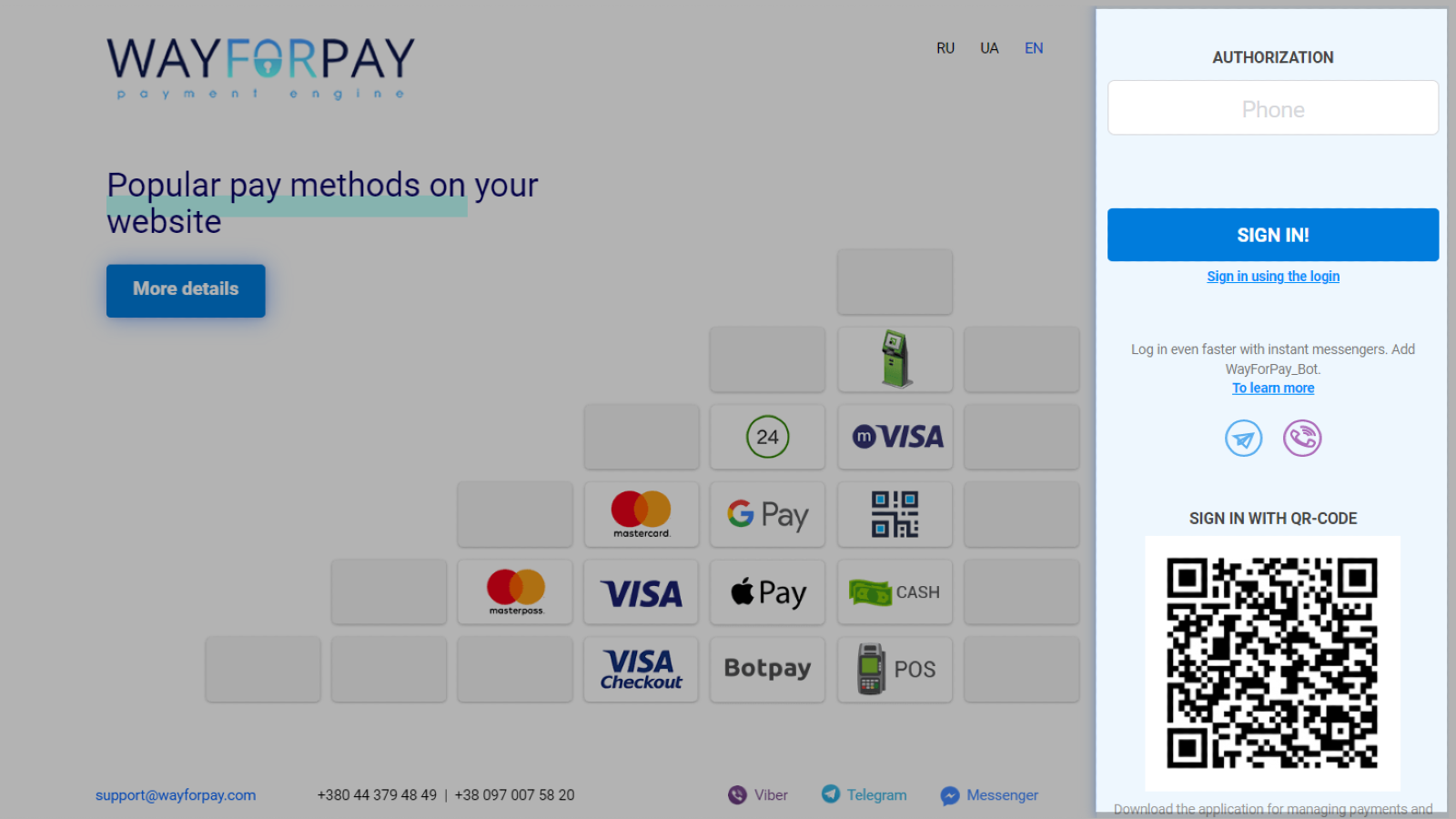
Create or log in to your Wayforpay account. If you have just created an account, create and activate your store.
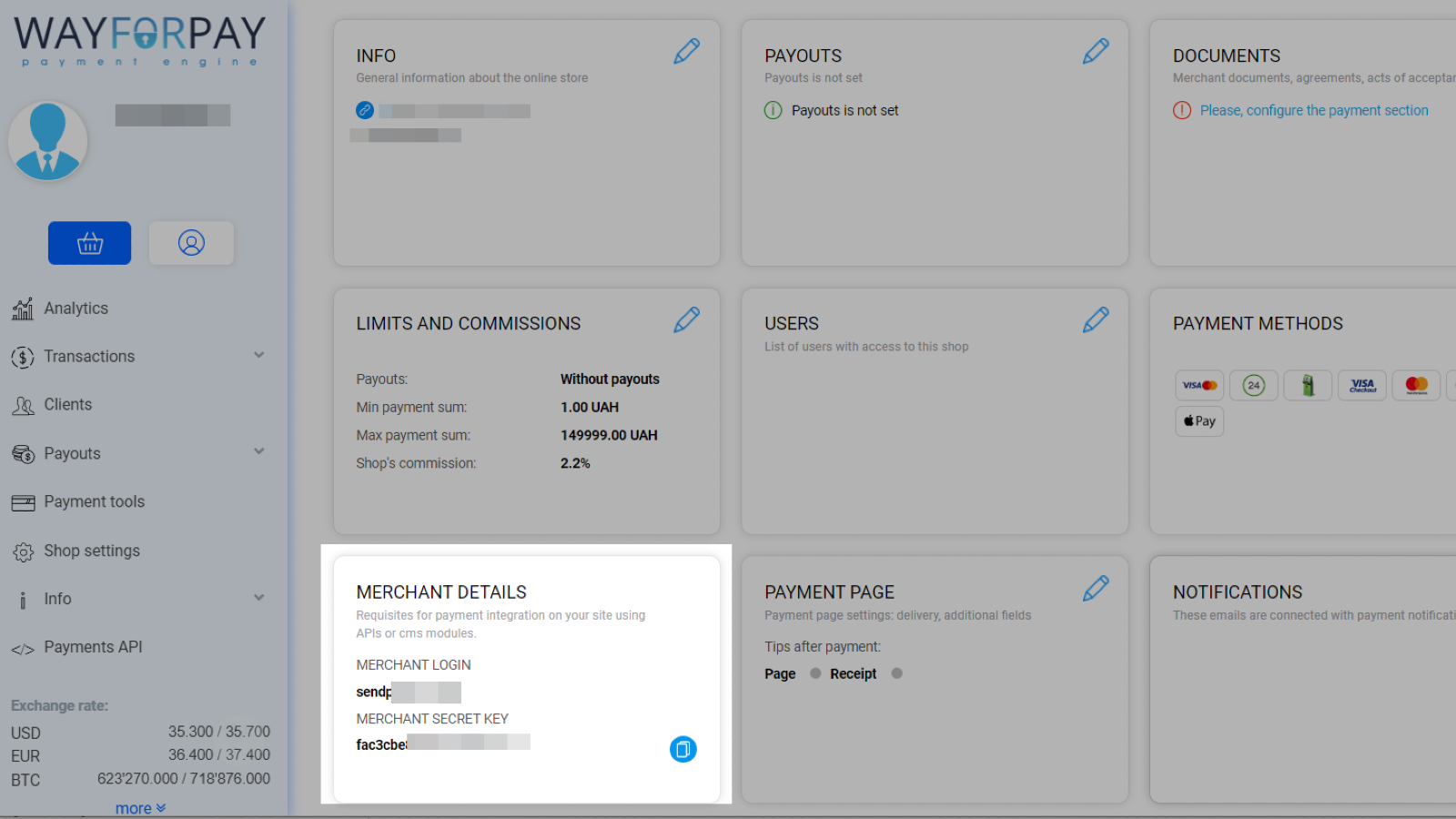
Go to Shop settings, select your store, and scroll scroll down to Merchant details. Copy the values from the Merchant login and Merchant Secret Key fields.
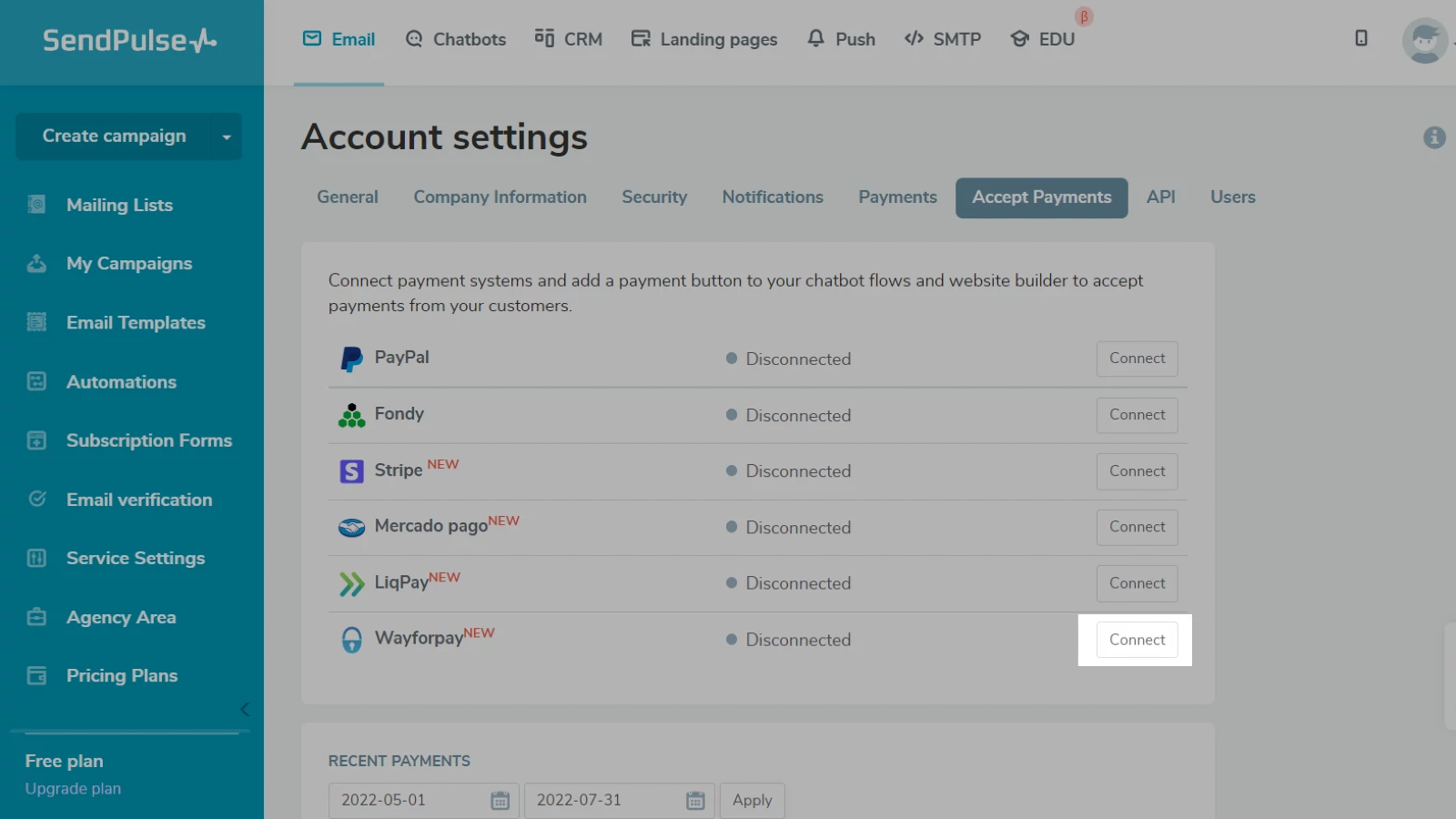
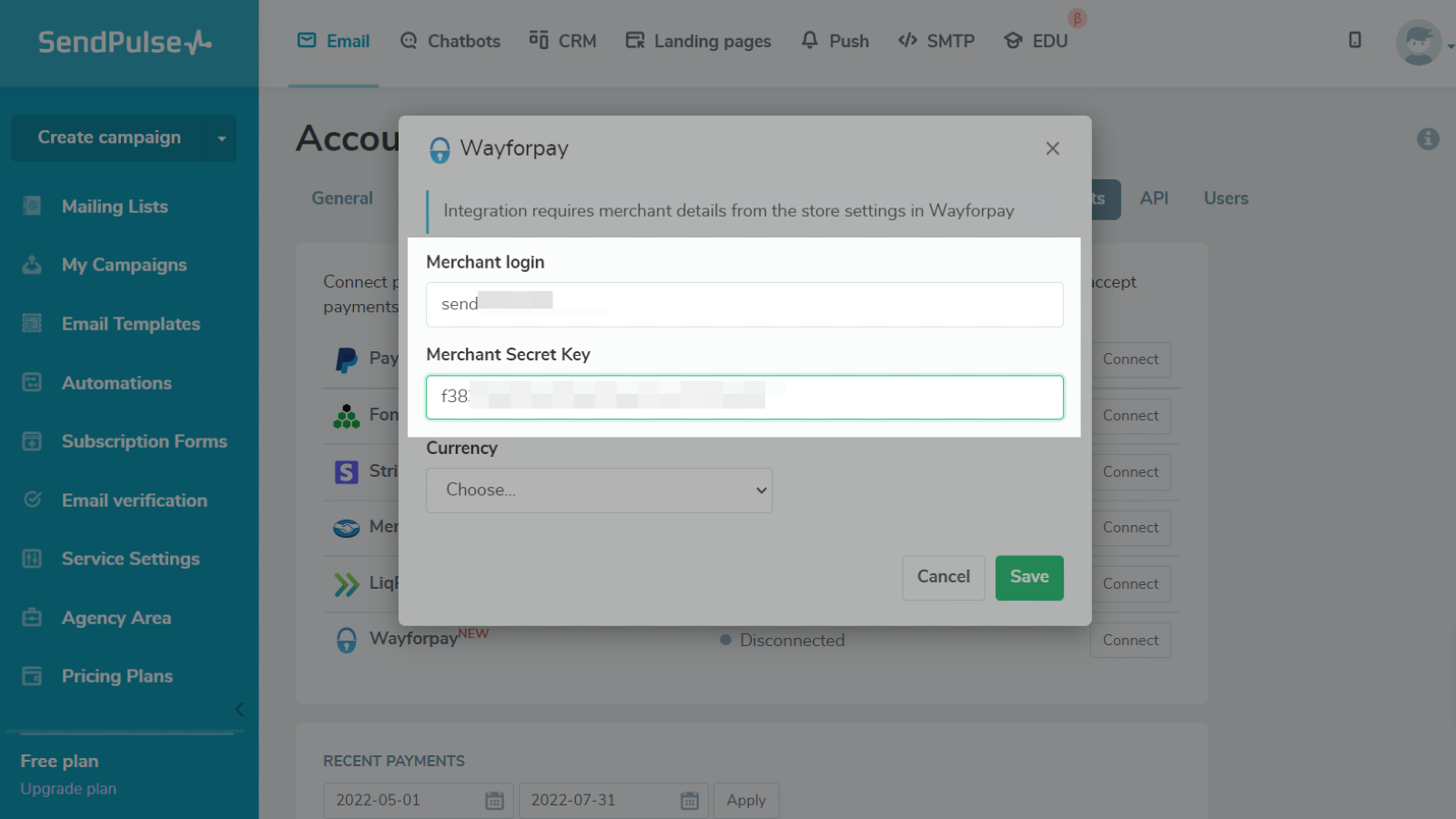
Log in to your SendPulse account and go to Account Settings > Accept payments. Next to Wayforpay, click Connect. Paste the Merchant login and Merchant Secret Key values into their respective fields.
Select a payment currency.
Click Save.
If you entered all data correctly, your integration status will change to Connected.
Learn more about how to integrate with Wayforpay.





or