OneBox OS
This integration allows you to automate your business workflows within OneBox using SendPulse's omnichannel marketing and sales tools. With OneBox, you can automatically create documents, generate invoices, process orders, organize your workload efficiently, and manage projects and employees to speed up the development process and save time, money, and effort.
Features
Automatically send email notifications and campaigns using the ready-made SendPulse element within OneBox OS.
Leverage advanced integration features using API to send SMS messages, web push notifications, and more.
How to integrate with OneBox OS
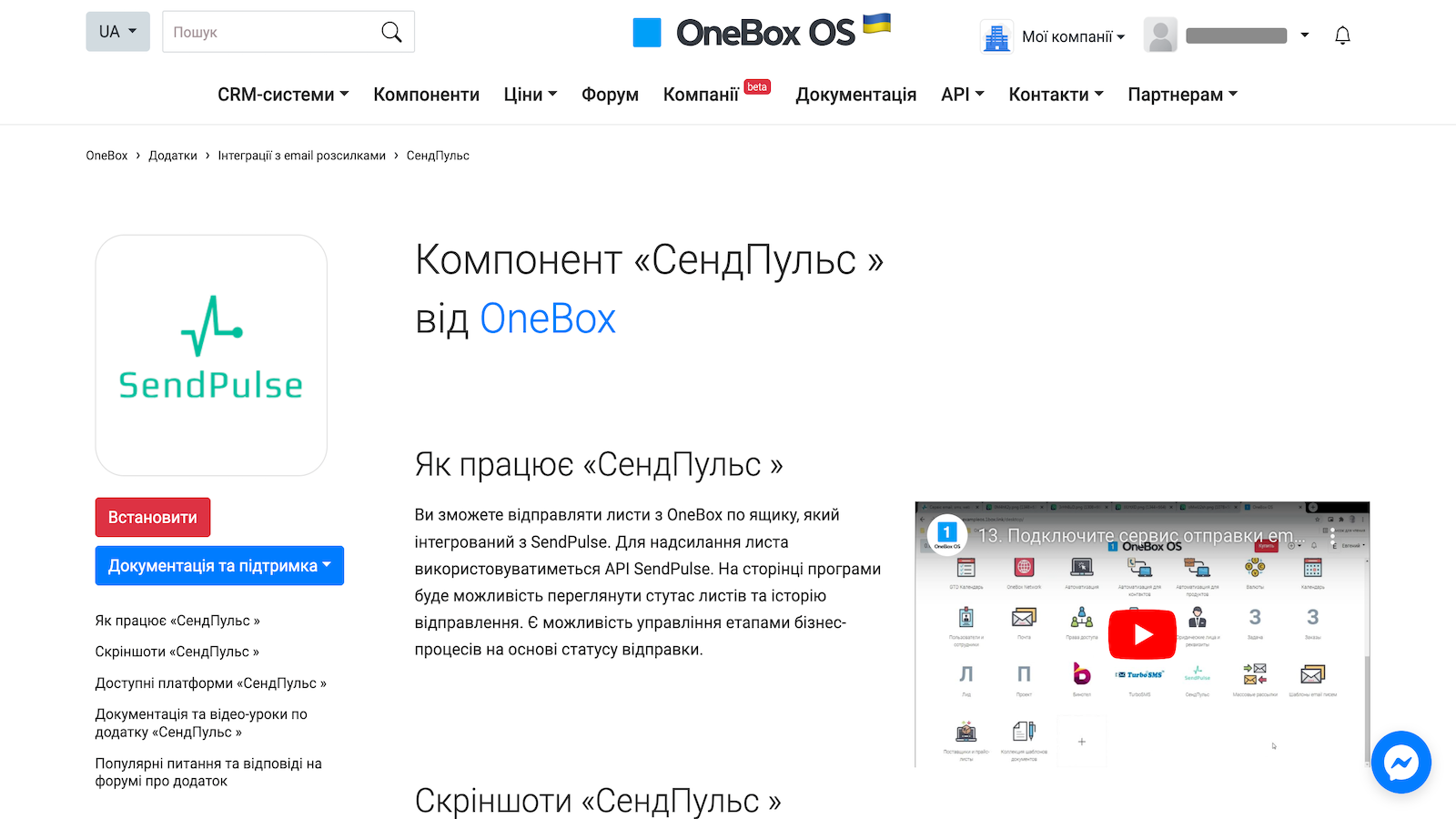
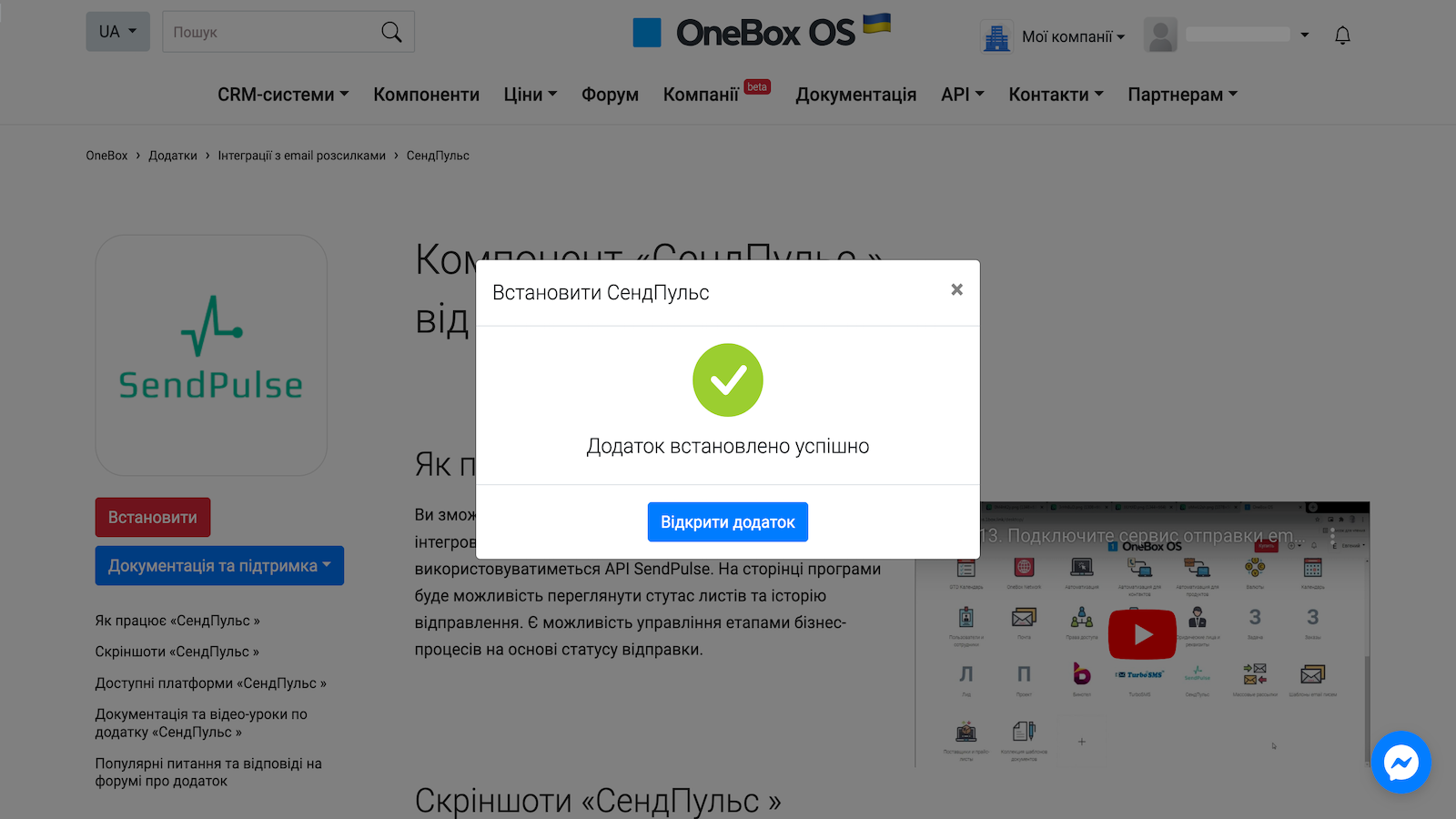
Log in to your OneBox OS account. Go to the Components tab, select SendPulse, and click Install.
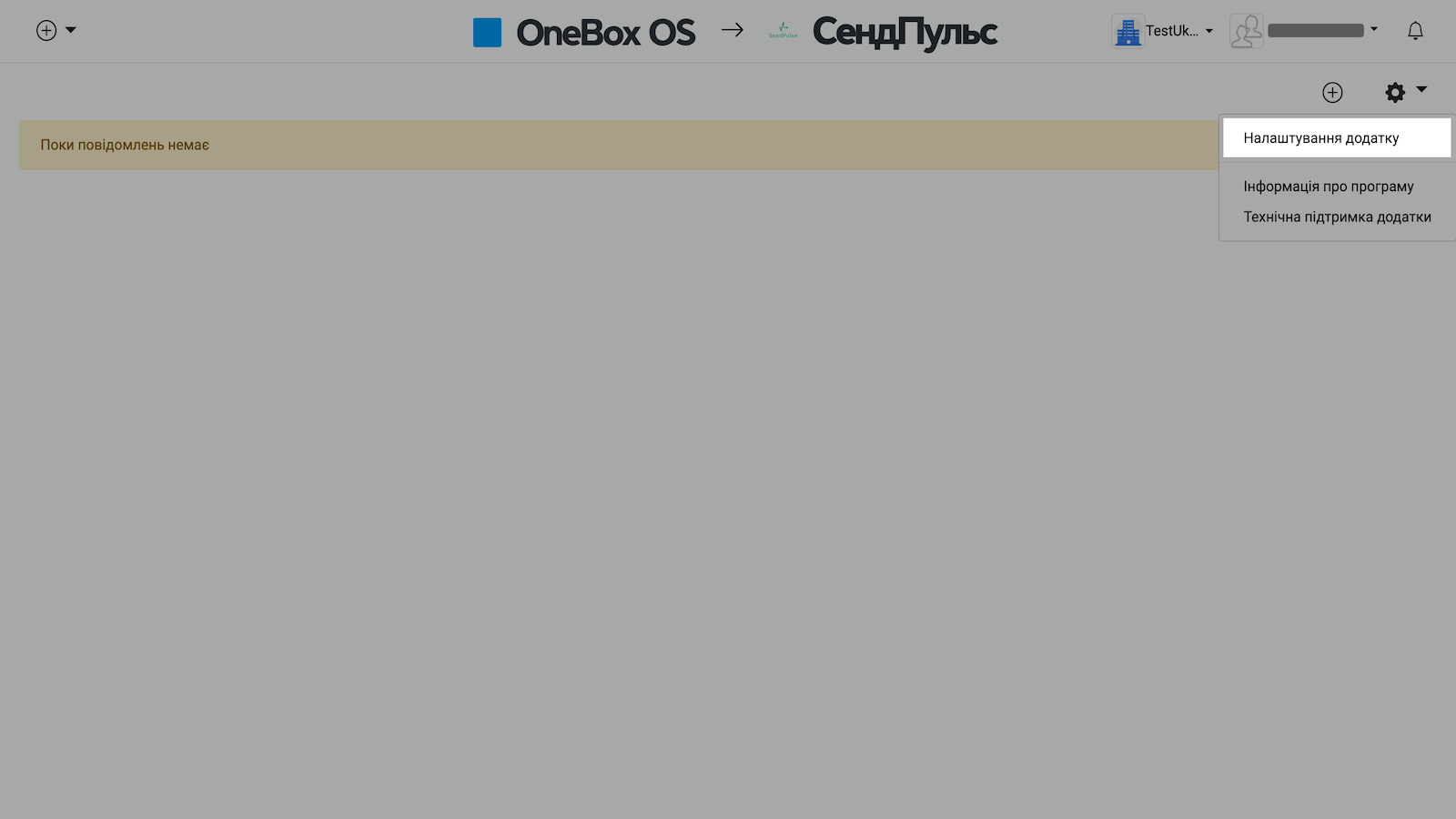
Click Open app in the window that appears. Then, click ⚙️in the upper right corner and go to the application settings.
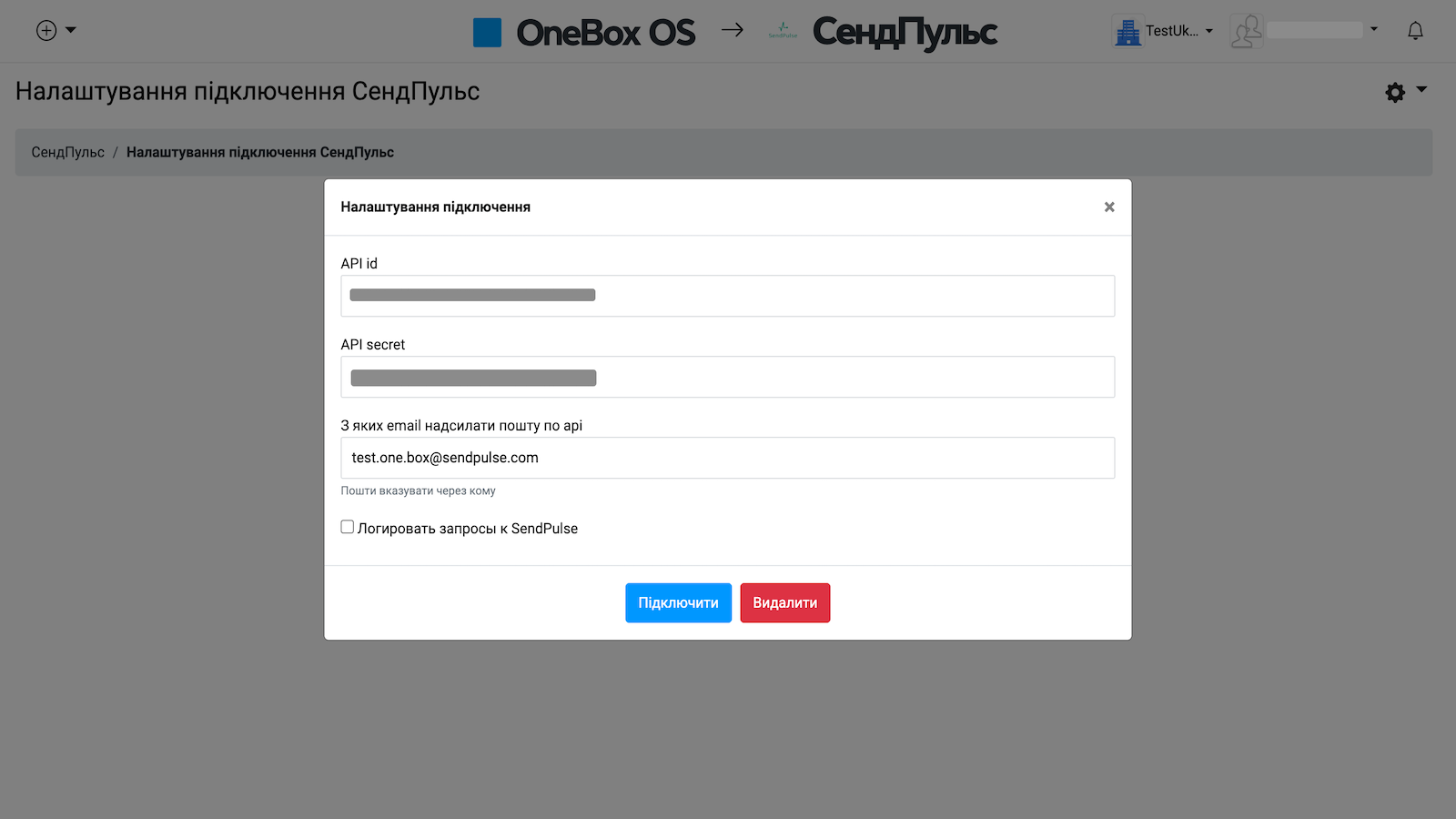
In your SendPulse account > the API tab, copy your ID and Secret. Paste them into the respective fields in OneBox OS and click Connect.
Learn more about how to integrate with OneBox OS.




or