SendPulse Email Marketing Newsletter
With this free WordPress plugin, you can add subscription forms to any page. Acquired email addresses will be automatically added to your mailing list, and you will be able to send marketing and transactional emails anytime.
Features
Create subscription forms that collect phone numbers, email addresses, dates of birth, and more.
Customize your form using your brand colors and fonts and select a form type.
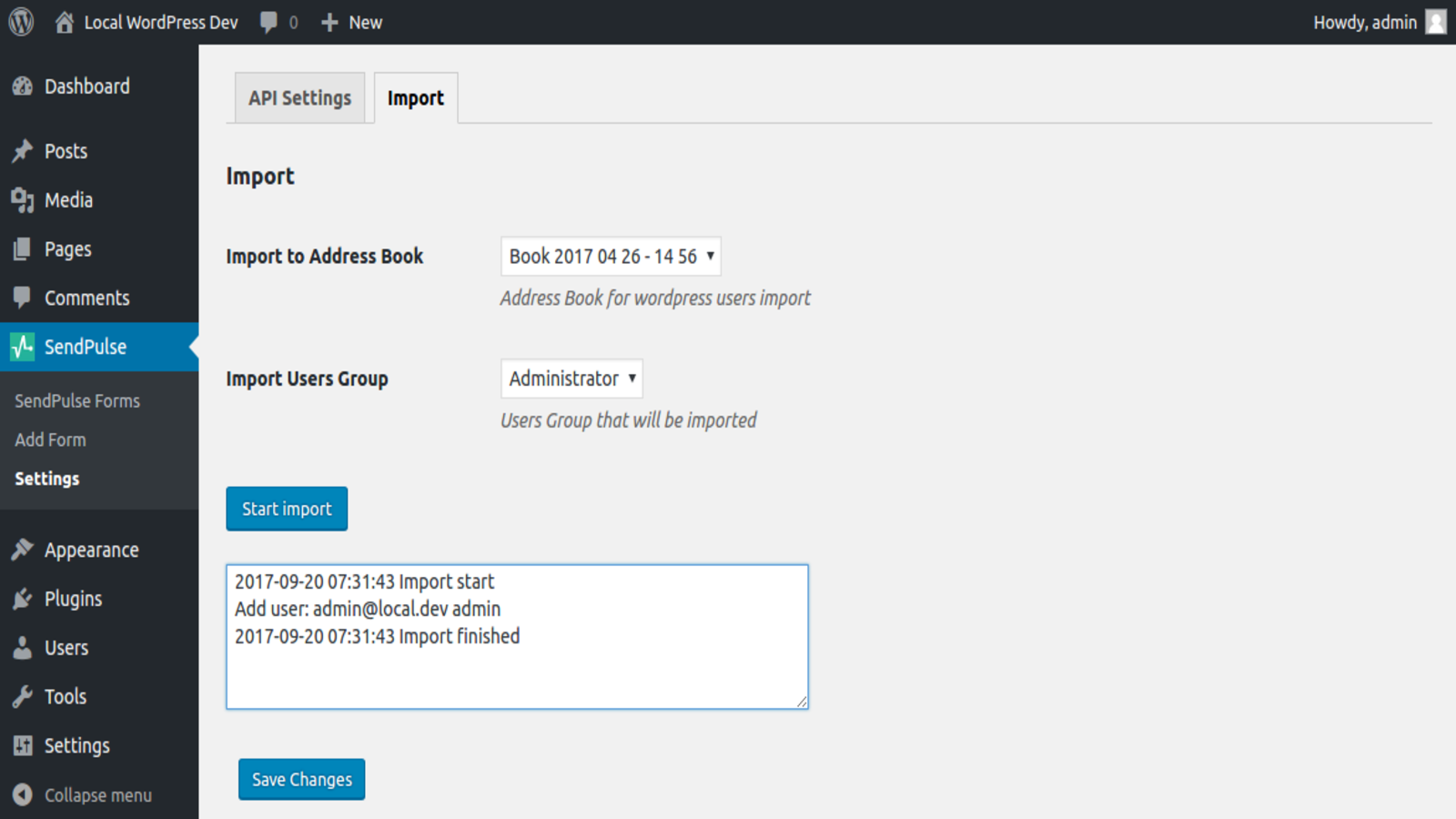
Import contacts from WordPress into your SendPulse mailing list to segment and send them your email campaigns.
How to set up this plugin
Log in to your WordPress dashboard with admin rights. In the left sidebar, go to the Plugins tab.
Click Add New Plugin and find SendPulse Email Marketing Newsletter. Click Install Now next to the plugin name. Once it is installed, click Activate.
Once you activate the plugin, SendPulse will appear in the left sidebar. Select it and go to the Settings tab.
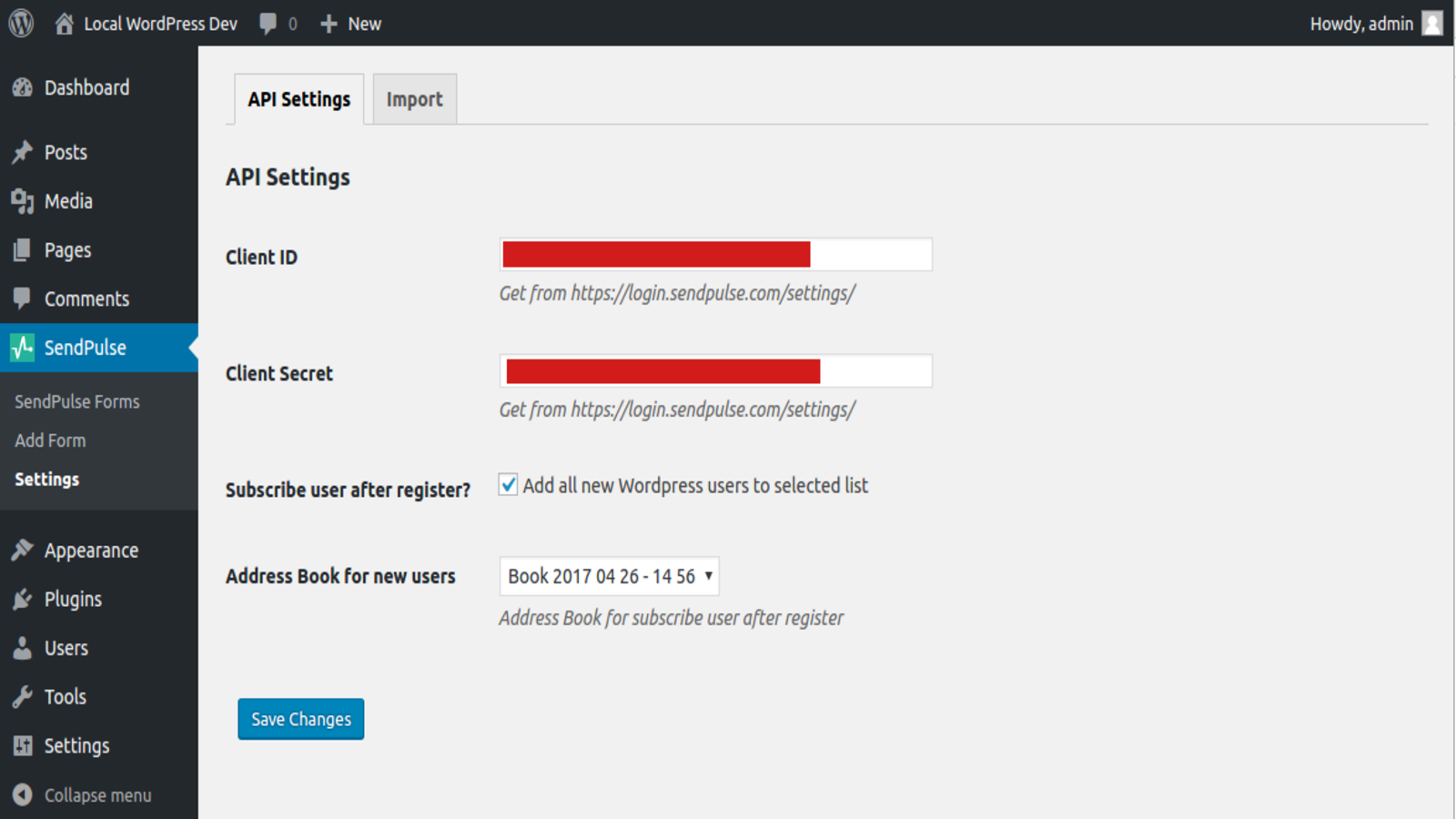
In your SendPulse account > the API tab, copy your ID and Secret. Go back to your WordPress account and paste them into their respective fields. Click Save Changes.
Agree to add new subscribers to your SendPulse mailing list and select it from the dropdown list. Click Save Changes.
Go to your SendPulse account > the Email section > Subscription forms. Select or create a subscription form. Click the three dots and select Get code to copy your subscription form code. Go to the HTML tab and click Copy the code.
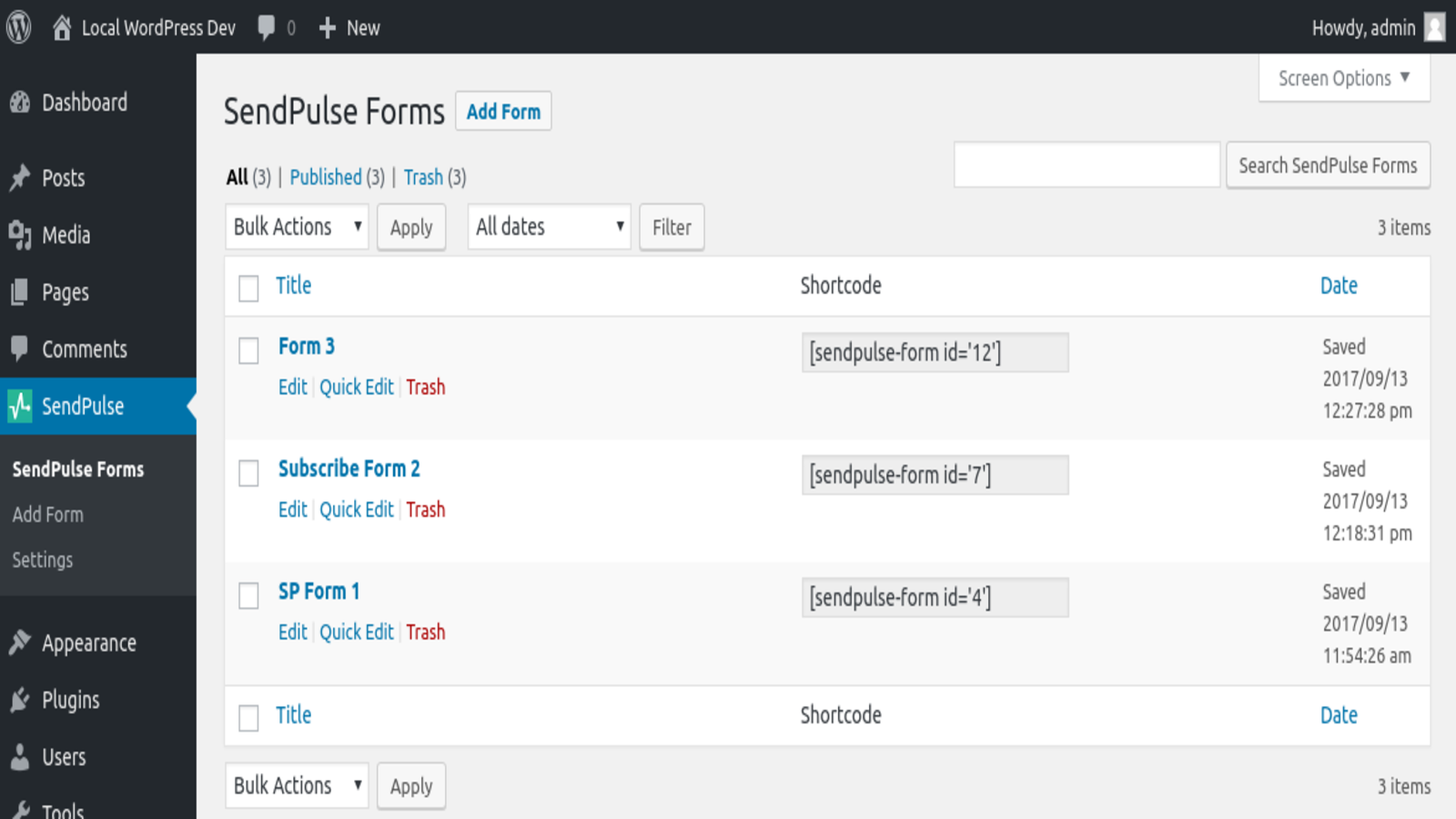
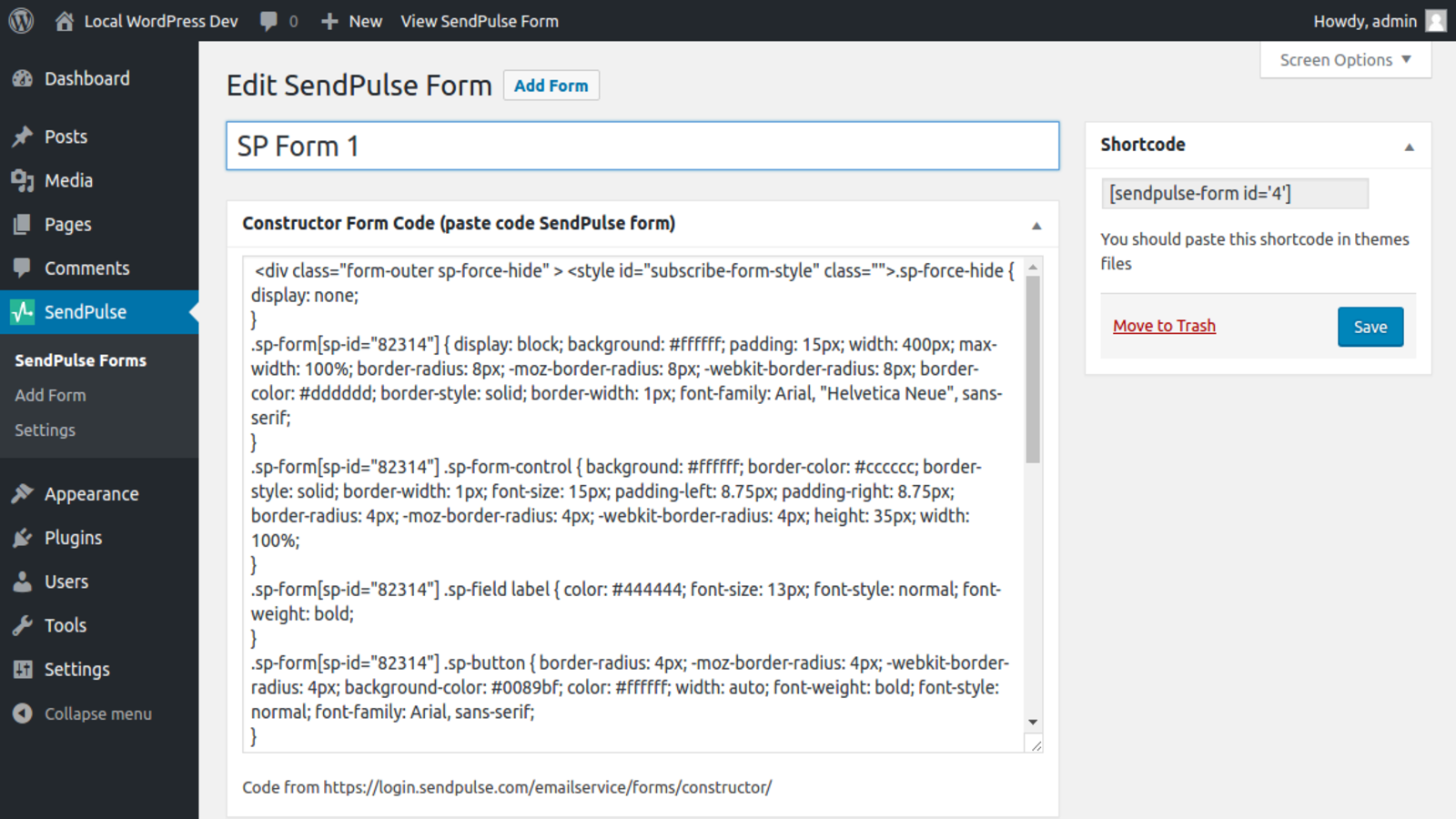
Go back to WordPress > the SendPulse Forms tab and click Add Form. Enter a form name and paste the copied code into the Form builder code field. Copy the automatically generated shortcode and click Save.
Paste this shortcode into any post or page to make your form visible and publish the changes.
Learn more about how to integrate with the SendPulse Email Marketing Newsletter plugin.
Find out more about this plugin and its features in the WordPress plugin directory.




or