Postcards by Designmodo
This integration allows you to automatically upload your Postcards email templates to SendPulse. You will be able to access all your uploaded emails in the Email Templates tab and use them to send regular or automated campaigns.
Responsive email templates ensure an excellent user experience across all devices. On top of that, SendPulse's personalization tools allow you to send highly targeted emails tailored to recipients' expectations. With detailed analytics, this integration empowers marketers to enhance their communication strategy and scale their success.
Features
Build appealing and responsive email templates using Postcards’ design modules, intuitive builder, and ready-made solutions.
Export editable templates to your SendPulse account and use them to send regular or automated email campaigns.
How to integrate with Postcards by Designmodo
Log in to your Postcards account. Select and personalize a ready-made template and or create a new one from scratch. Hover over the Export button in the upper right corner and select Integrations from the dropdown menu.
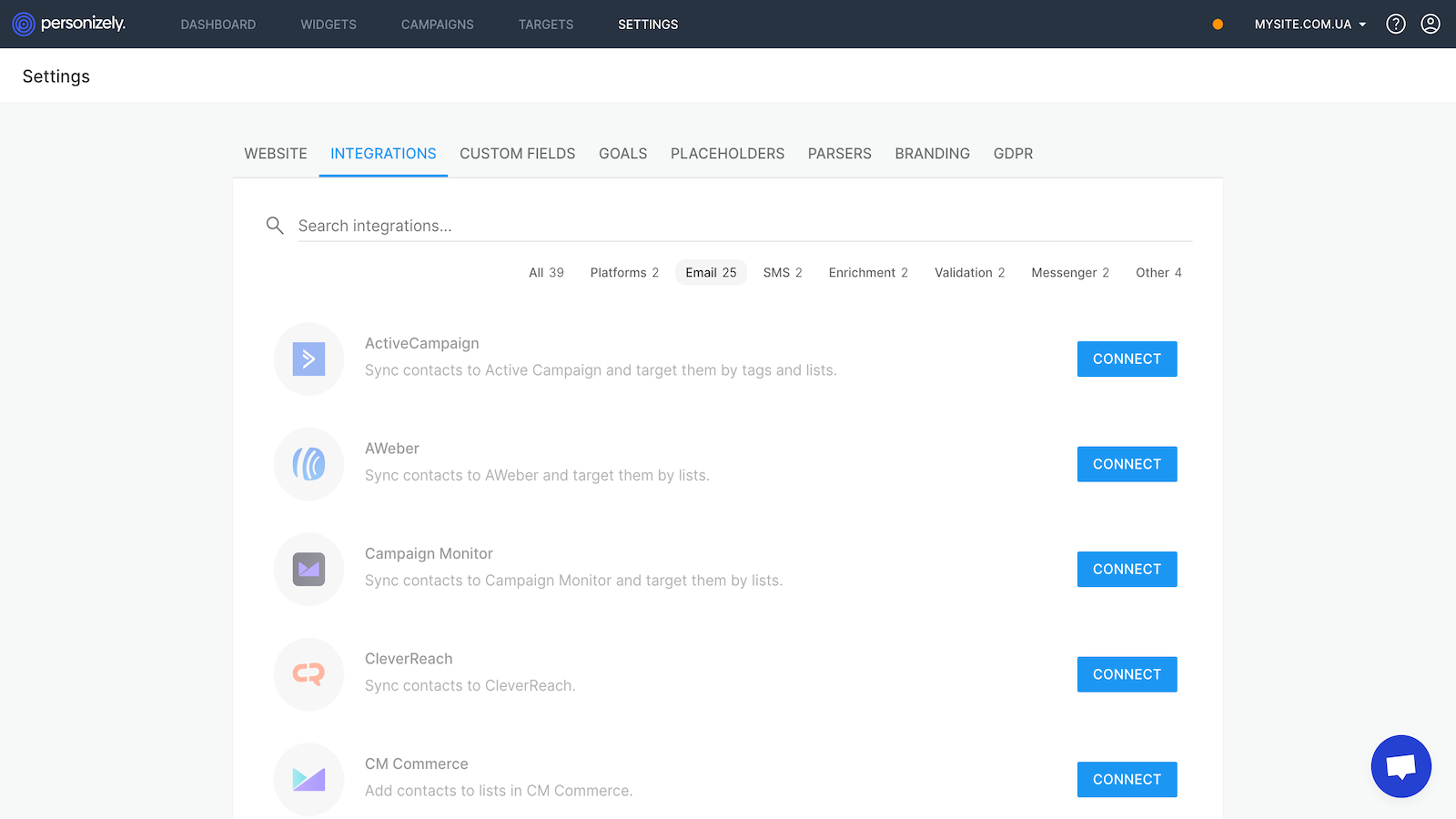
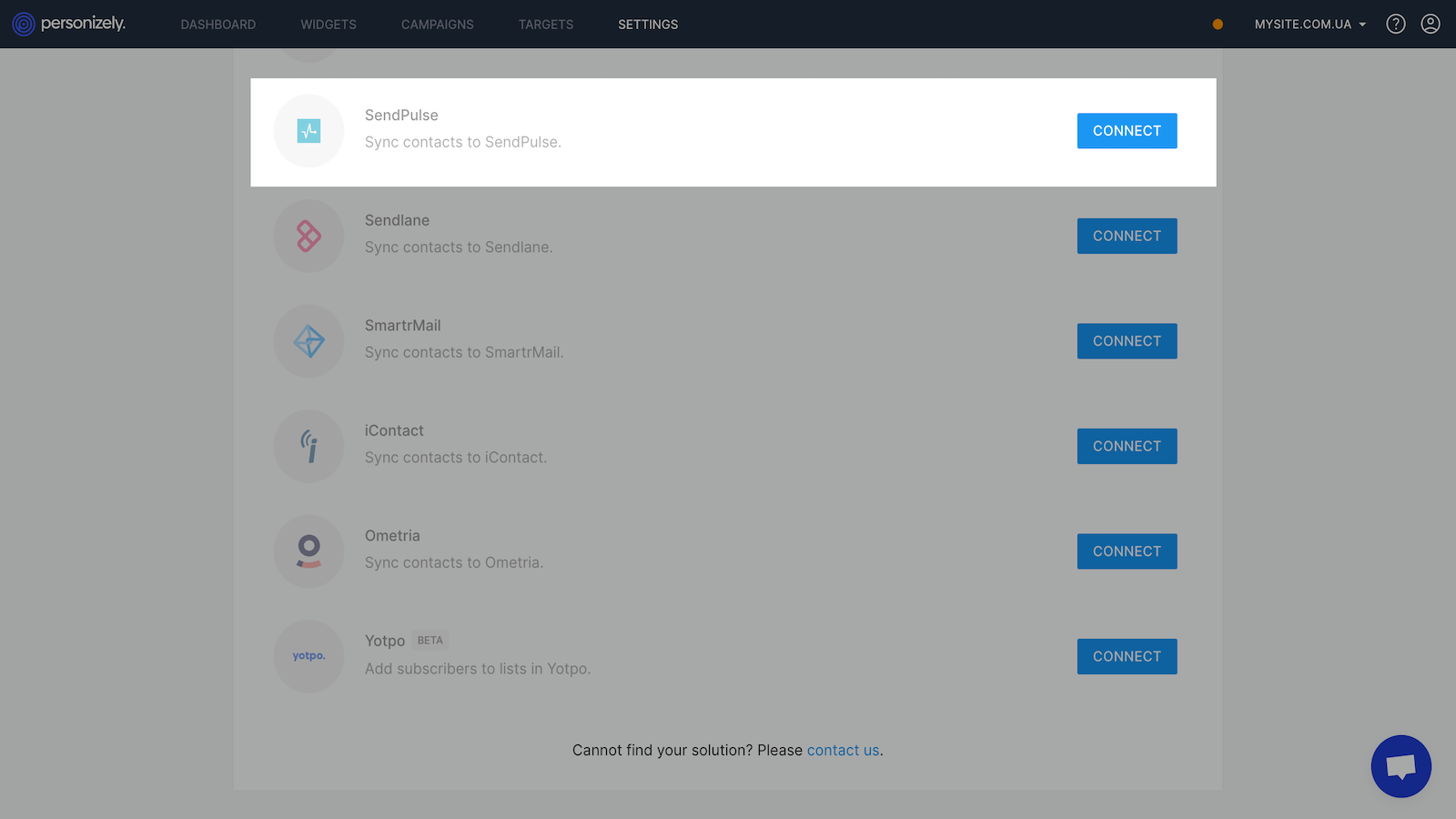
Select SendPulse from the list of integrations.
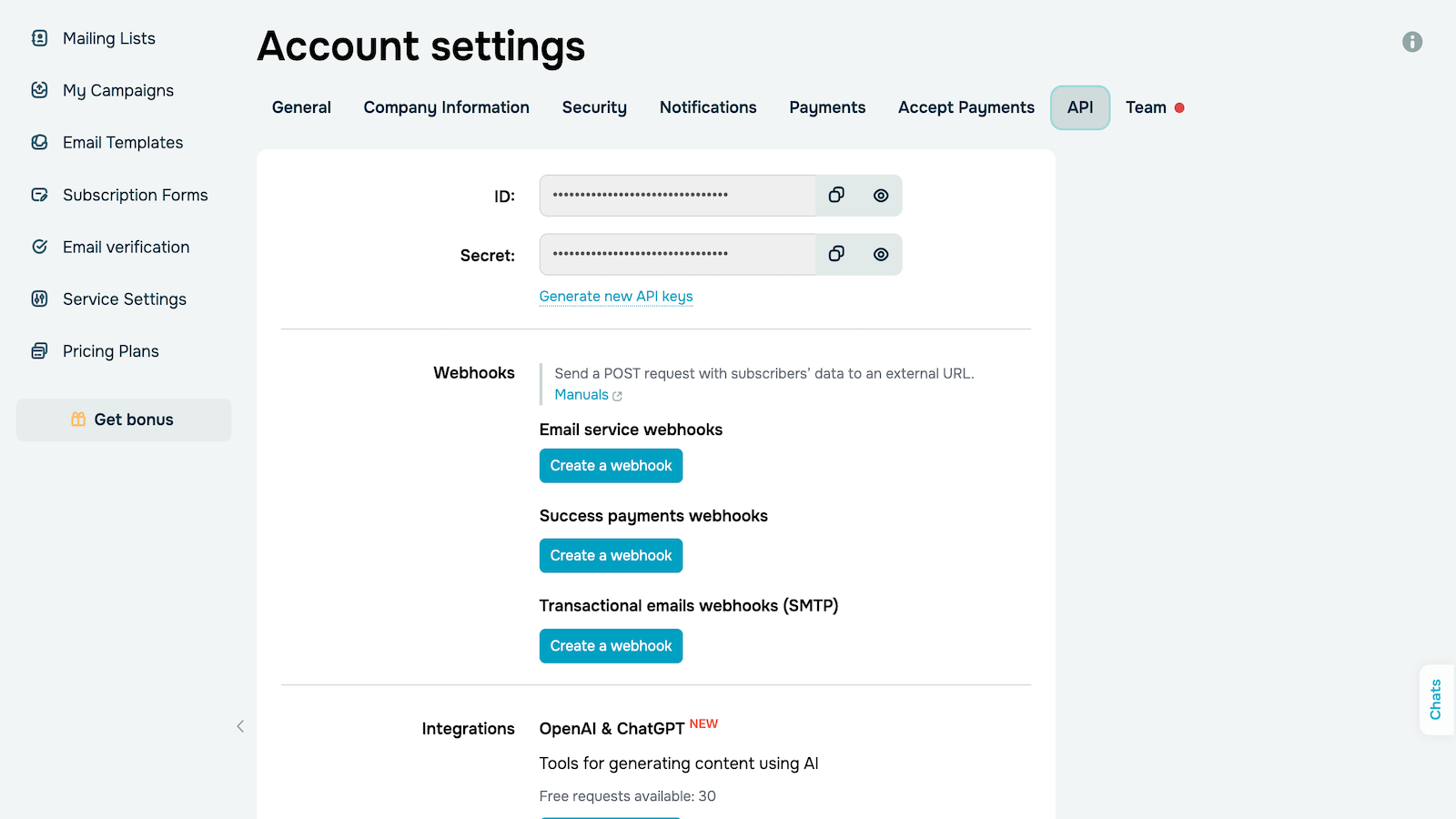
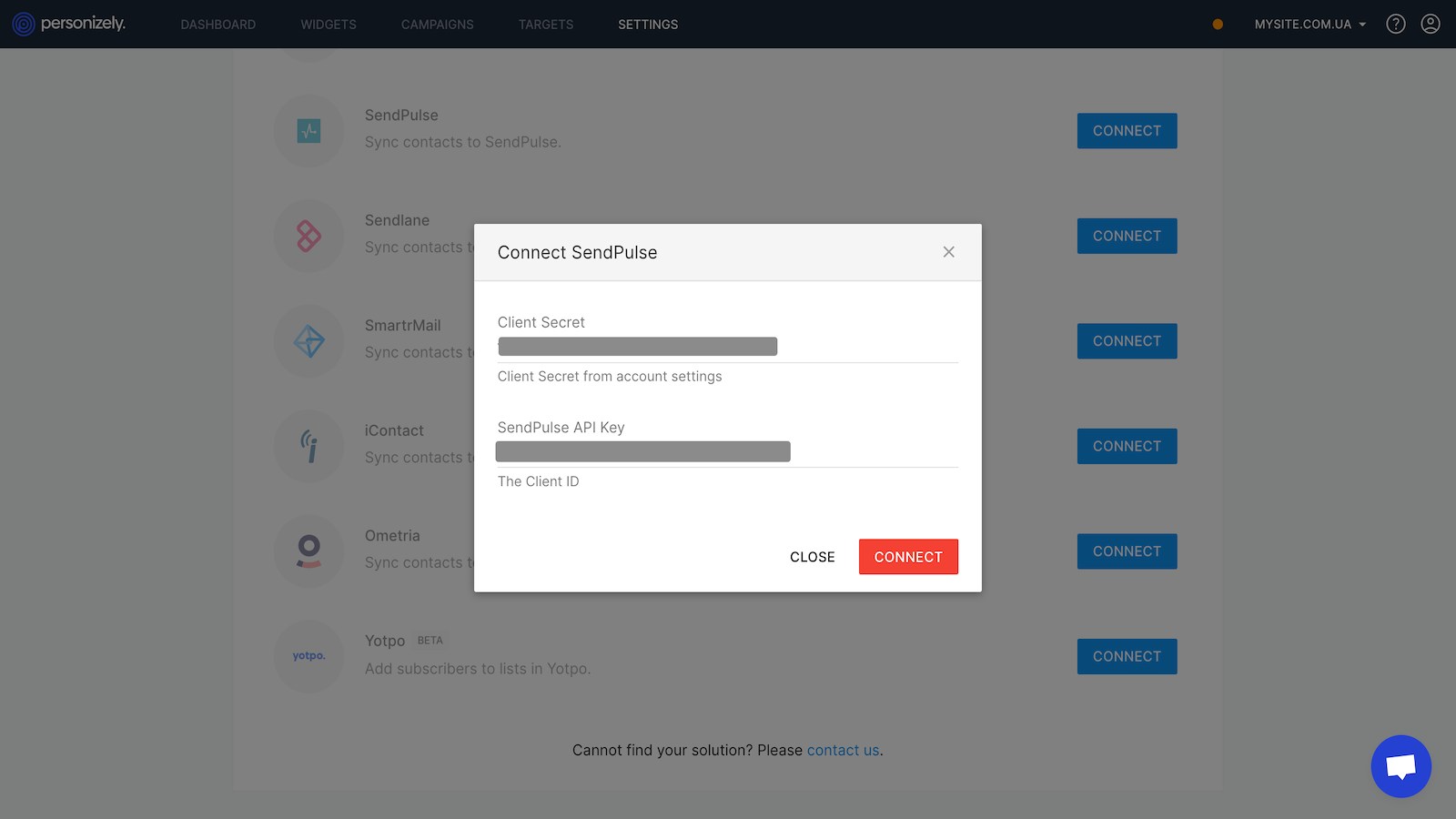
In your SendPulse account > the API tab, copy your ID and Secret. Paste them into the respective fields in Postcards and click Connect.
You will see a confirmation that your template has been successfully imported into SendPulse. To view the template in your SendPulse account, click the hyperlink in the confirmation window.
Learn more about how to integrate with Postcards.




or