SendPulse Live Chat and Chatbot
With this free plugin for WordPress websites, you can add a live chat widget to any page. It can help you automatically engage website visitors, answer popular questions, encourage users to make a purchase, accept payments, and so much more.
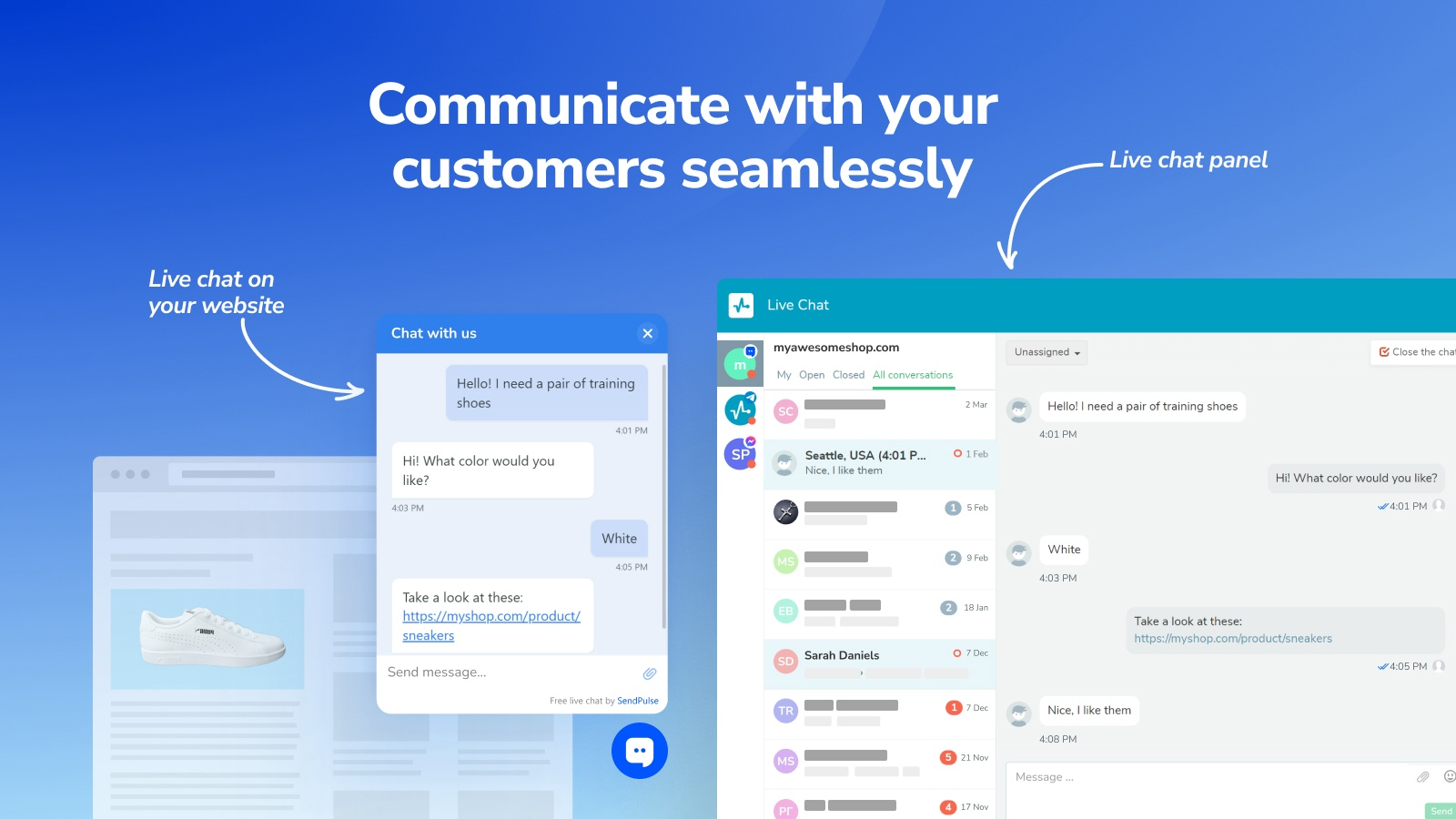
Live chats can minimize your customer support team’s workload and ensure that they step in only when users require human assistance.
Features
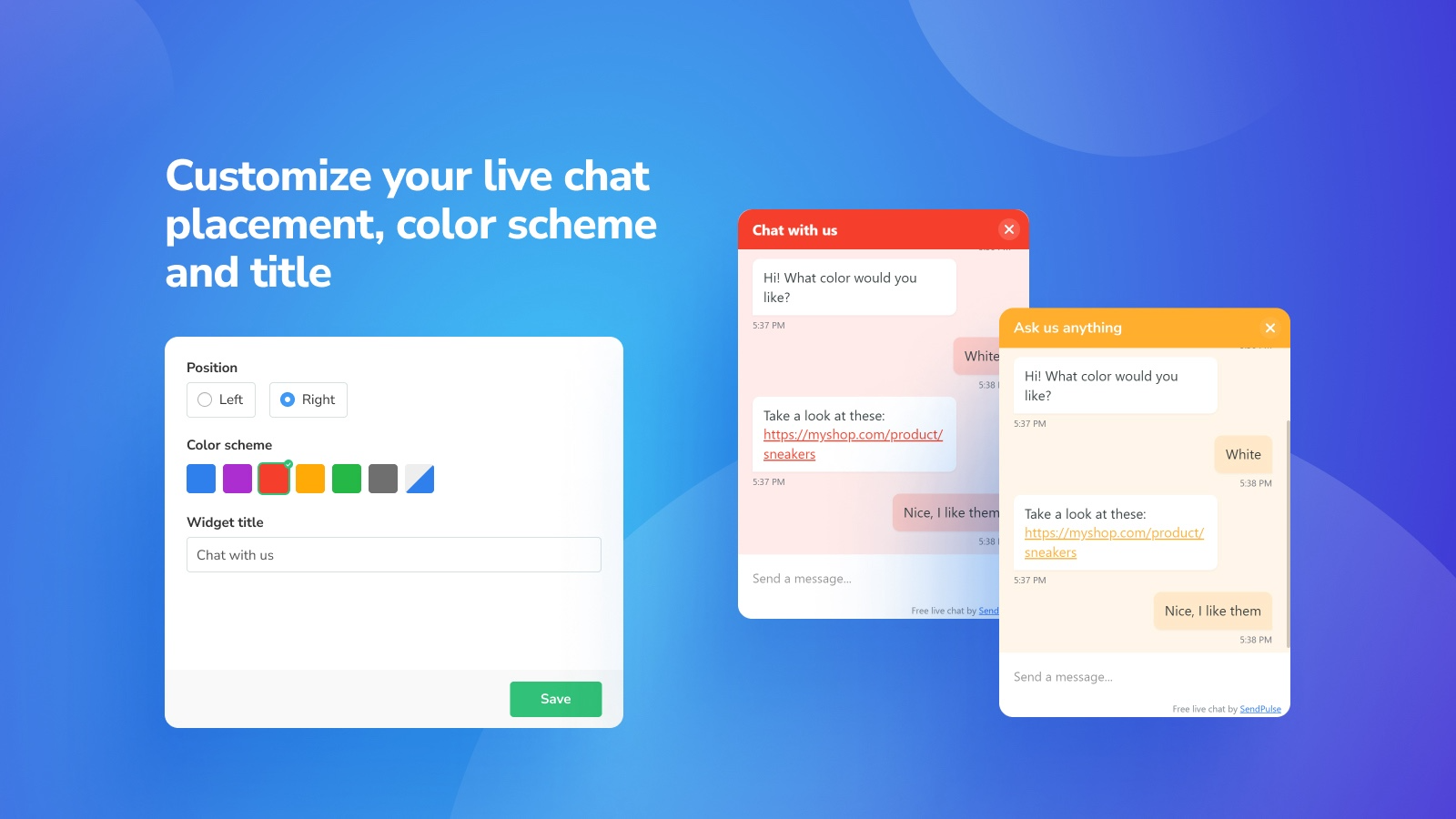
Tailor your widget to your website design and your own preferences.
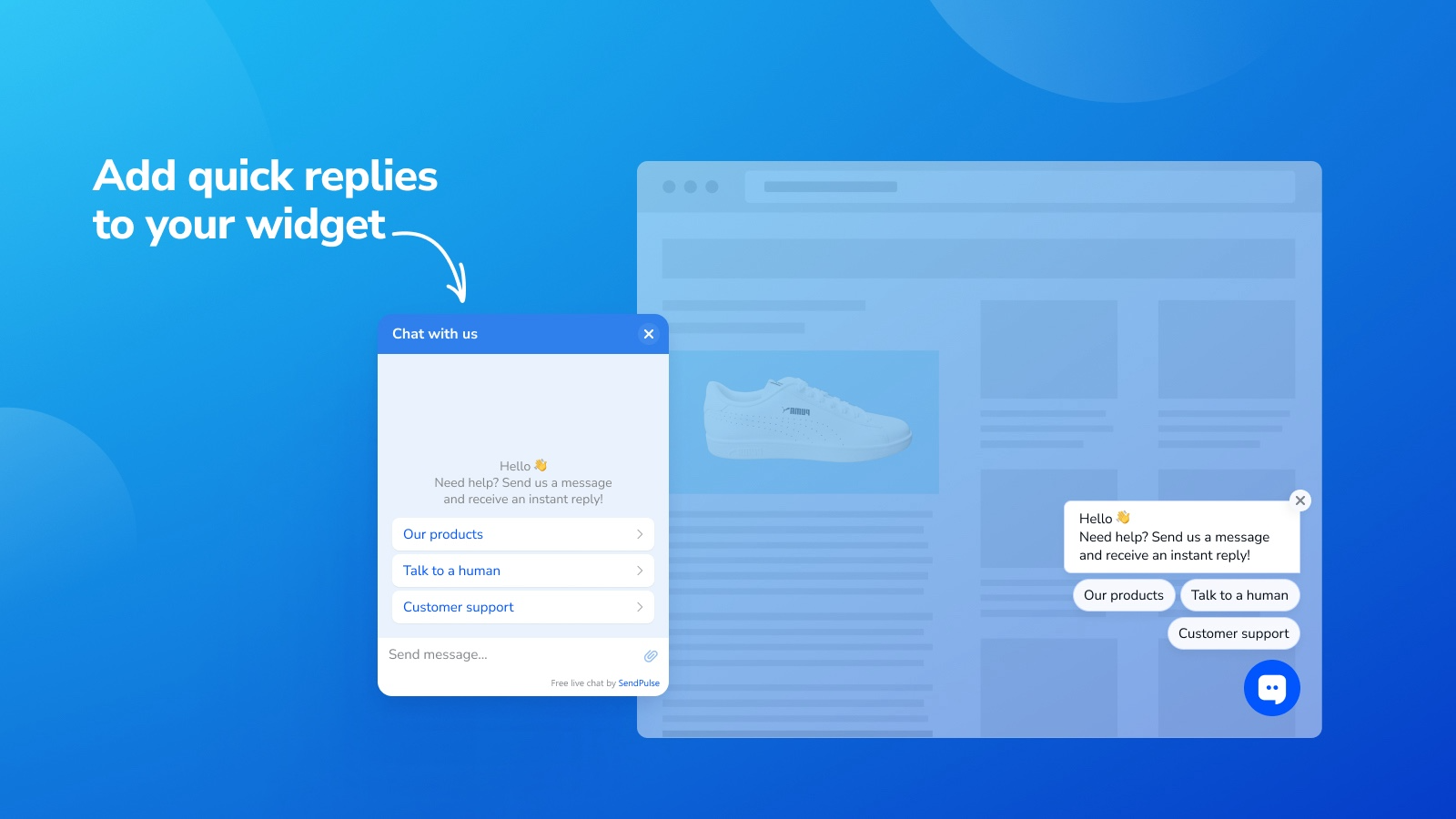
Add quick replies that trigger an automated message flow.
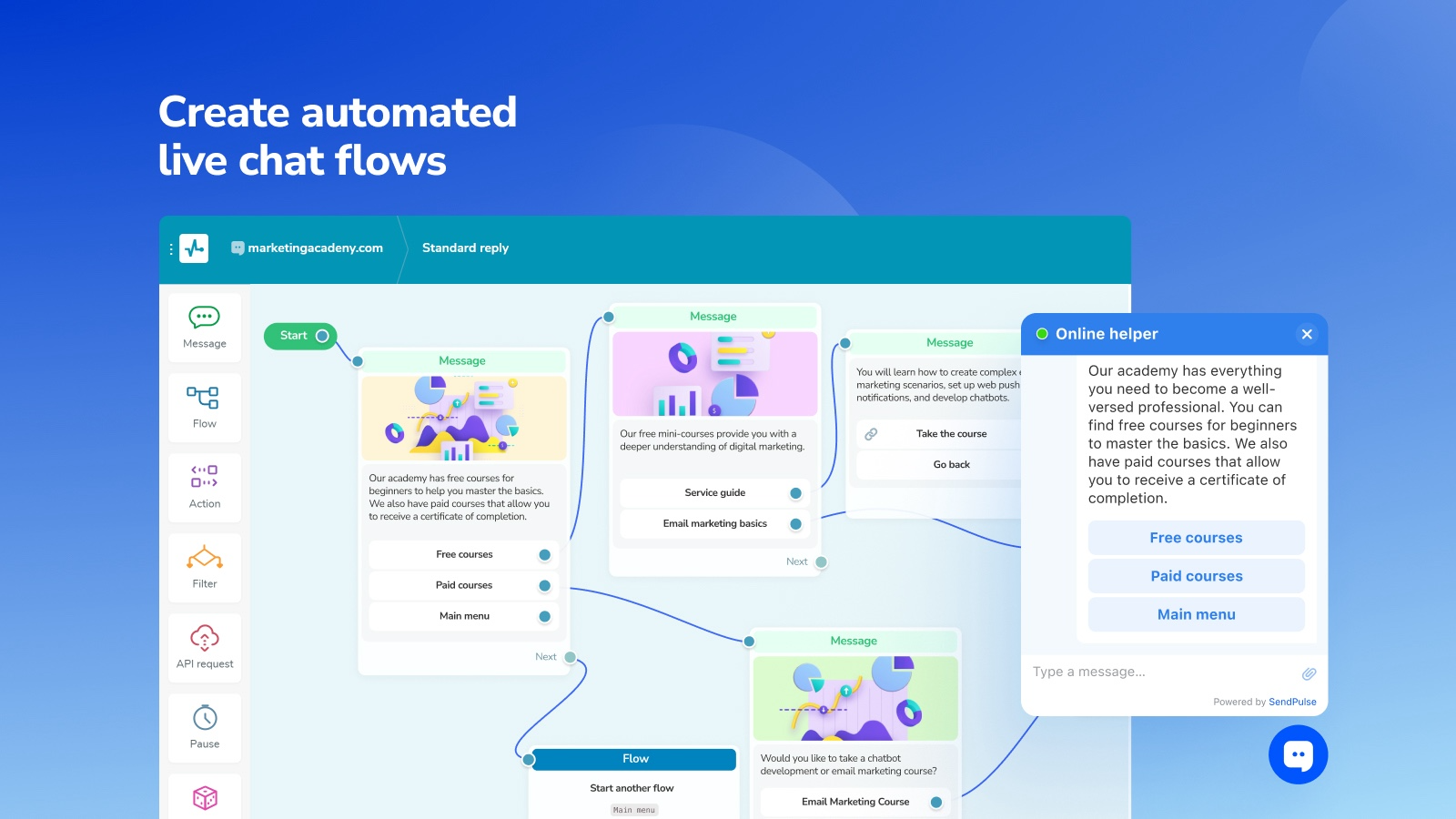
Create automated flows to answer popular questions and request user data, including phone numbers and more.
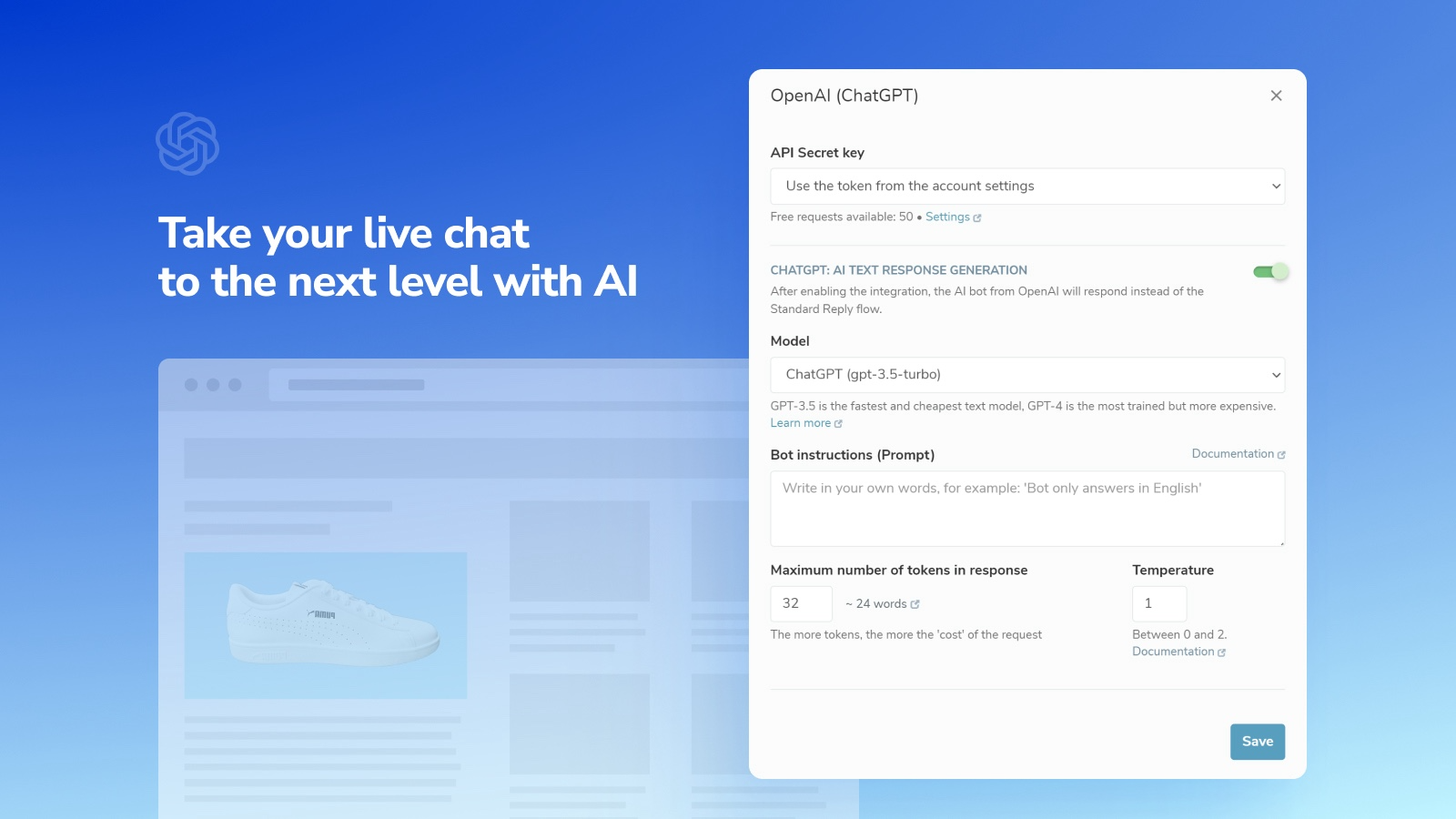
Use AI to automatically reply to leads using natural language, transcribe voice messages, and respond to them instantly.
Stay in touch with your audience using our iOS and Android apps even when you are away.
How to set up this plugin
Log in to your WordPress dashboard with admin rights. In the left sidebar, go to the Plugins tab.
Click Add New Plugin and find SendPulse Live Chat and Chatbot. Click Install Now next to the plugin name. Once it is installed, click Activate.
Log in to your SendPulse account, create a new live chat, and copy the installation code.
Go back to WordPress, click Settings in the left sidebar, and select the SendPulse Live Chat tab. Paste the installation code into the field and click Save Changes.
Click Check installation to see a SendPulse account confirmation that the code was installed successfully. Then, you will be redirected to the main chatbot settings page.
Learn more about this plugin and its features in the WordPress plugin directory.




or