PayPal
Integrate with PayPal to accept payments through websites, chatbots, and courses — all you have to do is add a payment button or set PayPal as an available payment method. This way, you can accept payments from 203 countries in over 100 currencies with no need for conversion. You can also request payments from users without a PayPal account.
Features
Add payment buttons to your chatbot flows and email templates, and receive online payments through PayPal.
Set PayPal as an available payment method when creating payment buttons or configuring your online course settings.
Track payments and their statuses in your SendPulse account > Accept Payments. Analyze successful transactions and payment errors to respond promptly.
How to integrate with PayPal
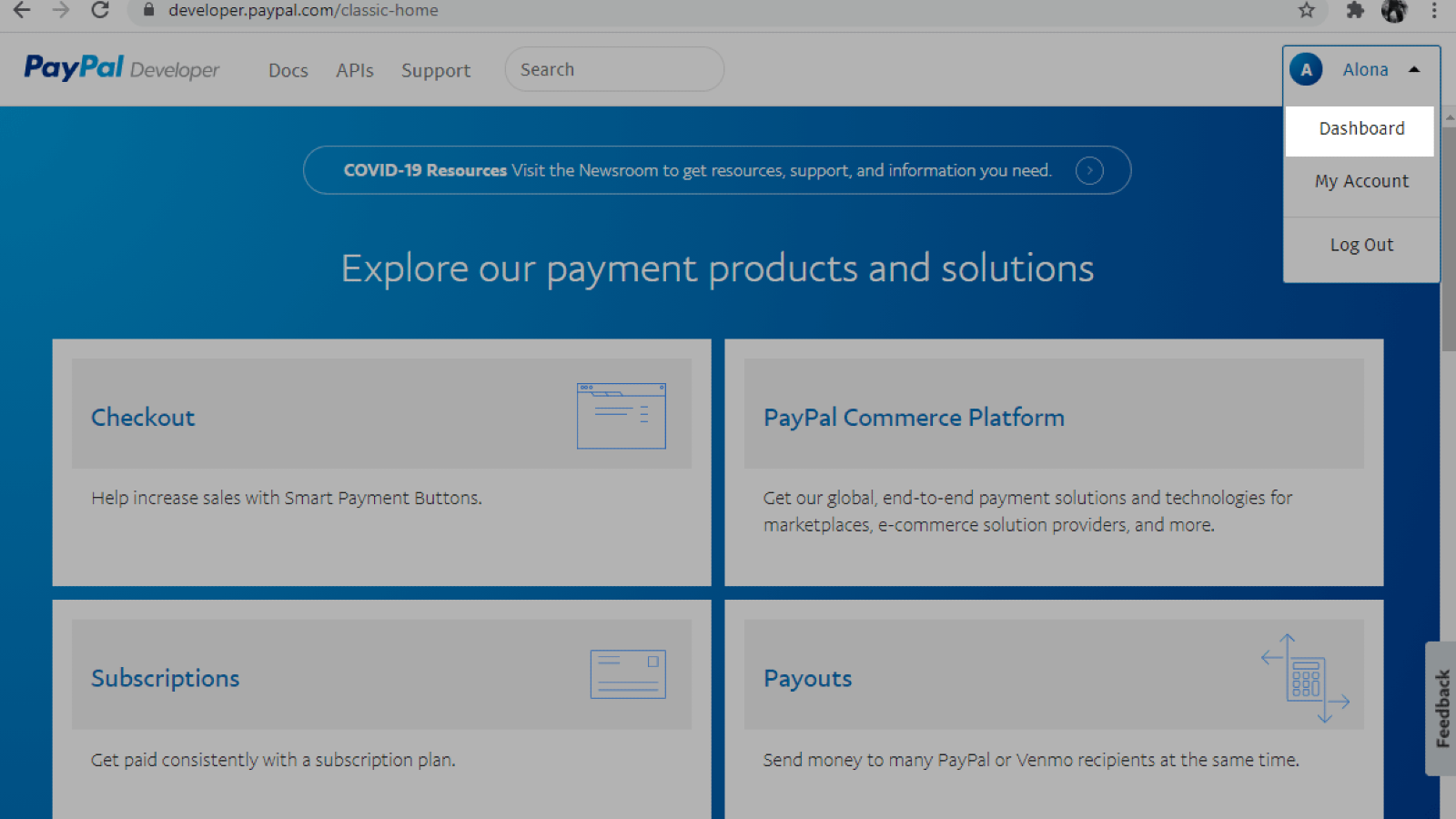
Create or log in to your PayPal account. Go to PayPal Developer > Dashboard.
Go to My apps & credentials. Select Sandbox to test your app or Live to start accepting payments.
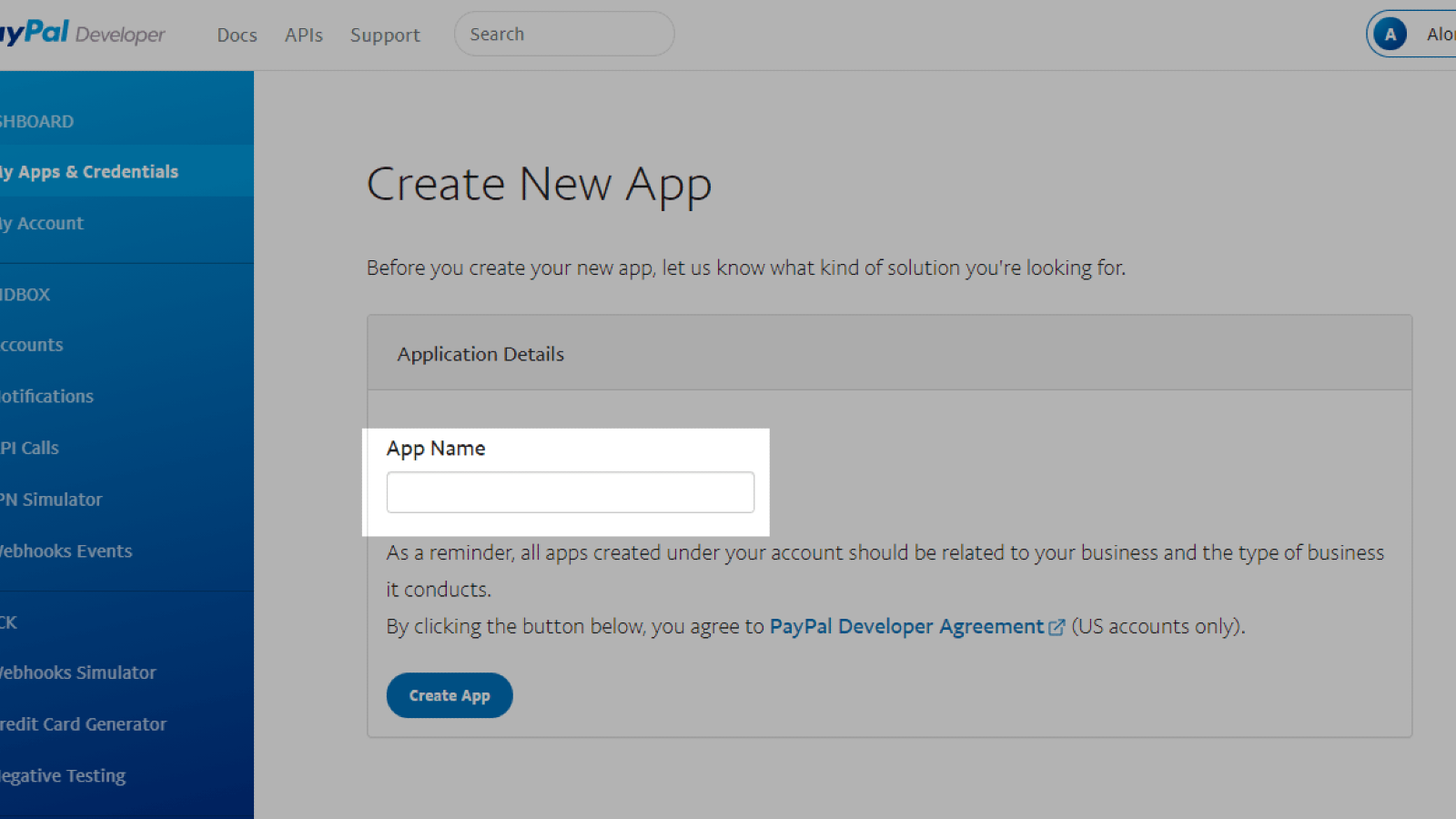
Click Create app and enter an app name. Click Create app again and copy your Client ID.
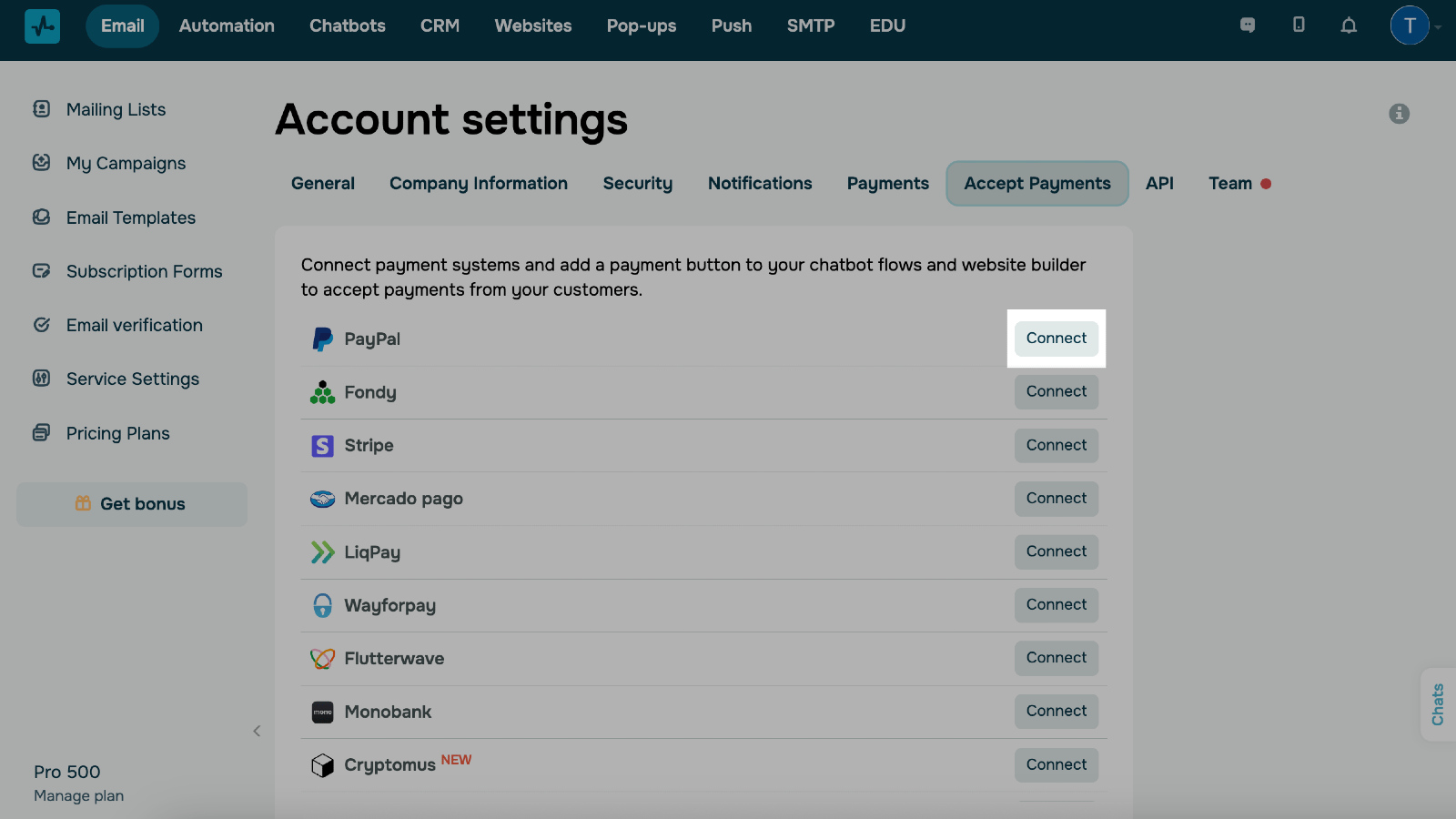
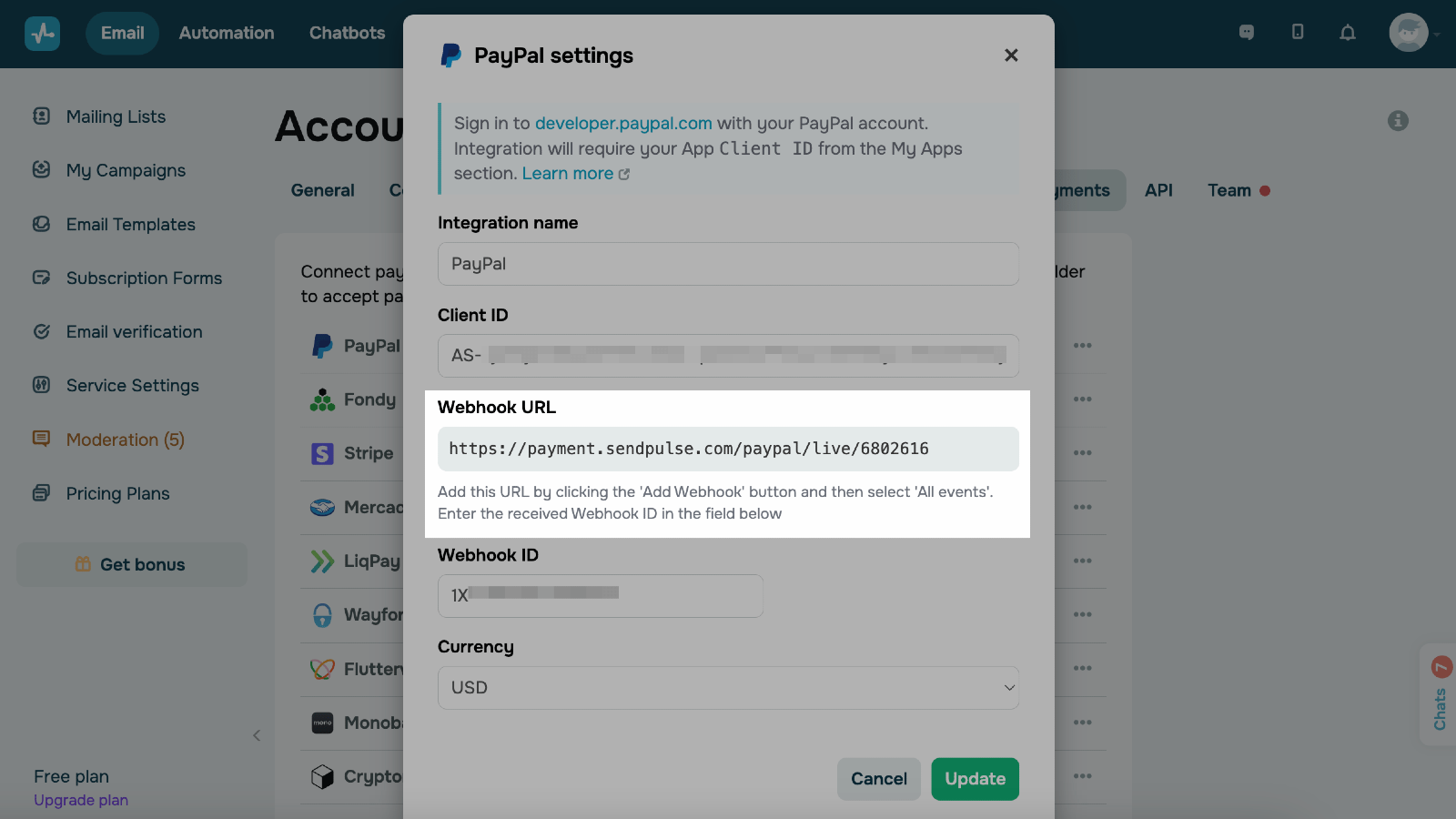
Go to your SendPulse account > Account settings > Accept Payments. Click Connect next to PayPal. Insert your Client ID.
Copy the webhook URL.
Go back to your PayPal account. Click Add webhook in your newly created app and paste the webhook URL. In Event types, select All events. Click Save.
Copy the webhook ID and paste it into the corresponding field in SendPulse.
Select a payment currency and click Save.
If you entered all data correctly, your integration status will change to Connected.
Learn more about how to integrate with PayPal.





or