






















Choose the right marketing channel for every message
Use SMS when timing is critical and pair it with other campaign types in a single automation.
SMS campaigns
-
 Reach: Deliver messages without relying on internet access, specific devices, or apps
-
 Urgency: Notify customers about time-sensitive updates instantly
-
 Simplicity: Launch campaigns in minutes and drive immediate action
-
 Accessibility: Reach customers having only their phone numbers on hand
Other campaign types
-
 Long-form content: Send longer messages and attachments
-
 Lead nurturing: Engage subscribers using multi-step marketing campaigns
-
 Interactive journeys: Build branched flows enriched with interactive buttons and media
-
 Multiple contact methods: Connect with customers through messaging apps or email
When SMS is the right choice
Launch marketing campaigns at scale or connect with customers individually when a personal approach matters.
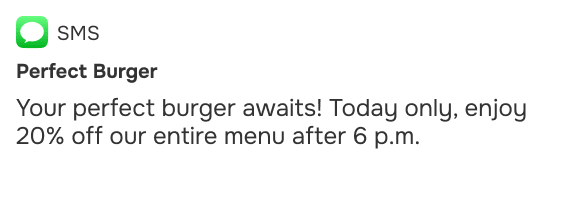
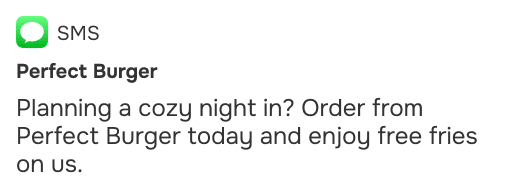
Drive engagement and sales with SMS marketing
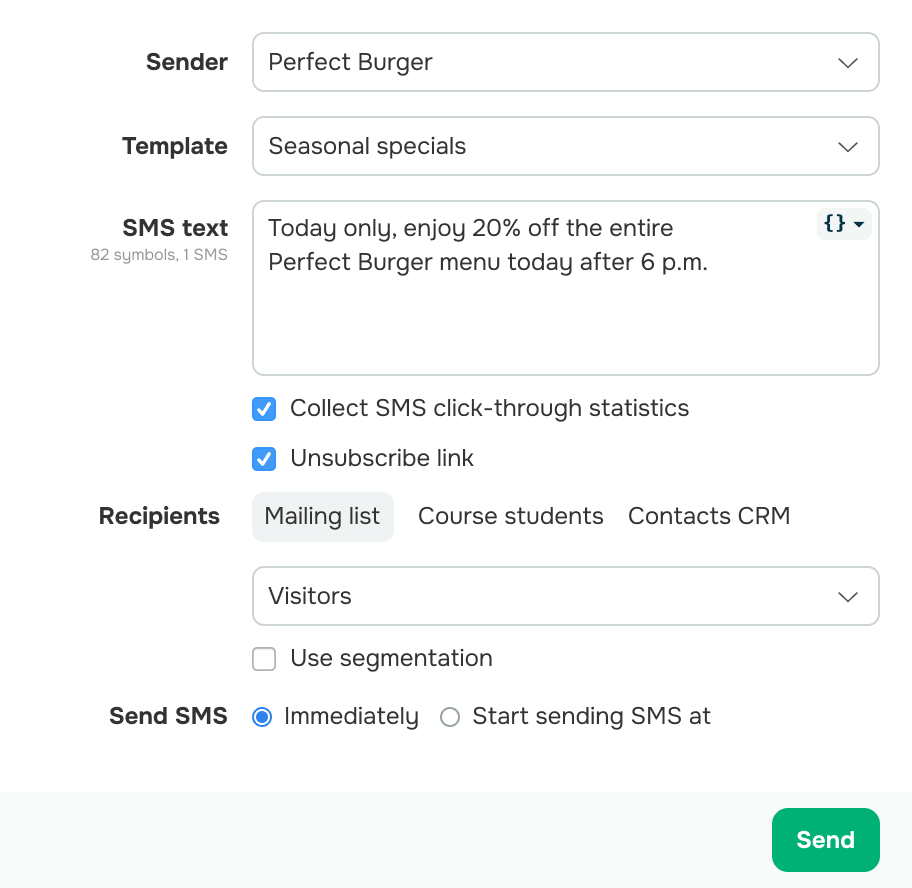
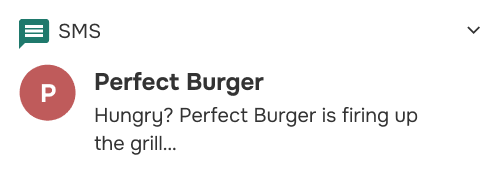
Leverage SMS campaigns to:
- Announce new product launches
- Share promo codes and limited-time offers
- Win back inactive customers
No tech skills needed. With our intuitive builder, you can send SMS campaigns in minutes and focus on the message, not the setup.
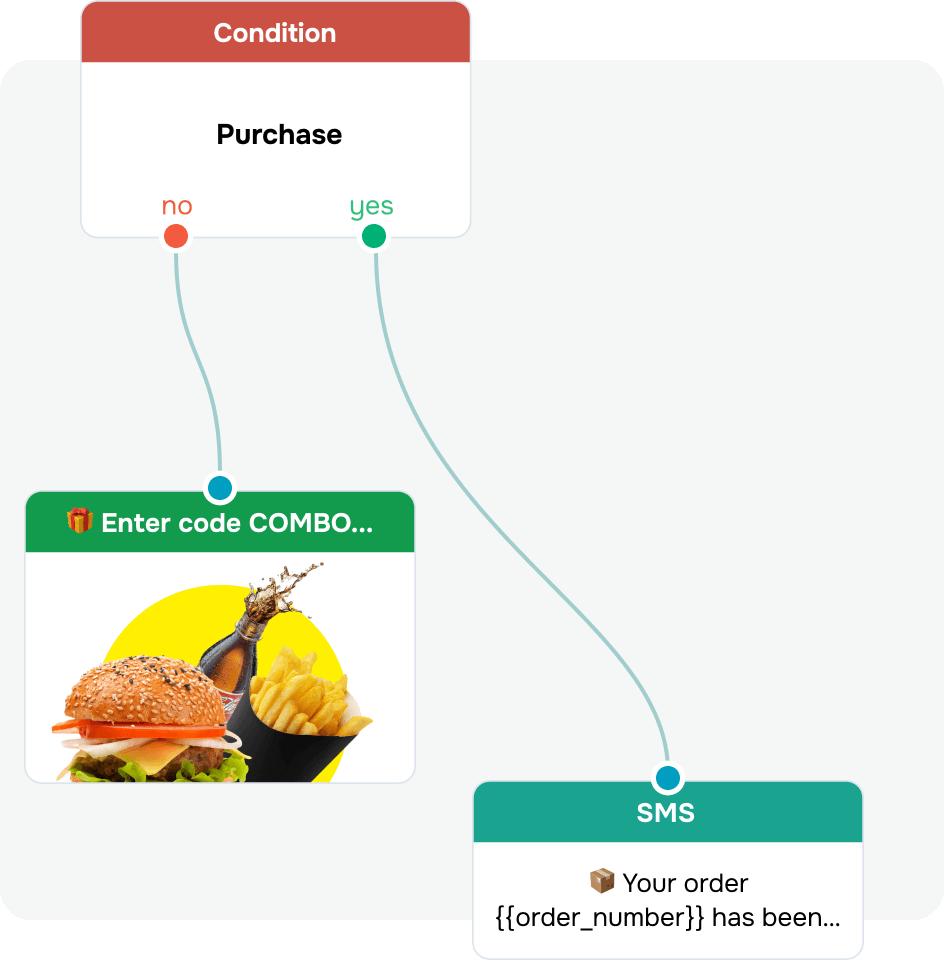
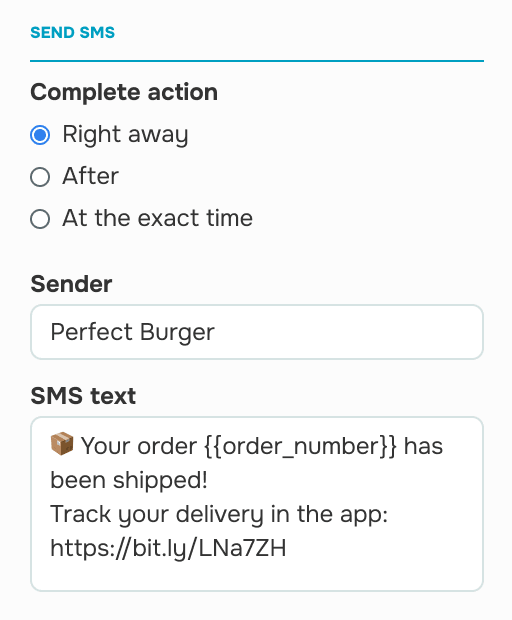
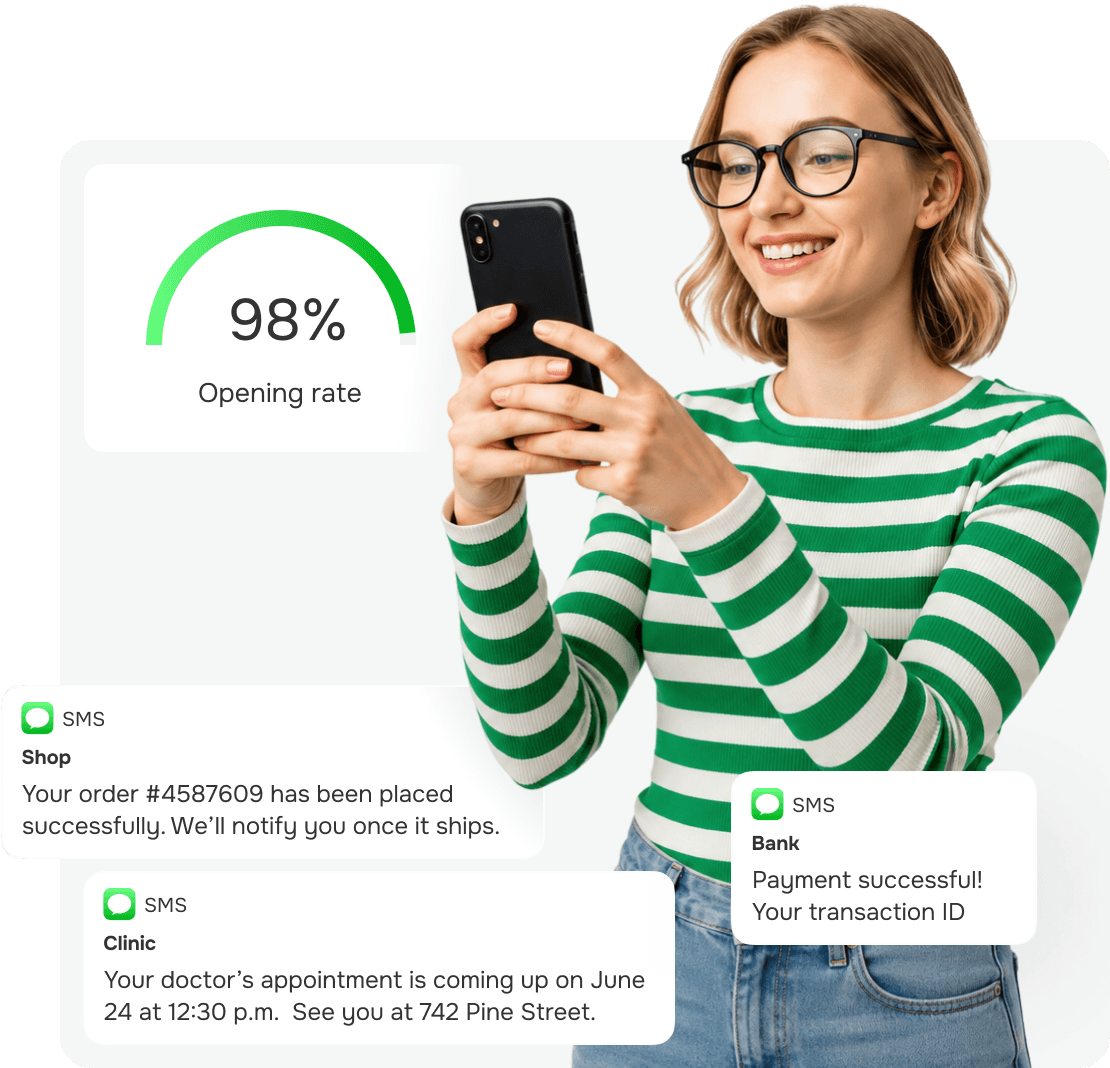
Keep customers in the loop with automated SMS notifications
Make sure customers never miss an important update:
- Confirm purchases and bookings
- Send shipping updates and tracking numbers
- Remind customers about appointments or account top-ups
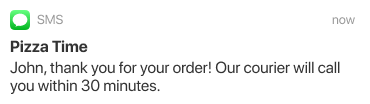
Personalize every SMS using your client’s name, order number, product price, delivery date, and other details, then send trigger-based messages from your online store, CMS, or CRM.
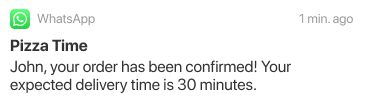
Send transactional SMS across every interaction
Deliver critical messages without delay:
- One-time passcodes for registration, sign-in, or password resets
- Payment, transfer, and account update confirmations
- Two-factor authentication codes for sensitive account actions
A dedicated, high-priority delivery route keeps transactional SMS separate from marketing traffic, so your message is never late.
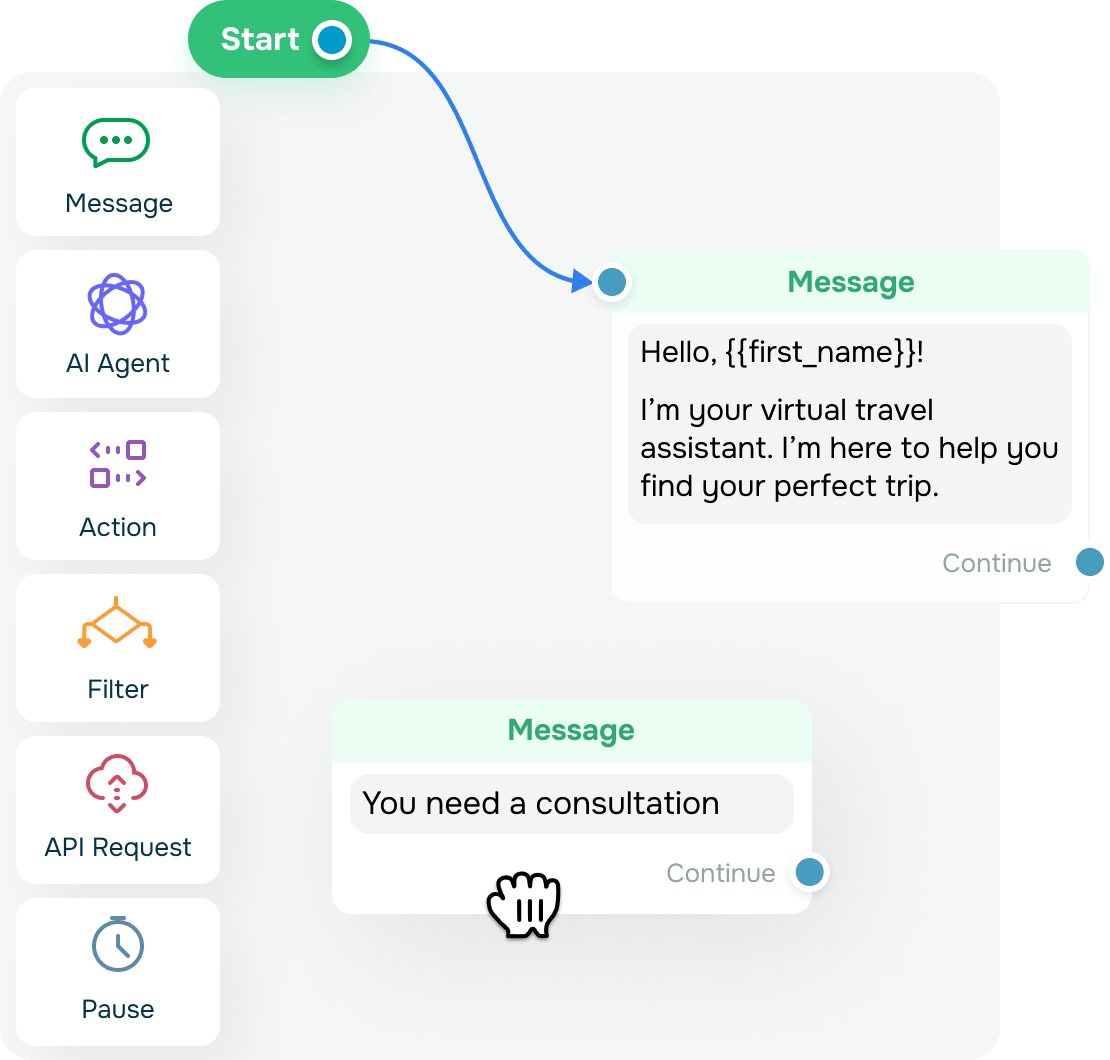
Engage customers with an intelligent SMS chatbot
Carry on dynamic SMS conversations using automation and AI:
- Give personalized answers to frequently asked questions
- Let AI reply to free-form messages
- Run automated flows triggered by keywords and events
- Capture valuable customer feedback
Create your SMS chatbot using SendPulse’s visual chatbot builder and robust automation tools.

Boost conversions with multichannel marketing
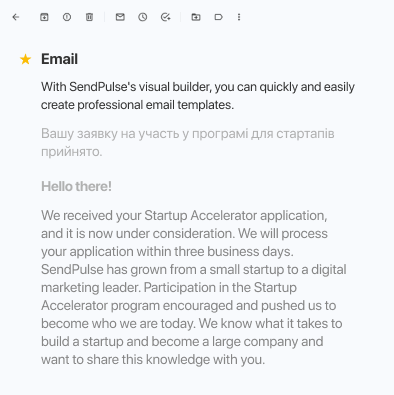
Accelerate your business growth by sending email, web push, and chatbot campaigns. Send triggered messages with the help of Automation 360.
Your marketing efforts become more efficient when you keep in touch with clients using multiple communication channels. For example, if a user does not read your SMS campaign, they will get a browser notification or email.
No matter how you handle SMS, SendPulse fits your workflow
SendPulse comes with an intuitive SMS builder, mobile app, and API with an SMS gateway to help you manage SMS your way.

SMS builder
Send SMS campaigns right from your browser in no time.
Register a sender ID → upload your contact list → add your message → click “send.”
Learn more
API and SMS gateway
Run SMS campaigns straight from your CRM, CMS, or eCommerce platform through the SendPulse REST API or SMPP gateway. Stay on top of every message with detailed delivery reports.
Browse API documentation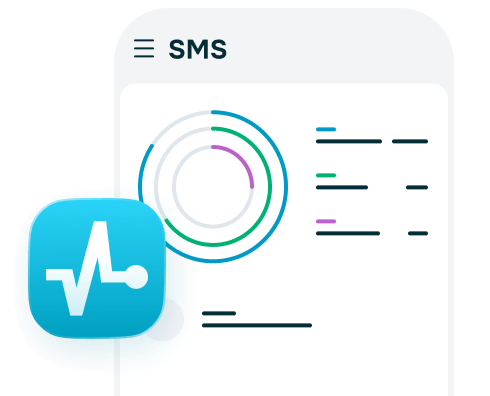
Mobile app
Manage your SMS campaigns on the go with SendPulse’s mobile app, available for iOS and Android.



We offer bespoke pricing plans for your bulk SMS campaigns
Calculate the costSend your first 10 SMS messages for free
Take your SMS campaigns global
Reach customers worldwide without juggling multiple local carriers. Send SMS to over 200 countries using local sender IDs from a single account. SendPulse guarantees lightning-fast delivery and transparent pricing for every country.
Explore country coverageHow to start sending bulk SMS
-
Add your mailing list
Upload your existing mailing list or collect clients' phone numbers using SendPulse's free subscription forms.
Add your subscribers’ phone numbers manually, upload a file, or import contacts from a third-party service.
-

Choose a sender name
Come up with a unique sender name that is no longer than 11 characters or digits.
Some mobile operators require you to register your sender name. To do it, fill out the form and wait for confirmation.
-
Type in your text message
The first 10 SMS messages with standard text are free. Afterward, you will need to replenish your balance to send more campaigns.
You can send SMS campaigns in any language and use digits and emoji. Remember that the character count includes spaces.
-
Send your campaign and analyze the results
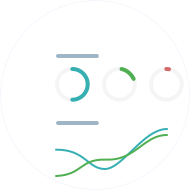
Track the ratio of your sent and delivered SMS campaigns, as well as click-through and unsubscribe rates.
Your previous campaigns' results will help you fine-tune your SMS strategy.
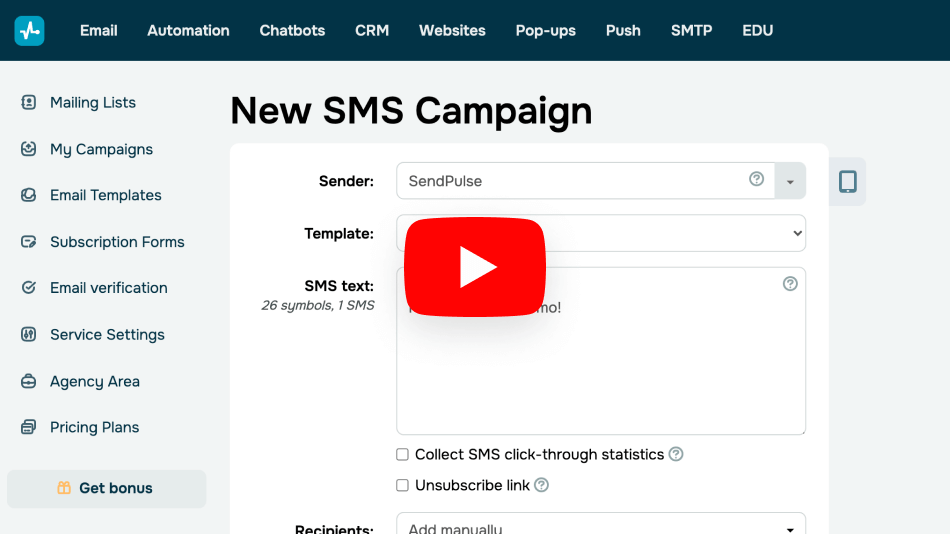
Watch this video for more details on how to send bulk SMS campaigns with SendPulse
Refine your SMS strategy and speed up your sales cycle
Get the most out of your SMS marketing efforts with SendPulse.
Use our free subscription forms to collect clients' phone numbers
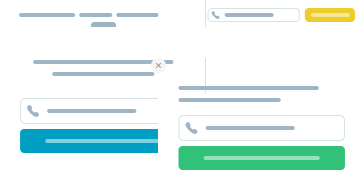
Customize your forms to get more potential clients' phone numbers. You can also request additional data, including a name, gender, and interests, to personalize and segment your future campaigns.
Send your campaigns only to those who want to receive them
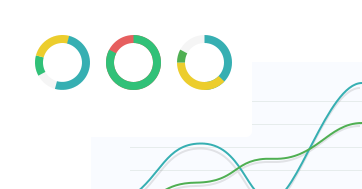
Segment your audience by age, interests, gender, and more to make a relevant offer. For example, you can offer educational literature to students and send parenting book recommendations to people with kids. The more segments you have, the more relevant your messages are.
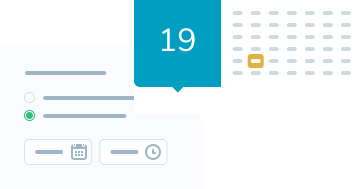
Schedule your SMS campaigns
Schedule your SMS campaigns and let them run automatically at the perfect moment — when you’re launching a promotion or when your audience is most likely to engage. Your recipient list updates automatically, so new contacts will never miss your message. Once your campaign is live, you can track its performance right from your smartphone.
SMS marketing knowledge hub
Everything you need to know for a successful start with SMS marketing.
What are SMS campaigns?
An SMS campaign is a text message sent to a large audience at once to deliver important information quickly. These messages can be the same for everyone or personalized. They are commonly used for promotions, notifications, and verification codes.
Run your first SMS campaign in five steps and make it work from day one
Define your SMS marketing goal
Build up your contact list
Register your sender ID
Create and send your SMS campaign
Track and refine your message and strategy
Get started with SMS marketing for just $1
Your campaign cost depends on your contact list size, recipient countries, and message frequency.
Boost your SMS marketing performance by pairing it with email, in-app chatbots, and web push notifications.
Why businesses choose SMS marketing
Maximum visibility for limited-time offers
Instant customer action through timely messages
Fast, code-free setup
Stronger multichannel marketing
What to look for in an SMS marketing platform
Before signing up, make sure the platform meets these four essential criteria. This will help you save time and set your campaigns up for success.

Global coverage
Choose a platform that covers your target markets and supports local sender IDs for better brand recognition.

Automation and multichannel marketing
Look for a platform that automates SMS based on customer actions and connects seamlessly with your other marketing tools, including email and messaging apps.

Seamless integrations
Make sure you can connect it to your existing marketing tools, like a CRM solution, online store, or CMS, to automate your workflows. For custom integrations, look for a REST API, SMPP gateway, webhooks, and clear documentation.

Transparent pricing and a free trial
Pick a platform that offers a free trial to explore its interface and delivery performance before making a decision. Then look for flexible pricing plans that support your growth without stretching your budget.
Scope our blog for SMS marketing strategies that work
FAQ
💙 How can I send a bulk SMS campaign?
Log in to your SendPulse account and click the "Send SMS" button. You will see a form you need to fill in. Type in your sender name and message and select your recipients. Find out more in this article.
📝 How can I register my sender name?
Go to the "Service settings" menu, select "SMS Sender ID," choose your country, and enter your ID.
🌎 In what countries can I send SMS?
You can send SMS to more than 1,000 mobile operators in 200 countries around the world. See the whole list of countries.
📲 How can I create a list of my recipients’ phone numbers?
Click "New mailing list," name your mailing list, and click "Create." Add your recipients' phone numbers to your mailing list. You can do it manually, upload a file, or import phone numbers from other services. Read this article to find out more.
🎀 Can I personalize my SMS campaign?
Sure thing! Add a recipient’s name, date of birth, gender, age, interests, and other information with the help of variables.
🌐 Can I segment my mailing list by phone number criteria?
Yes, you can segment your mailing list by mobile operators or country codes. Find out more in this article.
🛒 How do I get started with the SendPulse SMS service?
All you have to do is create an account and add funds to your balance. Read this article to find out more.
💳 How much do bulk SMS campaigns cost?
SMS campaign prices depend on your location and the location of your recipients. You only need to pay for the number of messages you send at a fixed rate. Go to our pricing page to find out more.
Develop your SMS marketing strategy and track your sales growth
Build a top-notch customer communication strategy to increase loyalty, conversion rate, and average basket size. Try it now.
Create an SMS campaignSend the first 10 SMS messages for free
or