WooCommerce for SendPulse CRM
Integrate WooCommerce with SendPulse CRM to automatically sync products, orders, customers, contacts, and deal data between your online store and CRM. Manage ecommerce sales, customer information, and order workflows in one place using SendPulse CRM.
Key features
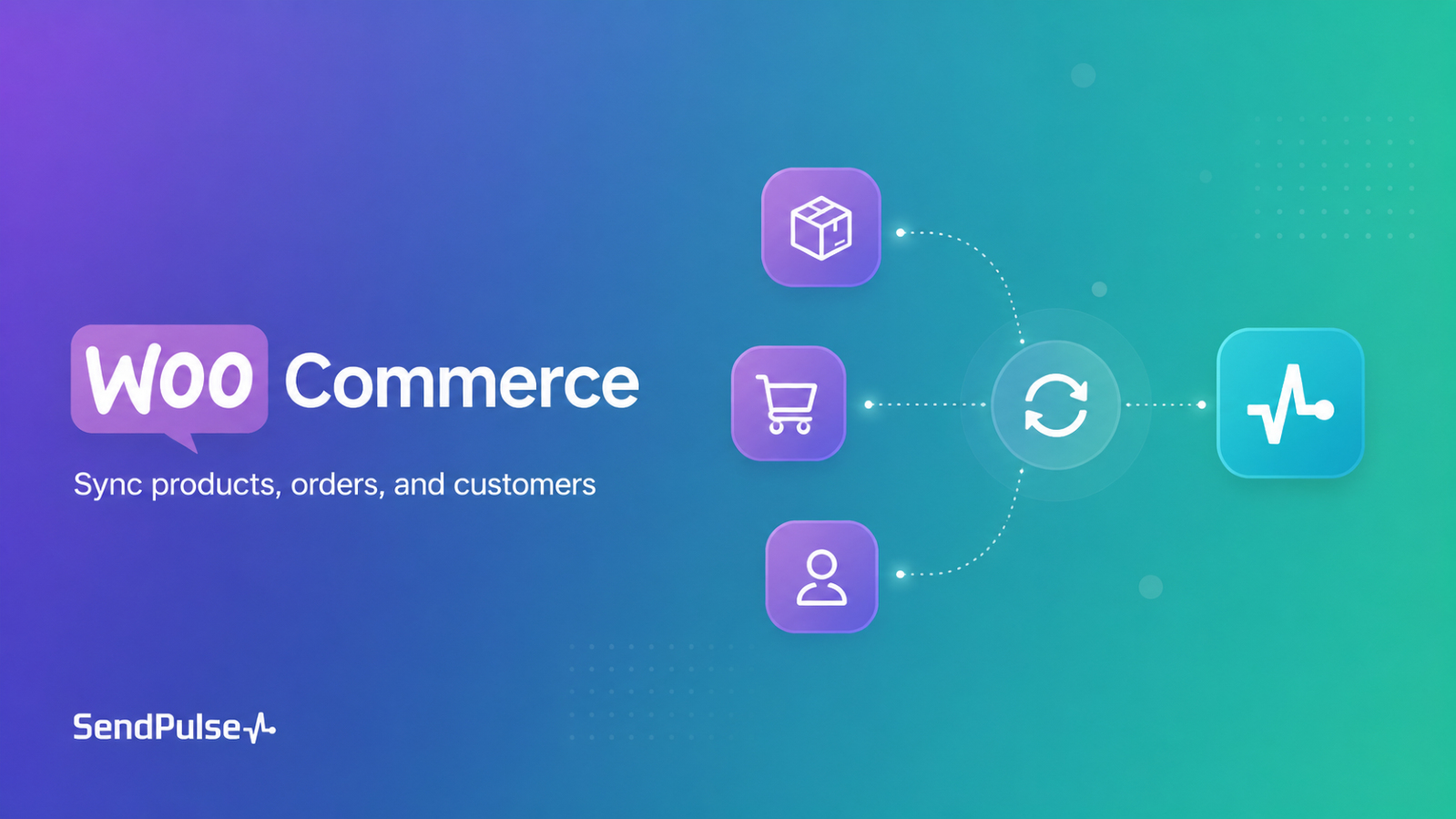
Sync WooCommerce products and product categories with SendPulse CRM.
Automatically create and update CRM contacts based on WooCommerce customer data.
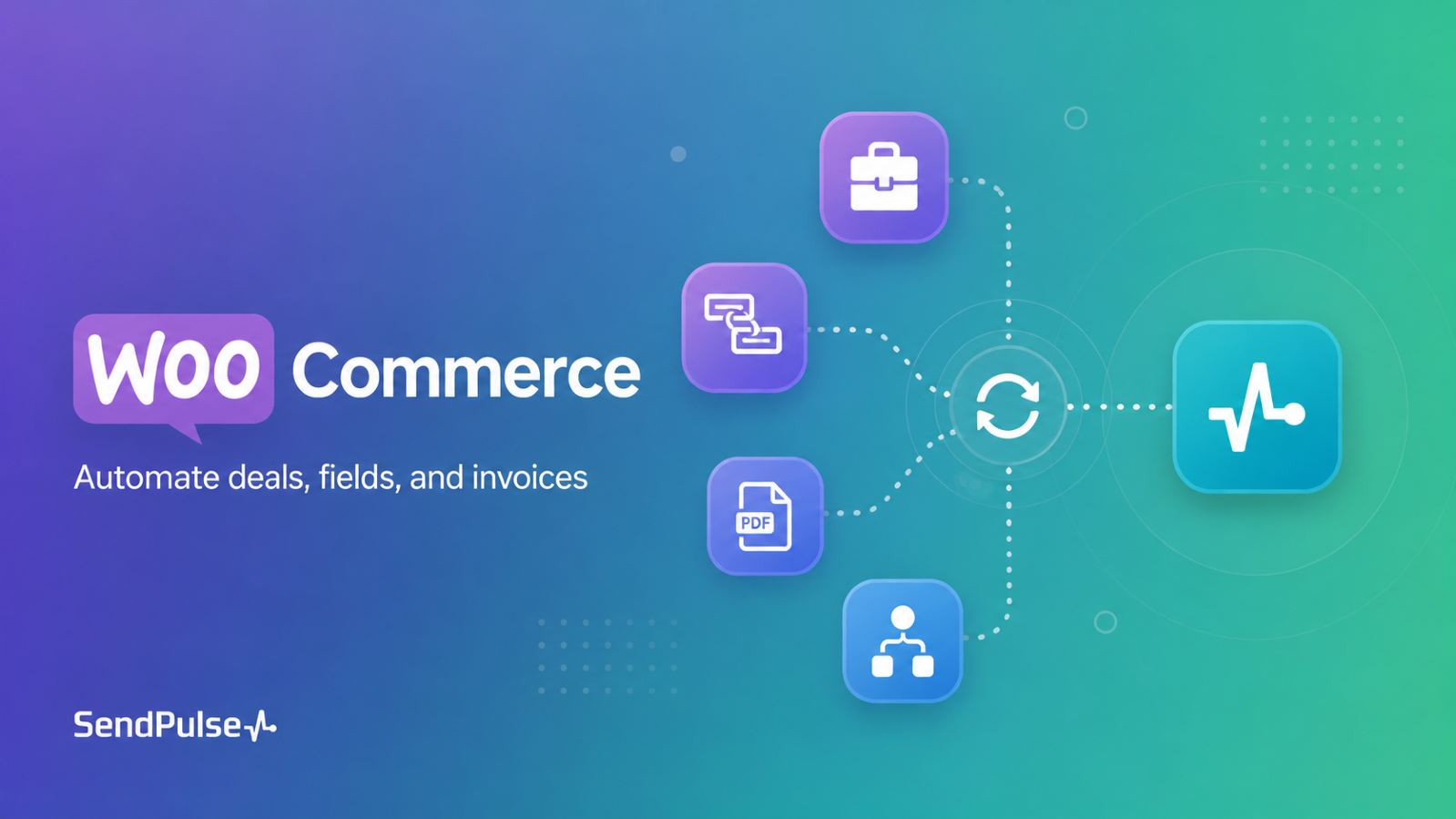
Sync WooCommerce orders with SendPulse CRM deals and related deal data.
Map WooCommerce fields to SendPulse CRM fields to match your store and sales workflow.
Use PDF invoice support in CRM deal workflows.
Keep product, customer, order, billing, shipping, file, image, and comment data up to date in your connected SendPulse CRM account.
How to connect
Install the SendPulse CRM for WooCommerce plugin in your WordPress admin panel.
Go to the plugin settings and enter your SendPulse API credentials.
Configure synchronization settings for products, categories, orders, customers, contacts, and CRM deal data.
Set up WooCommerce to CRM field mapping based on your store workflow.
Save your settings and enable the required synchronization options.
Once configured, WooCommerce events will automatically trigger synchronization with SendPulse CRM.





or