SendPulse Node for n8n
Connect SendPulse to n8n with the official SendPulse node and automate your marketing workflows without writing a single line of code. Sync CRM data, send emails, manage chatbot subscribers, and trigger Automation 360 flows — all from inside your n8n canvas.
Key Features
- Email & SMTP Automation — Automatically send transactional emails and marketing campaigns as part of your n8n workflow. Trigger mailings based on CRM updates, form submissions, webhooks, or any other n8n event — no manual sending required.
- Chatbot Flow Automation — Launch SendPulse chatbot sequences across Telegram, Facebook, WhatsApp, and Instagram directly from n8n. Add or remove subscribers, trigger specific flows, and react to user actions in real time — all as automated steps in your workflow.
- CRM Data Automation — Automatically create and update contacts, open deals, and move them through pipeline stages whenever a trigger fires in n8n. Keep SendPulse CRM in sync with your forms, payment tools, or any other connected app without manual data entry.
- Automation 360 Workflow Control — Start or stop SendPulse Automation 360 sequences from within n8n. Pass custom variables into running flows and chain SendPulse automations with external tools to build multi-step marketing journeys that go beyond what either platform can do alone.
How to Install the SendPulse Node in n8n
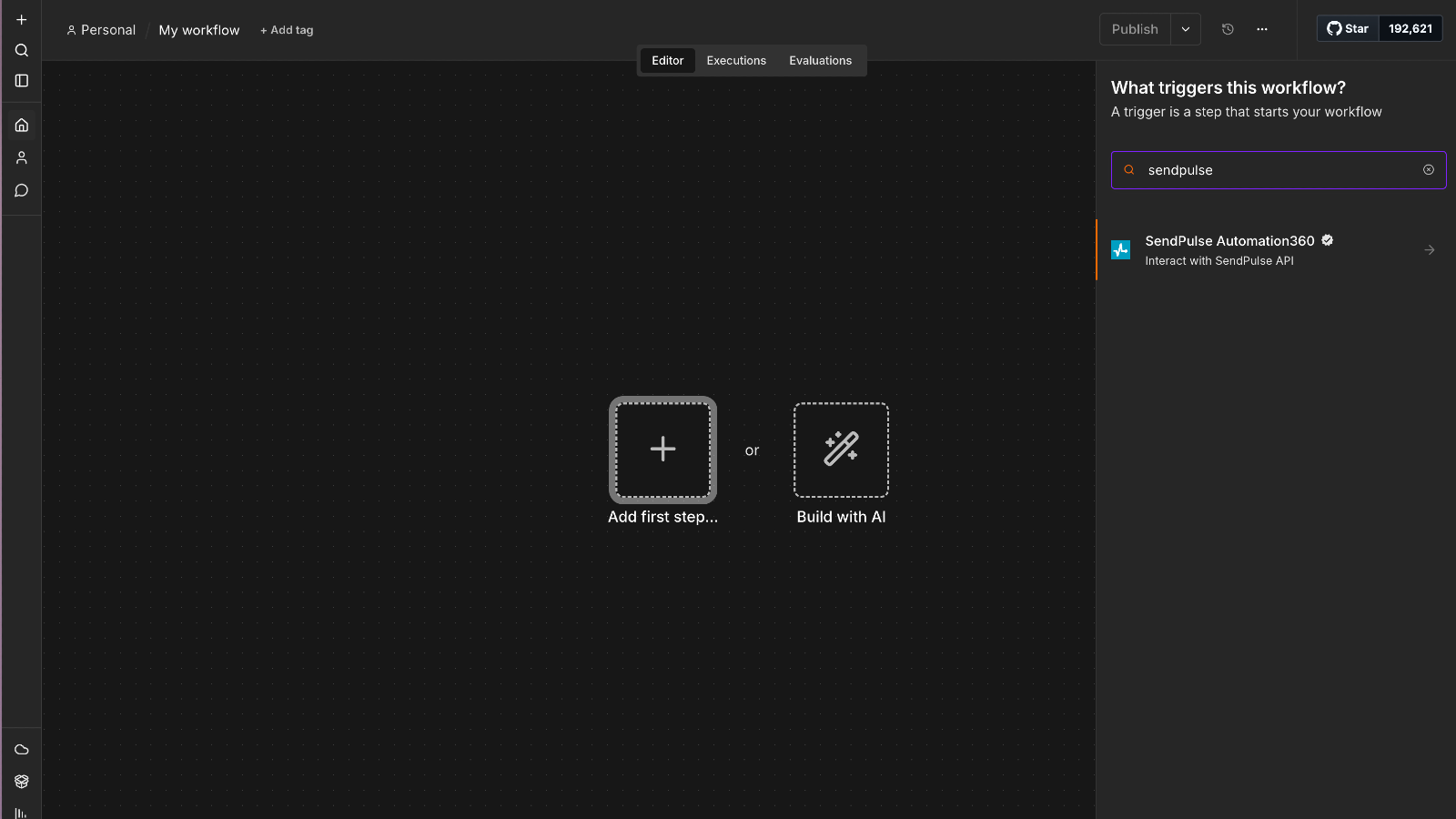
- In your n8n workflow, click Add first step and search for SendPulse in the node panel.
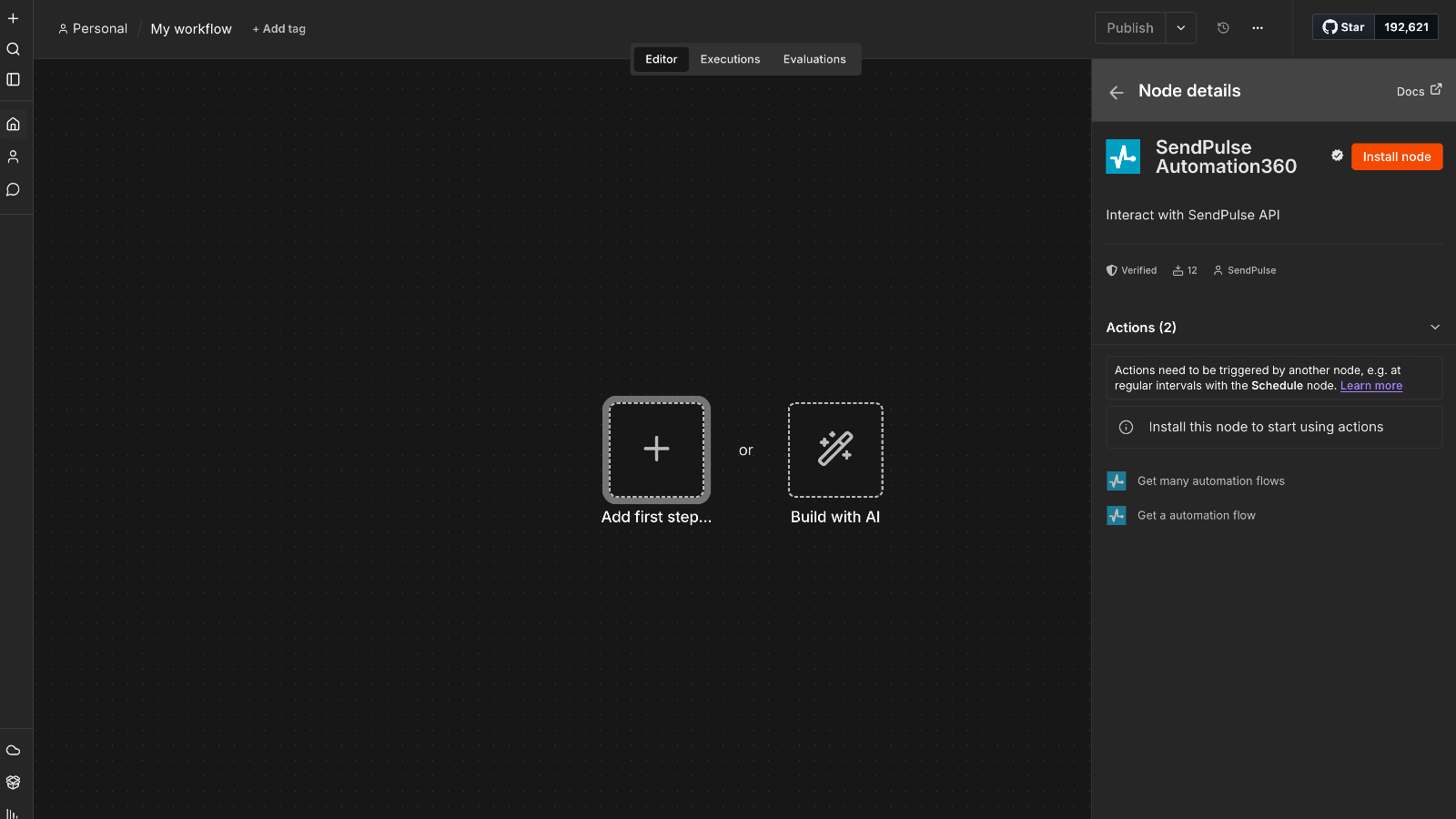
- Select the SendPulse service you need — CRM, Email, Chatbots, SMTP, Automation 360, and more — and click Install node.
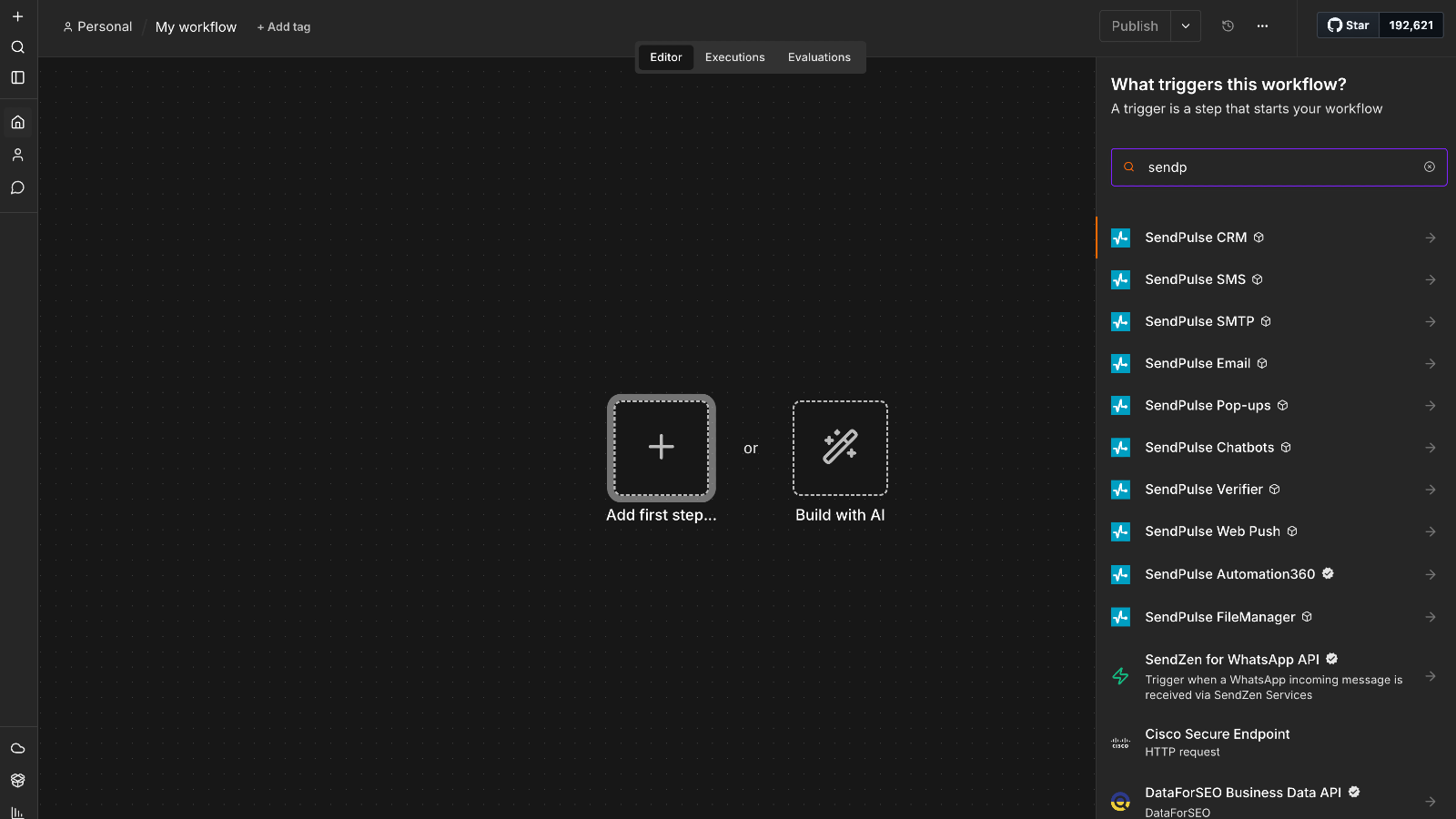
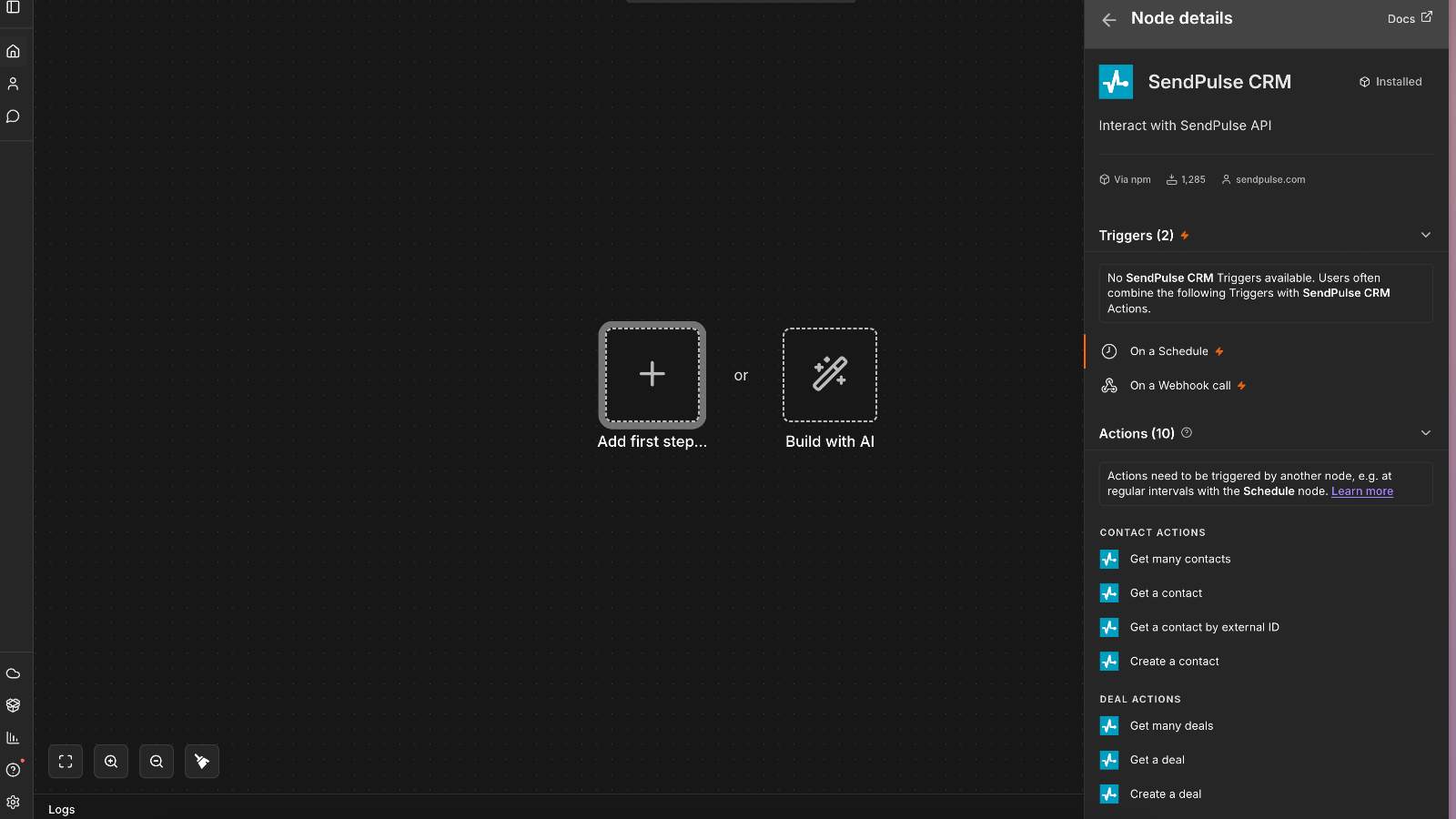
- Once installed, search for SendPulse again to see all available service nodes and add them to your workflow.
- Open the node settings, click Create new credential, and select SendPulse API.
- In your SendPulse account, go to Account Settings → API, copy your Client ID and Client Secret, paste them into n8n, and click Save.
- Choose your resource and operation, configure the required fields, connect the node, and publish your workflow.
Note: Each SendPulse service is available as a separate n8n node — CRM, Email, SMTP, Chatbots, SMS, Web Push, Pop-ups, Verifier, Automation 360, and File Manager. Install only what you need, or combine multiple nodes to build fully automated multi-channel marketing workflows.




or