involve me
Integrate with involve.me to automatically export new contacts from forms and surveys to your mailing lists. This helps grow your subscriber base, qualify leads, engage your audience, motivate them to learn more about your brand, and reduce the number of abandoned carts.
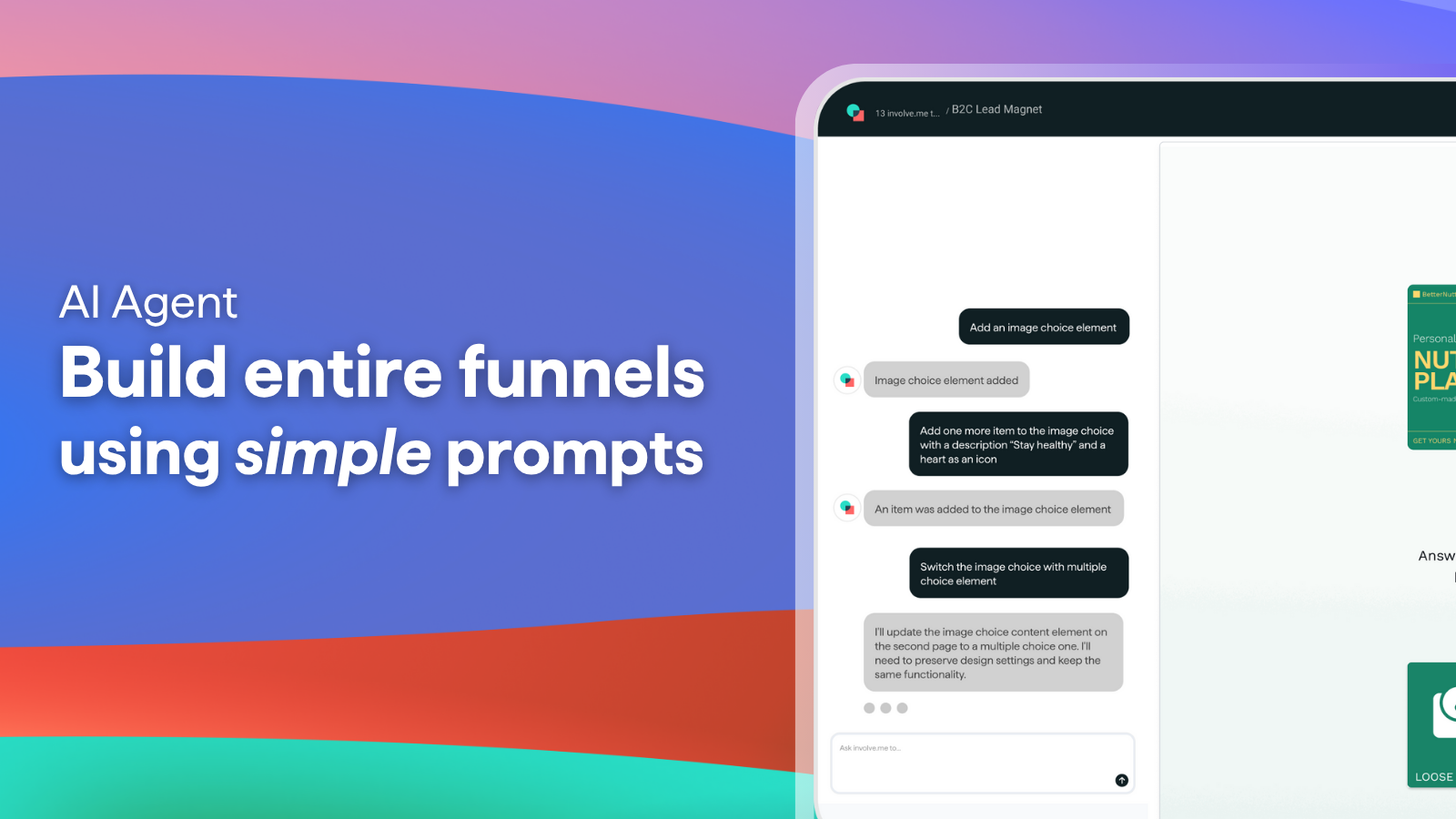
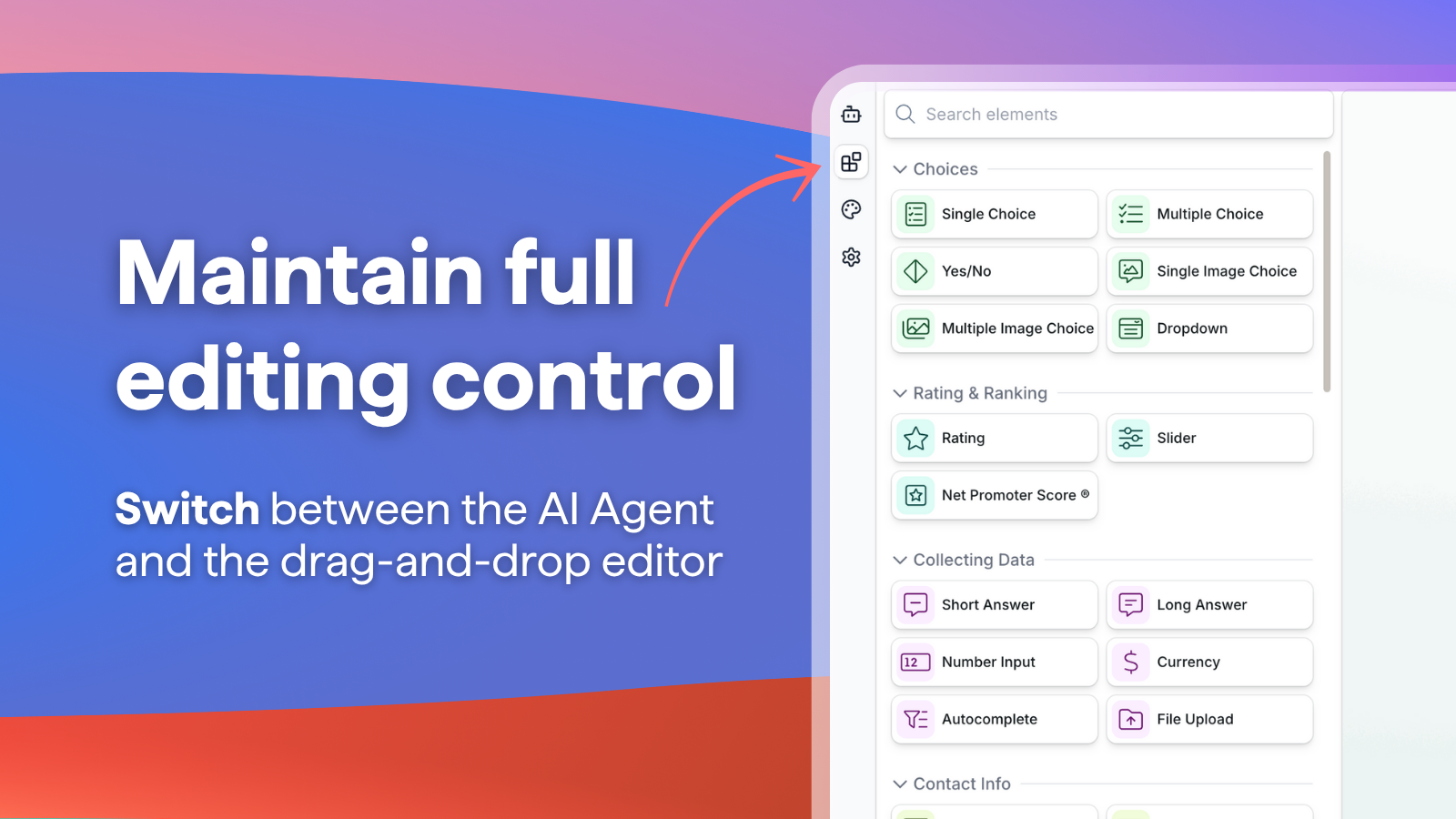
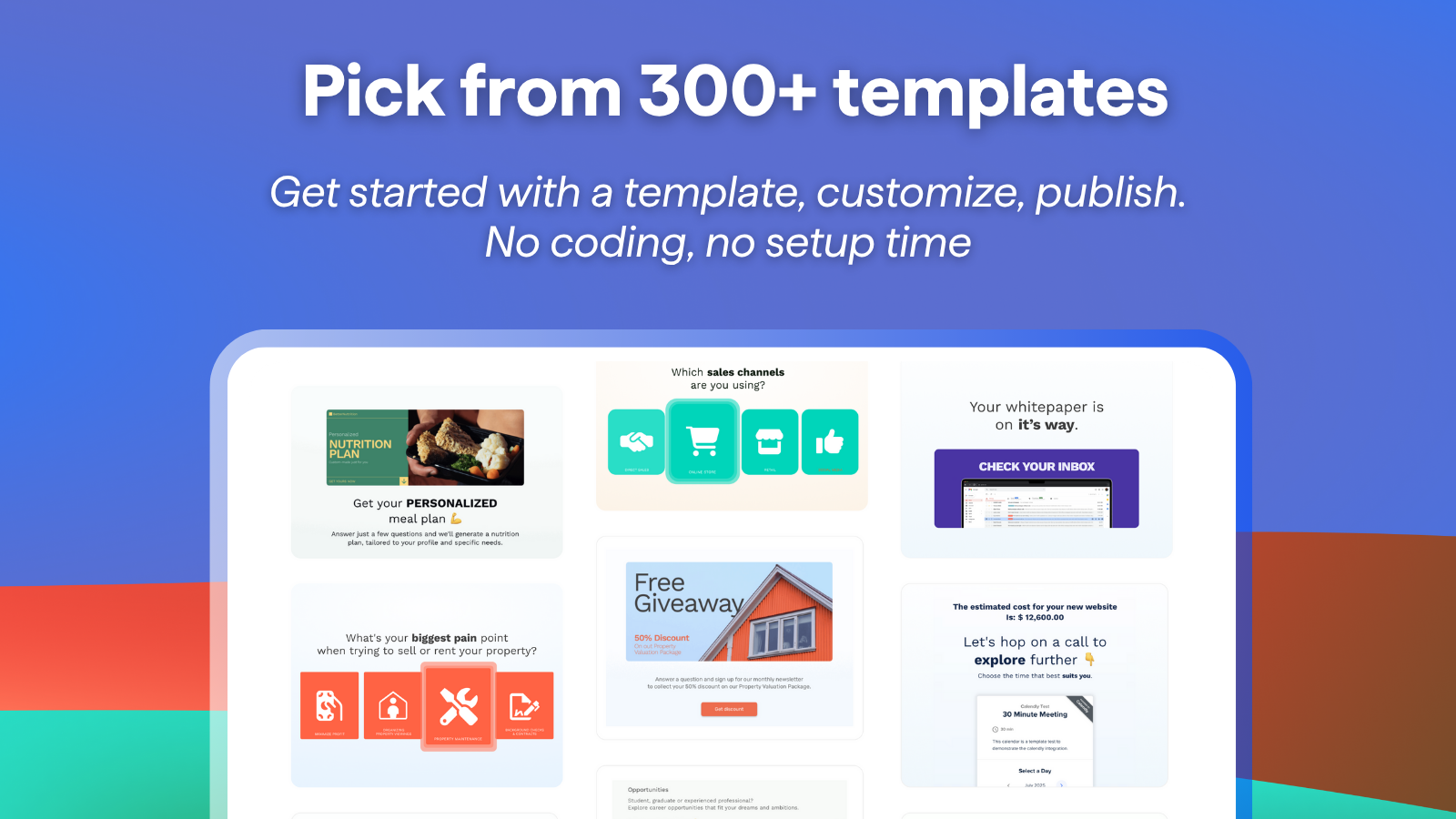
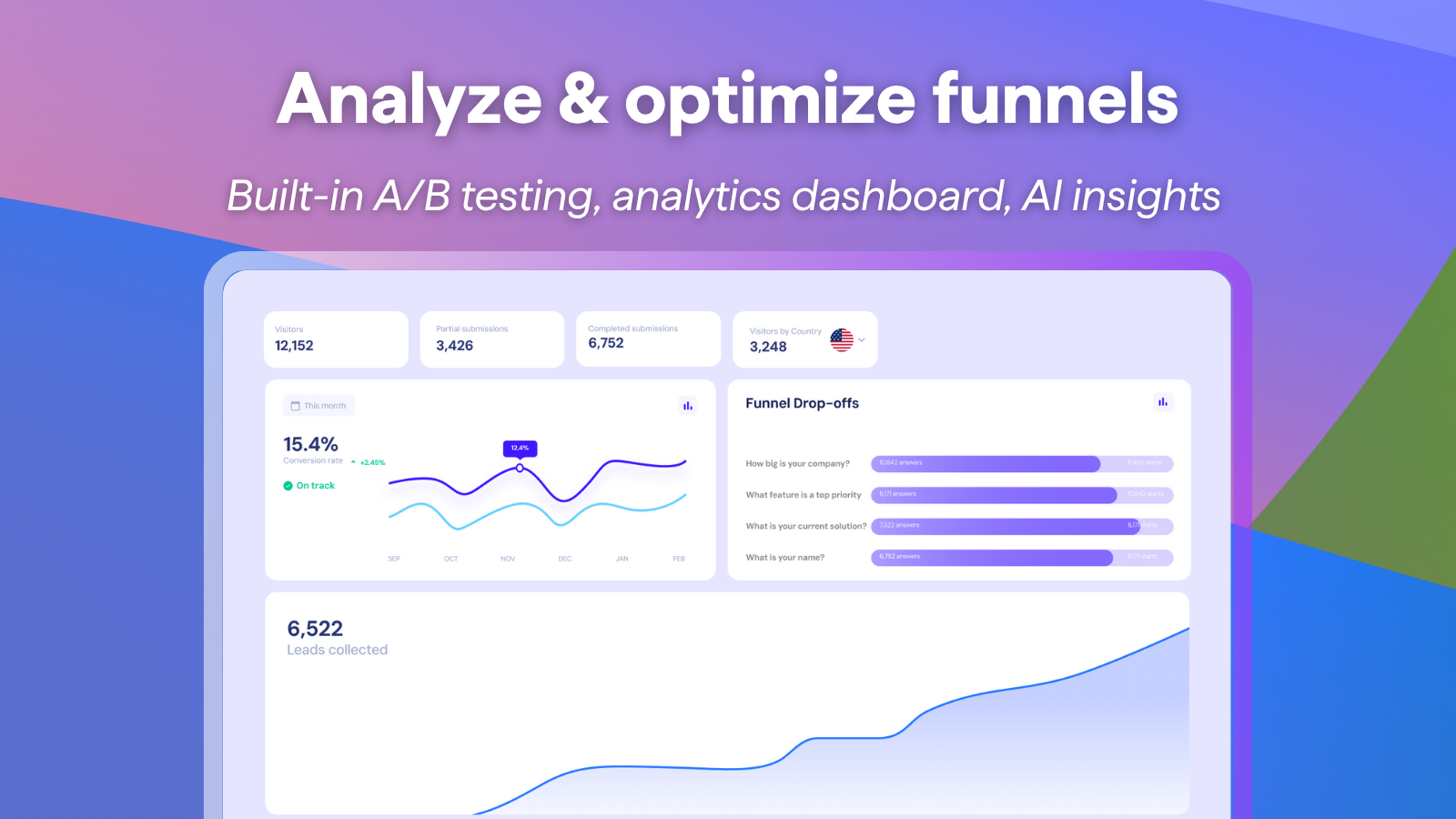
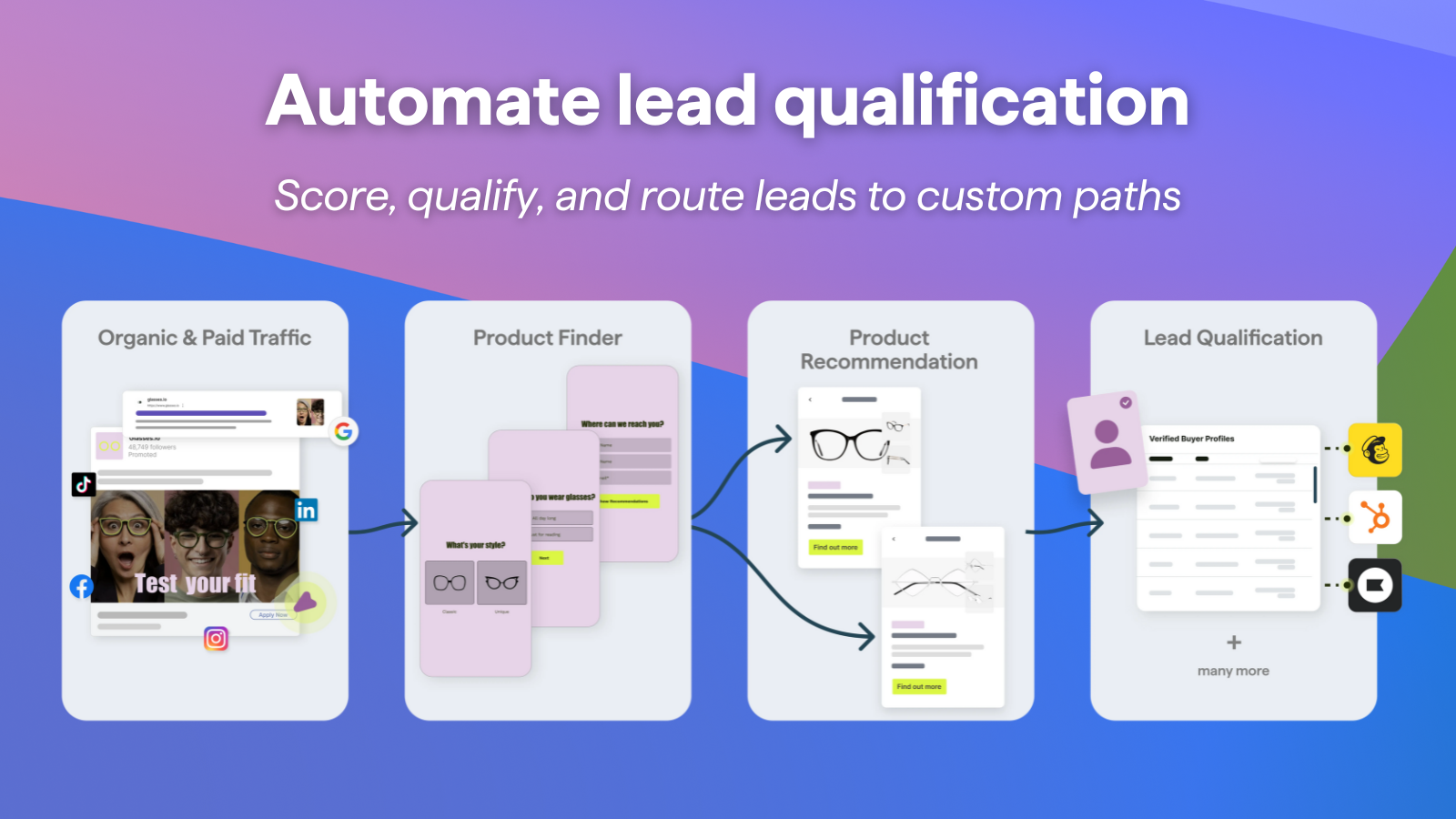
- Build engaging pop-ups, forms, and surveys using AI, and add the lead data you receive to your SendPulse mailing lists and contact cards.
- Create and send email campaigns to new contacts manually or automatically using Automation 360.
- Log in to your involve.me account, go to Integrations, and select SendPulse from the list.
- Go to your SendPulse account > API and copy your ID and Secret. Go back to your involve.me account, paste them into their respective fields, and enter a connection name. Click Connect. If you enter all data correctly, this integration will appear on the list.
- Go to your integration settings and select an export destination (Contacts on Emails Lists or Contacts on CRM). To export data to your mailing list, select a mailing list. To export data to your CRM contacts, select a pipeline, stage, and contact assignee.
Find out more about the involve.me integration and its features.





or