Tabular
This integration allows you to automatically upload your Tabular email templates to SendPulse. You will be able to access all your uploaded emails in the Email Templates tab and use them to send regular or automated campaigns.
Features
Build responsive email templates using the Tabular no-code email builder.
Export email templates to SendPulse, edit them, and use these templates to send campaigns or build automated flows.
How to integrate with Tabular
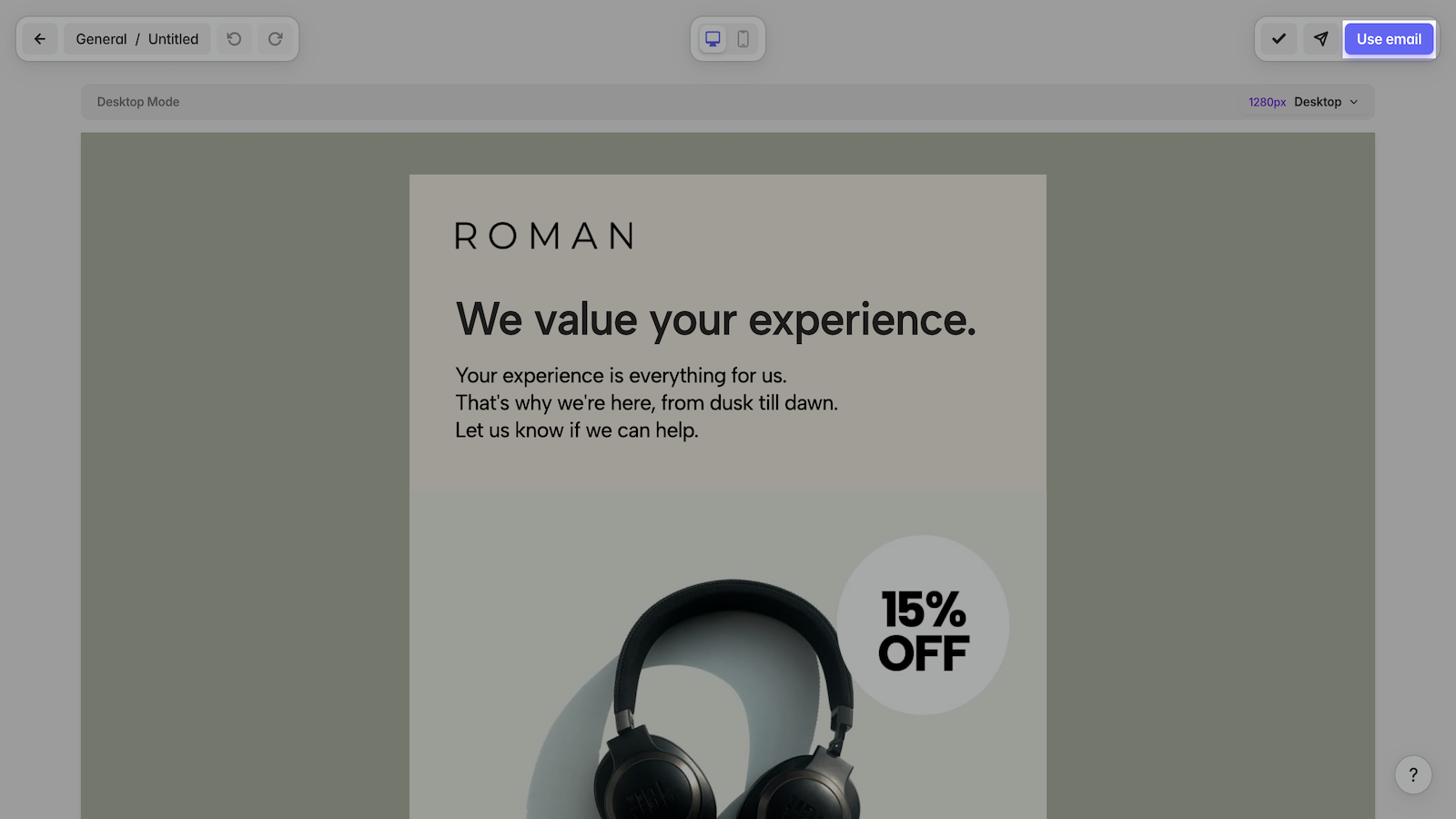
Log in to your Tabular account, select the template you want to export to SendPulse, and click Use email in the upper right corner.
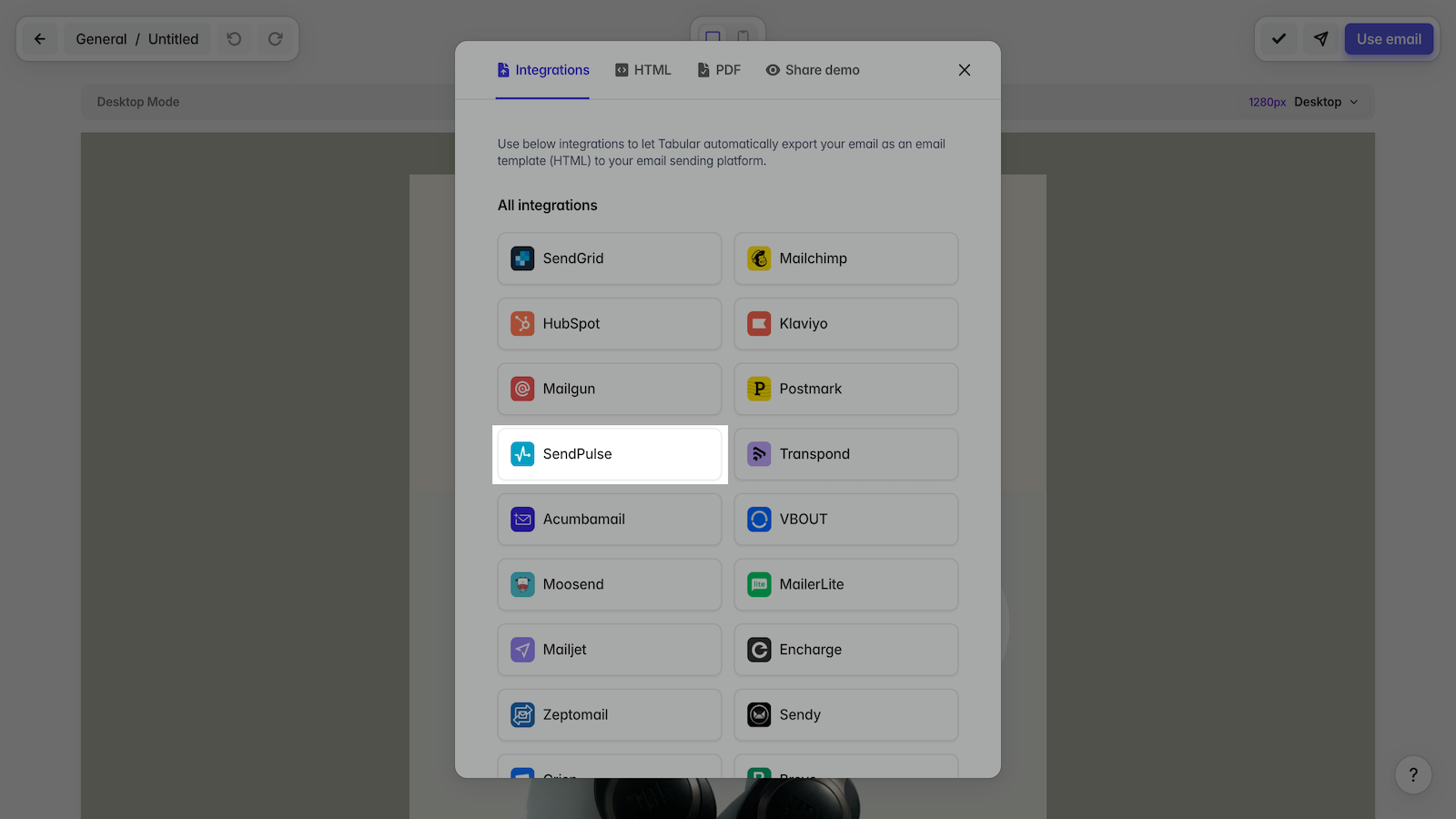
Select SendPulse from the list of integrations.
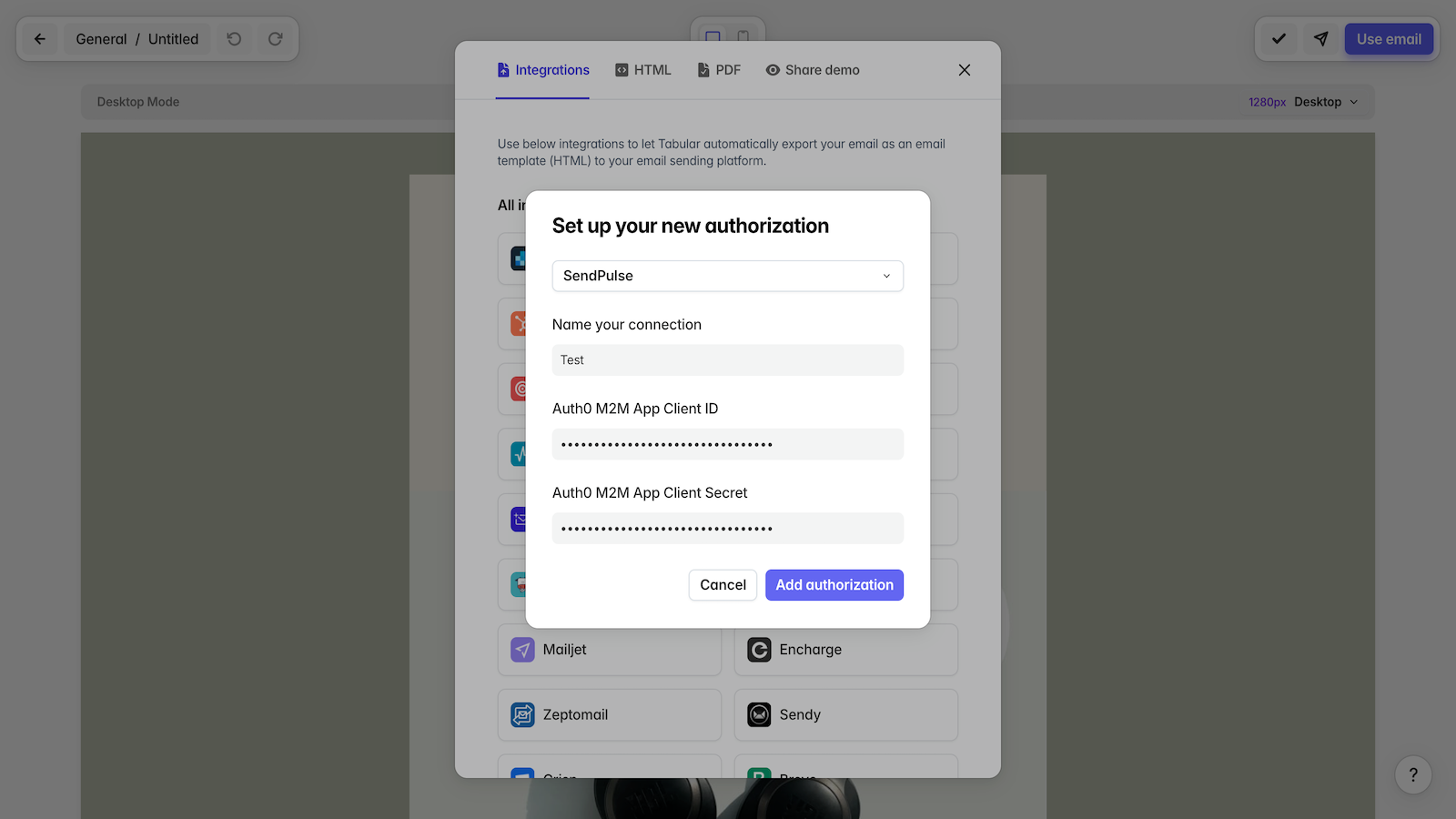
In your SendPulse account > the API tab, copy your ID and Secret. Go to your Tabular account and paste them into the respective fields. Click Add authorization.
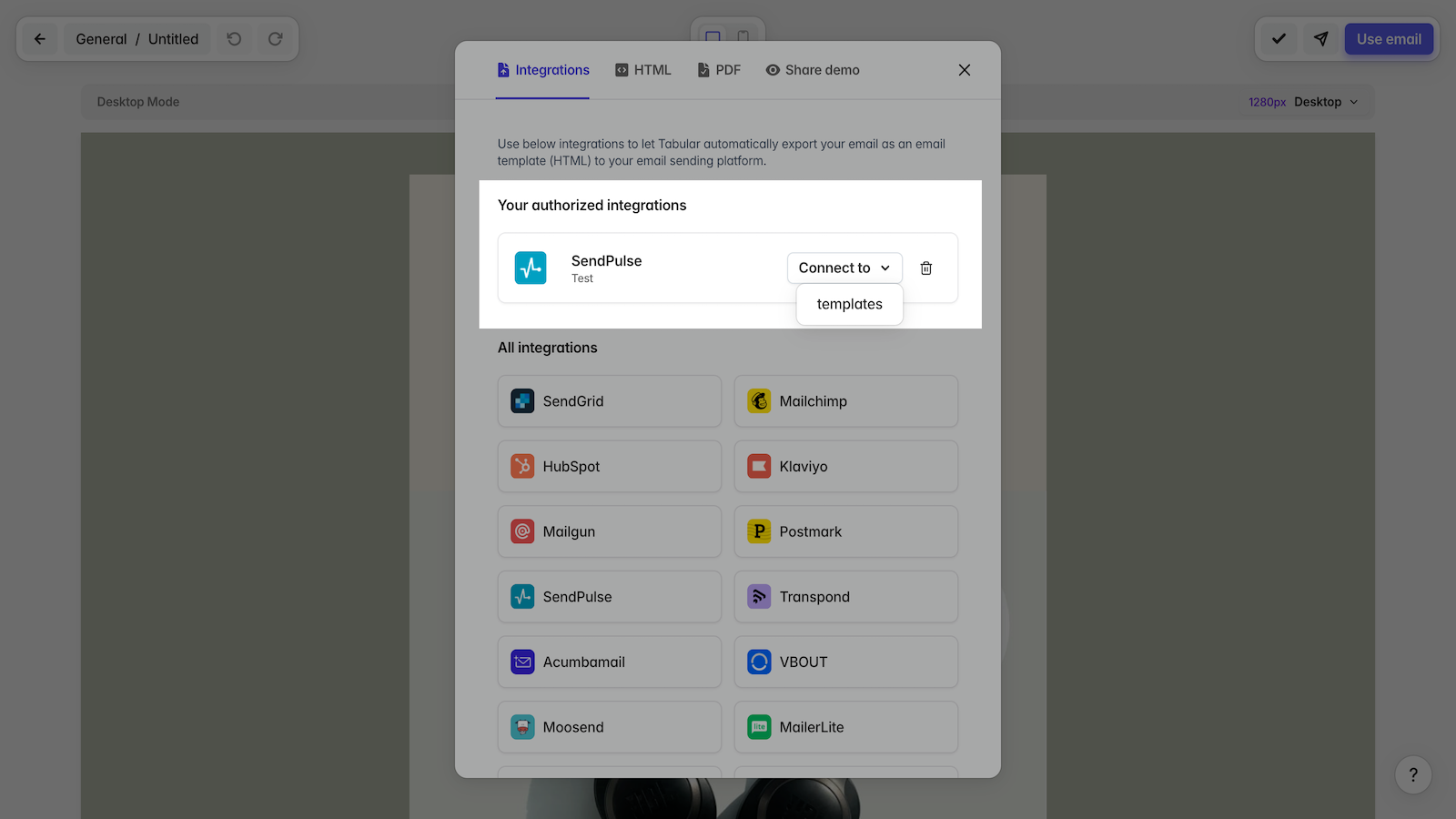
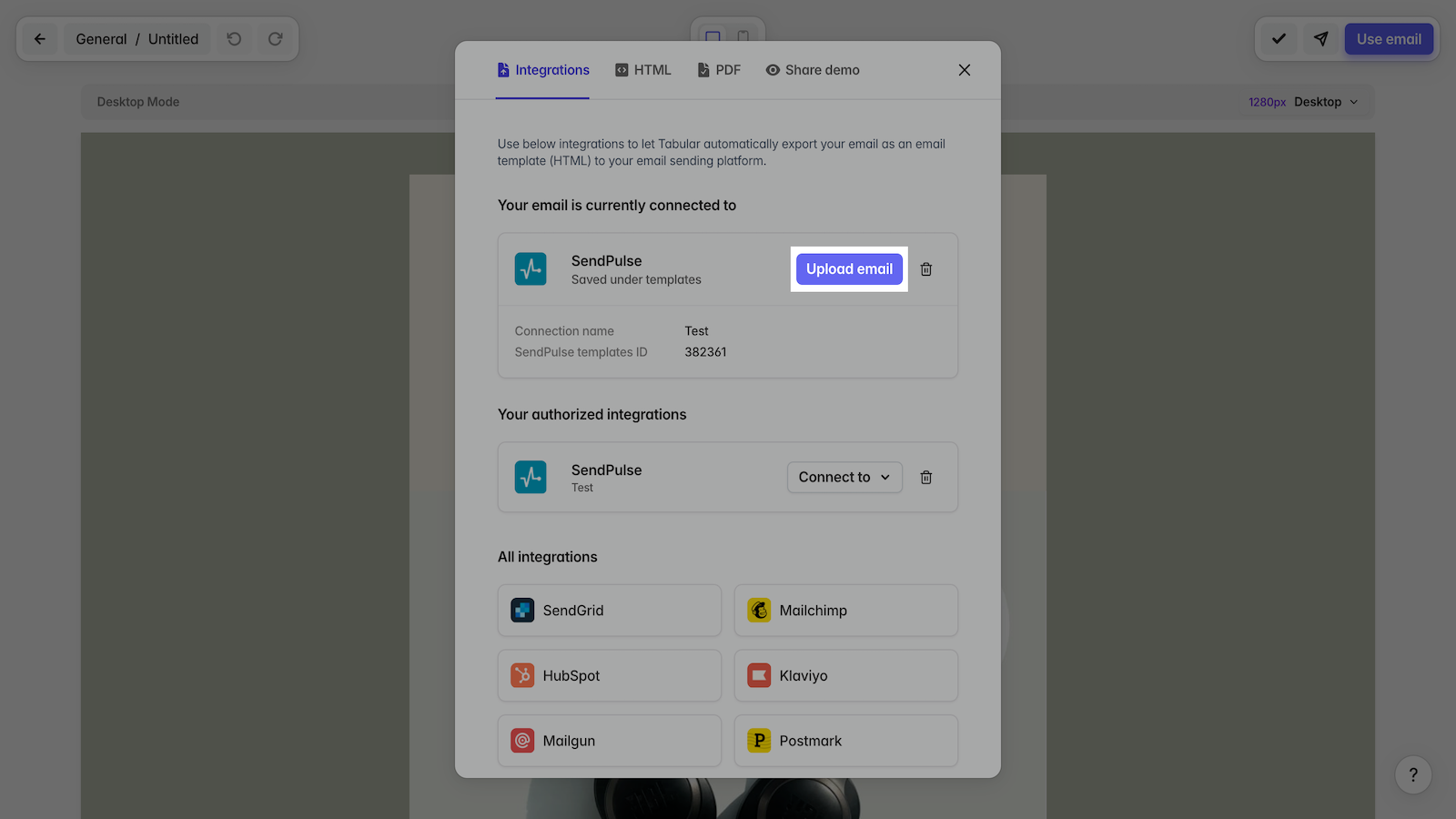
Select Connect to templates and click Upload email once the connection is established.
Your selected email will be uploaded to your specified SendPulse account.
Learn more about how to integrate with Tabular.





or