Pipedrive
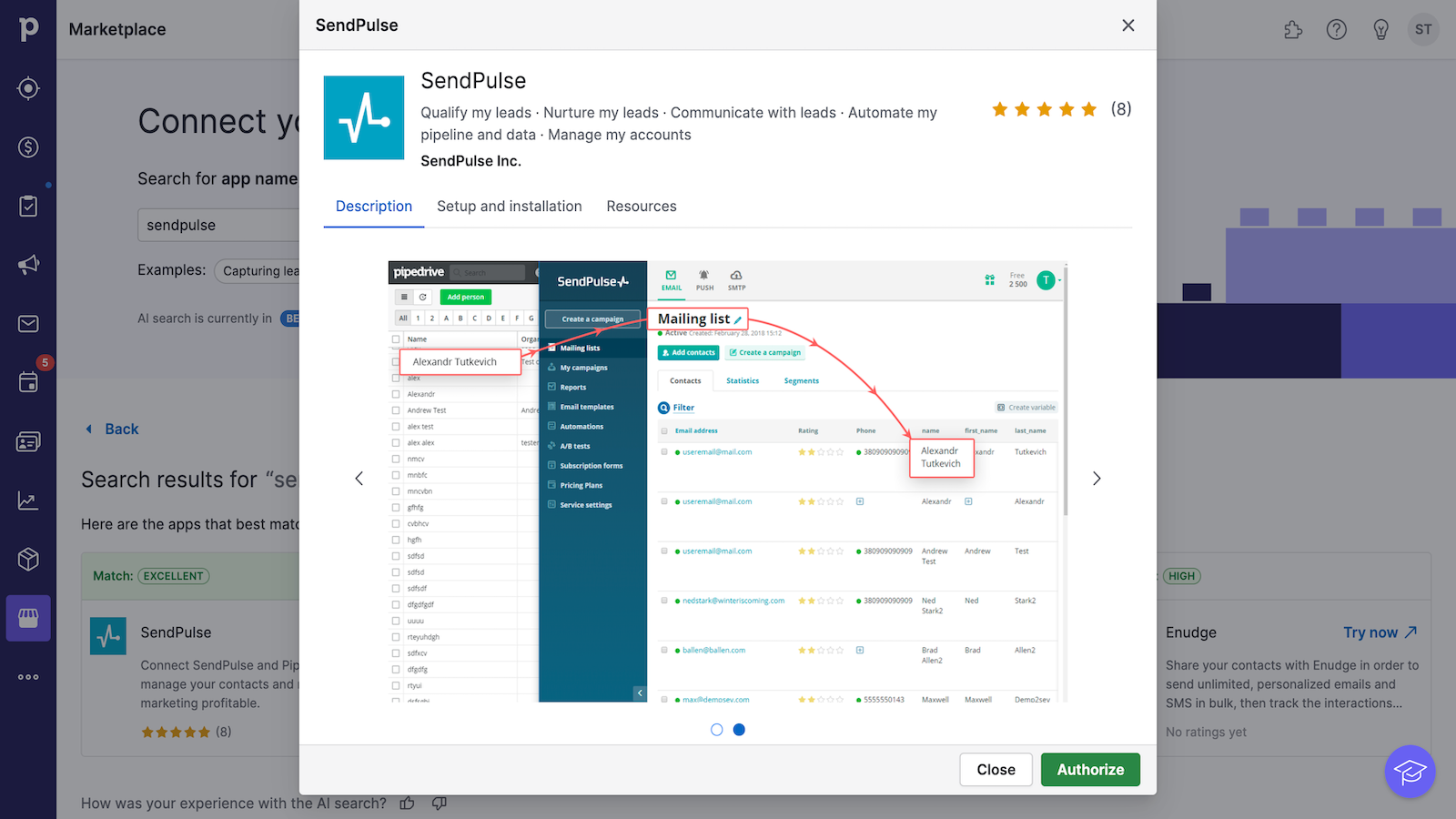
With Pipedrive, you can automatically or manually export Pipedrive data to SendPulse mailing lists for free. Pipedrive is CRM software that allows you to manage customer relationships and sales pipelines. This integration allows you to automatically add new contacts to your SendPulse account and send them personalized email campaigns.
Features
Export email addresses, names, and more contact data to SendPulse mailing lists.
Export new contacts automatically or manually.
Create and send email and SMS campaigns to your new Pipedrive contacts.
How to integrate with Pipedrive
Log in to your Pipedrive account and select the Marketplace tab.
Select SendPulse from the list of integrations and click Authorize.
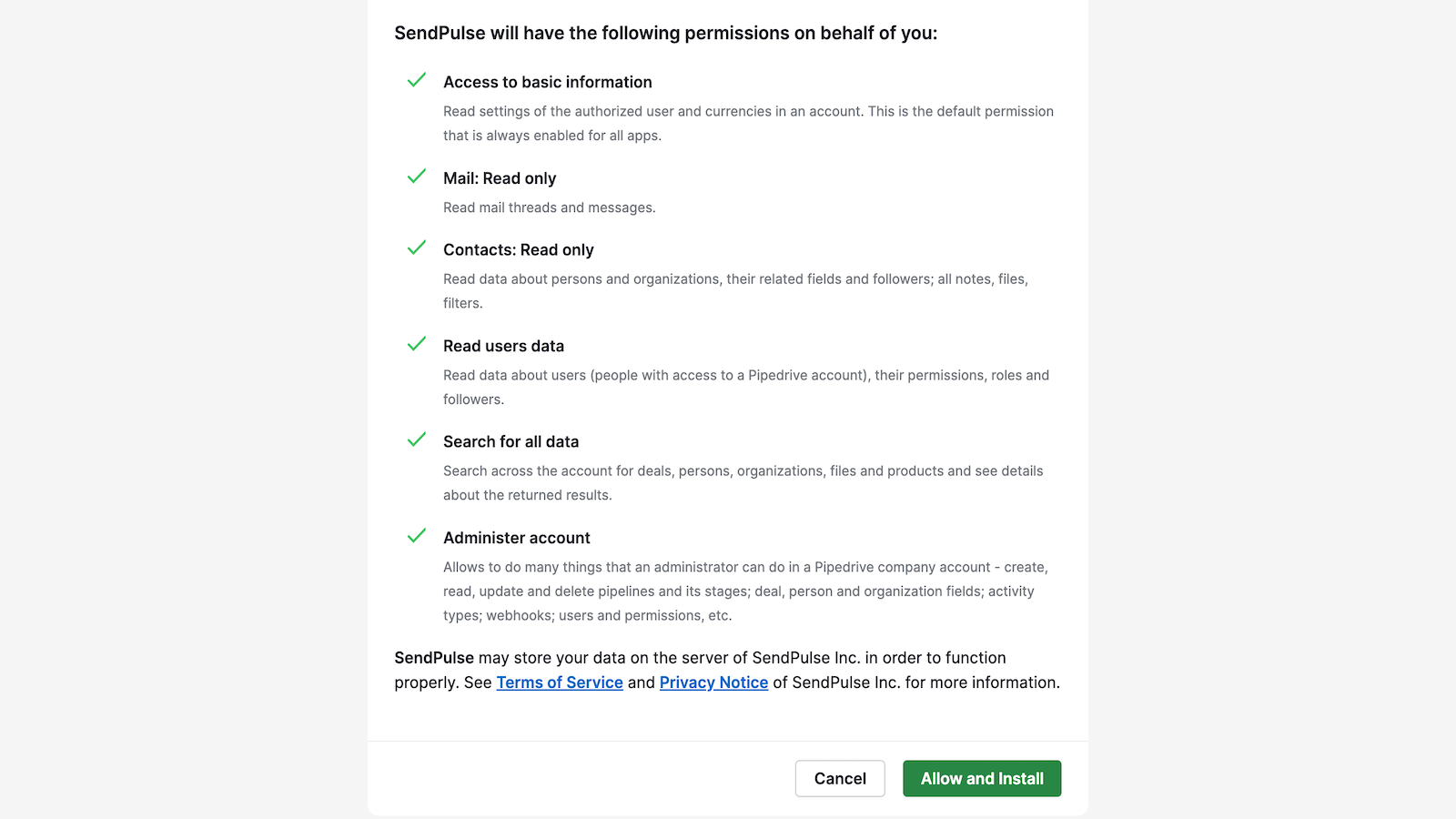
Click Allow and Install to give the required permissions.
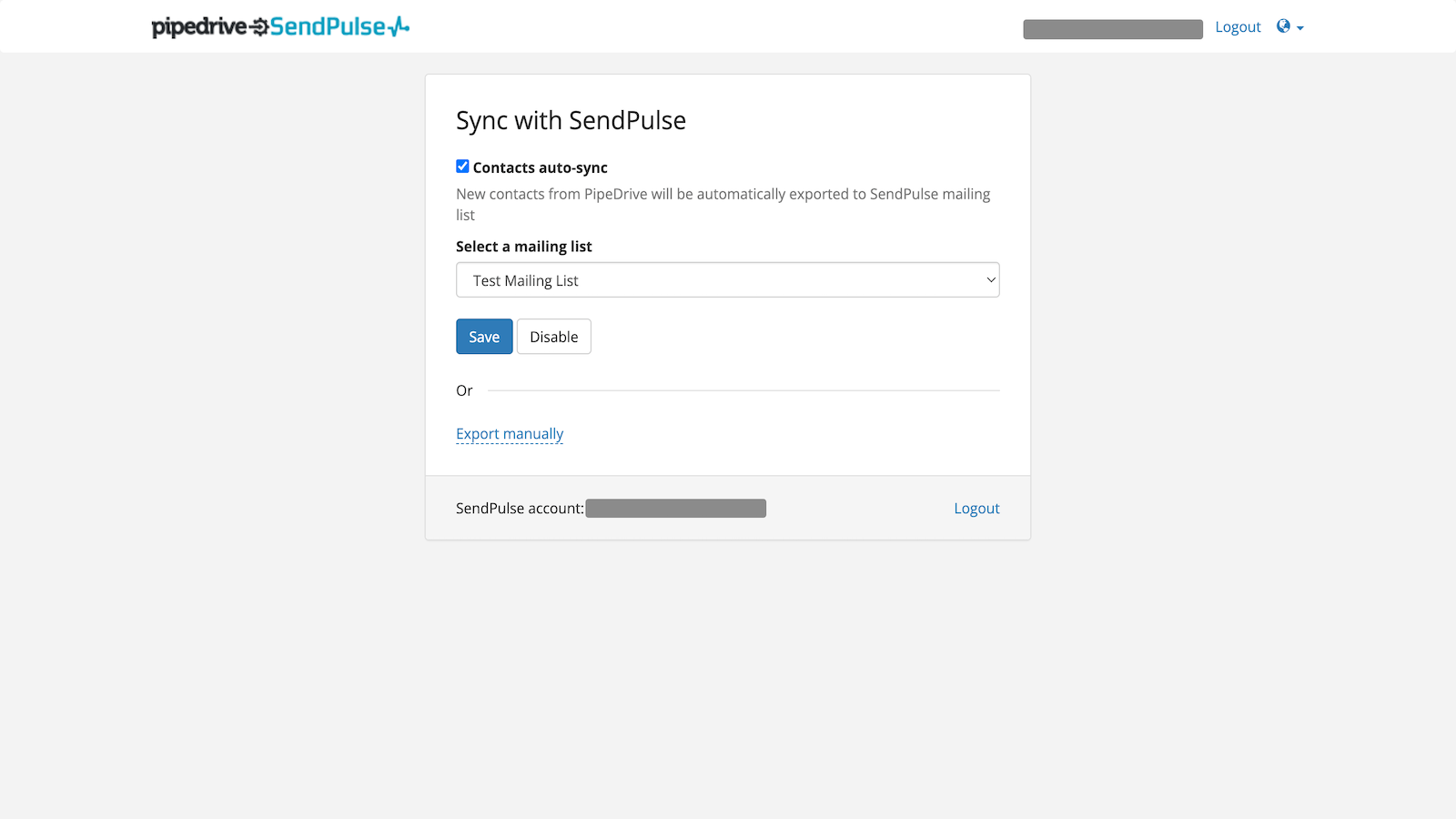
Select the mailing list to which you want to save contacts or export contacts manually. If you select the Export manually option, you will need to select a mailing list every time you export contacts this way.
Click Save.
Learn more about how to integrate with Pipedrive.
Find out more about the Pipedrive integration and its features.





or