Crowdin
With Crowdin, you can localize and translate your emails to launch multilingual campaigns faster and not have to copy them to third-party tools first. This integration allows you to localize your emails anytime and deliver timely translations.
Features
Sync your email templates with Crowdin to translate them yourself or hire a translator.
Get translations in SendPulse and launch multilingual email campaigns.
How to integrate with Crowdin
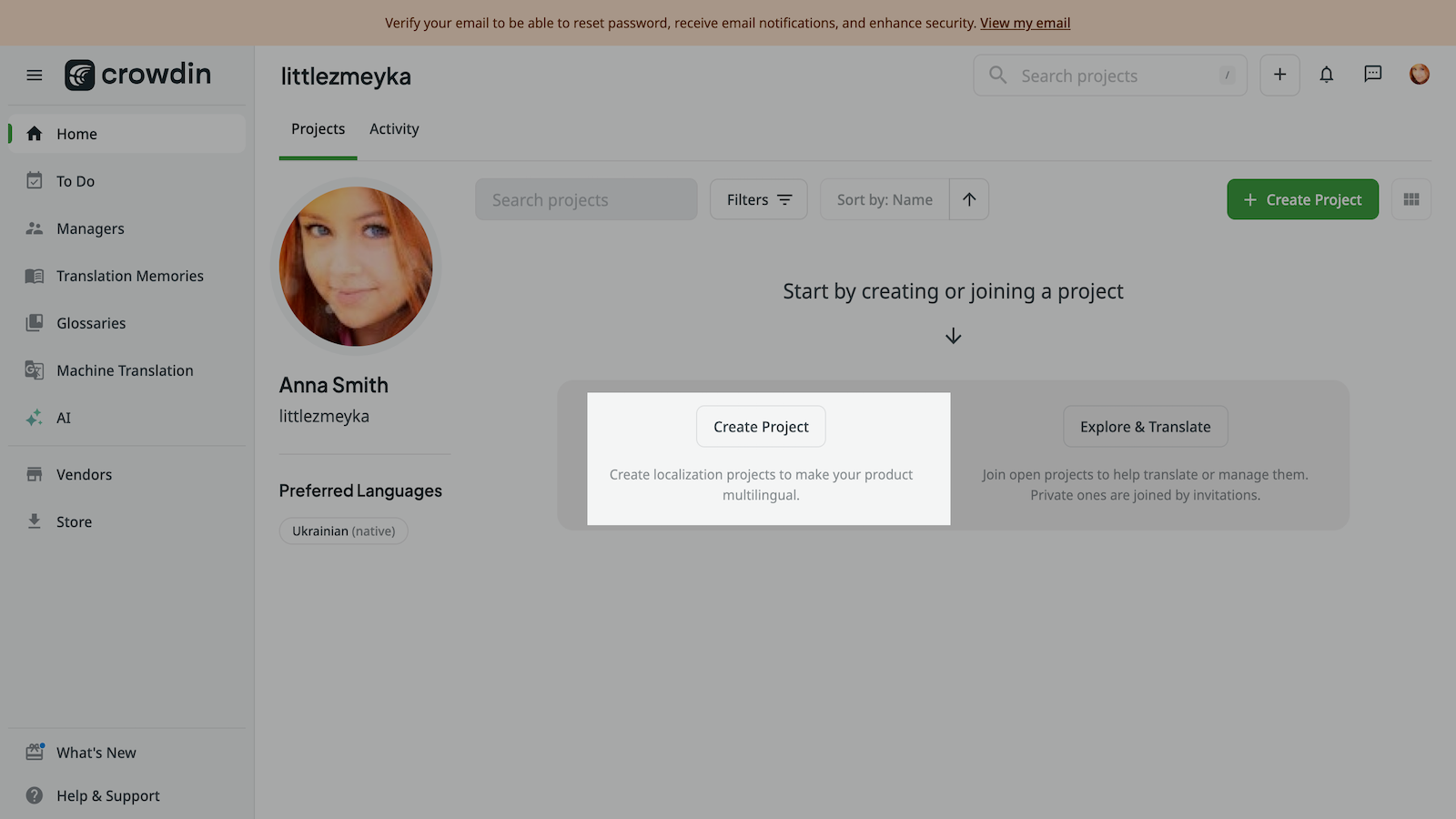
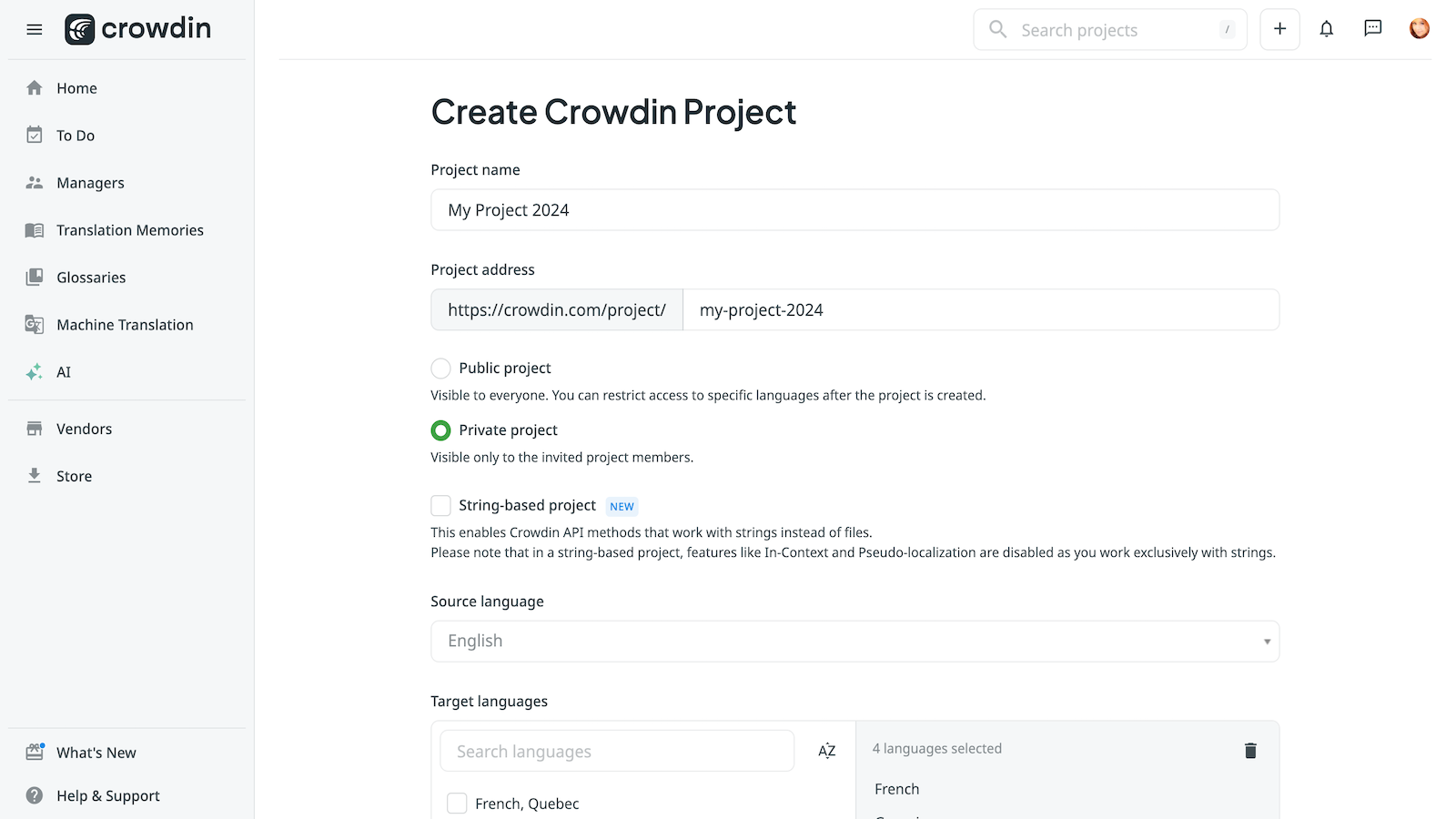
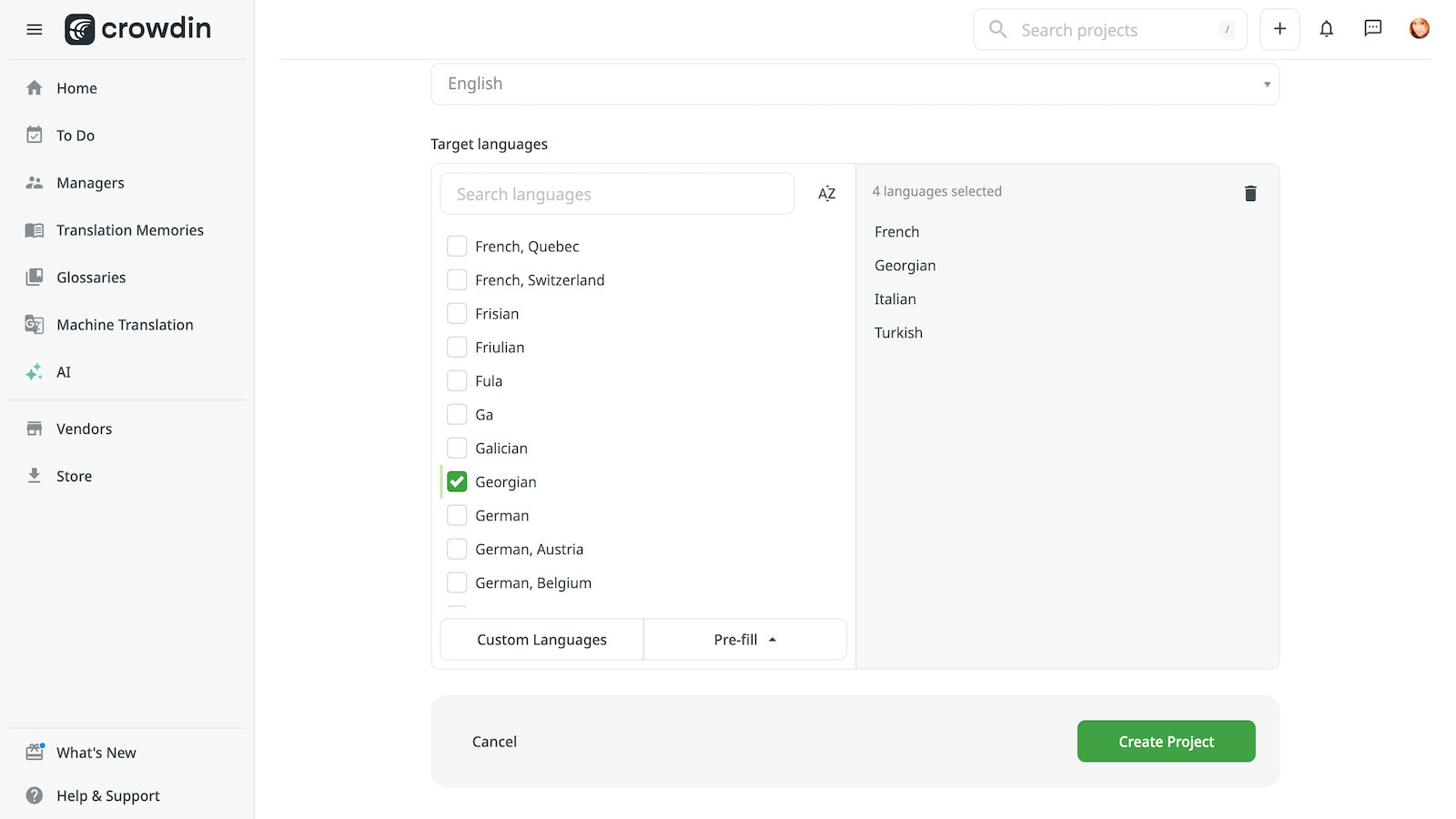
Log in to your Crowdin account and create a new project. Enter your project’s name, make it public or private, and select your source and target languages.
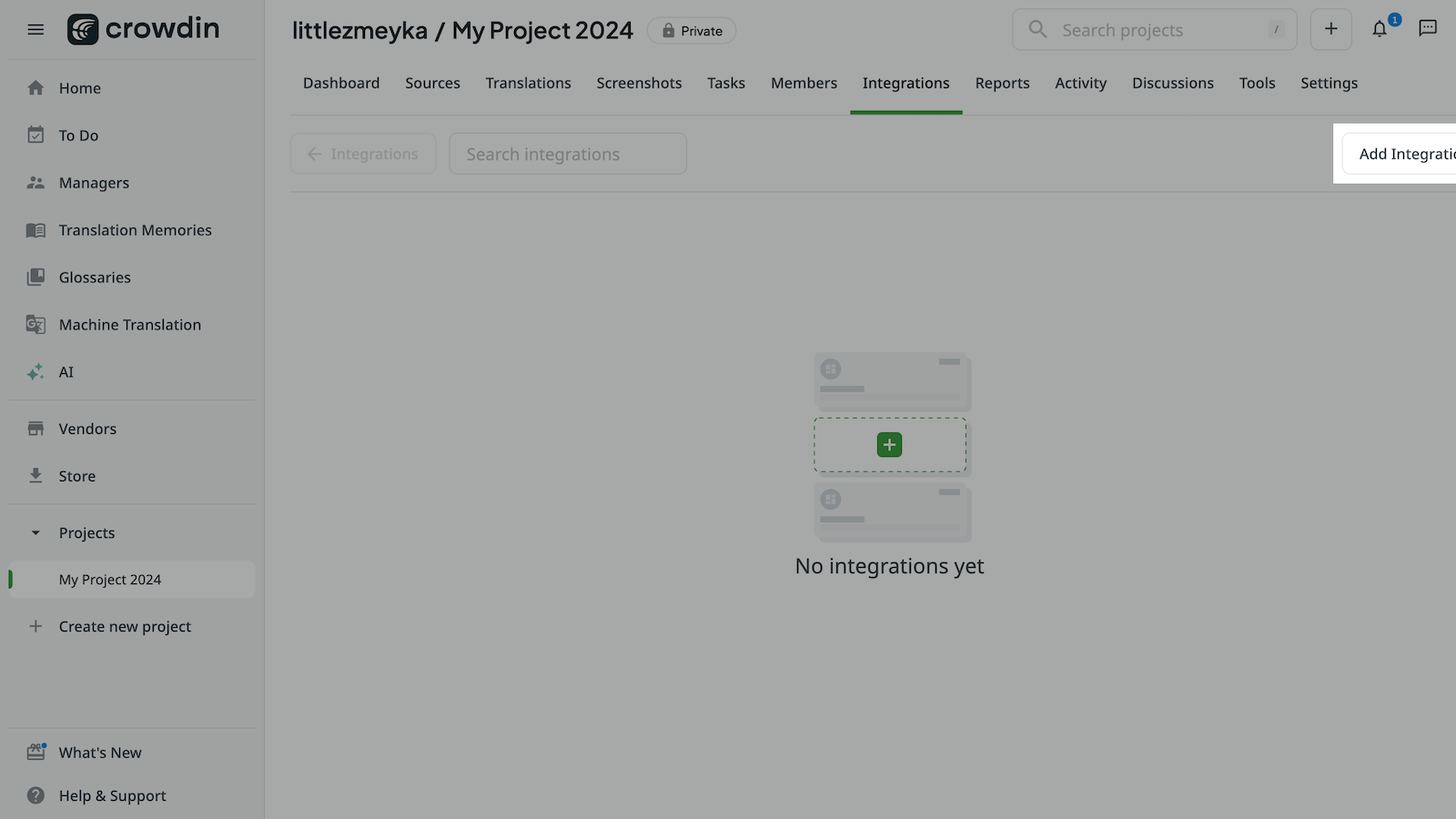
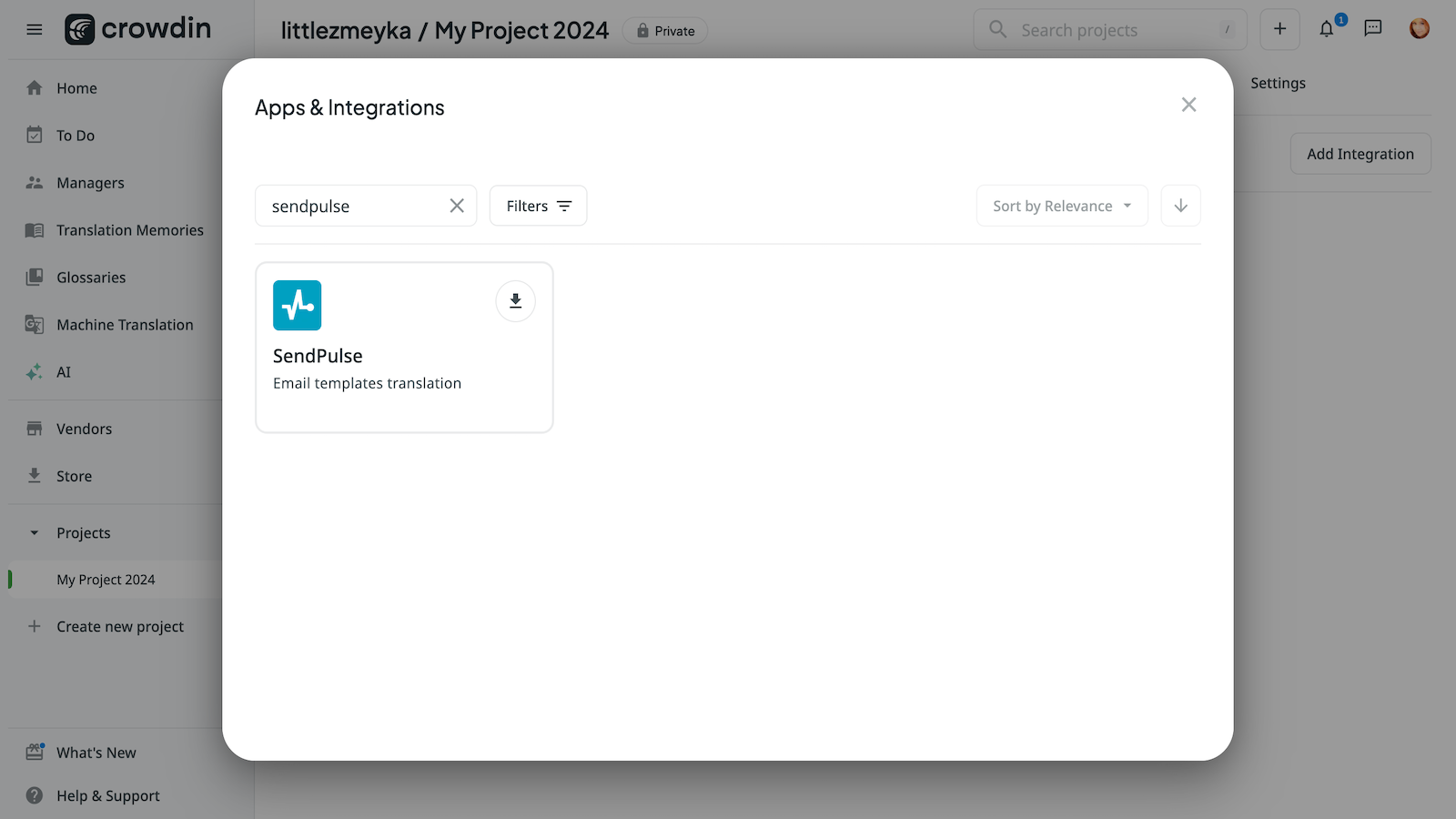
Click Add Integration, find SendPulse, and click Install.
Select the users who can use the integration and the projects they can have access to. Click Install again.
In your SendPulse account > the API tab, copy your ID and Secret. Go to your Crowdin project > Integrations, select SendPulse, and paste your ID and Secret into the respective fields. Click Log In With SendPulse.
Once you integrate with Crowdin, you will be able to translate your emails and send multilingual campaigns.
Learn more about the Crowdin integration and its settings.





or