Creatio
Integrate Creatio with SendPulse to send personalized email, SMS, and Viber campaigns to contacts right in Creatio CRM. You don’t even need to leave Creatio to run bulk email campaigns through SendPulse or view statistics.
Features
Sync your entire Creatio contact database or specific audience segments with SendPulse to send transactional and promotional campaigns via email, SMS, and Viber.
Create email campaigns using customer data from Creatio and SendPulse mailing lists.
Access real-time email statistics and analysis directly within your Creatio account.
How to integrate with Creatio
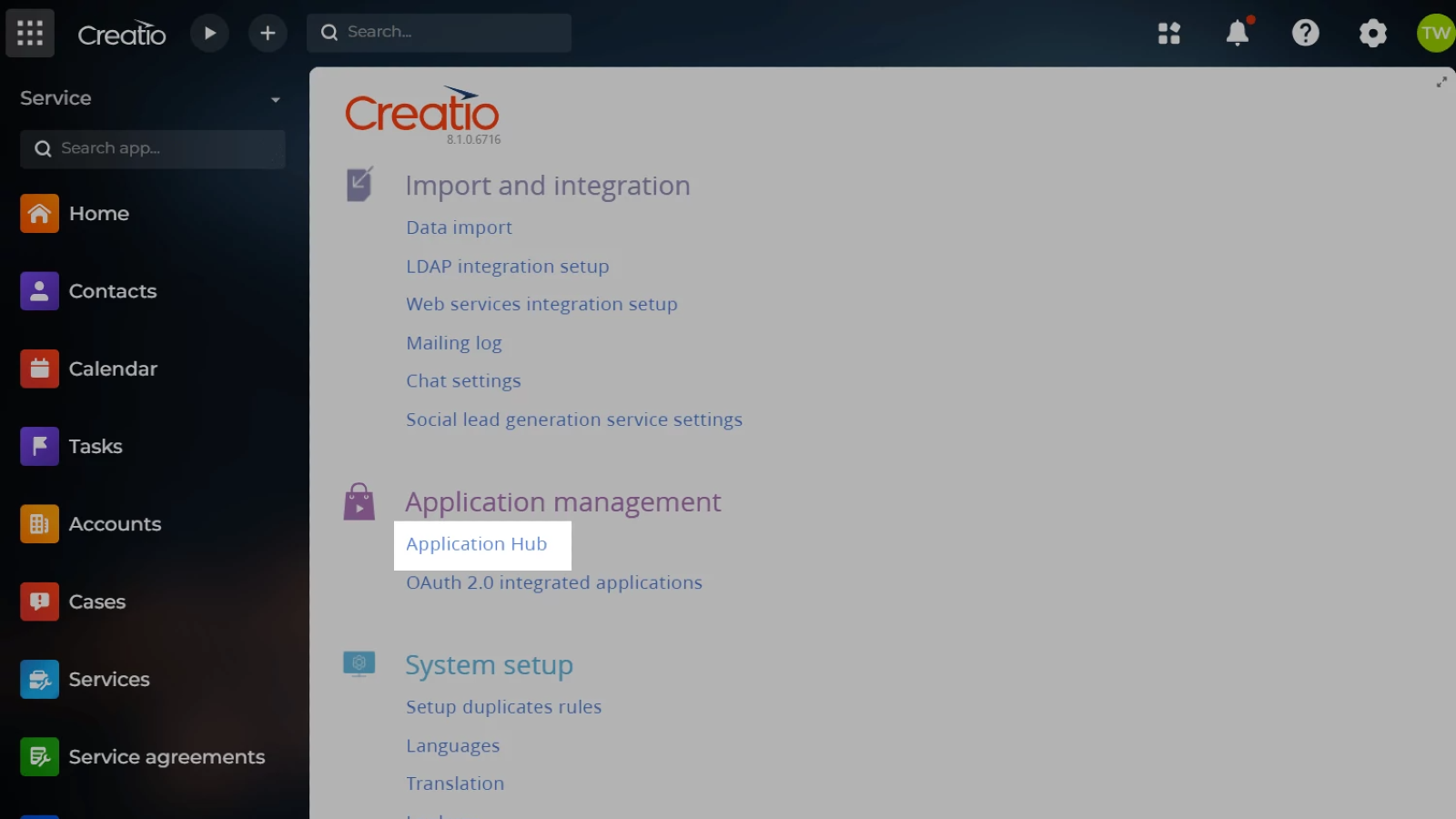
Log in to your Creatio account and click the gear icon in the upper right corner.
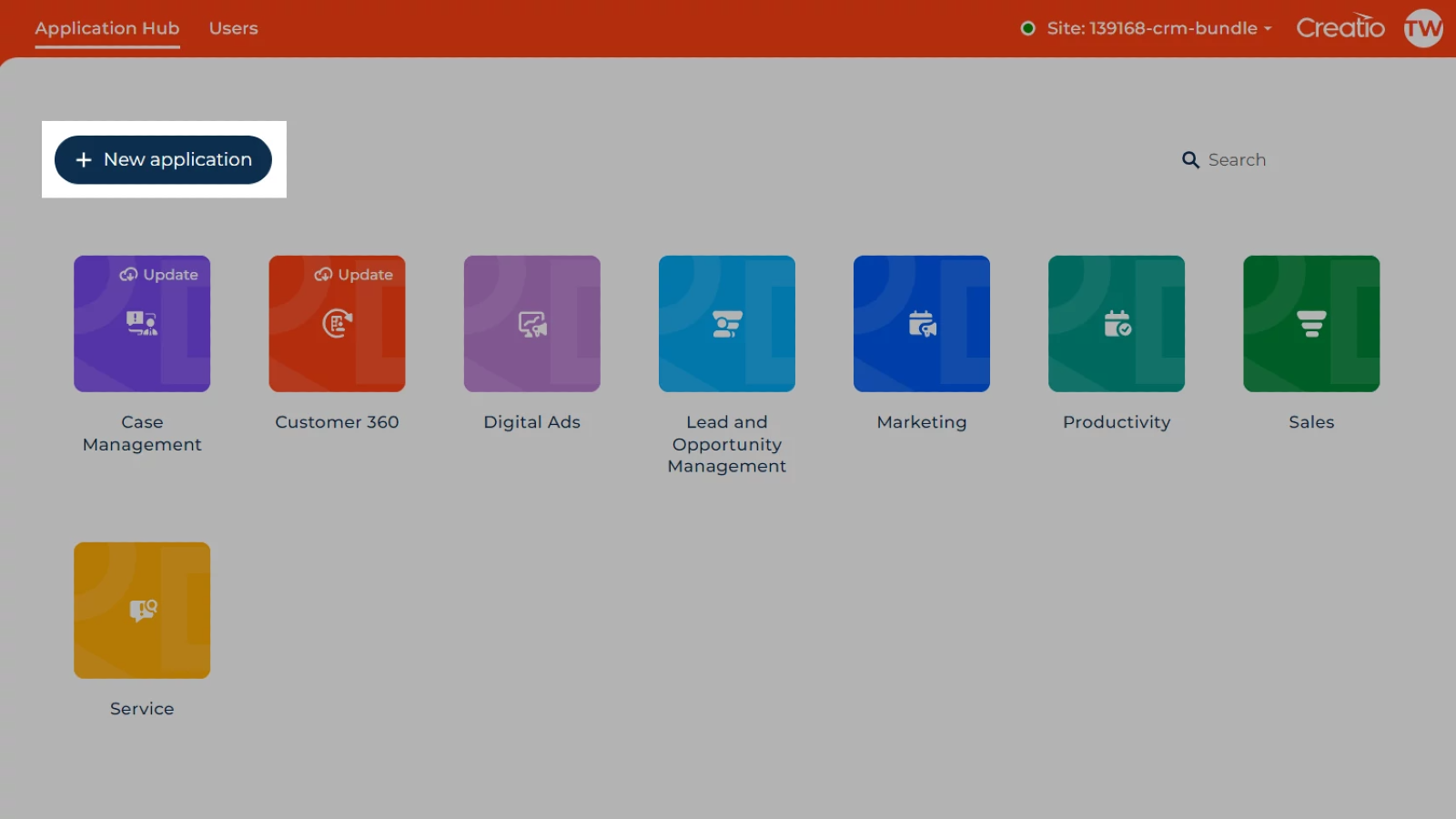
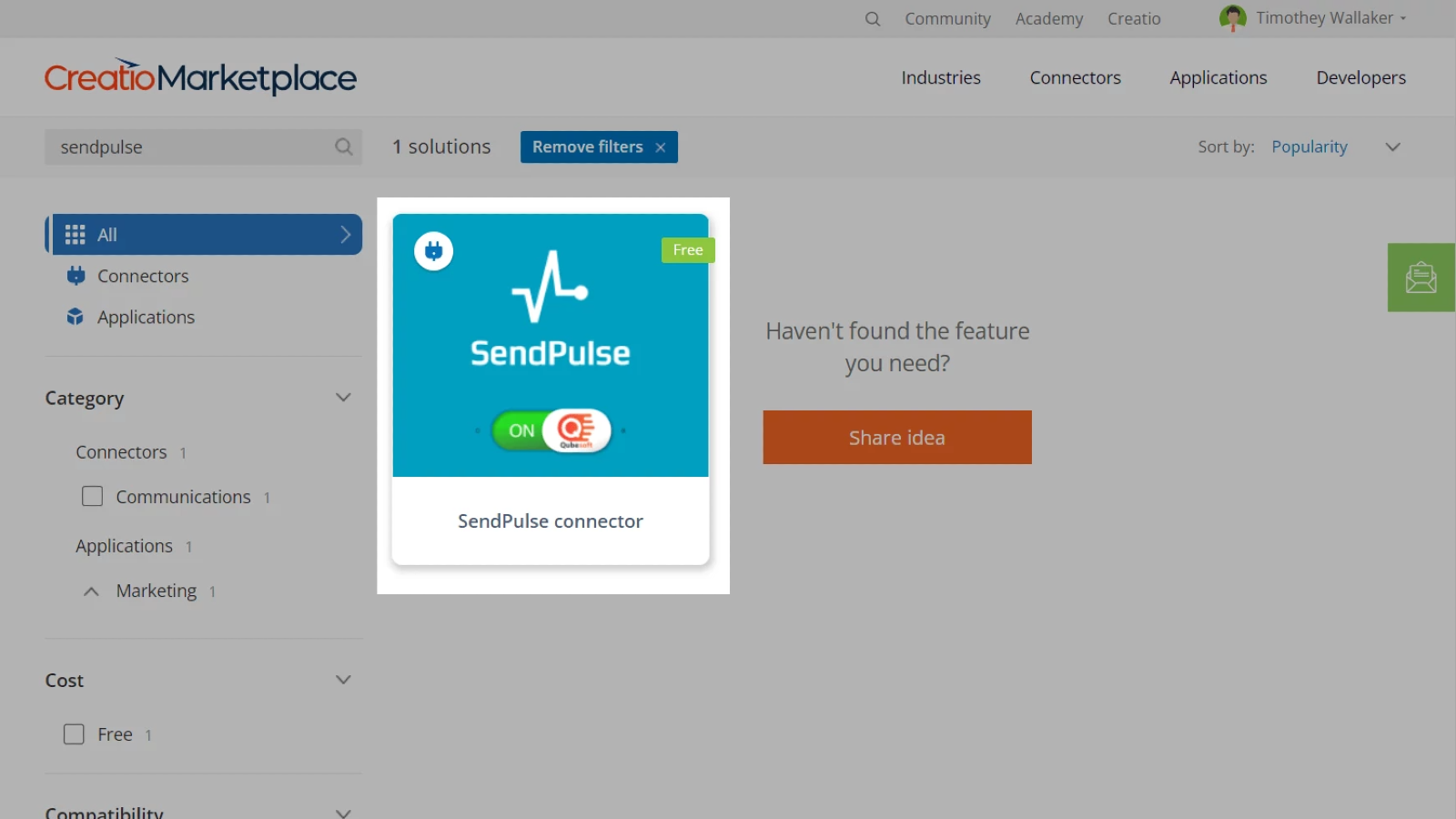
In Application Management, select Application Hub and click New Application > Marketplace Powered > Select. Select SendPulse Connector from the list. In the pop-up window, paste your account or website link and click Install. If the connection is successful, you’ll see the Success status.
Go to your SendPulse account > API and copy your ID and Secret. Go back to your Creatio account and paste them into their respective fields in System Setup > System Settings. Click Save.
On the list of system settings, find SendPulse contacts chunk size and specify the number of contacts you want to process in the Default value field.
Learn more about how to integrate with Creatio.





or