Devin Desktop AI IDE
Devin Desktop, formerly known as Windsurf, is a code editor from Cognition AI with a built-in AI agent that plans and completes tasks in your project on its own. Connect the MCP server to Devin Desktop and let AI take over part of your work across SendPulse tools.
What Devin Desktop can do
Easy control over multiple AI agents. The Agent Command Center panel lets you run several agents in parallel. For example, one works with SendPulse tools while another works on your code. You can also track each agent's status in real time on a Kanban board: which tasks are running and which are ready for review.
Spaces to organize your work. Spaces bring related tasks, files, and agent sessions together into separate workspaces for each project. Every new agent inside a Space inherits your project context automatically, so you don't have to explain what you are working on every time.
How to connect the MCP server to Devin Desktop
Step-by-step instructions with screenshots are available in our knowledge base.
Open app.devin.ai and go to Agents — click the icon next to the search bar.
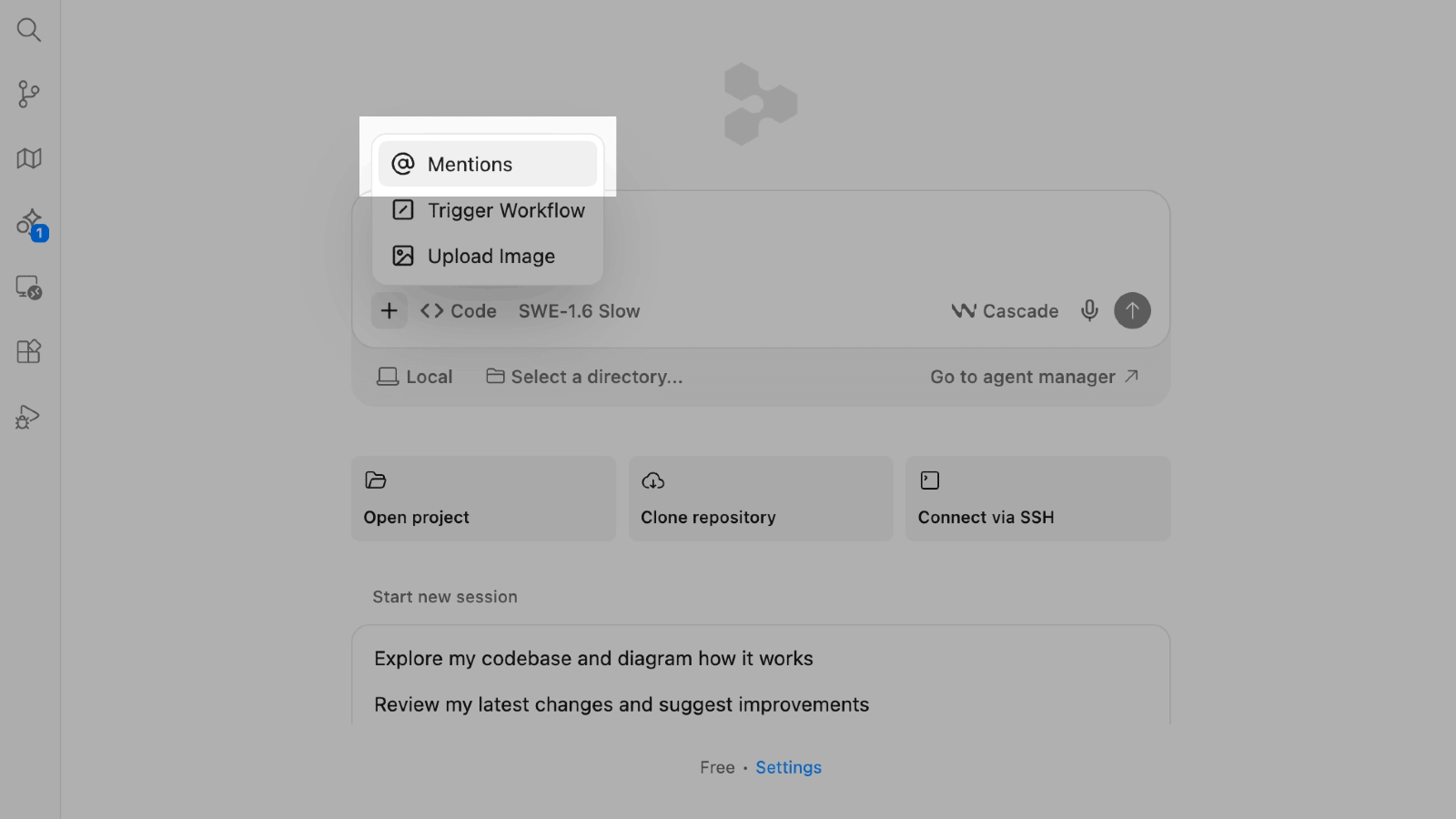
In the chat window, click + and select @ Mentions.
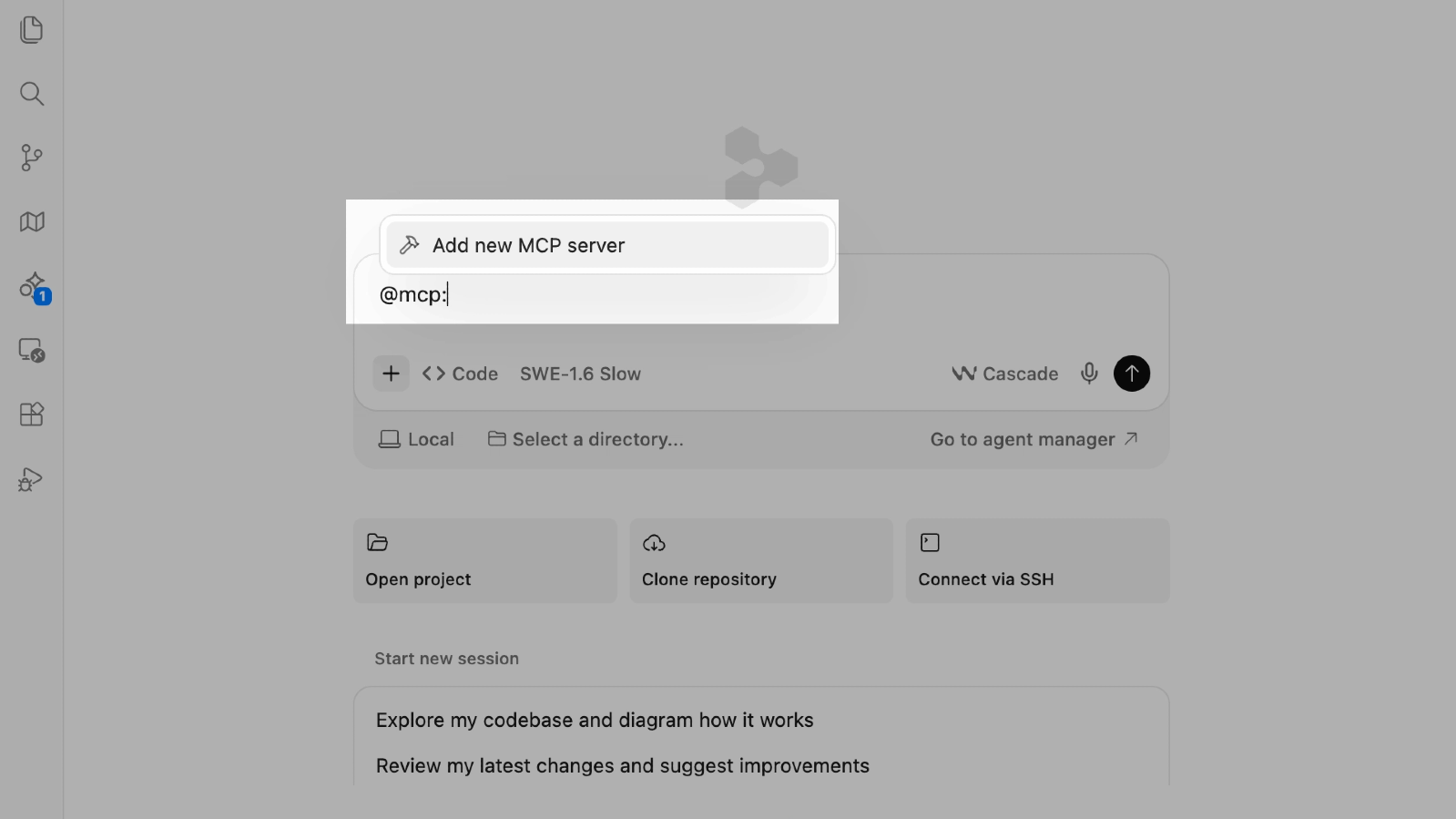
Select MCP servers → Add new MCP server.
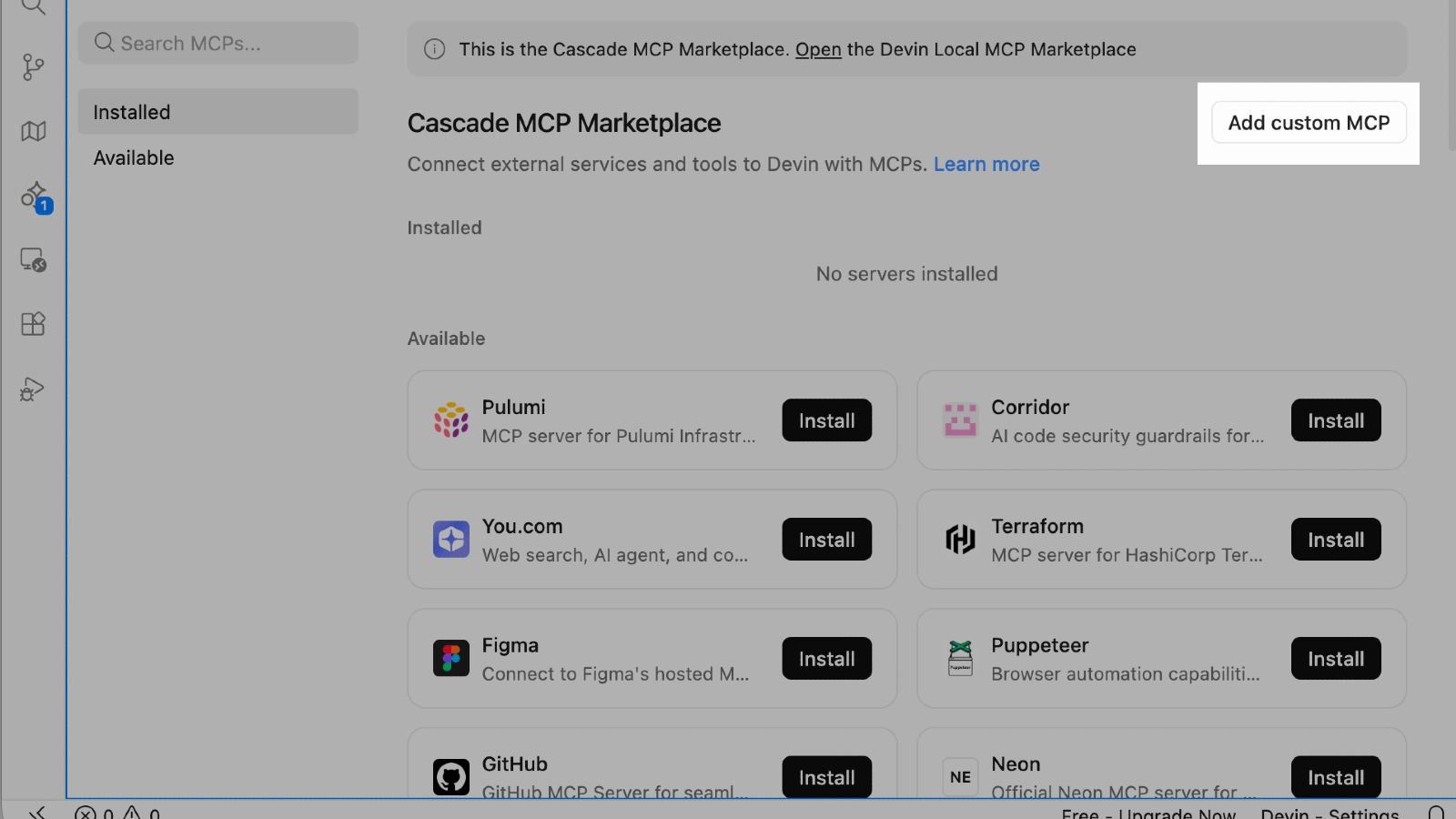
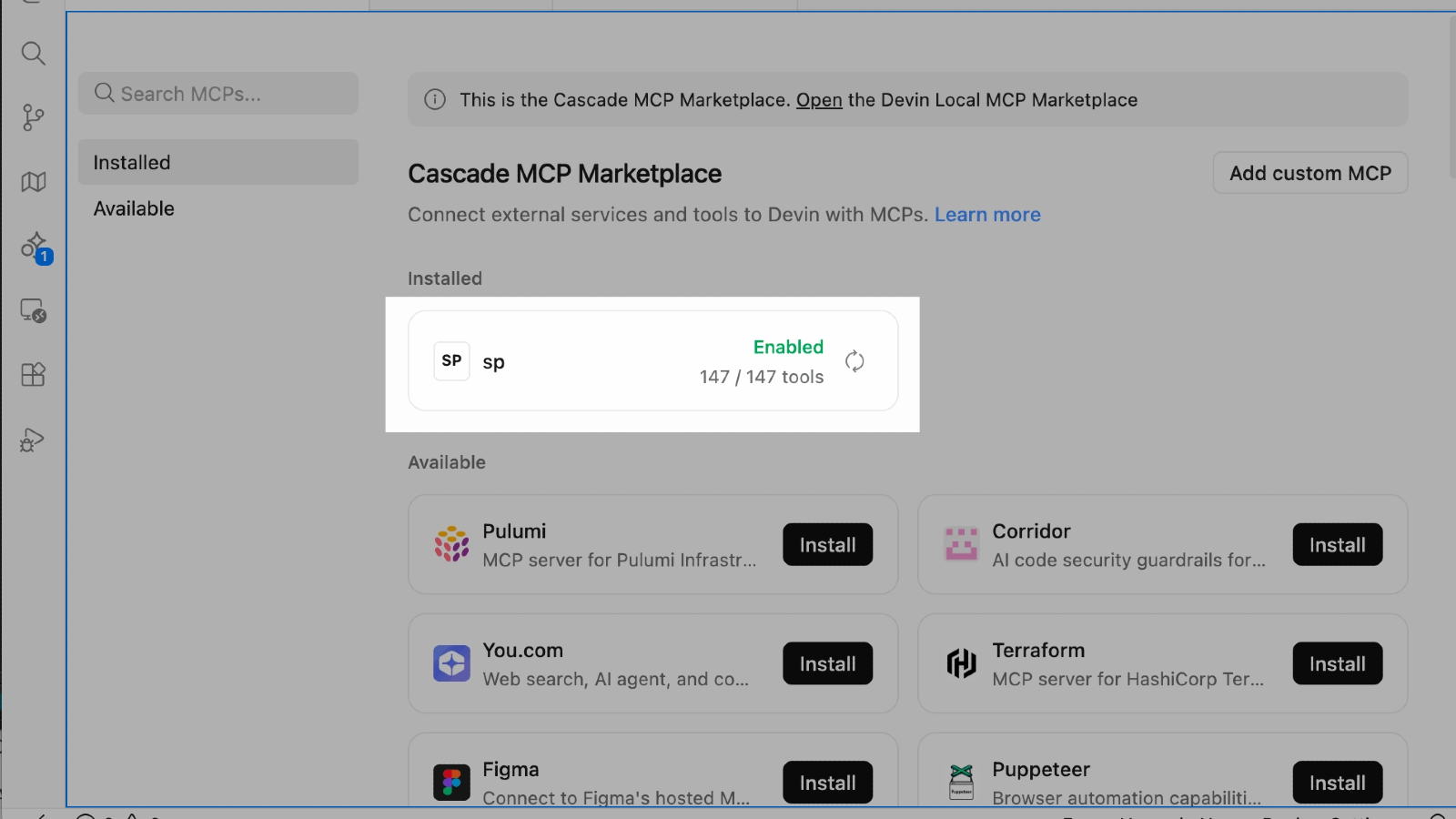
On the Cascade MCP Registry page, click Add custom MCP.
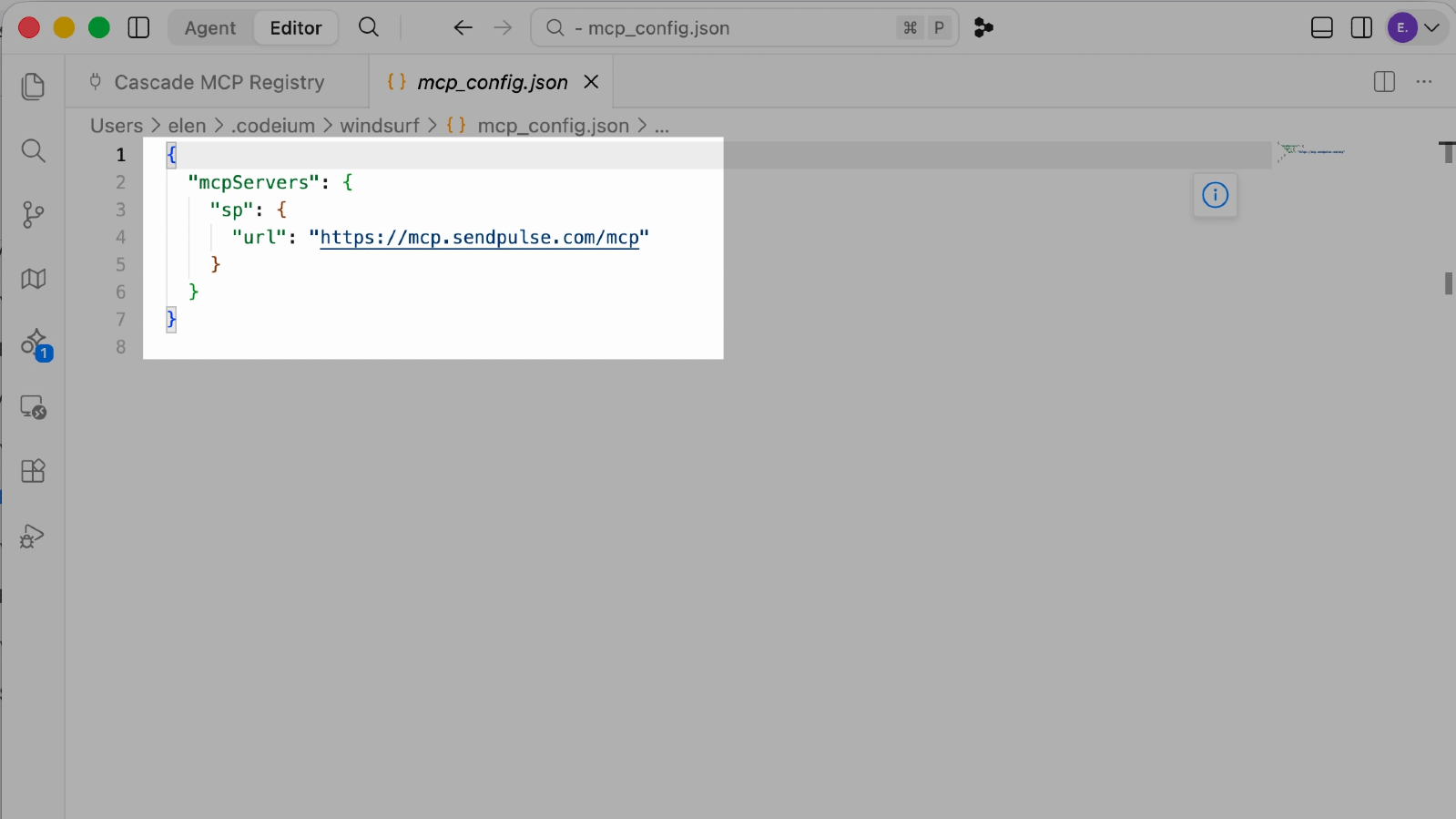
Paste this JSON into the new configuration file that opens:
{
"mcpServers": {
"sp": {
"url": "https://mcp.sendpulse.com/mcp"
}
}
}
Close the file and click Save. You will be redirected to the MCP page automatically. In the dialog box that appears, select Open.
The SendPulse login page opens in your browser. Enter your email address and password, then click Login.
To see available tools and manage permissions, go to the sp section on the MCP page.
Return to the chat window. Click +, then select MCP servers → sp to connect the server to your current chat.
Send a test request — for example, "Show a list of my chatbots." If the connection succeeded, your AI agent shows the name of the tool it used and returns data from your SendPulse account. If you asked it to perform an action, your AI agent shows that action's status.





or