Claude AI Assistant
Claude is Anthropic's AI assistant for in-depth analysis, large volumes of data, and complex requests. Connect the MCP server to Claude and let your AI assistant handle routine tasks in your SendPulse account.
What Claude can do
A large context window within a session. Claude remembers long conversations along with all the data you shared. You can continue a conversation and set new tasks without explaining every time which contact, segment, or campaign you are working with.
Instructions of any complexity. Claude understands detailed requests with conditions and constraints. For example, ask your AI assistant to prepare a message series for contacts who made two purchases in the last 90 days but did not open a single email in the past month.
Deep analysis and well-reasoned conclusions. Claude thinks a task through before acting and tells you when a request is ambiguous or the data is insufficient. For example, if you ask your AI assistant to create a campaign, it may clarify the goal, key message, and target audience segment.
How to connect the MCP server to Claude
Step-by-step instructions with screenshots are available in our knowledge base.
Go to https://claude.ai/settings/connectors, or open Claude, click your name in the bottom left corner, and go to Settings → Connectors.
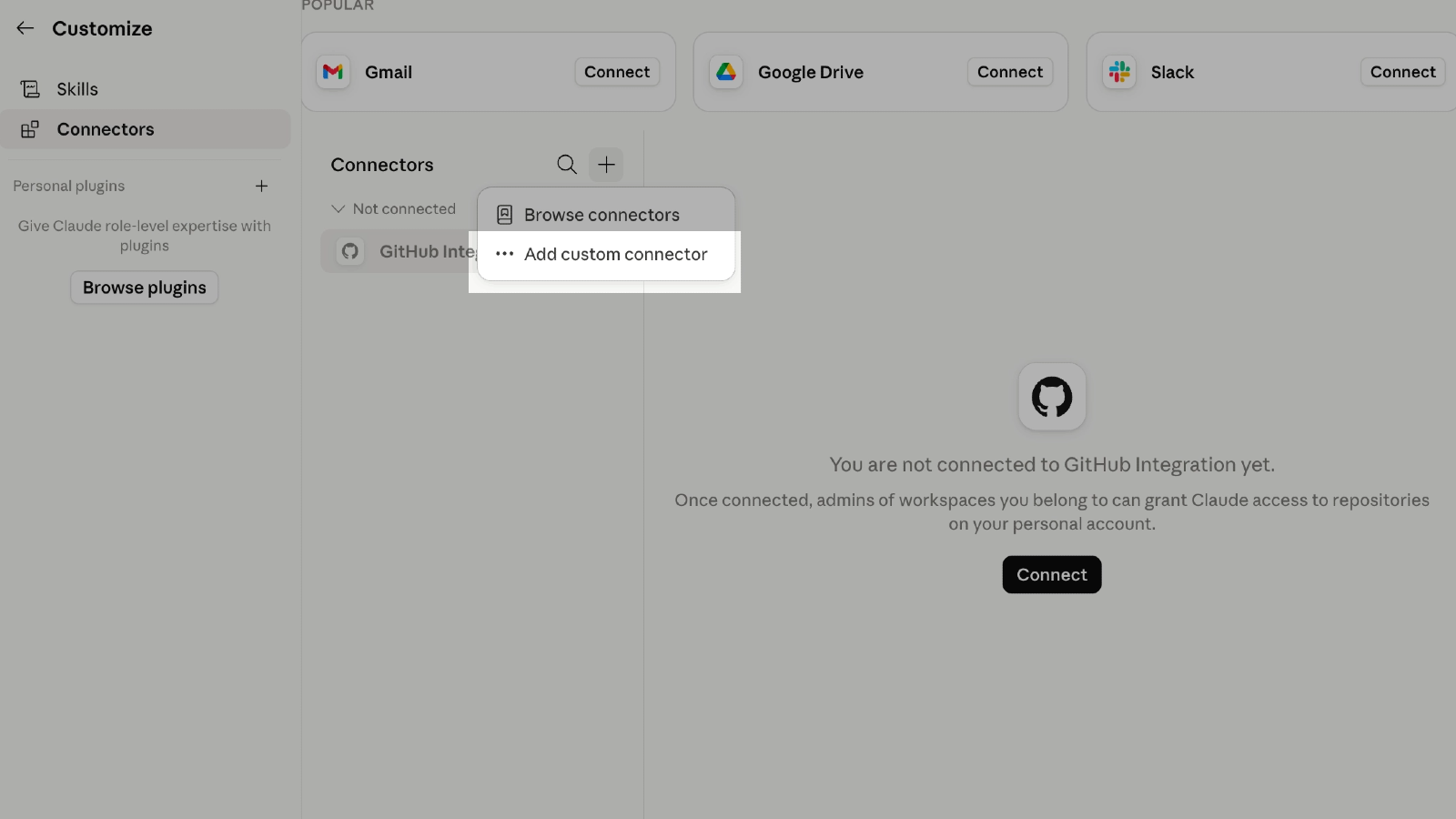
On the Connectors page, click +, then Add custom connector to open the connector form.
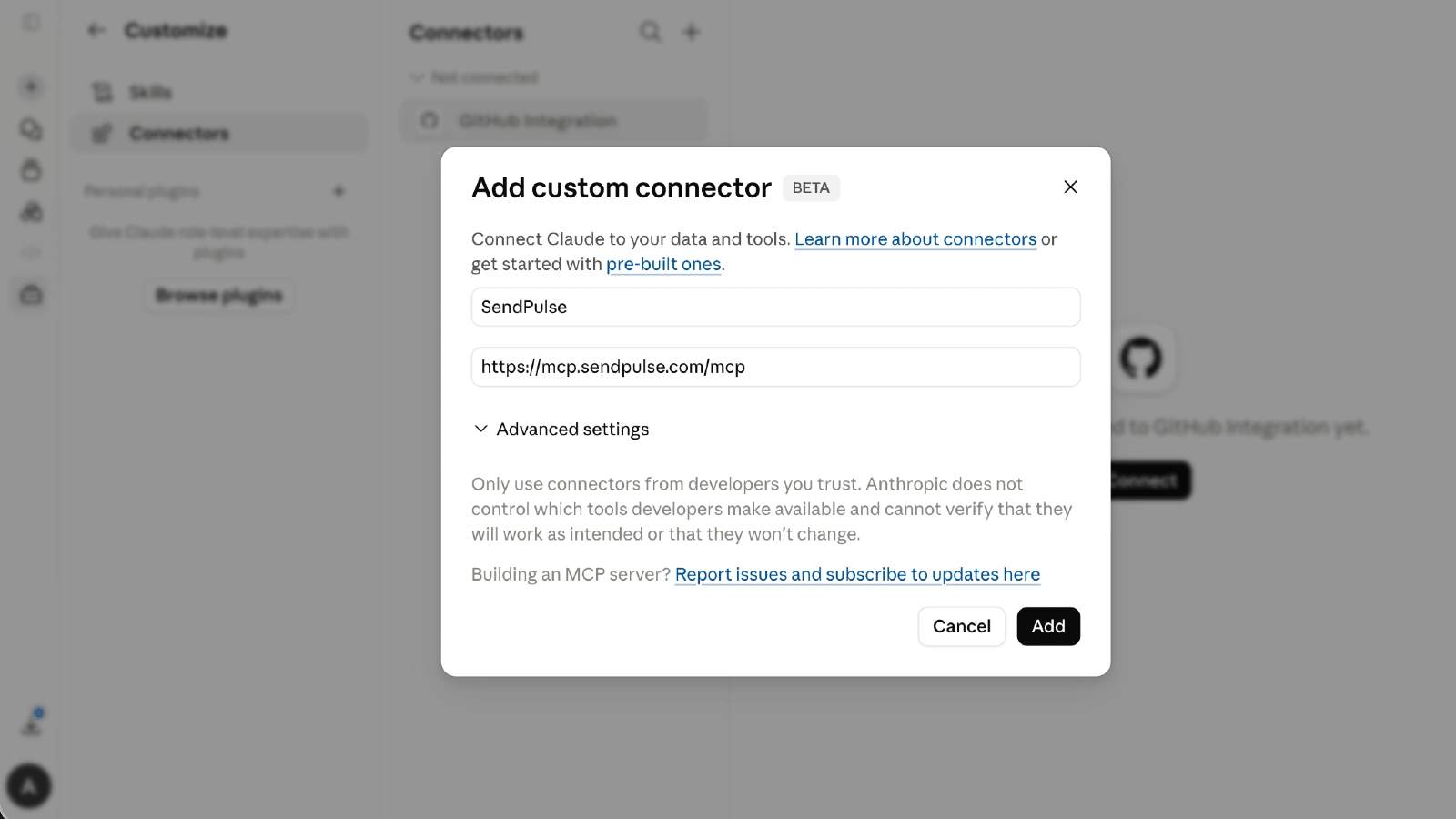
Fill in the fields:
Name — SendPulse
To find the link, go to your SendPulse account settings → API → MCP.
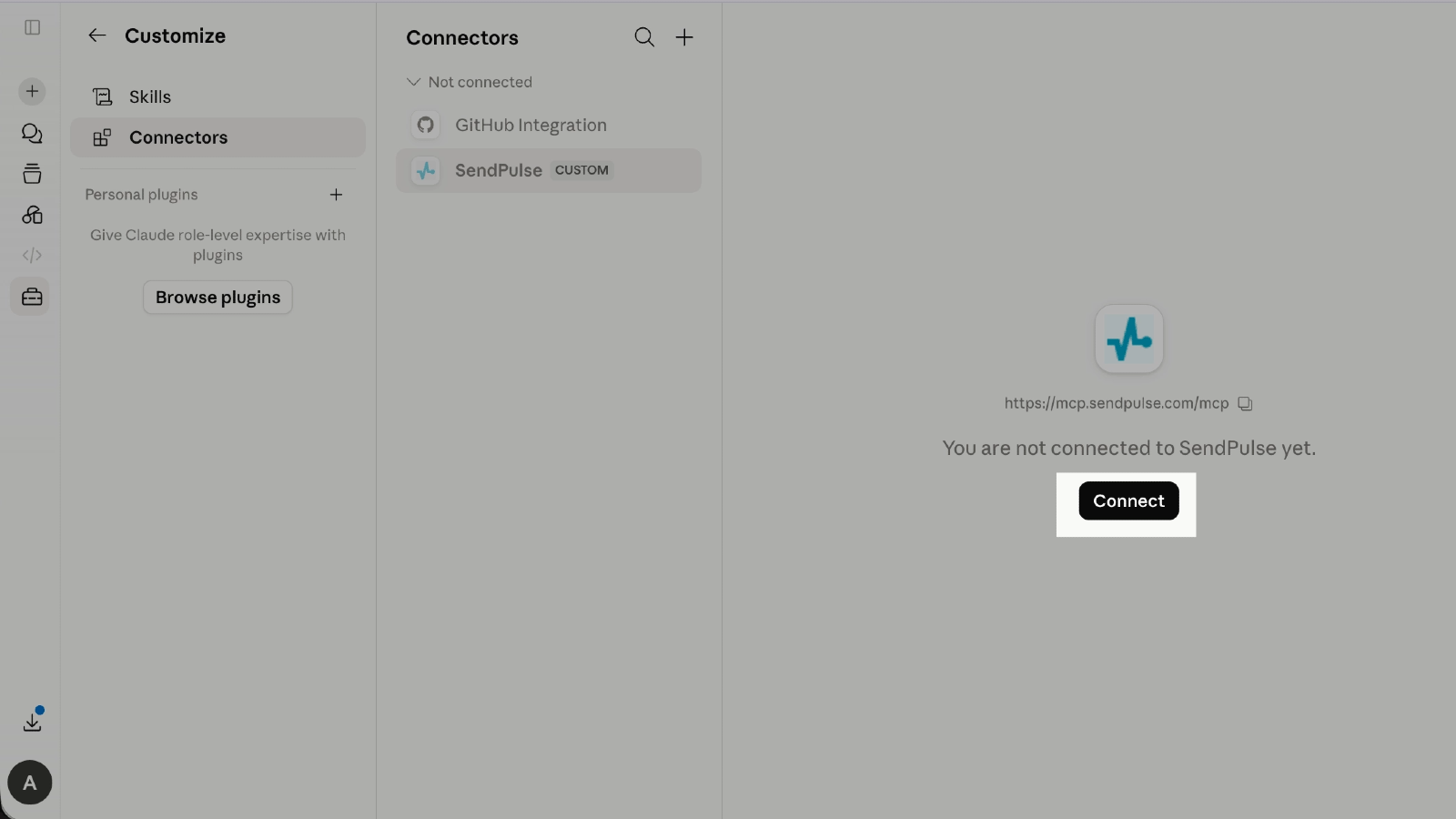
Click Add. Claude opens the SendPulse login page automatically.
Sign in to your SendPulse account and confirm access.
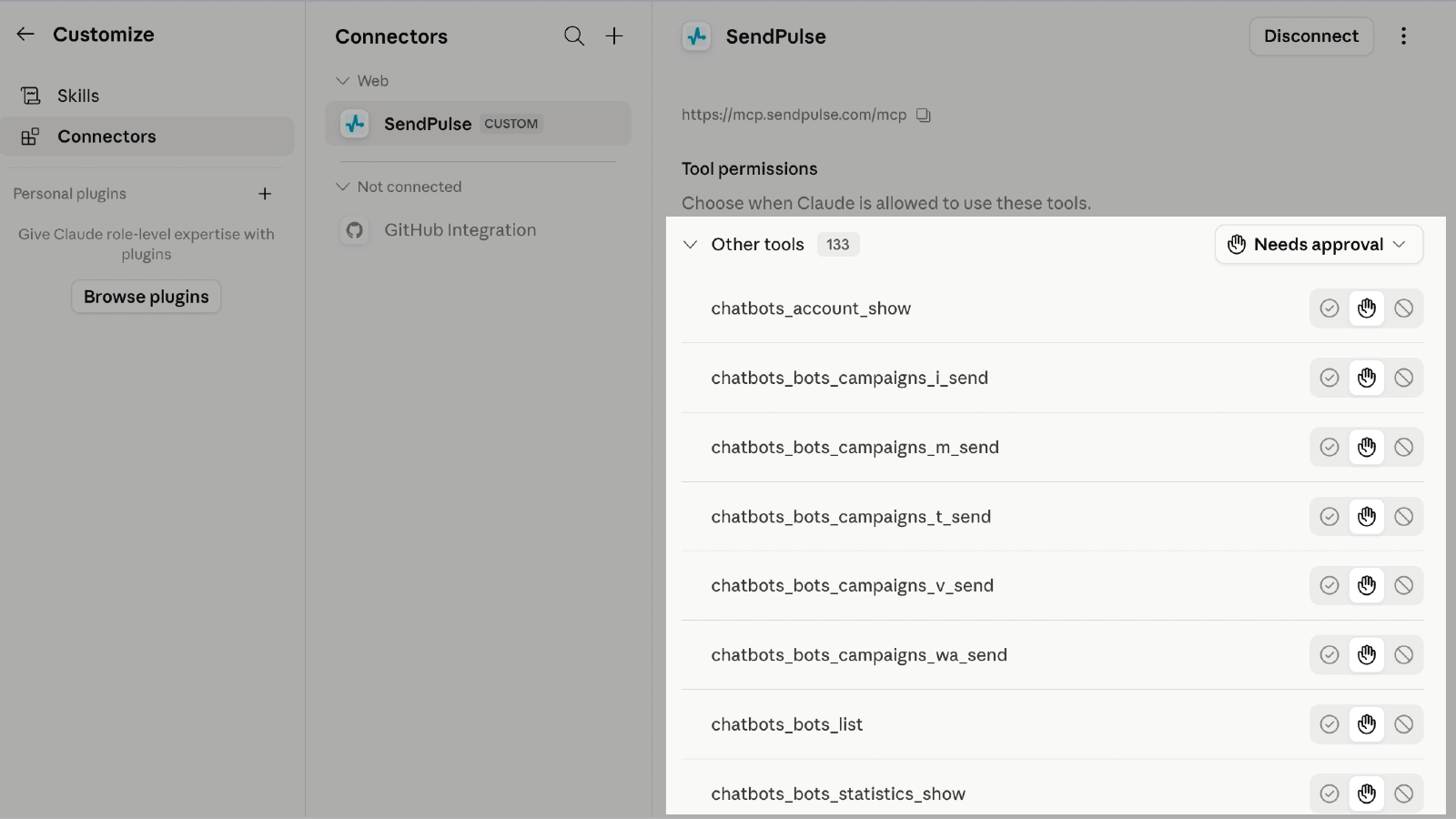
Once you sign in, the connector appears on the Connectors page with the Connected status.
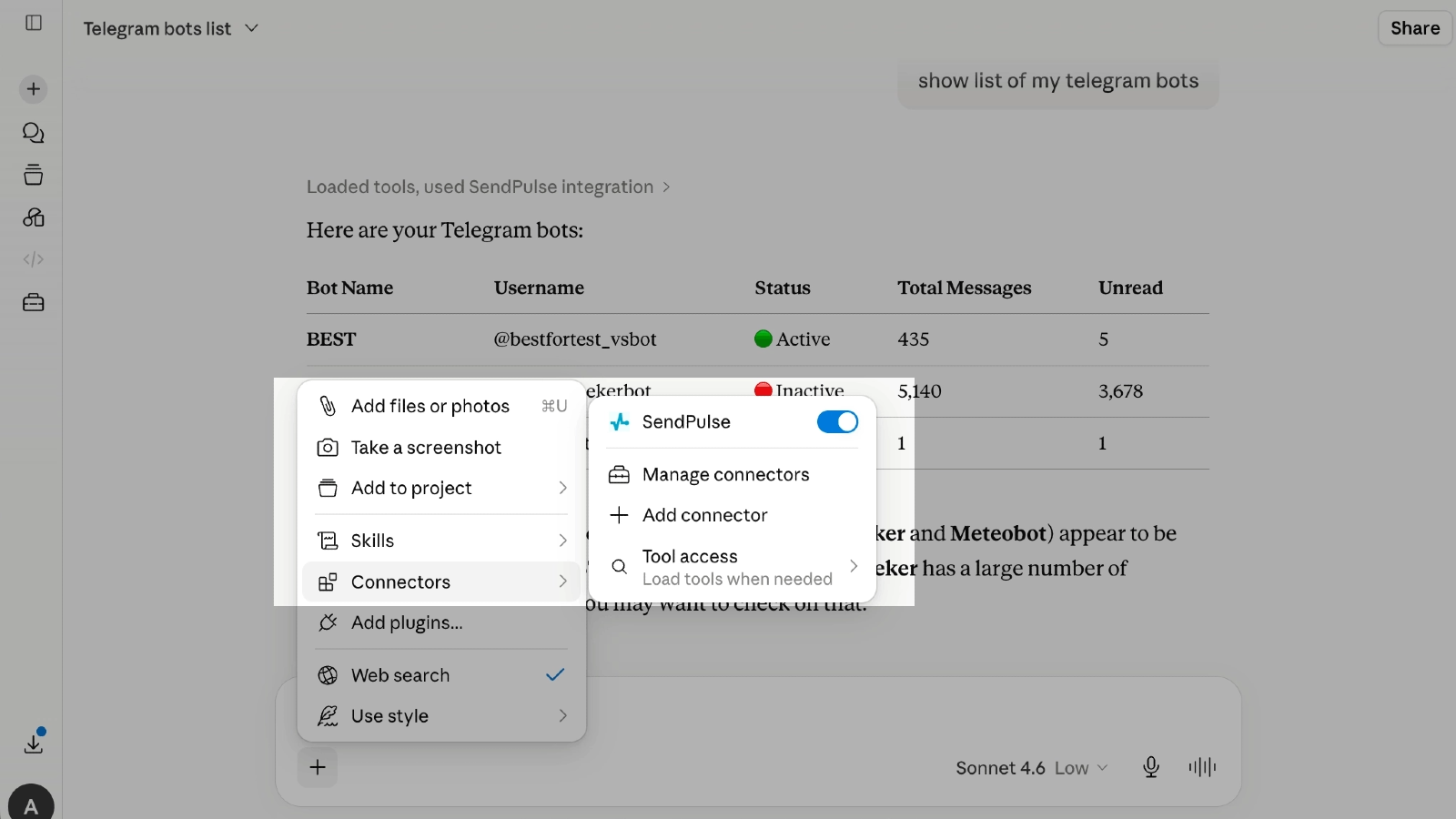
Open the chat you want to use in Claude and click + next to the message field.
Open Connectors and turn on the toggle next to SendPulse. The connector activates only for your current conversation — turn it on separately in other chats.
Send a request in the chat — for example, "Show my SendPulse account details." If the connection succeeded, Claude calls the MCP server and returns data from your SendPulse account.





or