

Latest videos

AI chatbot mistakes businesses keep making (and how to avoid them)
Surviving 2026: 5 Marketing Lessons You Need to Know

Why Quiz Funnels Are Destroying Traditional Lead Magnets

How to Personalize Emails with SendPulse
How to Use "Action" Element in Automation360
How to Use "Condition" Element in Automation 360
How to Use "Filter" Element in Automation 360

How to Verify Email Addresses
How to Track Subscription Form Statistics with Google Analytics

Email Authentication (DKIM and SPF Records) in SendPulse

How to Check Mailing List Statistics

How to Export Campaign Results
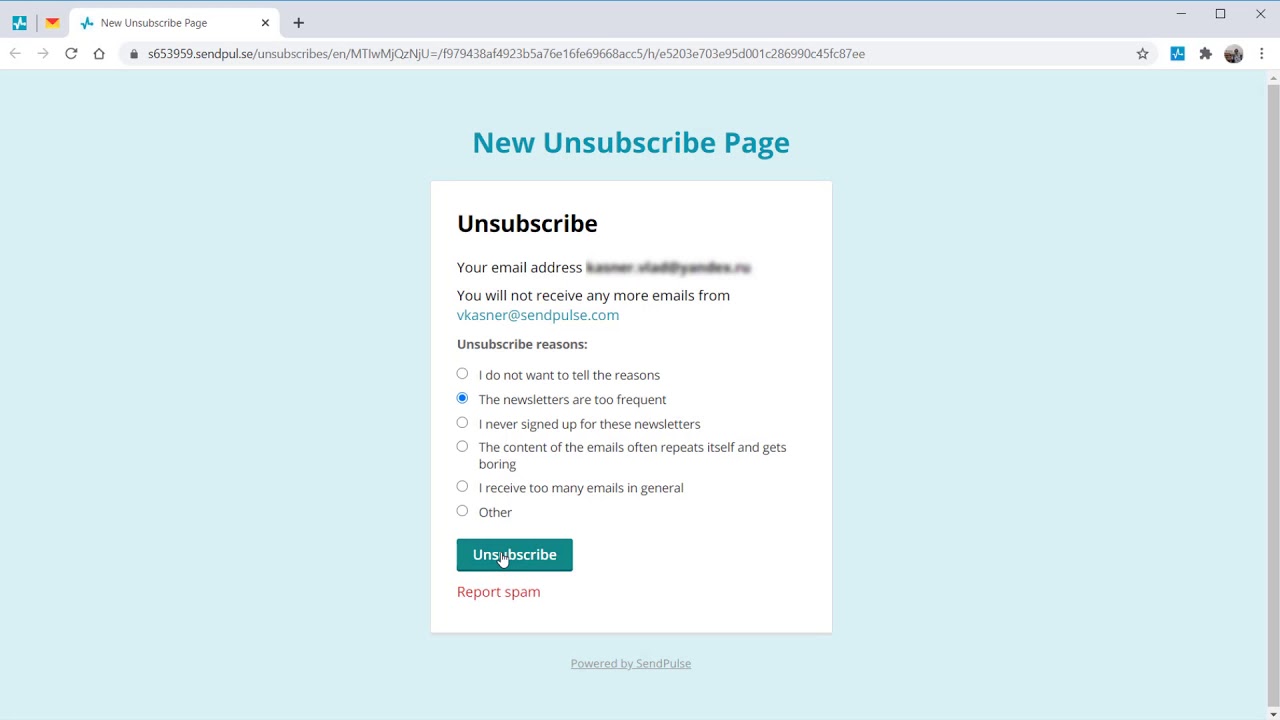
How to Add Unsubscribe Reasons to an Unsubscribe Page
How to Add Unsubscribe Reasons to an Unsubscribe Page
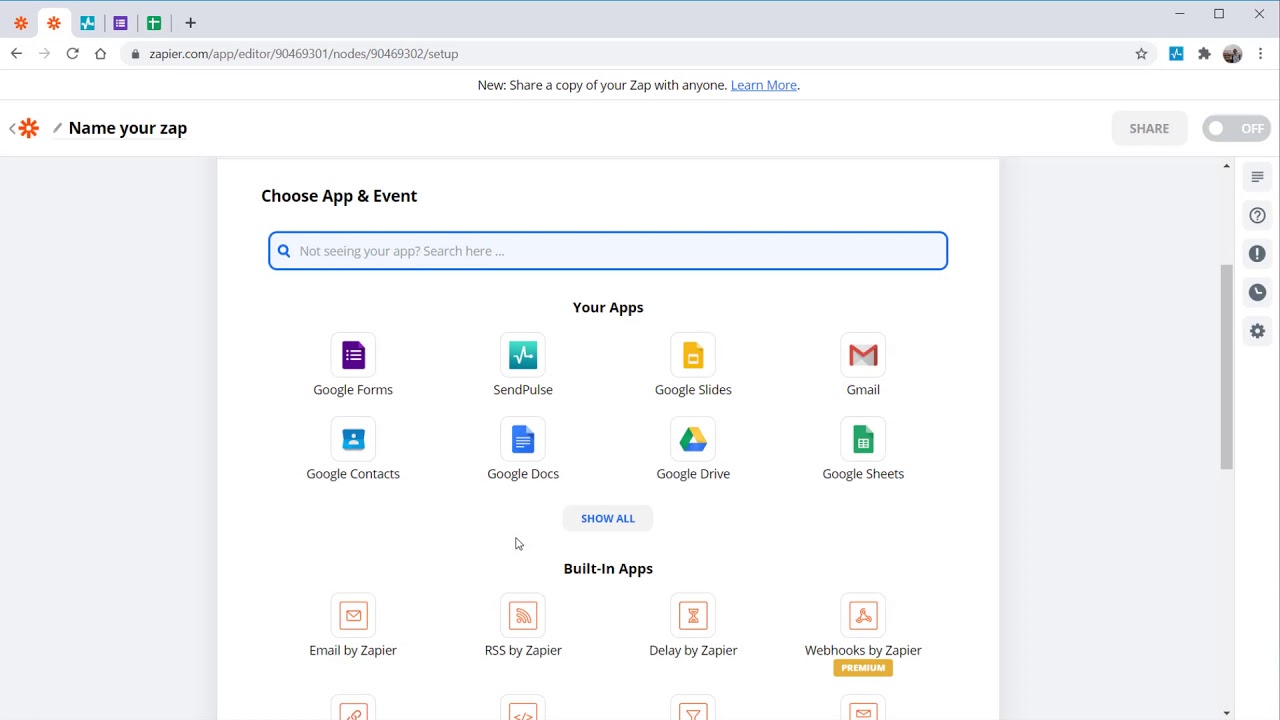
How to Integrate SendPulse with other services using Zapier

How to Create and Send an A/B test
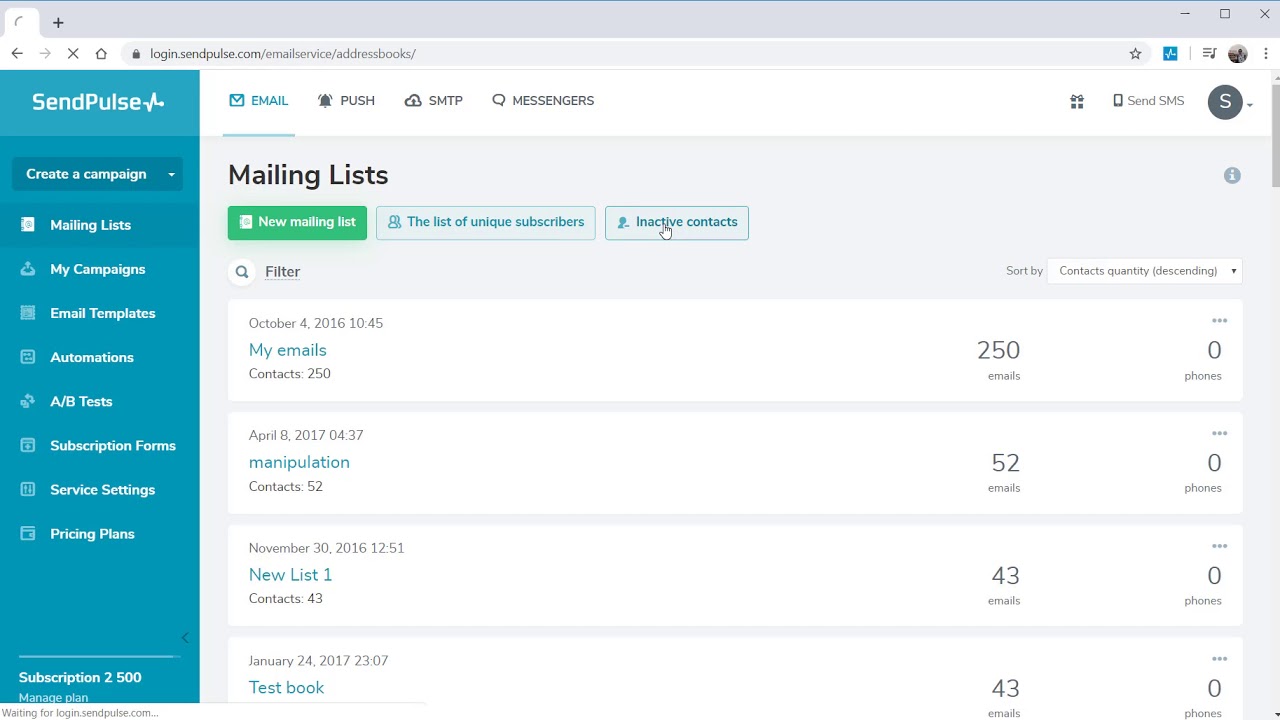
How to manage inactive contacts in your SendPulse account
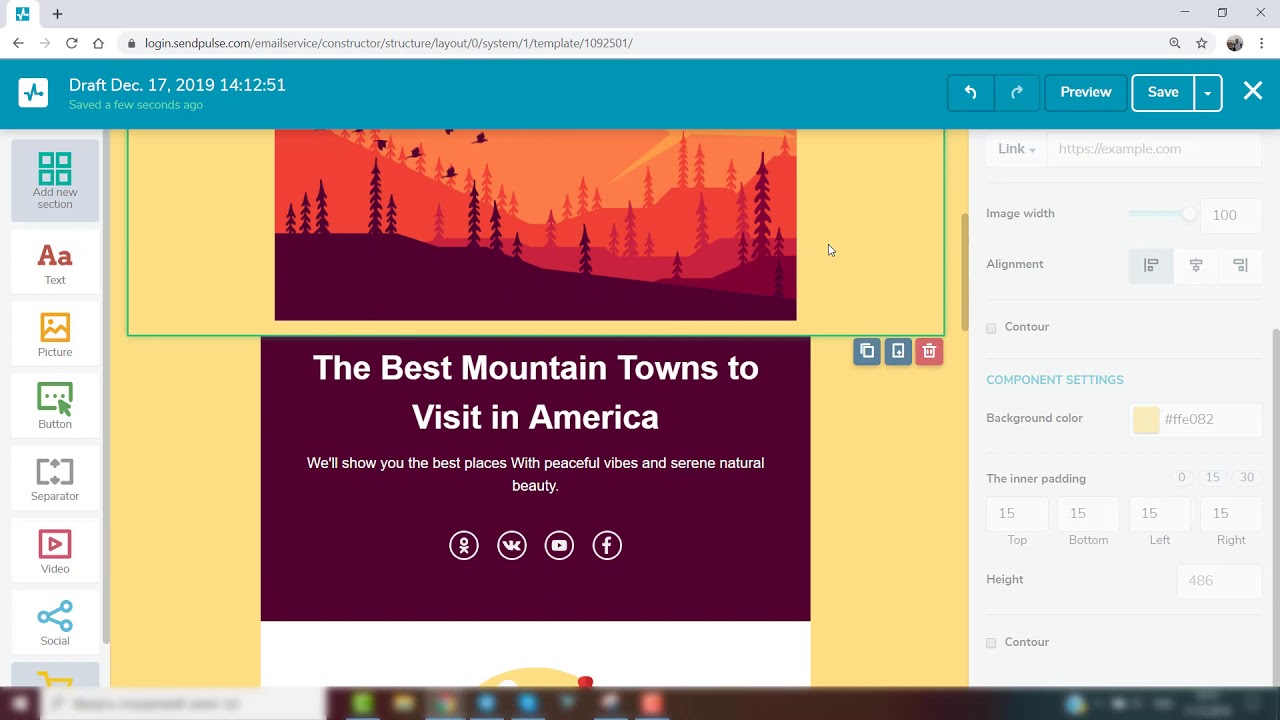
SendPulse Email Marketing Service Overview
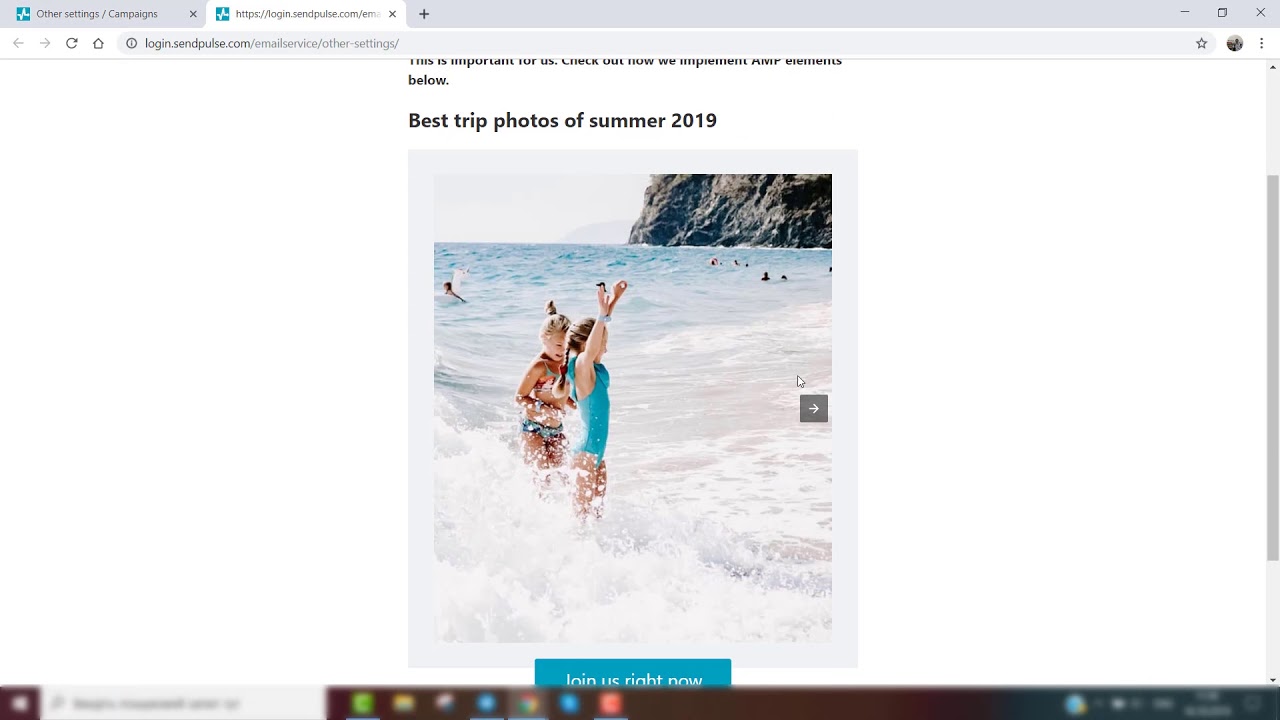
How to get permission to send AMP emails
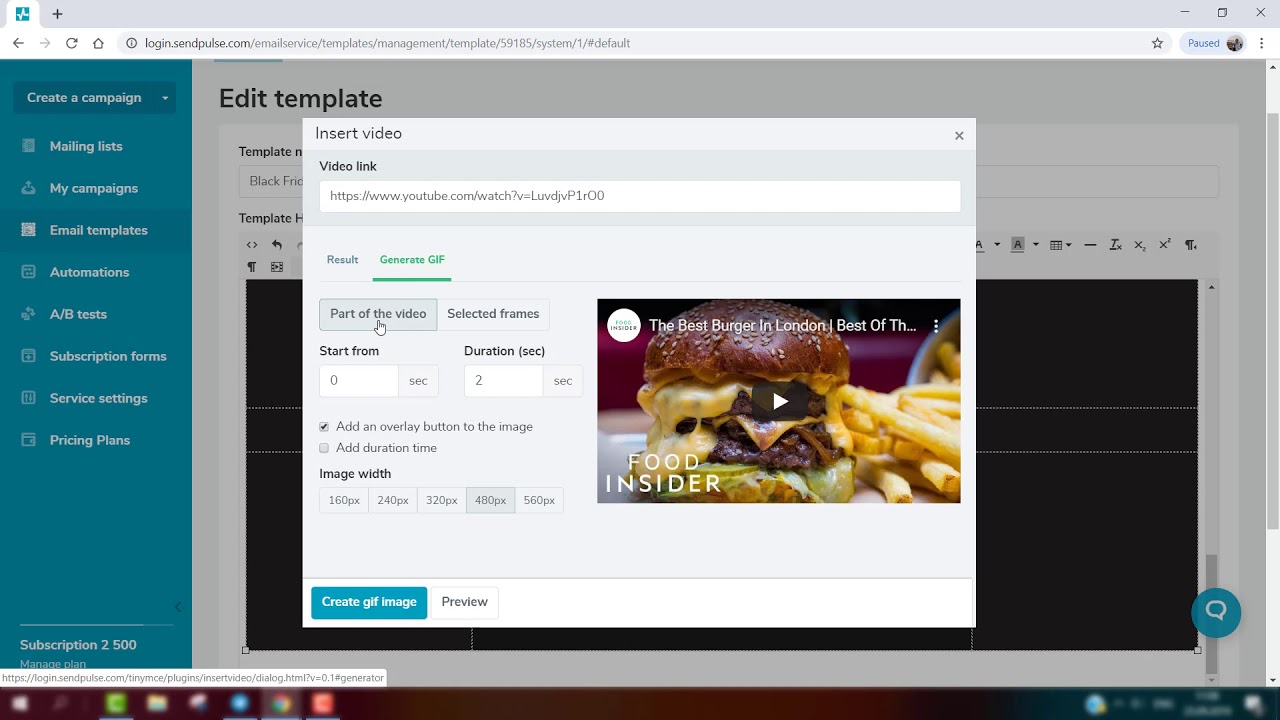
How to Generate GIF Animation From Video in SendPulse

How to Add Social Media Links to Email

How to add a countdown timer to your email
Automation
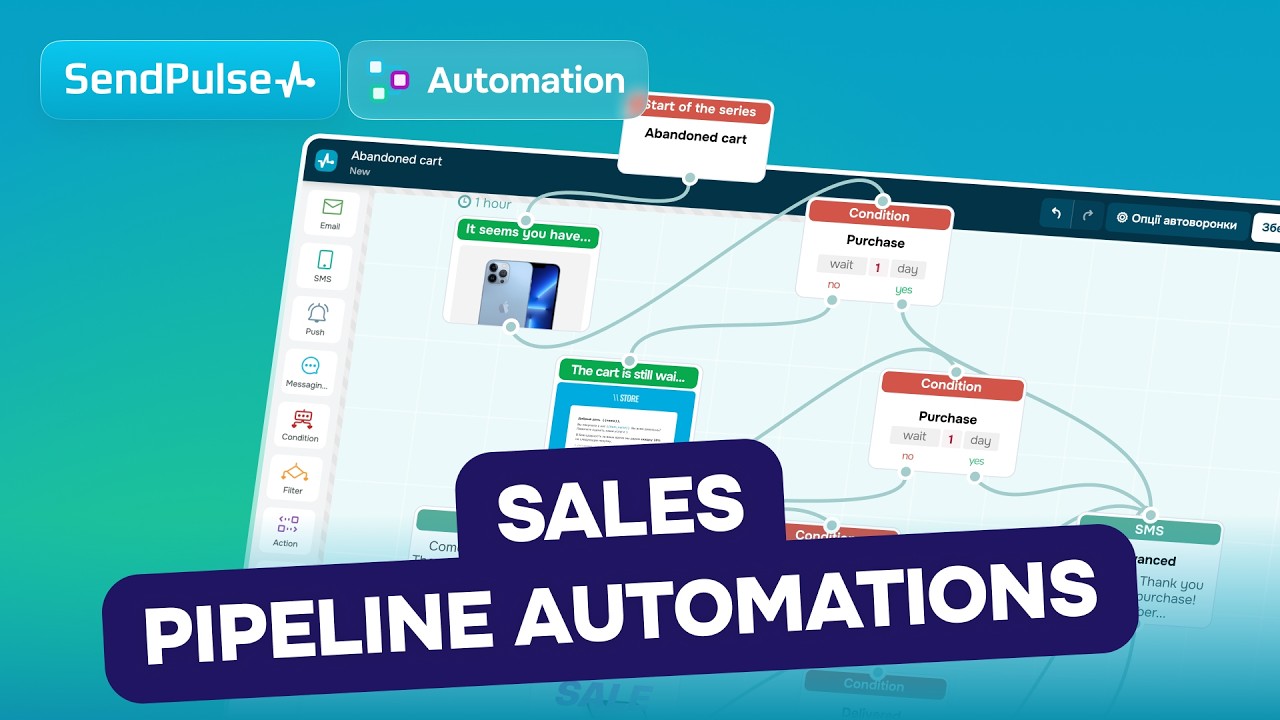
How SendPulse automations close more deals automatically

Create a Dynamic Segment in Seconds

Get Your Automated Flow Statistics in Seconds

How to send an email when a new contact is added to a mailing list

How to view automated sales pipelines

How to automatically save chatbot subscriber data to your mailing list and set up an automation

How to create an automated flow from a ready-made template
How to Create Events | Automation 360 SendPulse

Automation 360 Elements - How to use SendPulse Automation Tool

Automation 360 Elements
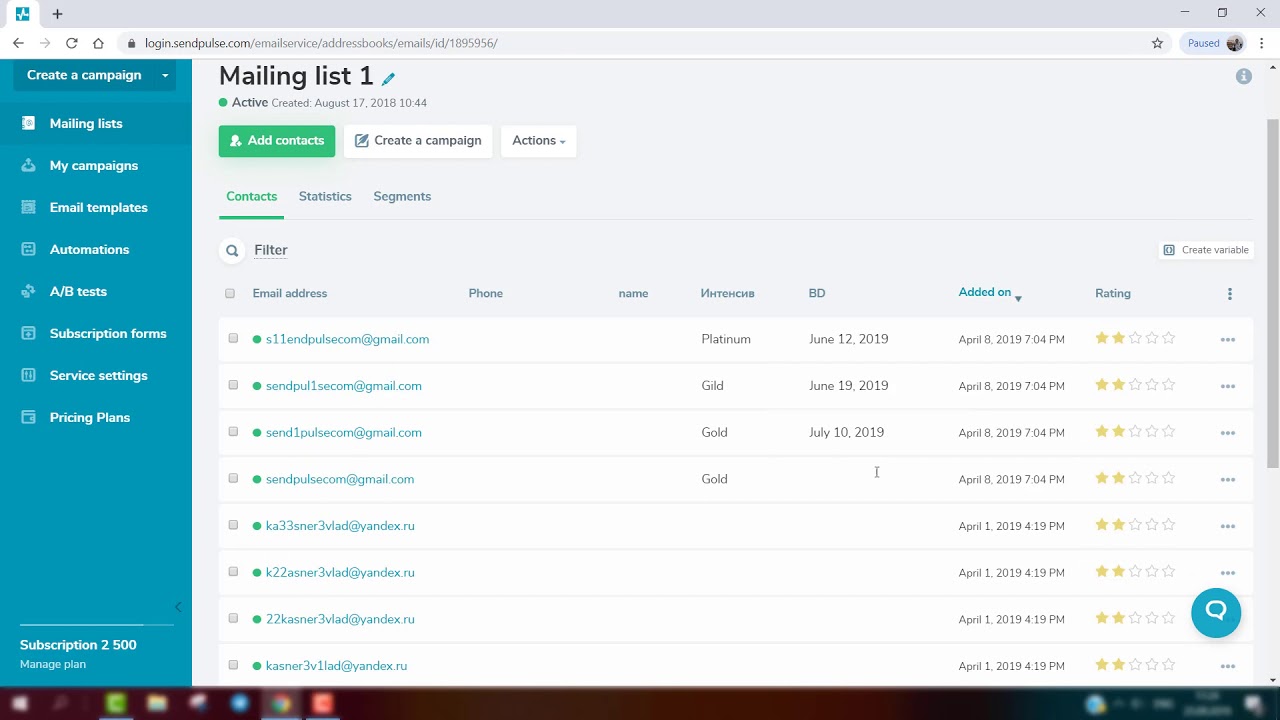
Automated campaign to a special date
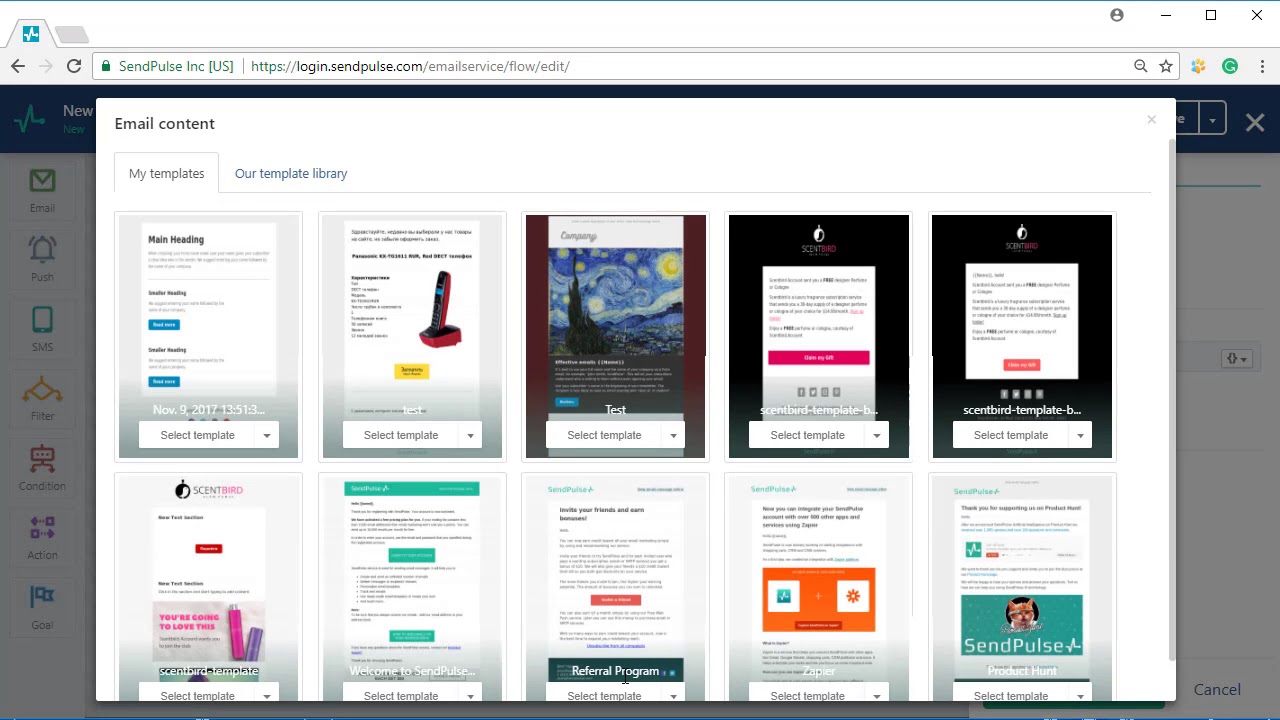
Automation 360 elements (blocks)

How to send a "thank you" email after registration

How to send an email about an abandoned cart
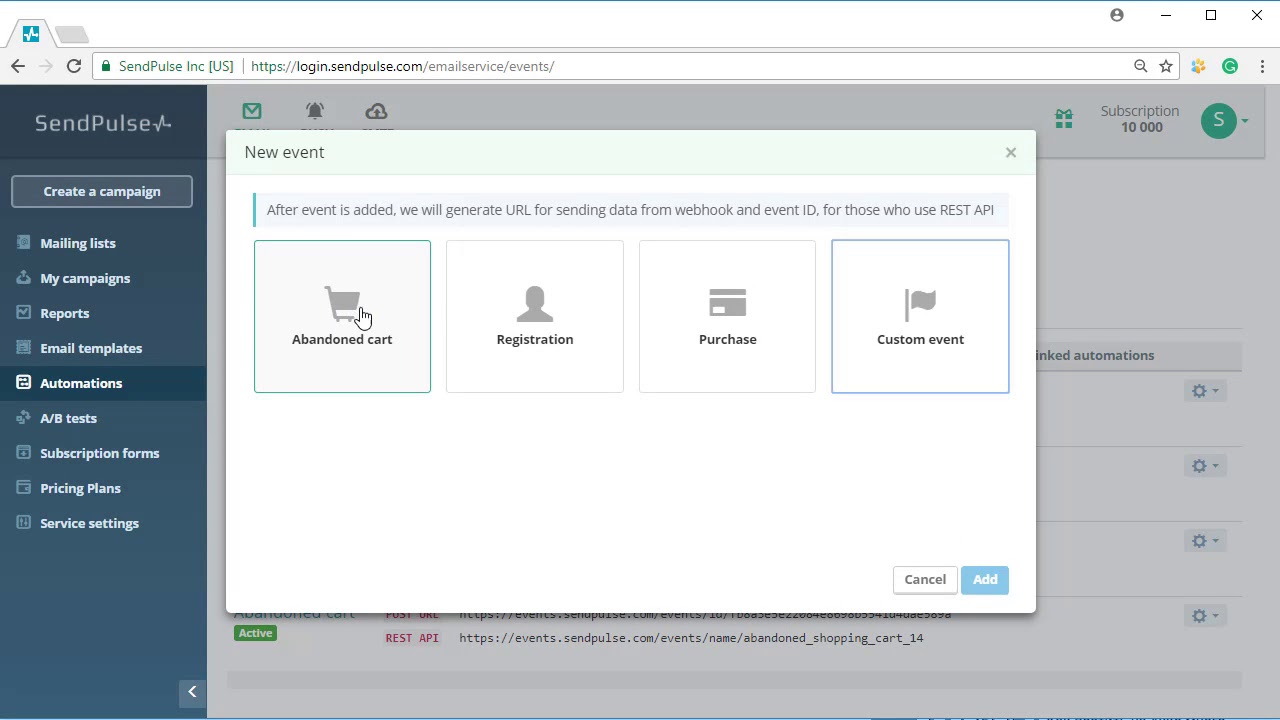
Automation360: How to send events

Automation360: How to send a stop event

Automation360: How to set a conversion count
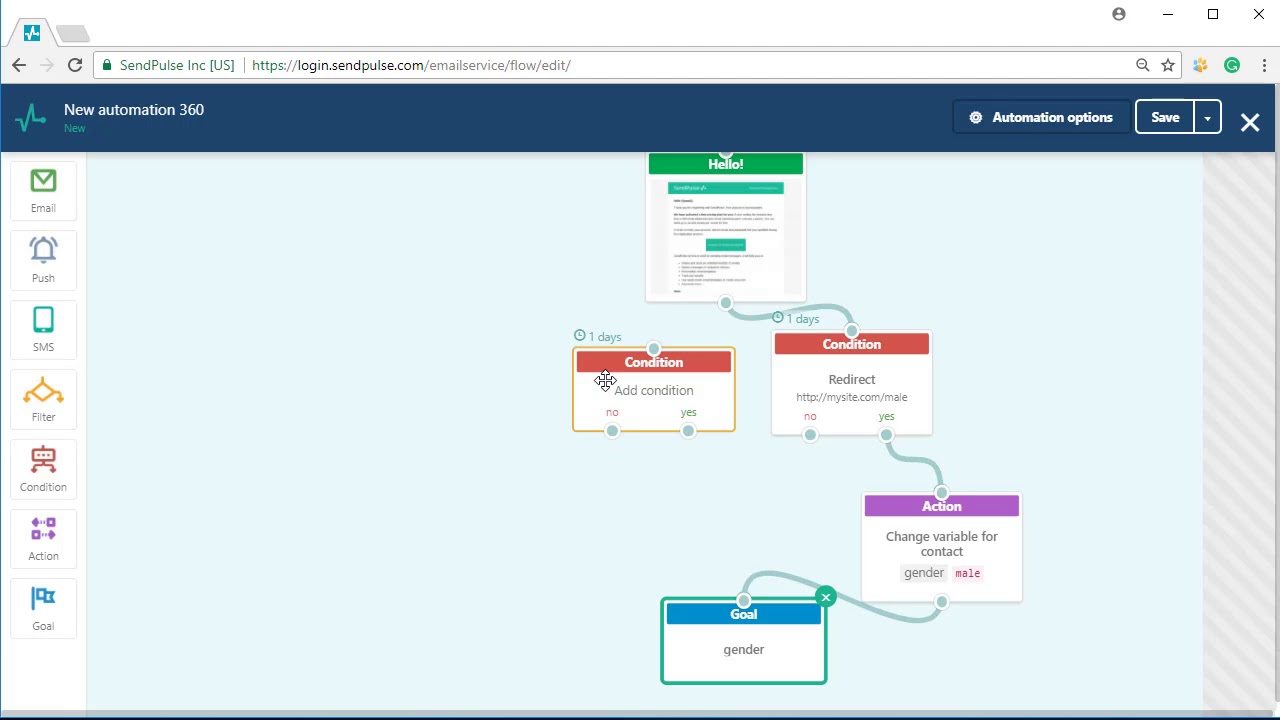
SendPulse Automation 360 - Send Trigger Emails
Chatbots

Referral program in SendPulse-powered chatbots: step-by-step setup guide

How to transfer chatbot subscriber data to the CRM system

Connect your Instagram chatbot faster with SendPulse

Build Your OWN AI agent for Telegram Assistant IN 5 MINUTES

AI Powered Chatbots: Future Developments with AI agent Element

Messengers vs. LMS: The Future of Online Course Hosting?

How to Set Up Notifications for Open Bot Chats and Completed Flow Elements SendPulseNotificationsBot

How to set up a chatbot launch

How to Create an Inline Search Menu for Your Chatbot Telegram

How to Save User Input to Chatbot Variables #SendPulse #Howto

How to create a public chatbot flow preview
How to automatically save chatbot subscriber data to your mailing list and set up an automation
How to add a welcome menu to your Live chat

How to set up Instagram chatbot flow triggers: Comment on post/live, Story mention, Emoji reaction

How to set up a Telegram chatbot description

How to integrate chatbots with Google Sheets

How to enroll students automatically after a chatbot Payment
How to Create a Chatbot Flow for Image Generation with OpenAI
CRM

How to Work with CRM Deals
How to Work with a Sales Pipeline

How to create a deal automatically

How to Automatically Add Deals from Chatbots
Task Board Basics | SendPulse CRM

How to Manage Contacts | SendPulse CRM
How to Сonnect a PayPal Account to Accept Payments with SendPulse
How to Connect Stripe as a Payment System

How to transfer UTM tags from site subscription and payment forms to CRM

How to Generate Payment Links in CRM

How to import contacts to your CRM

How to export contacts from CRM

How to view sales and deals statistics in SendPulse CRM #howto

How to manage contacts in SendPulse CRM

How to manage task templates with SendPulse CRM

How to manage deals in SendPulse CRM

Plan your team's workflow like a pro with task boards

Boost task management efficiency using SendPulse CRM

How to manage tabs in deal cards

How to create a document in SendPulse CRM
Websites
How to Create a Website with SendPulse

How to Work with Site Elements
How to Connect Stripe as a Payment System
How to Сonnect a PayPal Account to Accept Payments with SendPulse

How to Create a Custom Website for Your Course

How to Create a Website For Your Business | Make a Website for Free
How to Add a Site Menu | Free Website Builder

How to Add a Page | Free Website Builder

How to Create a Site | Free Website Builder

How to Set Up Adding an Automatic Deal from a Subscription Form
How to Generate a QR Code for Your Site

How to Verify Your Domain in Facebook Business Manager
How to Add Custom Code to Your Site

How to Connect Google Analytics to Your Website

How to Connect Facebook Pixel to Your Website

How to View Statistics for Your Site Created with SendPulse

How to Customize Your Landing Page Created with SendPulse
Pop-ups
Smart Pop-ups from SendPulse

How to create Project | Pop-up Builder Project Basics

How to Boost Leads on Your Website Using SendPulse Smart Pop-ups | Live demo
How to Create a Smart Popup
How to Create a Socials Widget
How to Create a Launcher Pop-up

How to Set Up a Custom Pop-up Form

How to Create a Pop-up Flow Scenario

How to Transfer Custom Variables

How to Create an NPS Form

How to Create a Smart Popup

How to Conduct Pop-up A/B Testing

How to create a survey

How to enroll students in a course via a pop-up

How to add a pop-up and verify the installation

How to customize pop-up buttons

Make Cool Pop-Ups in Seconds With AI
Courses
Online Course Creator from SendPulse | Create Online Training and Sell Your Course
How to Create a Course | Online Course Creator from SendPulse

How to Create a Lesson in Lesson Builder | Online Course Creator from SendPulse

How to Create a Test | Online Course Creator from SendPulse

How to Create a Certificate | Online Course Creator from SendPulse
How to Set a Course Options | Online Course Creator from SendPulse

The Ultimate Guide to Online Course Creator Success | Create Online Course
How to View Student Questions | Online Course Creator from SendPulse

How to Create an Online Course that Goes Viral
How to Work with File Manager

How to Create Online Course Using SendPulse | Webinar

Create your course using the SendPulse platform!

How to Work with Student Assignments
How to Connect Stripe as a Payment System
How to Create a Custom Website for Your Course

How to Use the Education by SendPulse Mobile App

How to Receive Payments on Your Course Website
How to Upload a Custom Course Certificate

How to Send an Email Campaign to Your Course Students
or