LeadBox
Integrate with LeadBox to move leads collected through SendPulse tools to third-party CRM solutions. This allows you to enhance lead routing and send successful deal data to Google Analytics for thorough analysis. To give you an idea, you can quickly move contact data from a chatbot to your CRM system in real time to ensure you respond to every request promptly.
Features
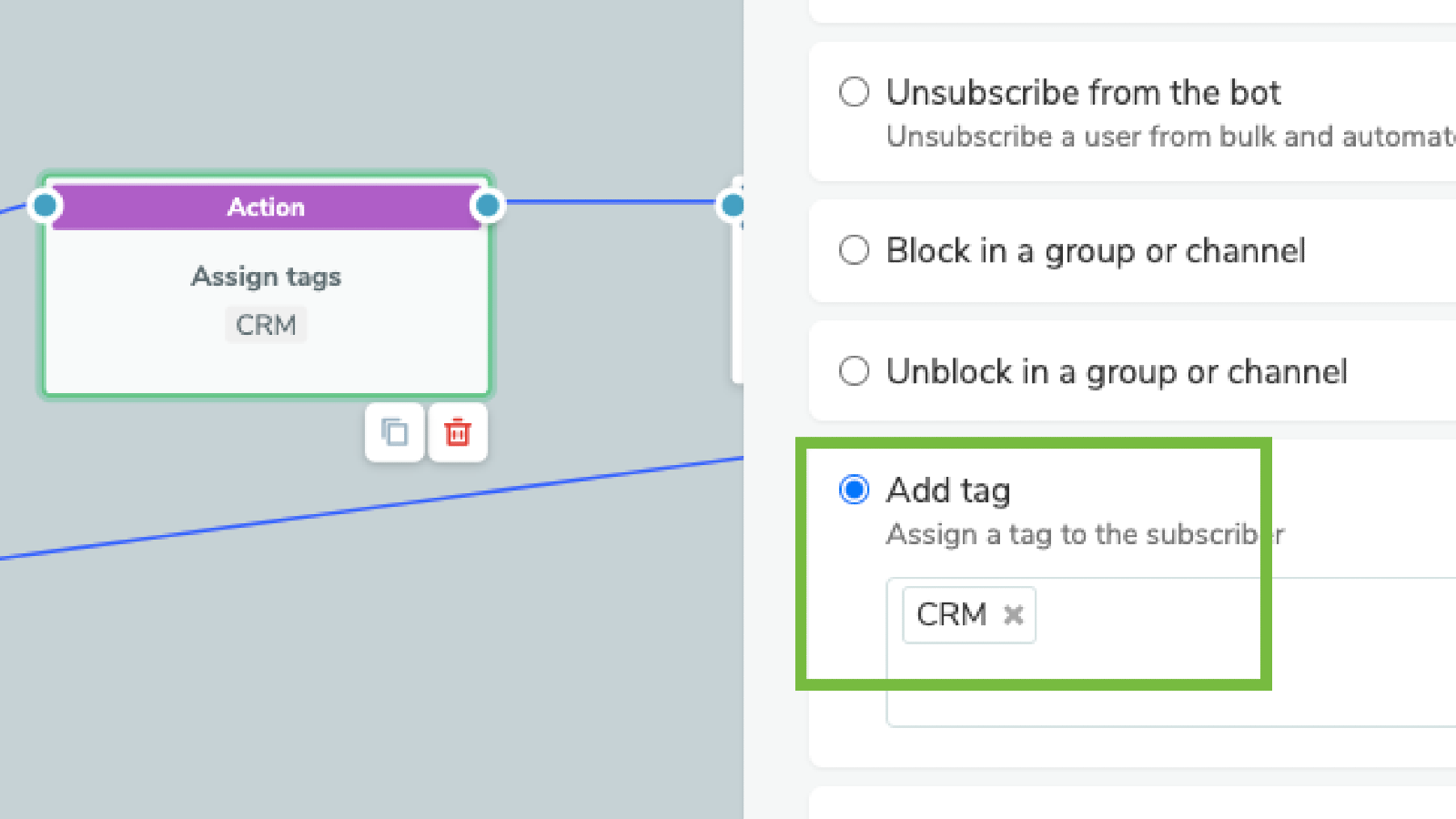
Move contacts and their data, variables, and chat links from chatbots to your CRM system.
Check for existing CRM contacts using phone numbers and email addresses to prevent duplicates.
Merge contacts from different SendPulse audiences into a single CRM contact card.
Update your existing contact cards and deals as needed.
You can enable webhooks for SendPulse’s email service and Automation360 based on your goals.
How to integrate with LeadBox
Log in to your LeadBox account, go to Integrations, and click Add an integration.
In Online chats, select Sendpulse Chat.
Enter an integration name and click Add an integration.
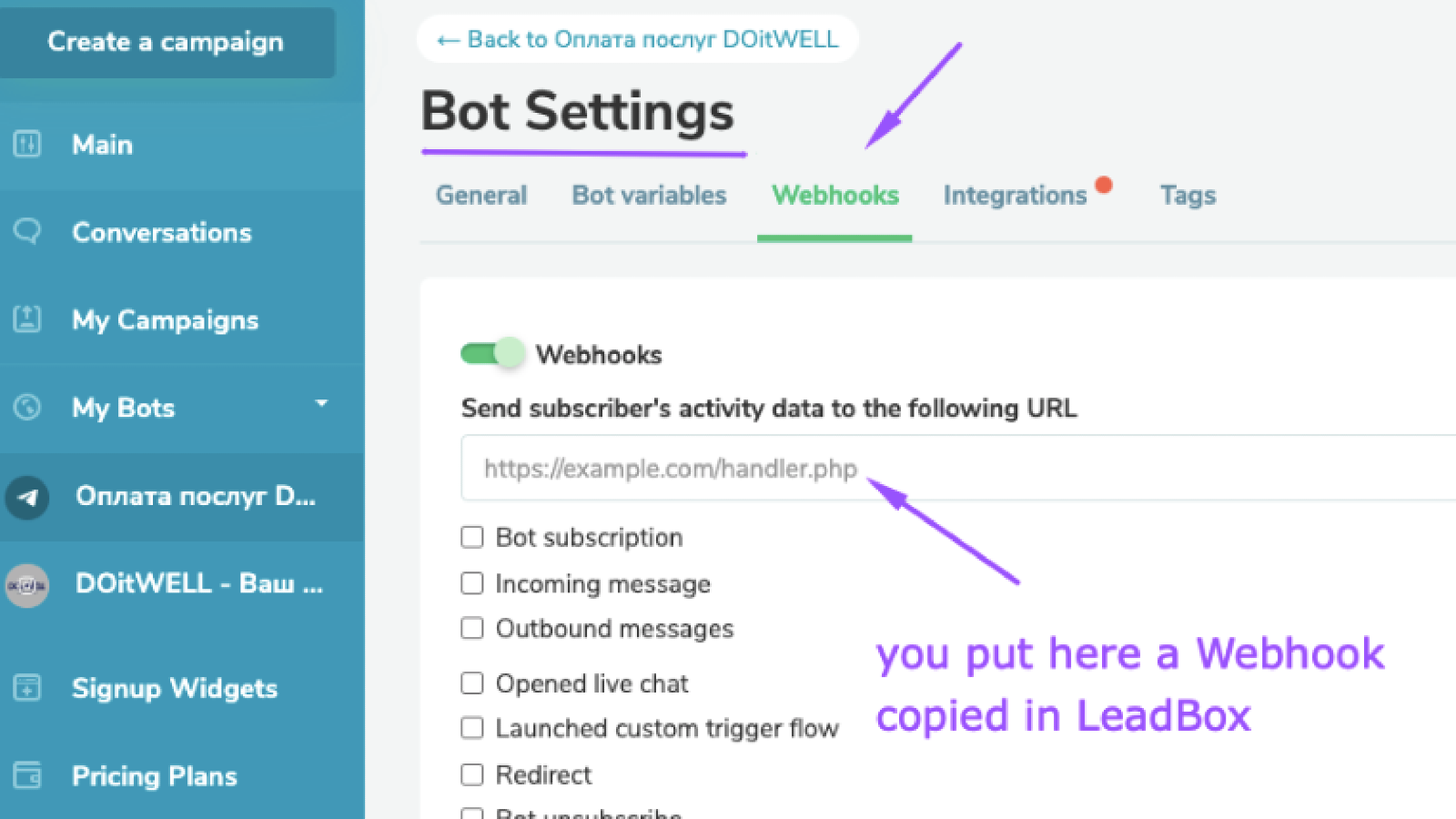
To send data from SendPulse to LeadBox, copy the automatically generated webhook. Then, go to your SendPulse account and paste the webhook based on your goals. Find out more about SendPulse webhooks for the chatbot builder, Automation 360, and email service.
To move data from LeadBox to your CRM system, go to your integration and fill in the fields. Select the CRM system to move your data to, map fields, select assignees, and add integration rules and filters. Specify a phone number standardization format based on the country code.
Click Save.
Learn more about how to integrate with LeadBox.





or