VoIPTime CRM
Integrate with VoIPTime CRM to send personalized emails manually or create automated campaigns triggered by specific actions to reach existing and potential customers effectively.
Features
Send personalized emails through customer cards or tasks manually.
Deliver tailored campaigns to your entire customer database or specific segments.
Build automated email campaigns triggered by task status updates.
How to integrate with VoIPTime CRM
Log in to your SendPulse account, go to the SMTP section, and click Get started.
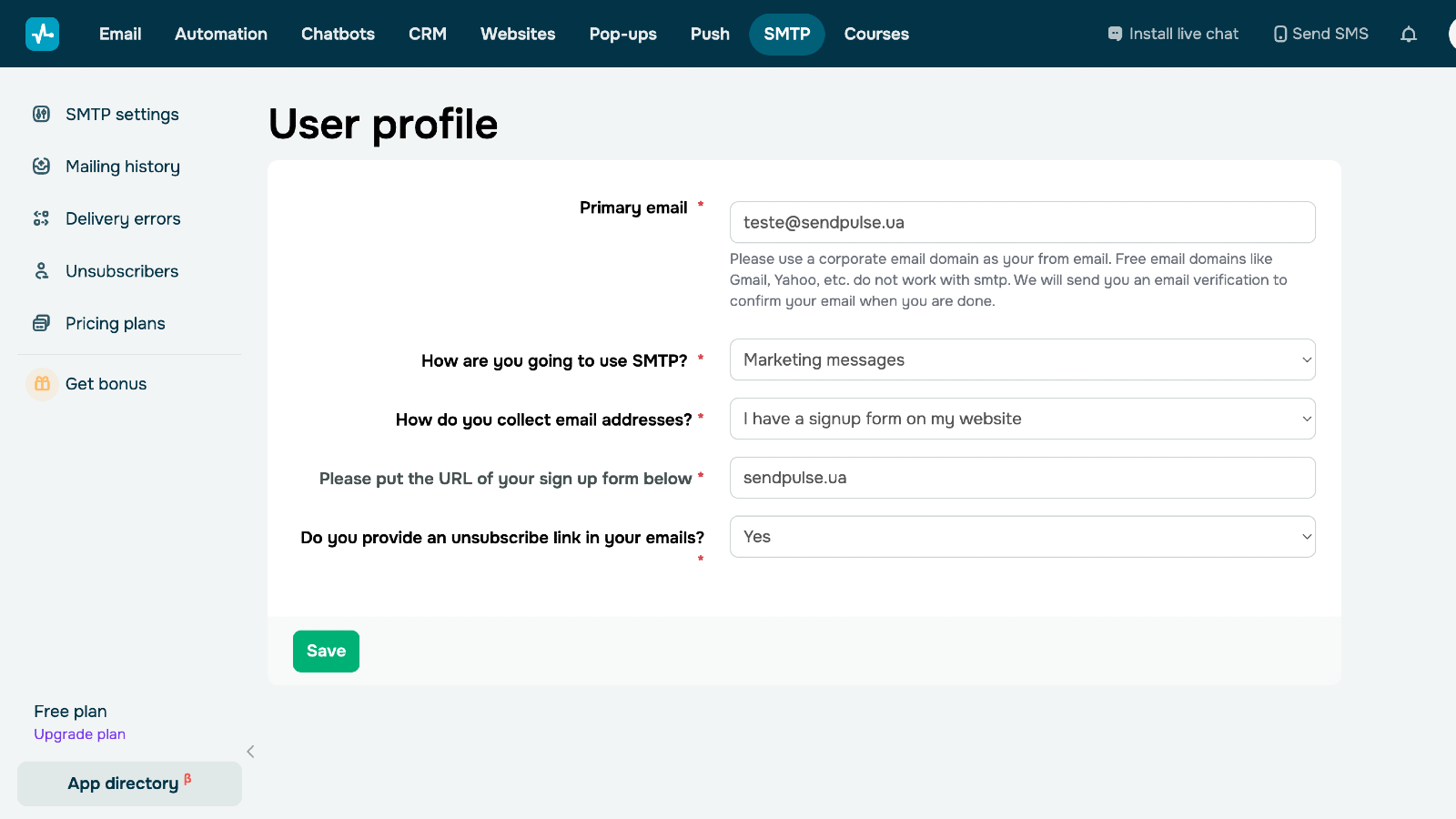
Fill out your user profile to help moderators review and approve it. You can continue setting up the integration while your profile is under moderation.
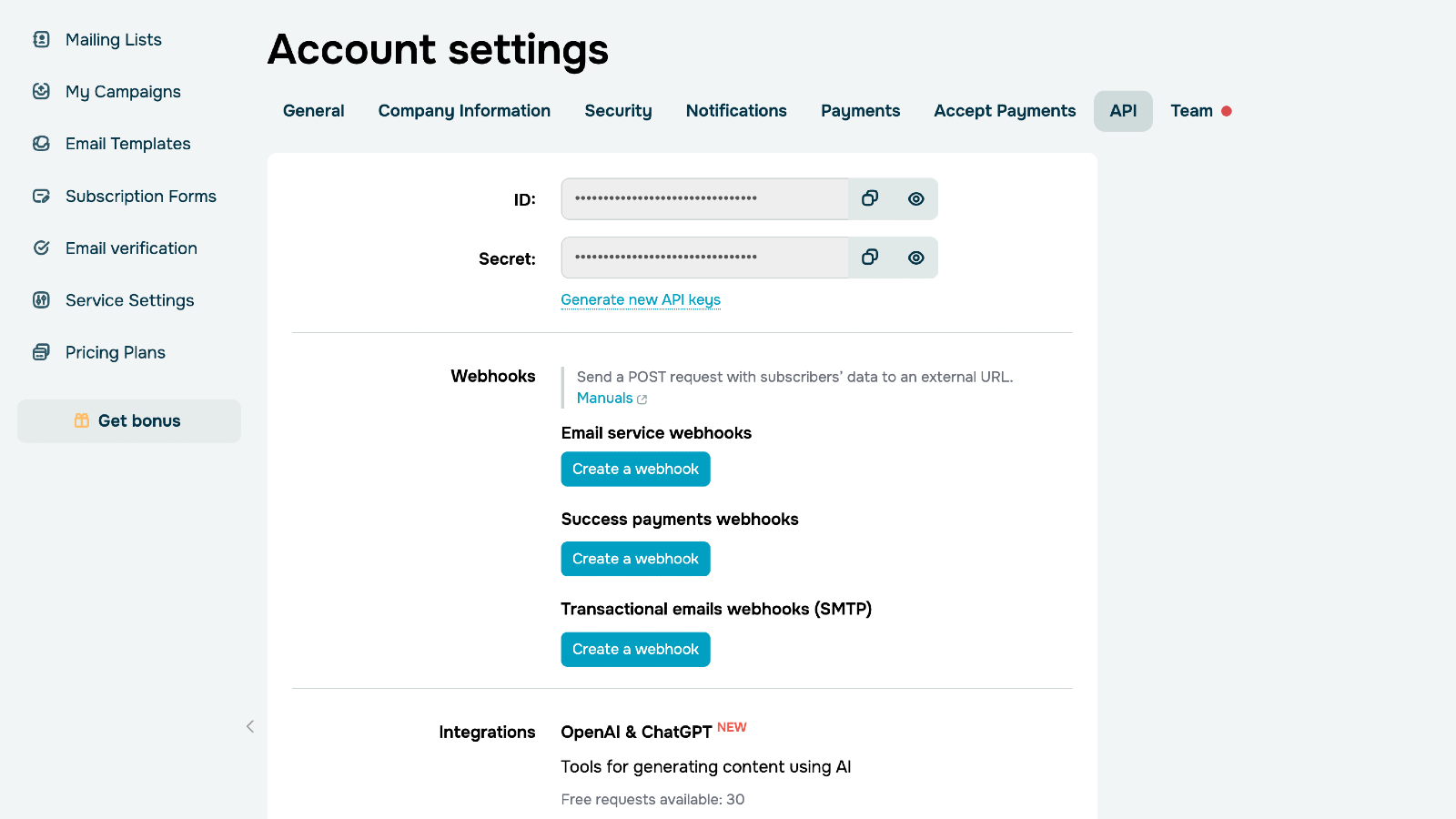
In your SendPulse account settings > the API tab, copy your ID and Secret.
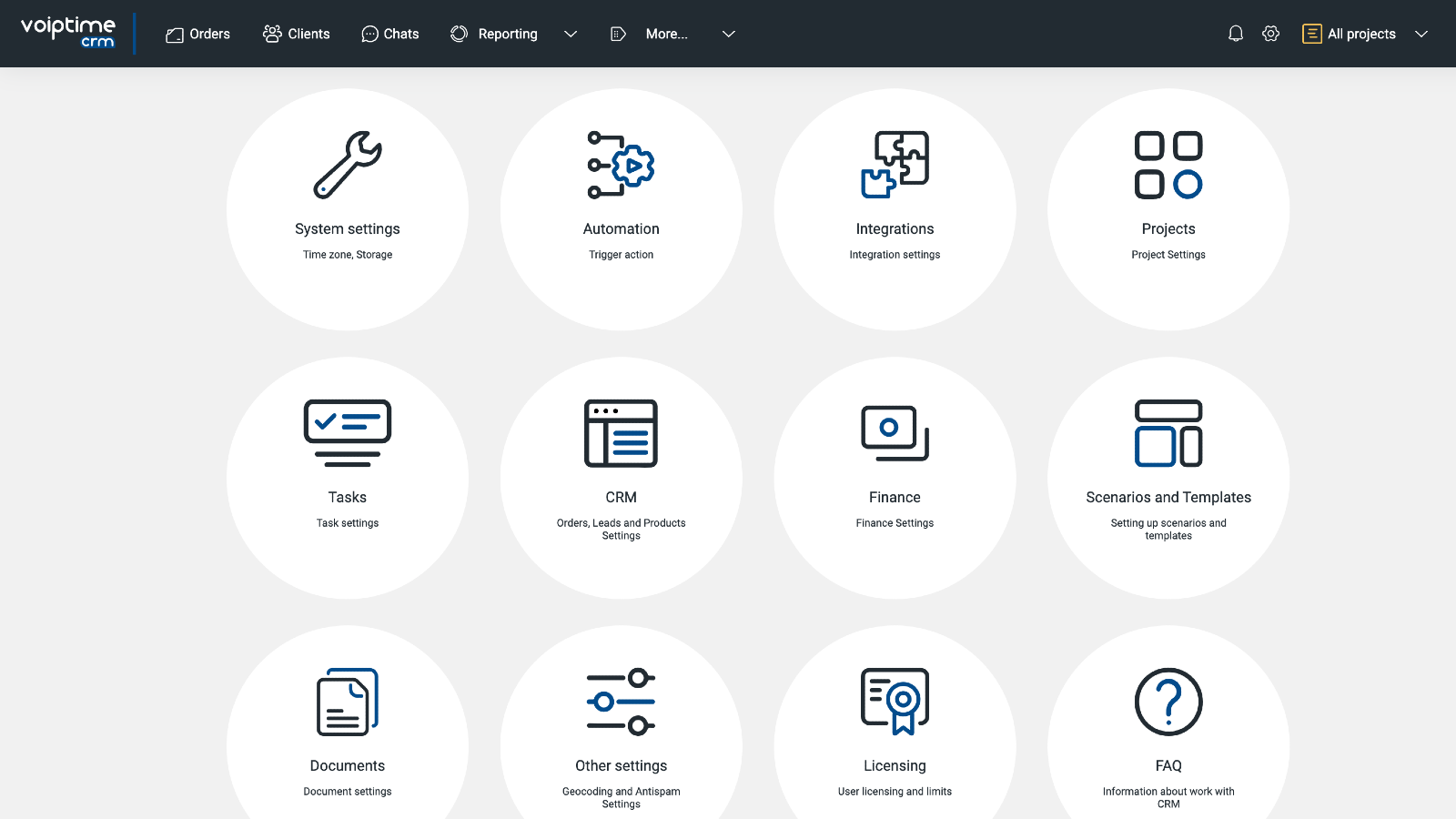
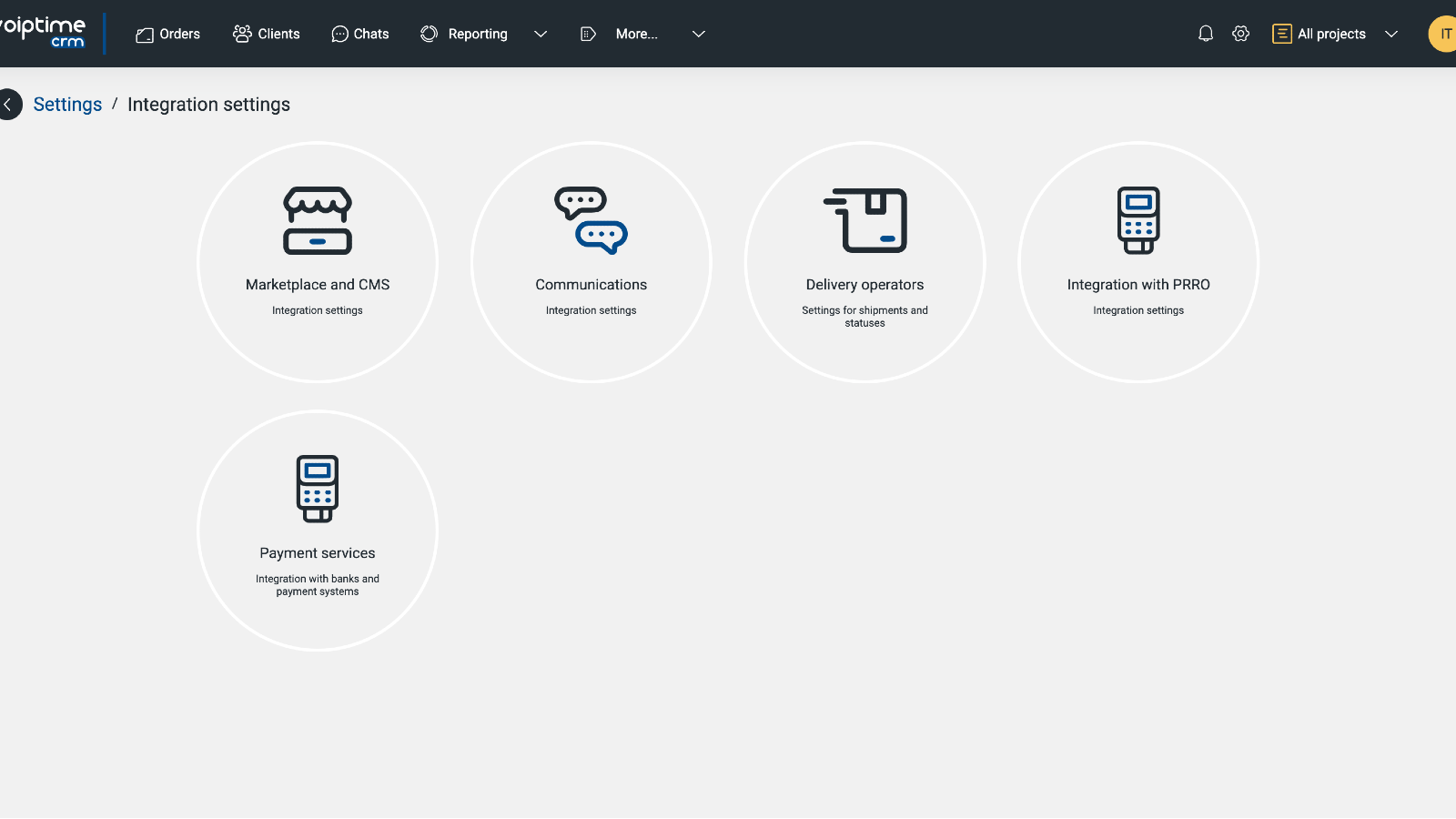
In your VoIPTime CRM account, click the gear icon in the upper right corner. Click Integrations > Communications > SendPulse.
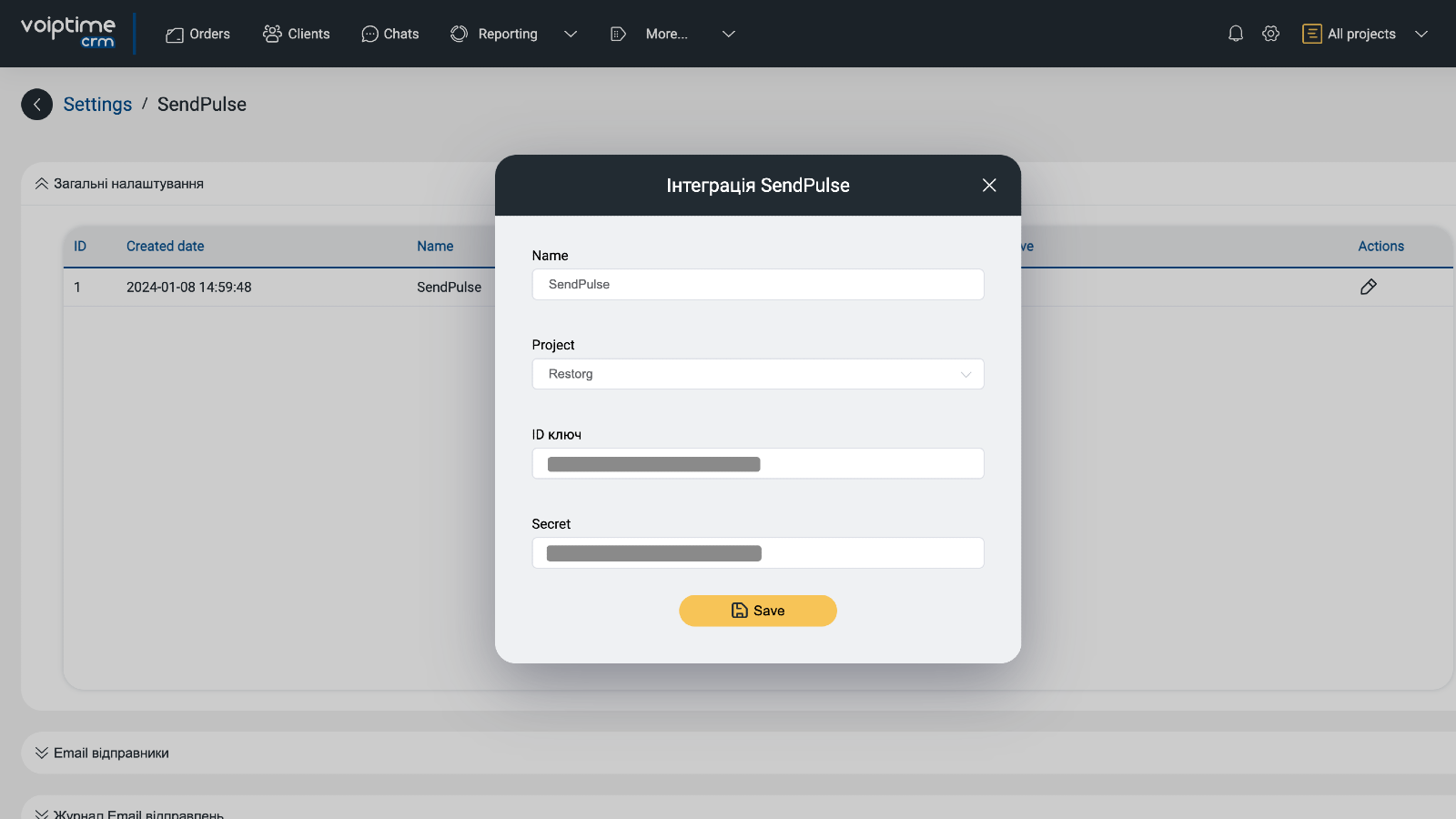
Go to General settings and click + Add. In the opened window, enter an integration name, select a project, and paste your ID and Secret values. Click Save.
If you follow these steps correctly, all your sender email addresses from SendPulse will be automatically added to VoIPTime CRM. In Email senders, you will be able to link senders to specific email addresses to send personalized or bulk email campaigns.





or