Zapier
Integrate with Zapier to track email campaign triggers across other services and tools and automatically start communicating with your new contacts in SendPulse. You can send SMS or email campaigns to users who filled out a form on your website or in Google Forms.
Features
Import contacts into SendPulse mailing lists from Google Sheets, Facebook, your online store, and other services to run any automated flow.
Unsubscribe those who are no longer interested in your campaigns.
Update your existing subscriber data.
Let's say you integrated SendPulse with Google Forms through Zapier. In this case, when a user fills out your form, the data they entered will be moved to your SendPulse mailing list. Then, you can send an email or SMS message to confirm their subscription.
If you integrate your online store with SendPulse tools, your customers will receive email or SMS order confirmations.
You can use ready-made integration templates or create unique tool pairs without programming skills.
How to integrate with Zapier
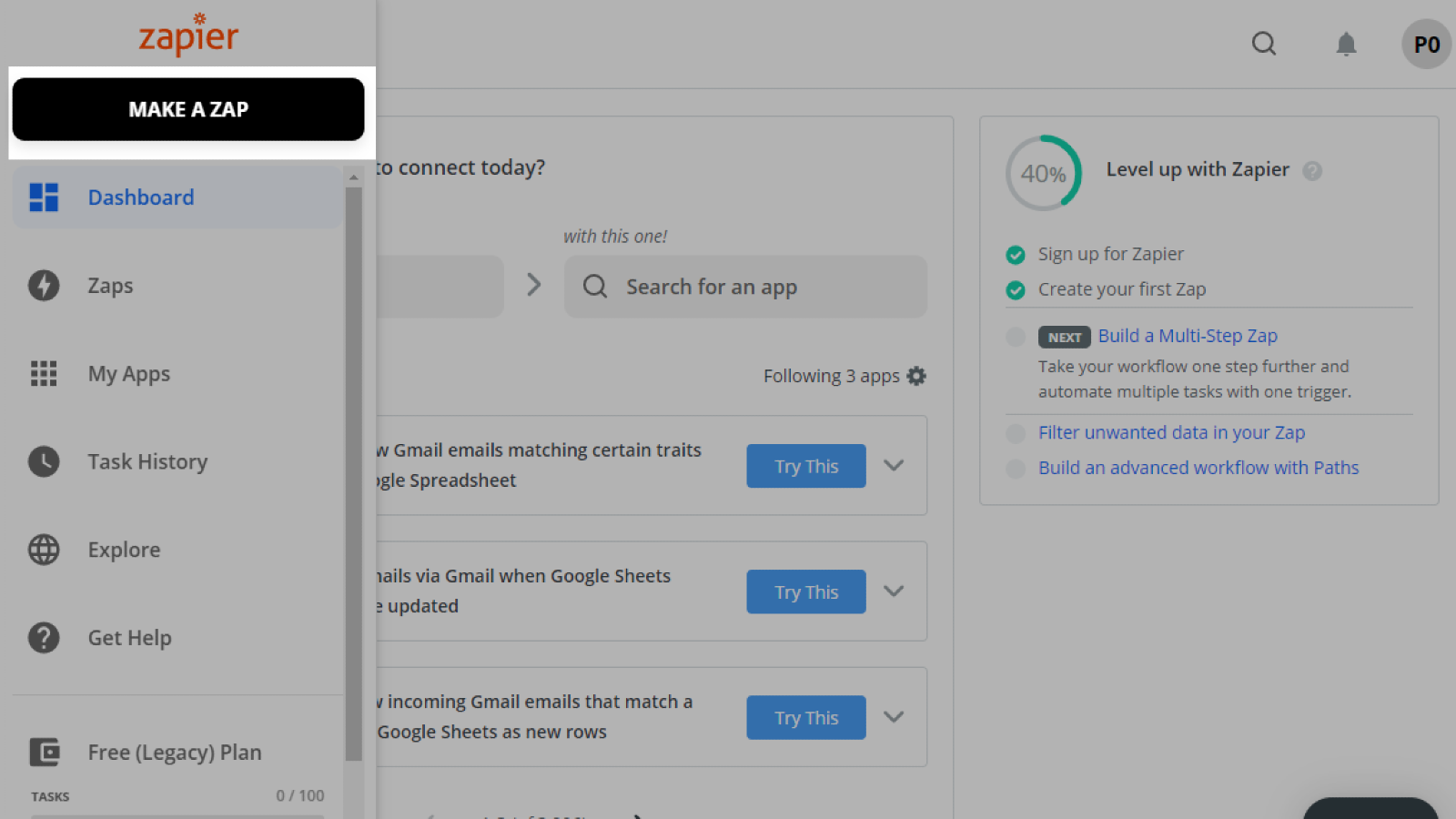
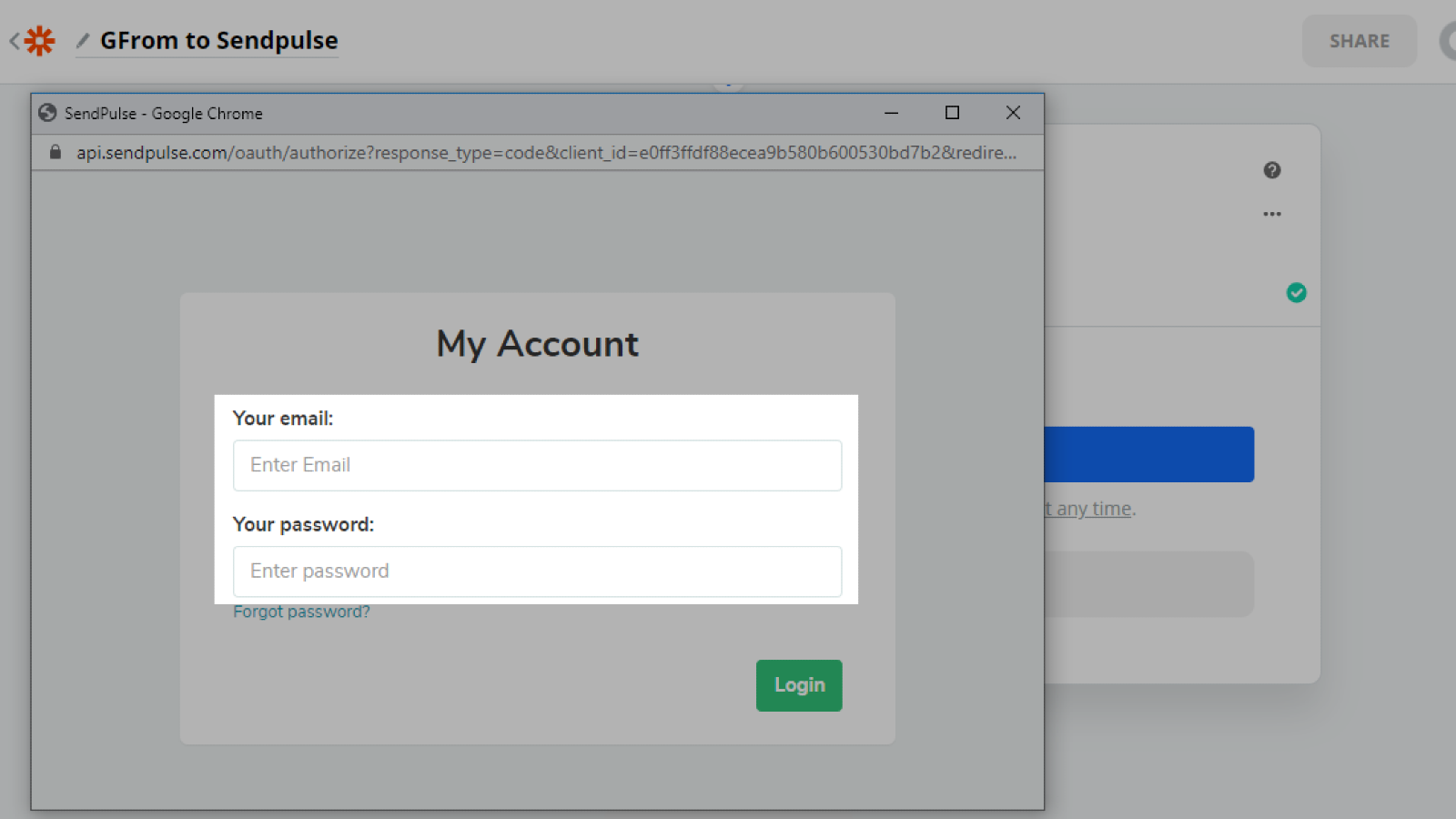
Log in to your Zapier account and create a new Zap — a link between two tools or apps.
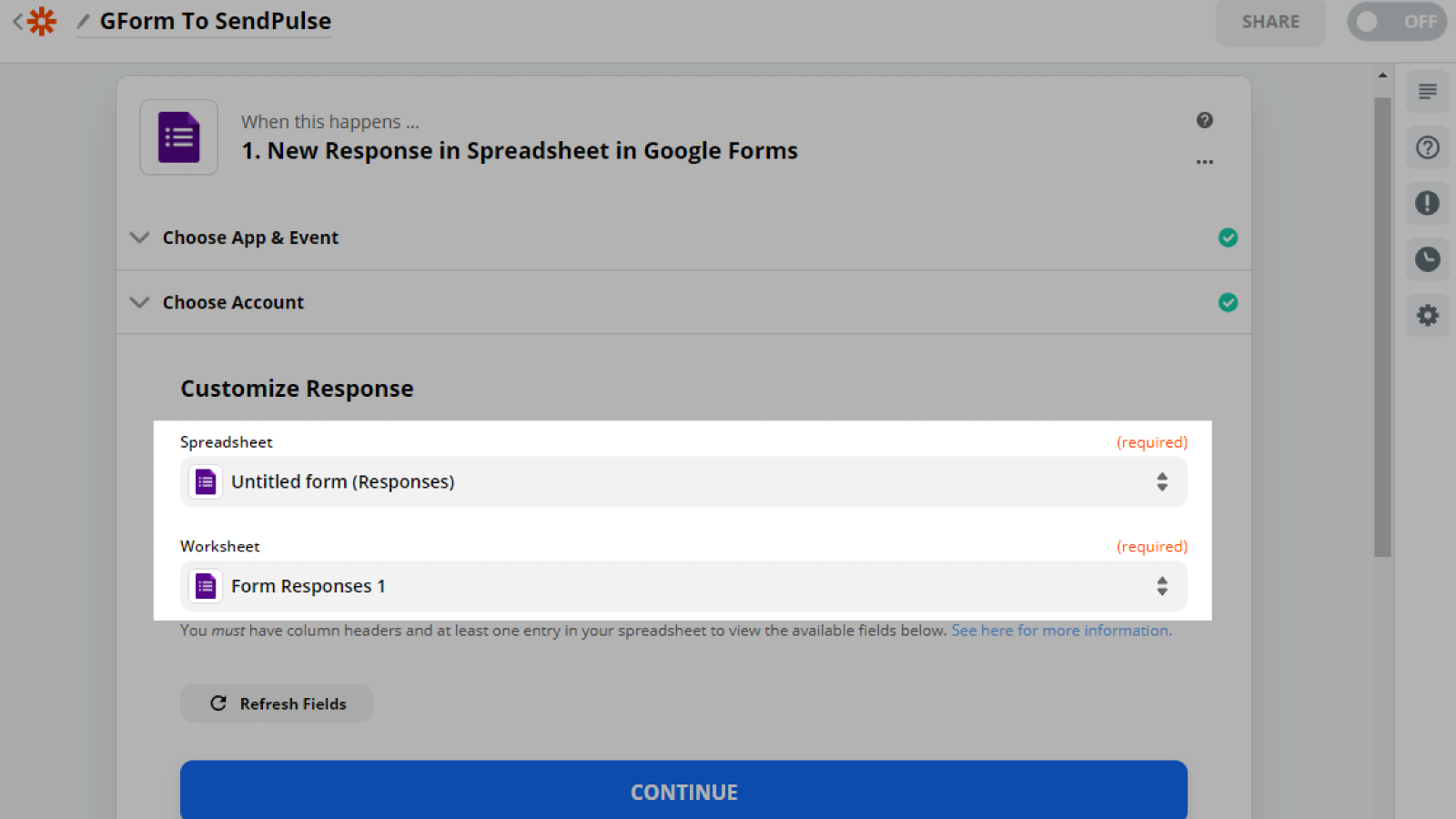
Set up a trigger — a third-party event from which you want to retrieve data.
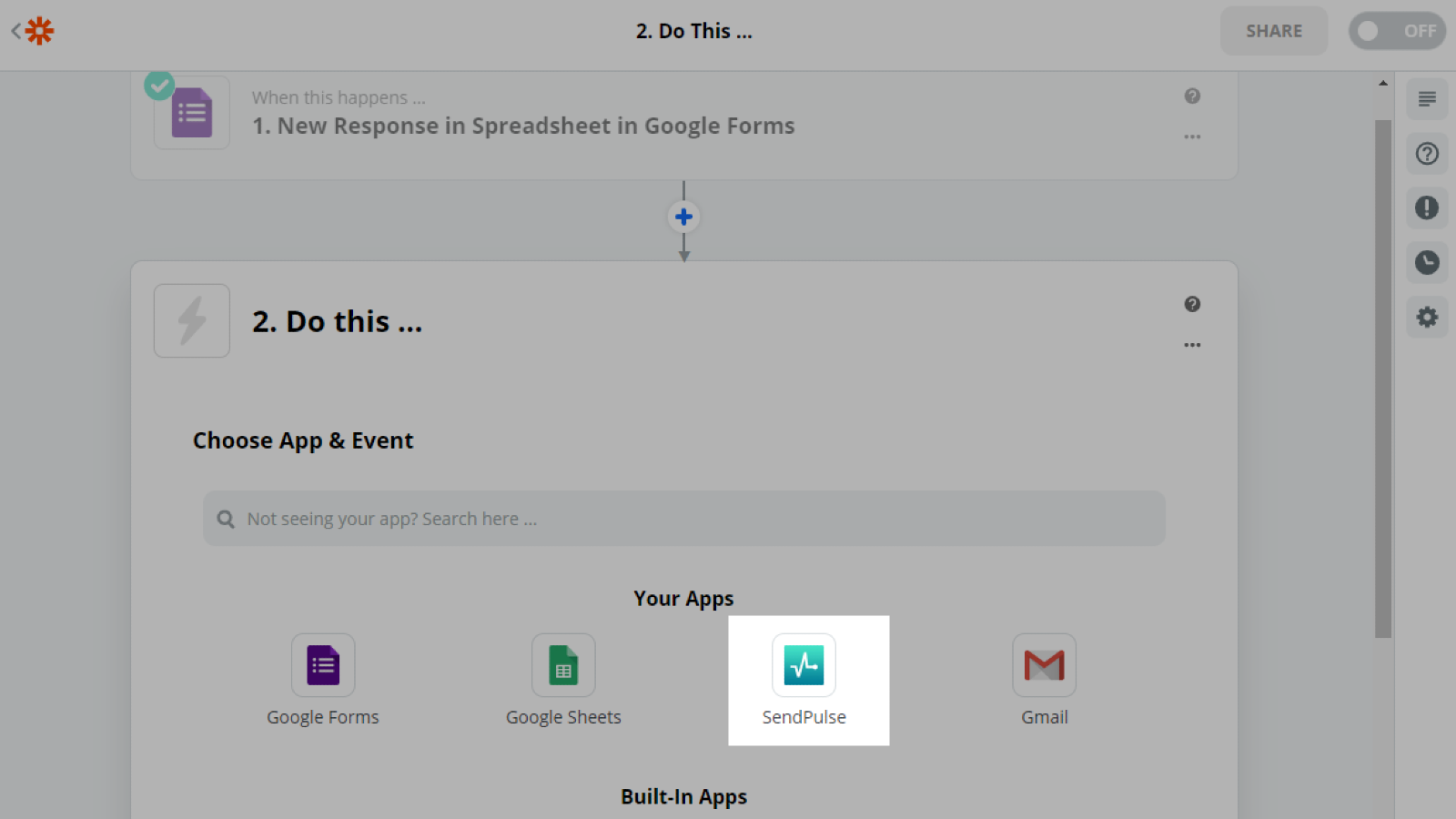
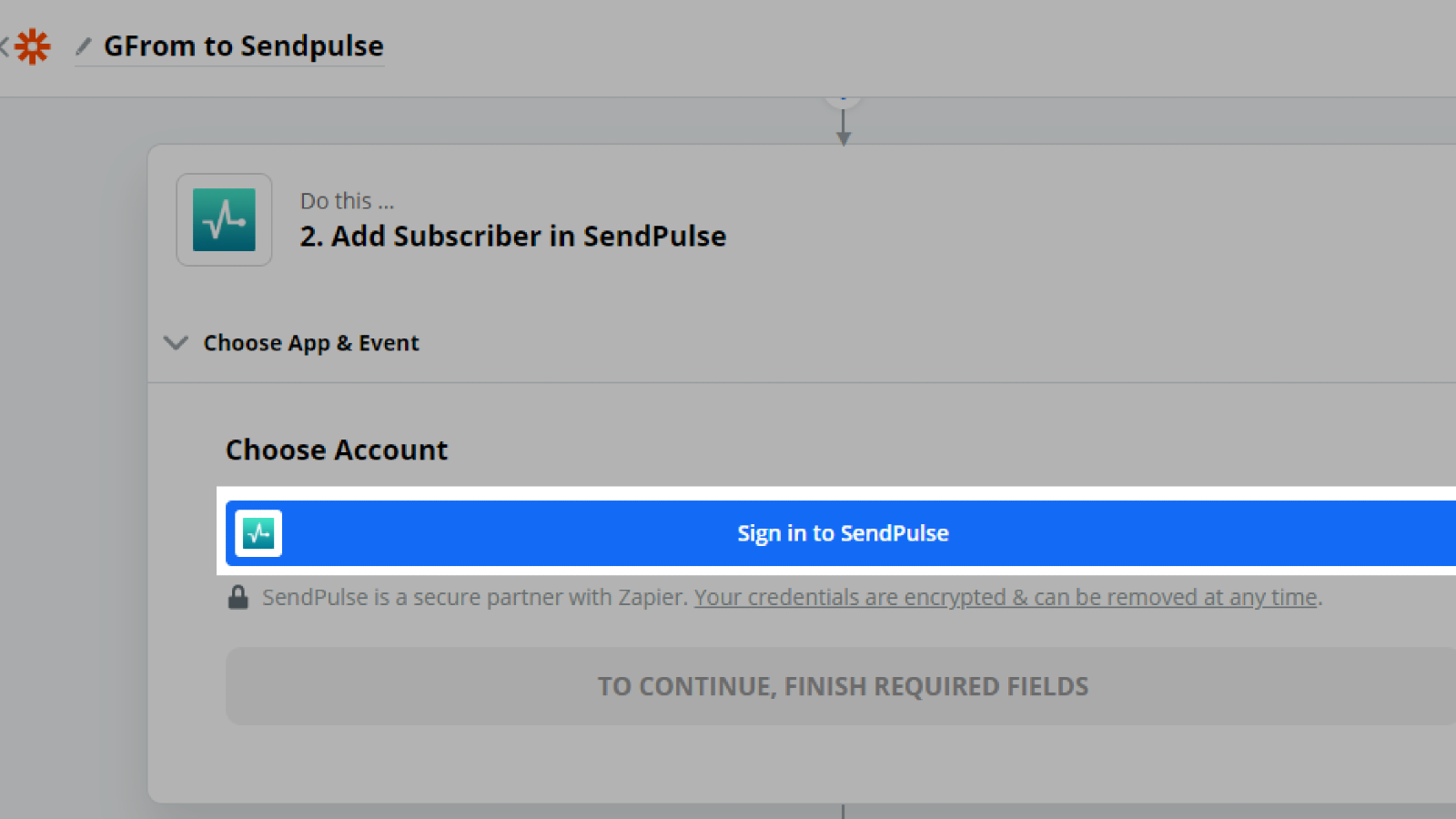
Select and configure an action SendPulse will apply when your trigger is fired.
Learn more about how to integrate with Zapier.





or