Skyvia
Skyvia is a cloud data platform that can automate a number of different data-related tasks. With its help, you can integrate SendPulse with 200+ cloud apps, databases, and file storages.
Features
Automatically upload contacts and leads from cloud CRM systems,
accounting apps, eCommerce sites, and lots of other tools.Sync data back to SendPulse from databases, data warehouses, or other
cloud apps using Reverse ETL.Automatically import/export CSV files to SendPulse.
Copy your SendPulse data to databases or cloud data warehouse solutions
for data archiving or analysis.Query your SendPulse data via SQL statements or visually built queries.
Create refreshable reports with your SendPulse data in Excel and Google
Sheets.Publish your SendPulse data via OData and SQL Web API.
Back up your SendPulse data automatically to a secure cloud storage and
restore it in a few clicks when needed.
Skyvia offers tools for different integration scenarios, including visual no-code tools
for simple integrations that are up and running in under 5 minutes and advanced
pipeline designers suitable even for the most complex scenarios — all without
coding.
How to integrate with Skyvia
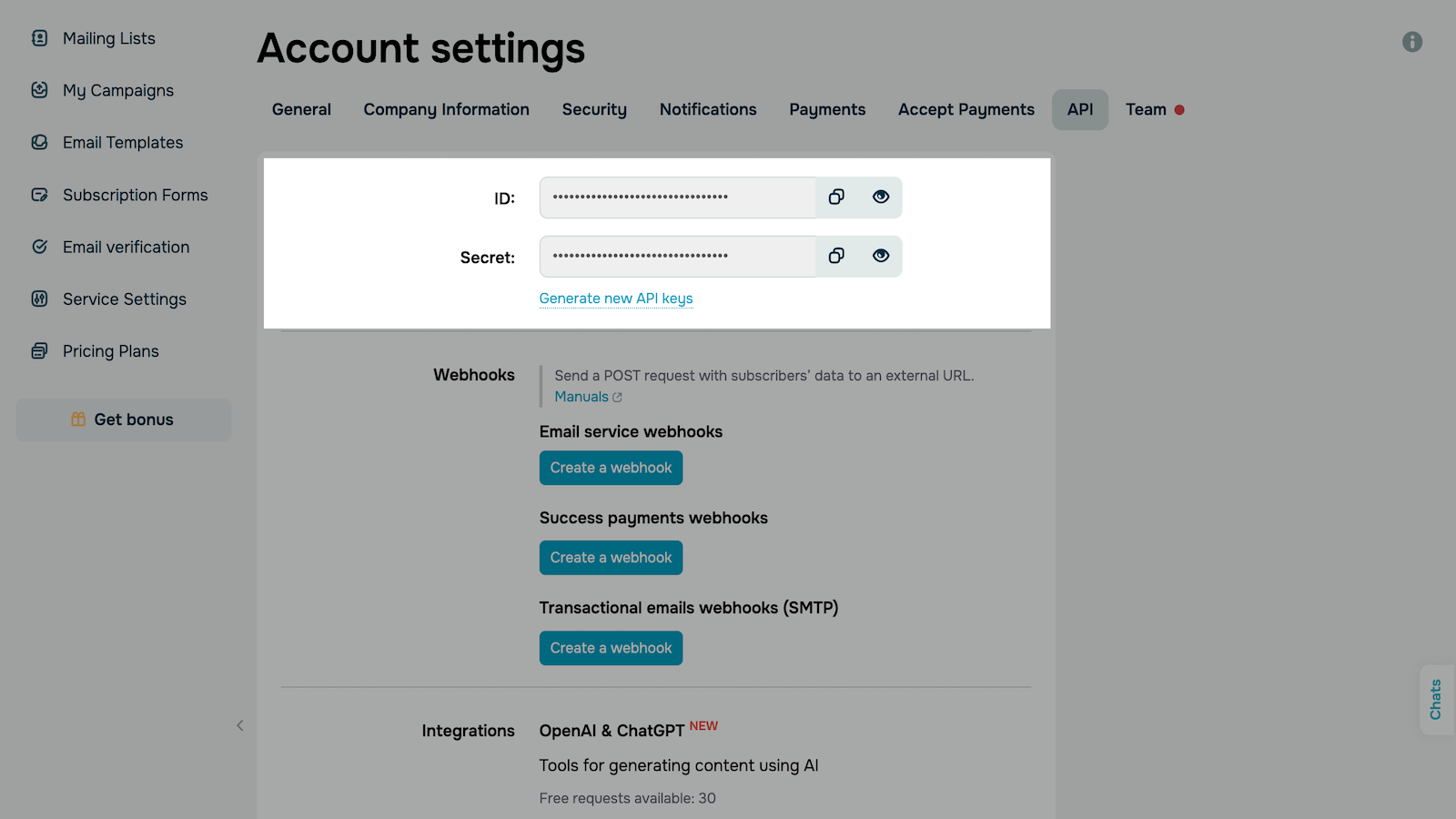
1. Log in to your SendPulse account, go to your account settings > the "API" tab,
and copy your "ID" and "Secret."
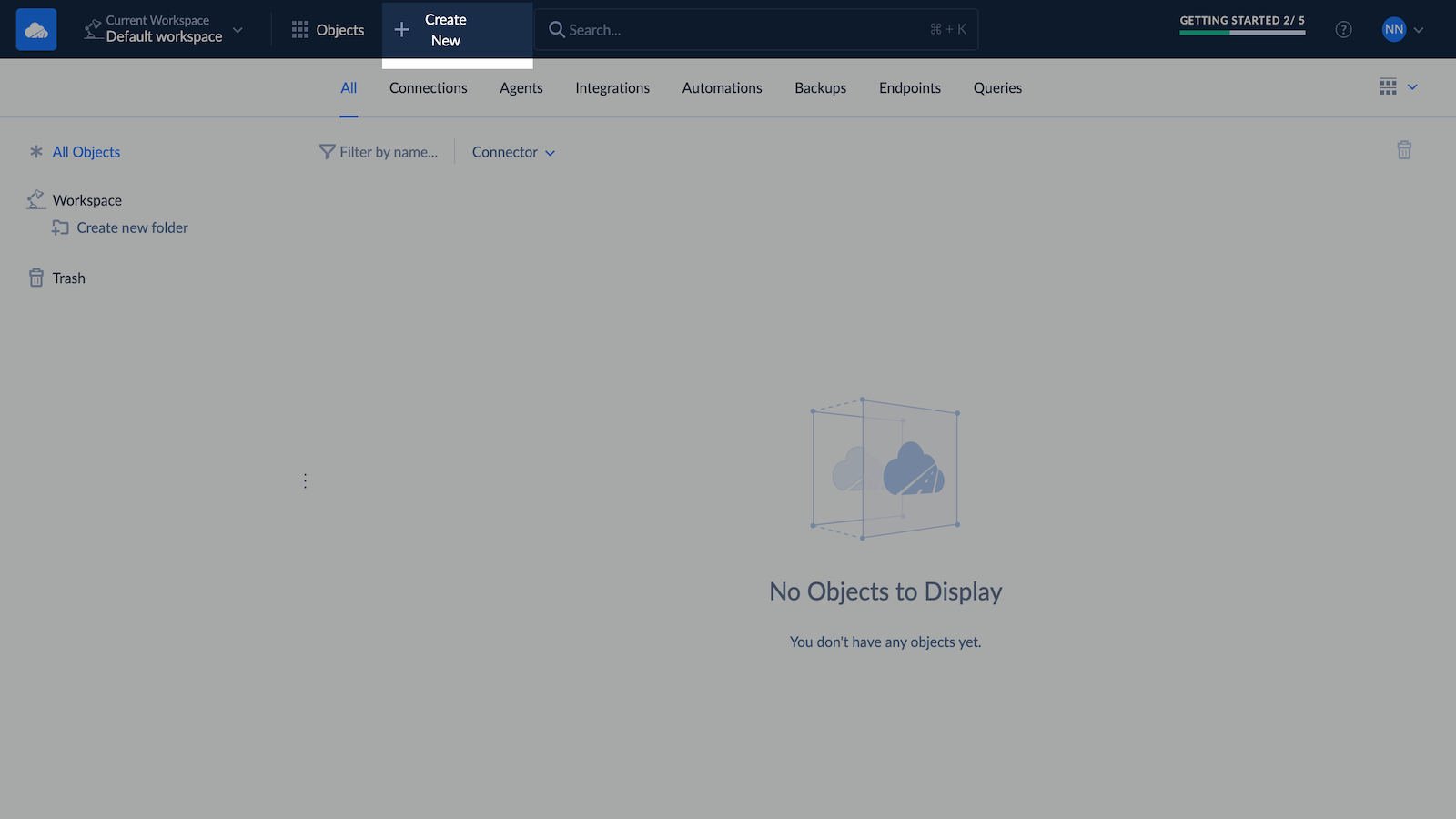
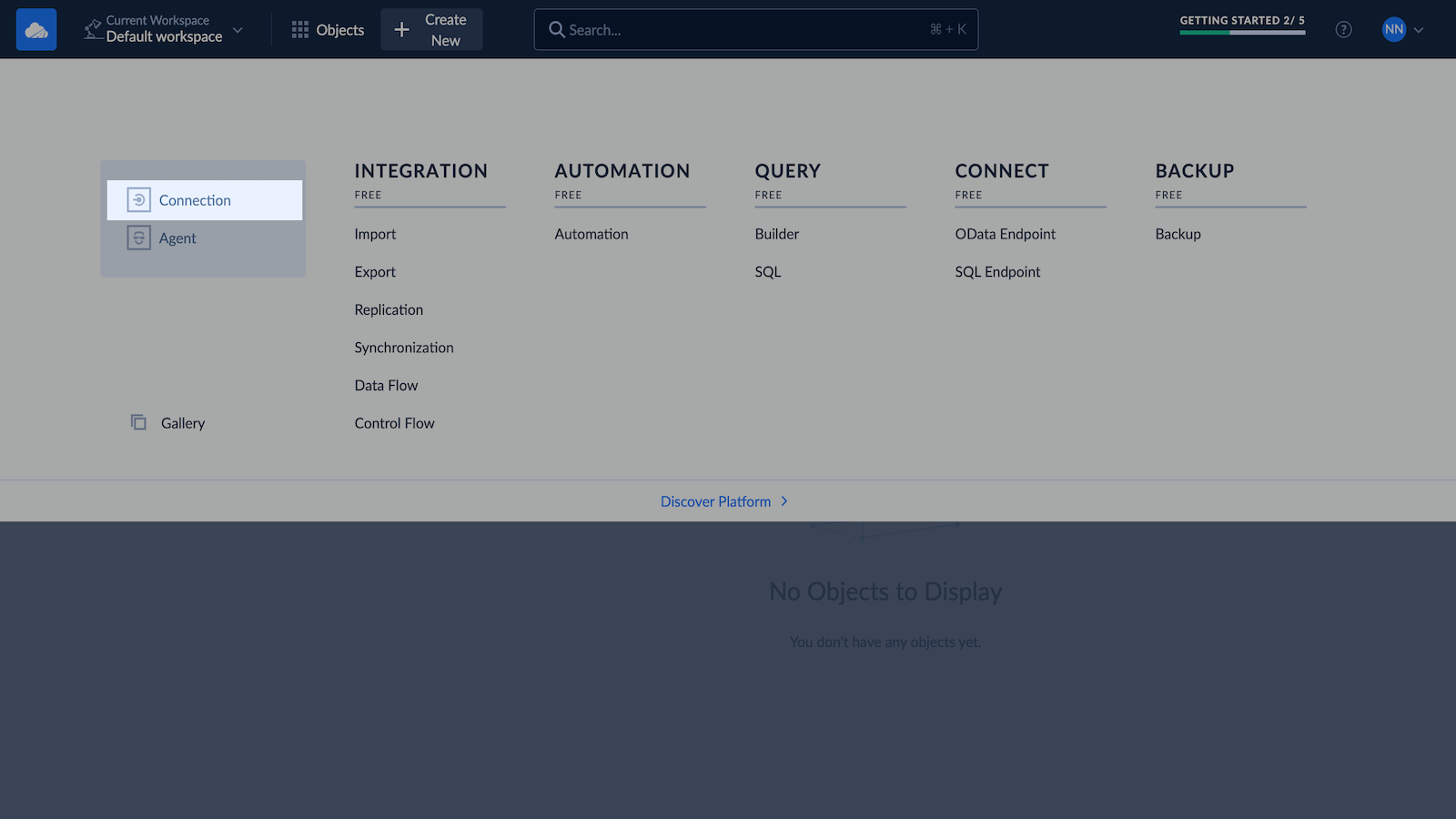
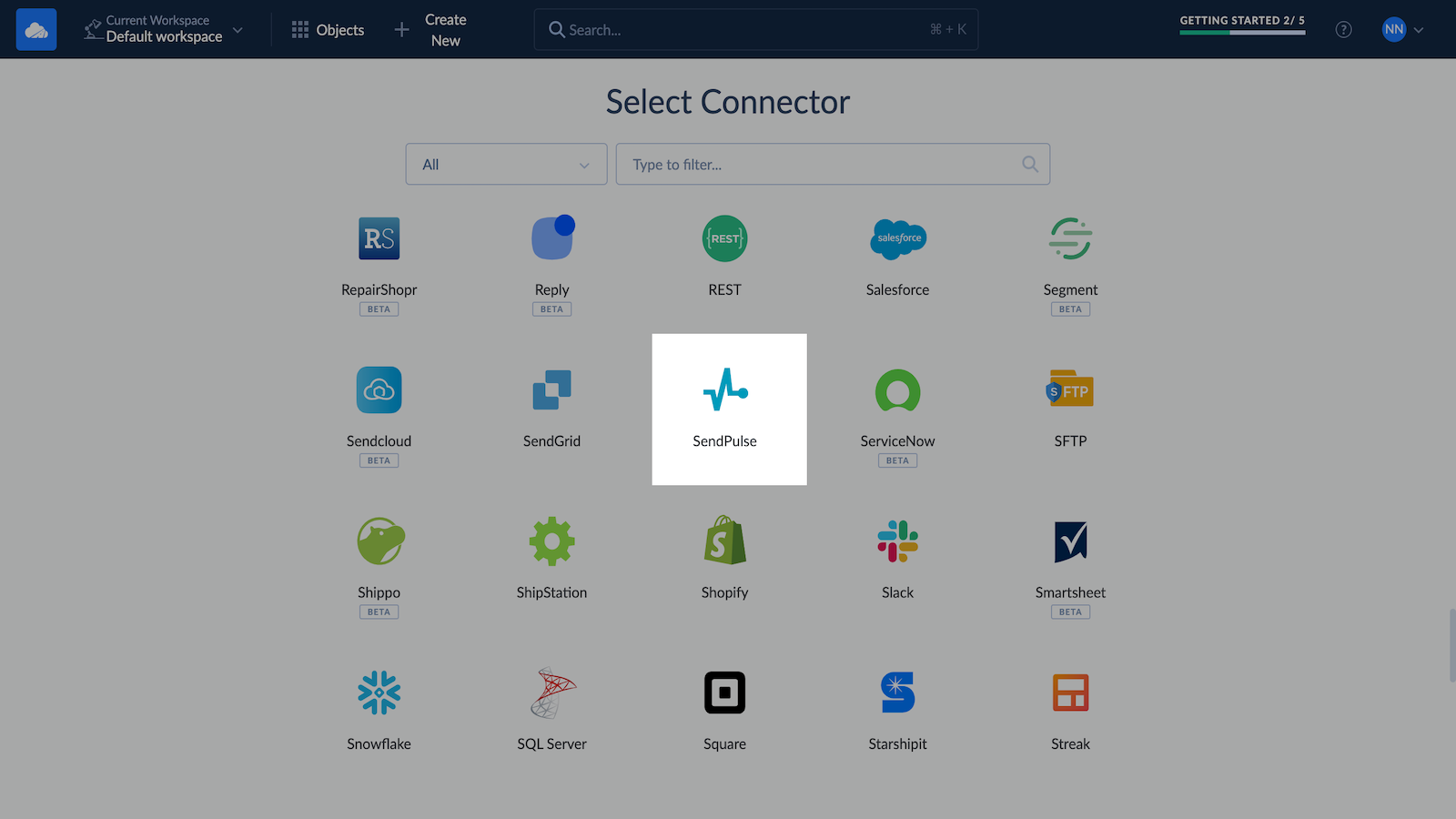
2. Log in to your Skyvia account. Click + Create New in the top menu. Click
Connectors on the left, and select "SendPulse."
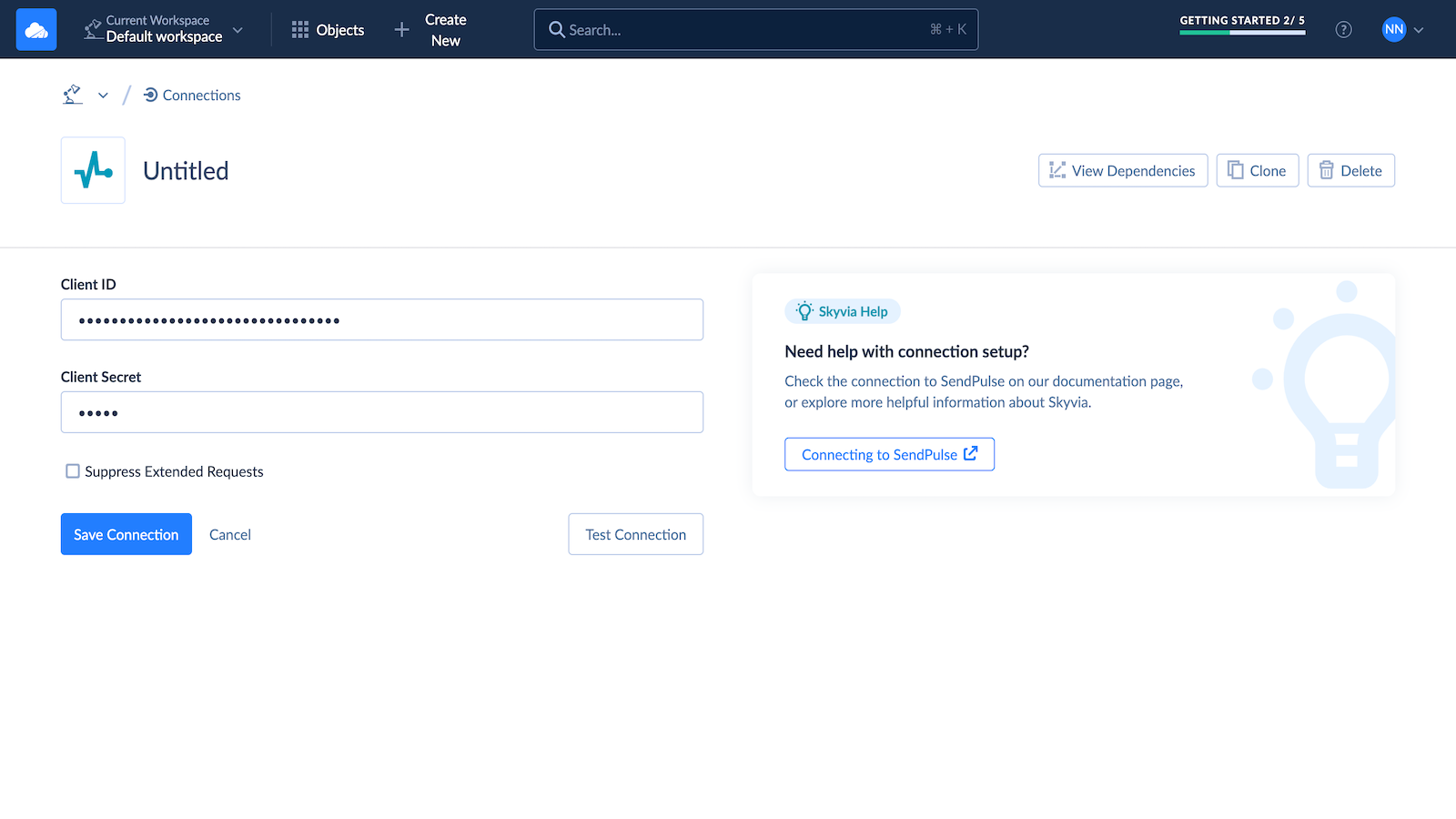
3. On the opened page, specify your connection name, and paste your API keys.
Click Create a connection.
After this, you can create connections to other data sources you want to integrate
SendPulse with and create your integrations using convenient wizards and
designers.
For a detailed tutorial on how to configure this integration, refer to Skyvia
documentation.





or