FixIQ
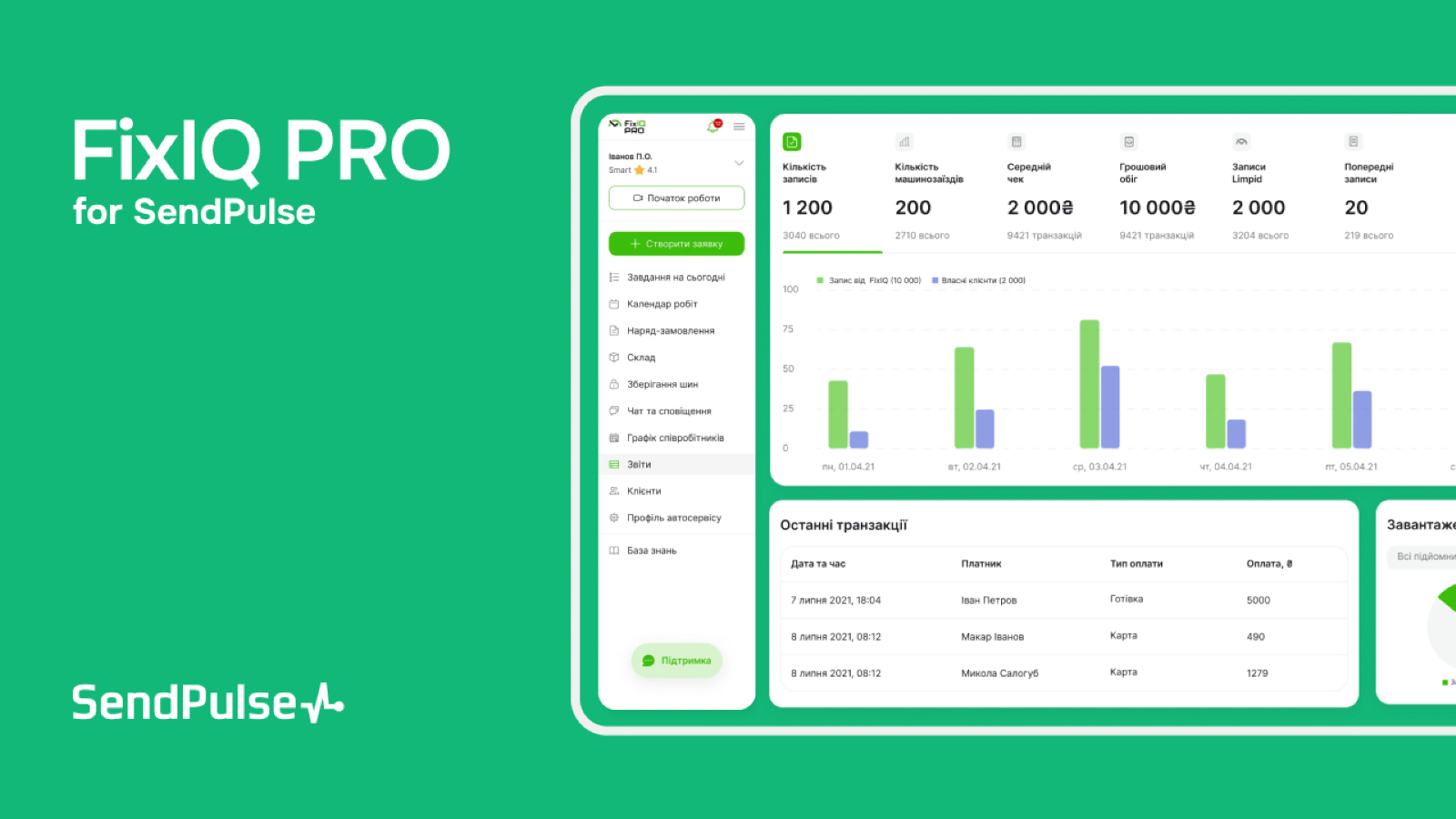
By connecting SendPulse with FixIQ, the auto service management platform, you can easily send SMS and email campaigns to your clients, as well as web push notifications to your clients and employees—all directly from your FixIQ dashboard. This integration makes it easy to stay connected with your clients, partners, and colleagues, helping you save time, money, and effort.
What you can do with FixIQ integration
Easily set up and send personalized marketing campaigns and web push notifications using SendPulse directly within FixIQ.
Use ready-made templates or create custom messages.
Automatically save all communication history and link each message to the corresponding contact.
How to set up FixIQ integration
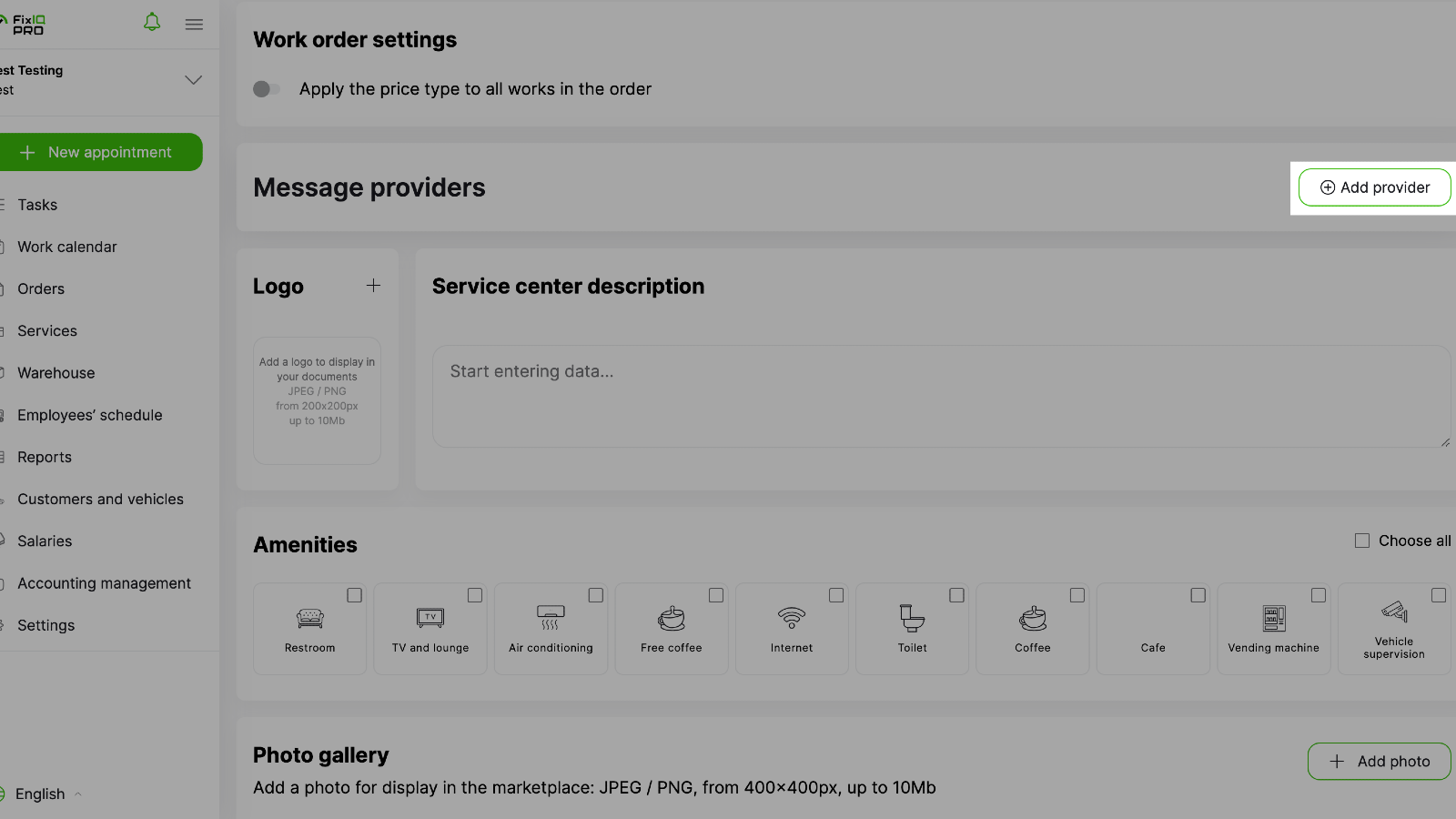
Log in to your FixIQ account and head to the “Settings” tab in the left sidebar.
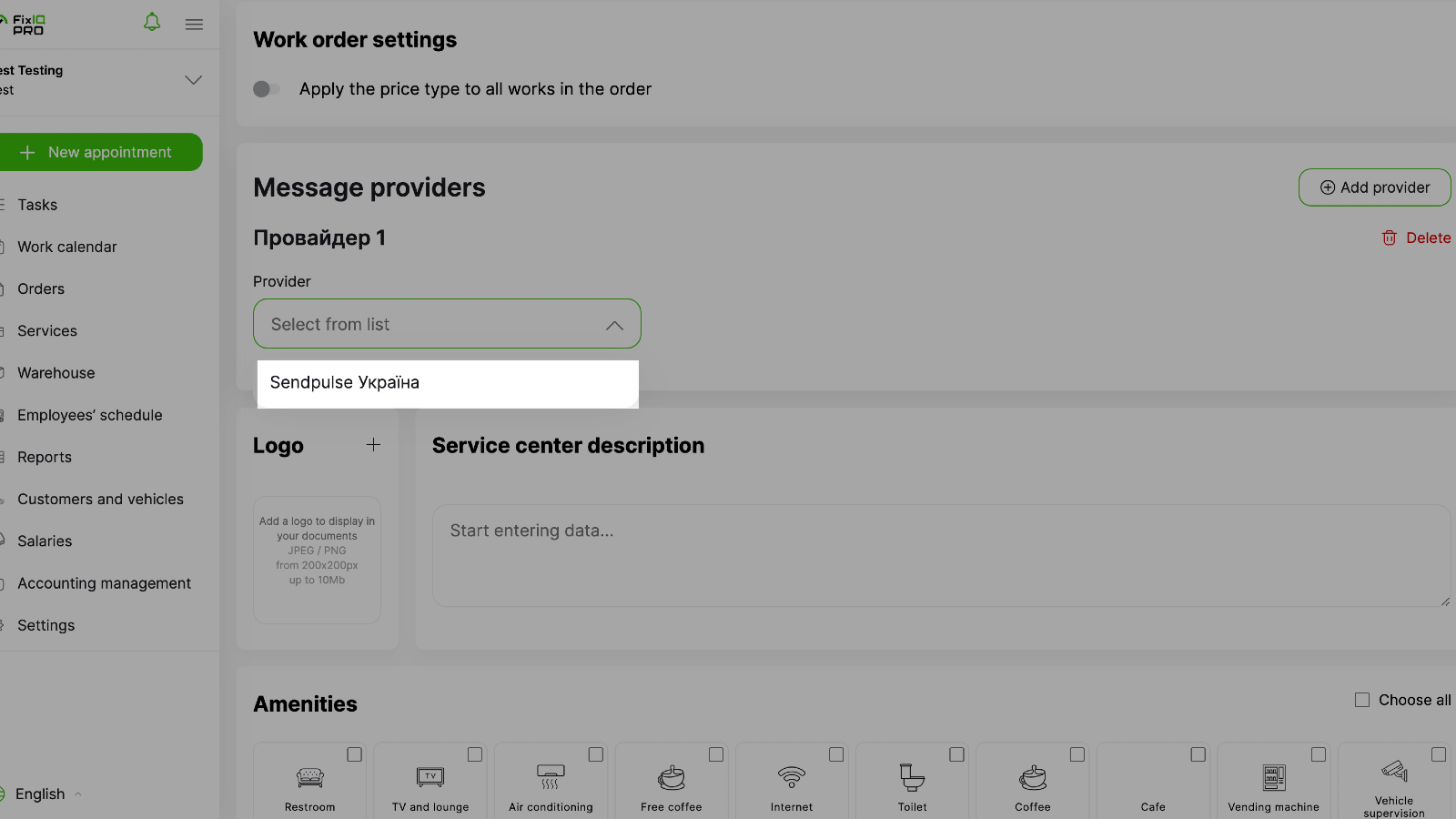
Click “Other” at the top, scroll down to “Message Providers,” then click “Add Provider” and select SendPulse from the list.
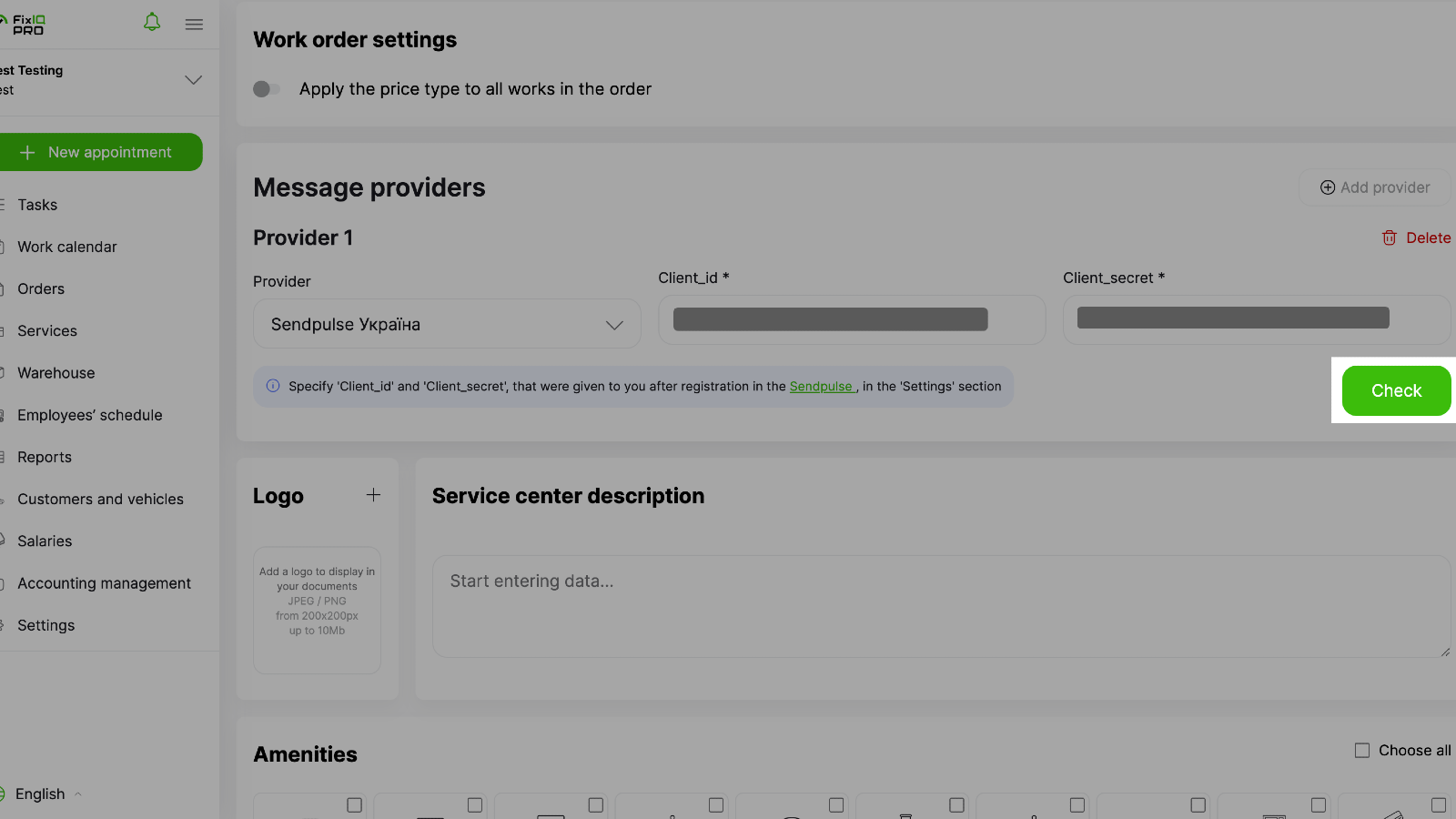
In your SendPulse account, go to the “API” tab and copy your “ID” and “Secret” values. Then, paste them into the corresponding fields in your FixIQ account and click “Check.”
If everything’s correct, you’ll see the integration status change to “Connected,” and you can start creating and sending campaigns and web push notifications right from FixIQ.





or