Brave
With Brave, you can link your WordPress-powered website to SendPulse to automatically move prospect data points to your mailing lists and use them in your future campaigns. Create lead capture forms, quizzes, surveys, and any other widgets. Move your collected data to SendPulse, including names, email addresses, phone numbers, locations, and more.
Features
Automatically move lead data from your WordPress-powered website to SendPulse mailing lists.
Send personalized emails to new subscribers.
Establish automation flows to send welcome and thank-you emails, abandoned cart reminders, and other triggered emails.
How to integrate with Brave
Log in to your WordPress dashboard with admin rights. In the left sidebar, go to the Plugins tab.
Click Add New Plugin and find Brave – Create Popup, Optins, Lead Generation, Survey, Sticky Elements & Interactive Content. Click Install Now next to the plugin name. Once it is installed, click Activate.
Create your first pop-up or embedded lead generation form and customize it.
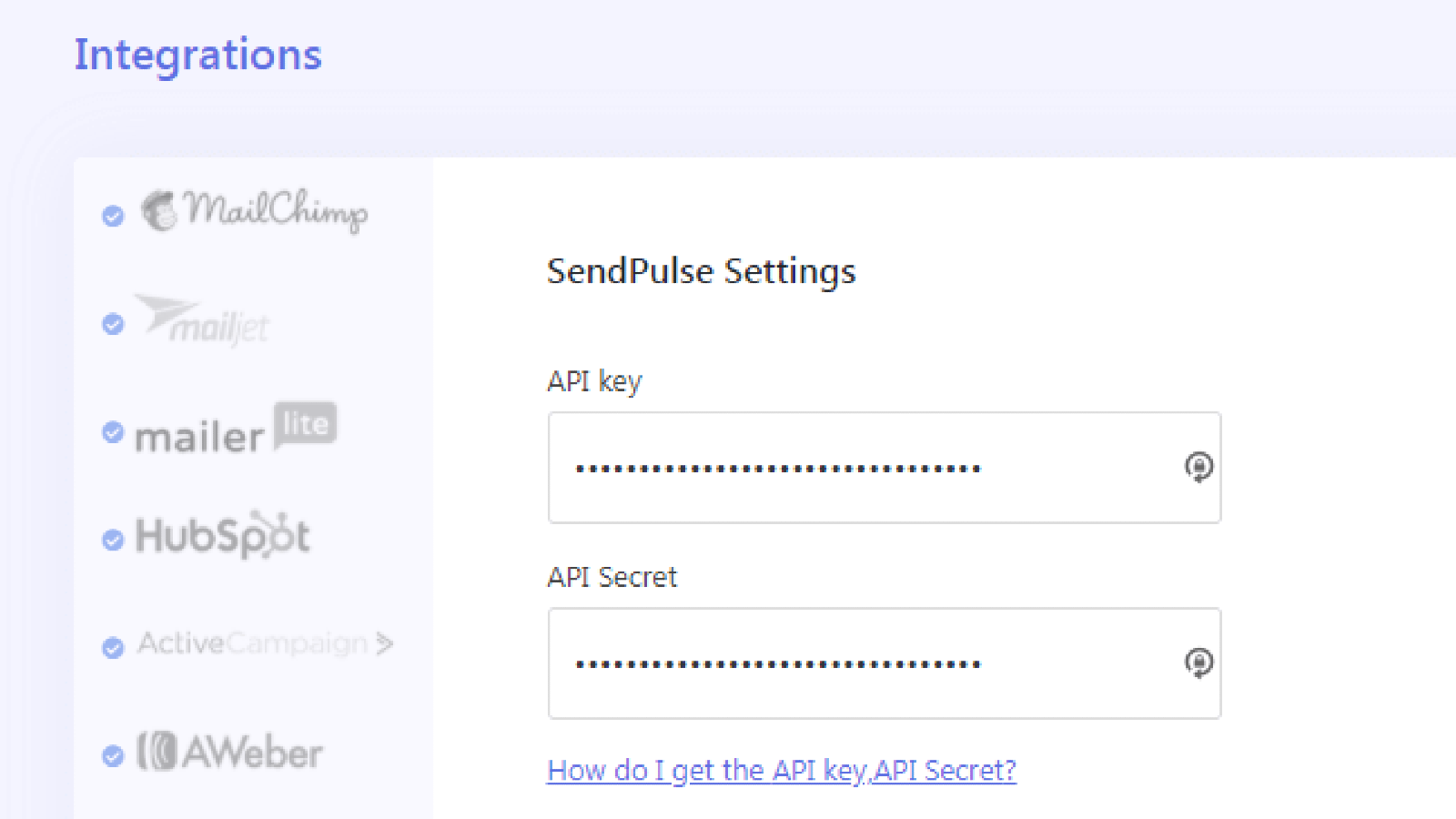
In the left sidebar, go to Brave > Integrations. Select SendPulse from the list of integrations.
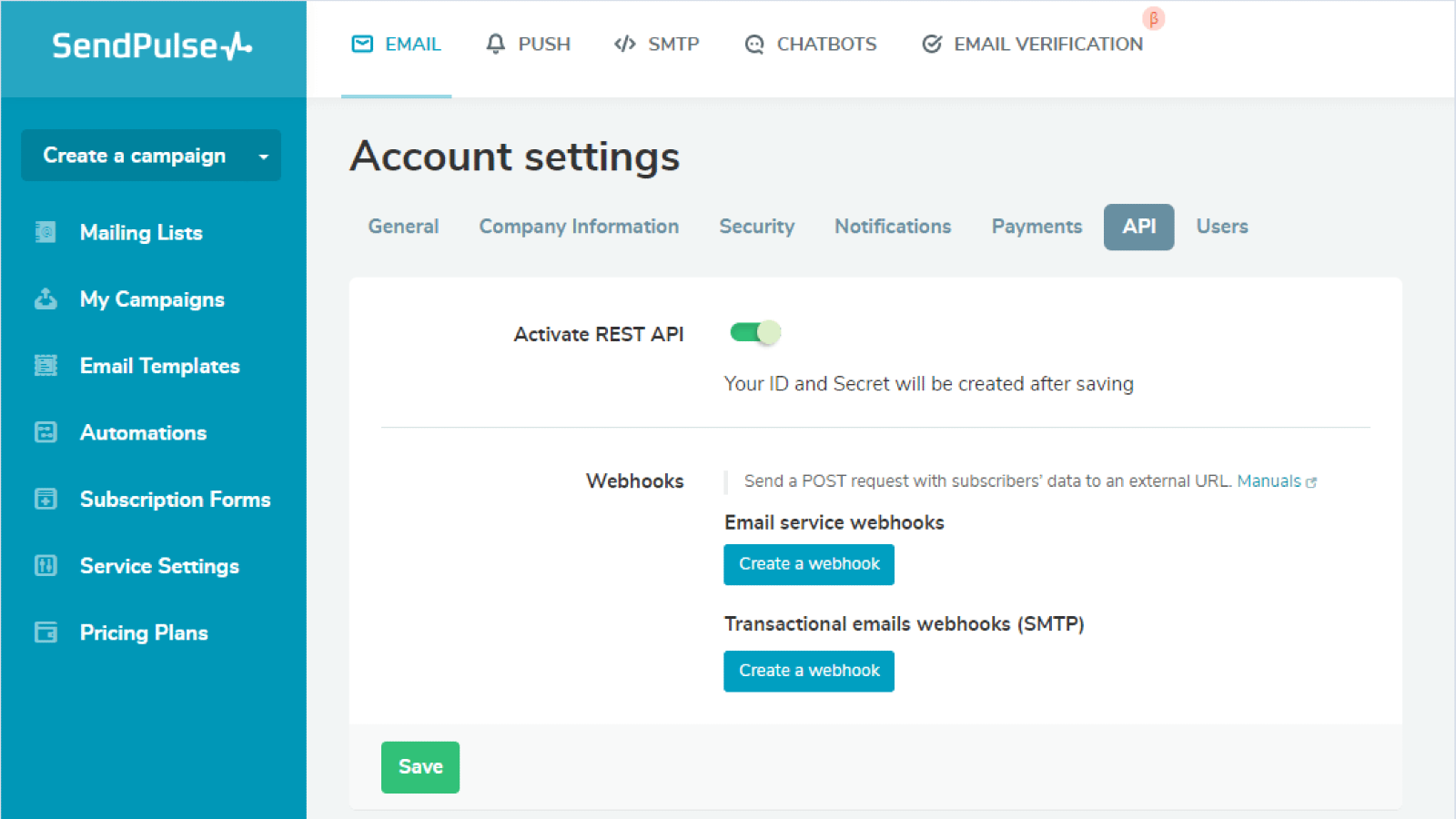
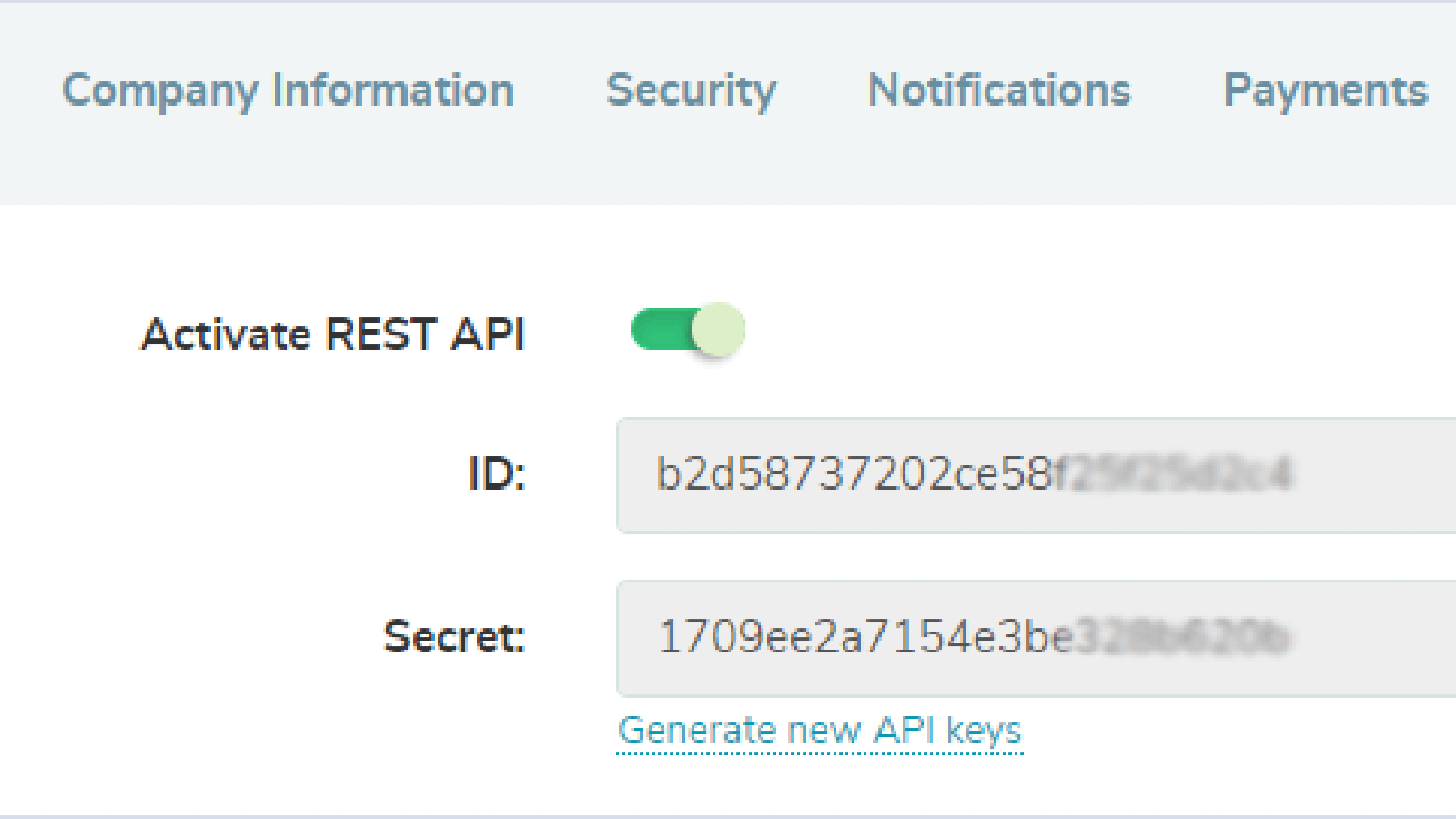
In your SendPulse account > the API tab, copy your ID and Secret. Go back to your WordPress account and paste them into their respective fields. Click Connect.
You will get a SendPulse account confirmation that you have successfully integrated with Brave. Afterward, in your lead form settings, you can turn on the Add User to Newsletter toggle and set conditions to transfer leads to your SendPulse mailing list.
Learn more about how to integrate with Brave.





or