Nova Post
The Nova Post app helps connect your Nova Post business account to SendPulse CRM and manage shipments directly in your sales workflow. Transfer delivery data to deals and contacts, automate waybill creation, and keep managers working in one system.
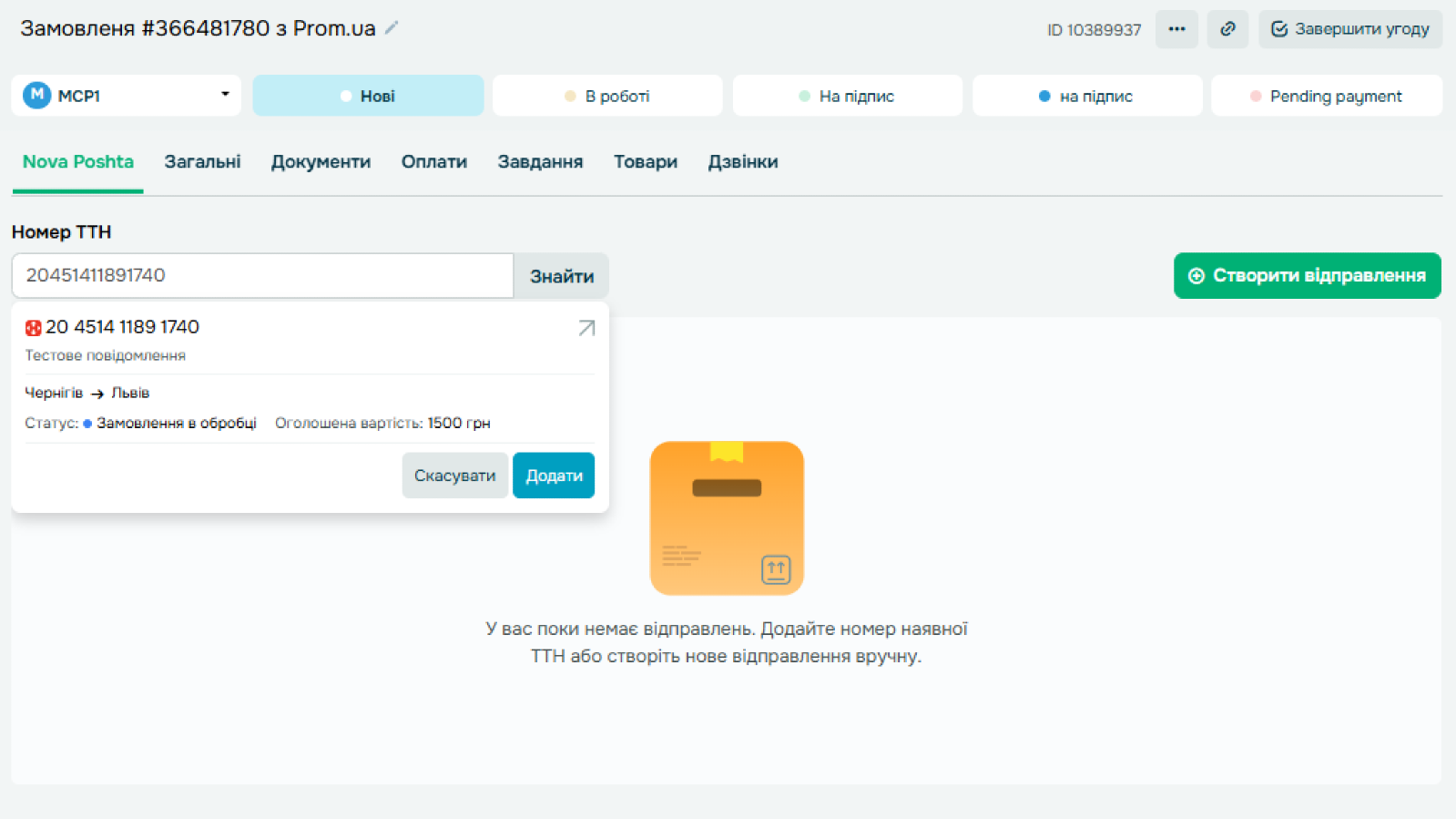
Shipment data in CRM. View linked waybills in deal cards and delivery data in contact cards. Keep shipment details connected to your customer records and check delivery information without leaving your CRM.
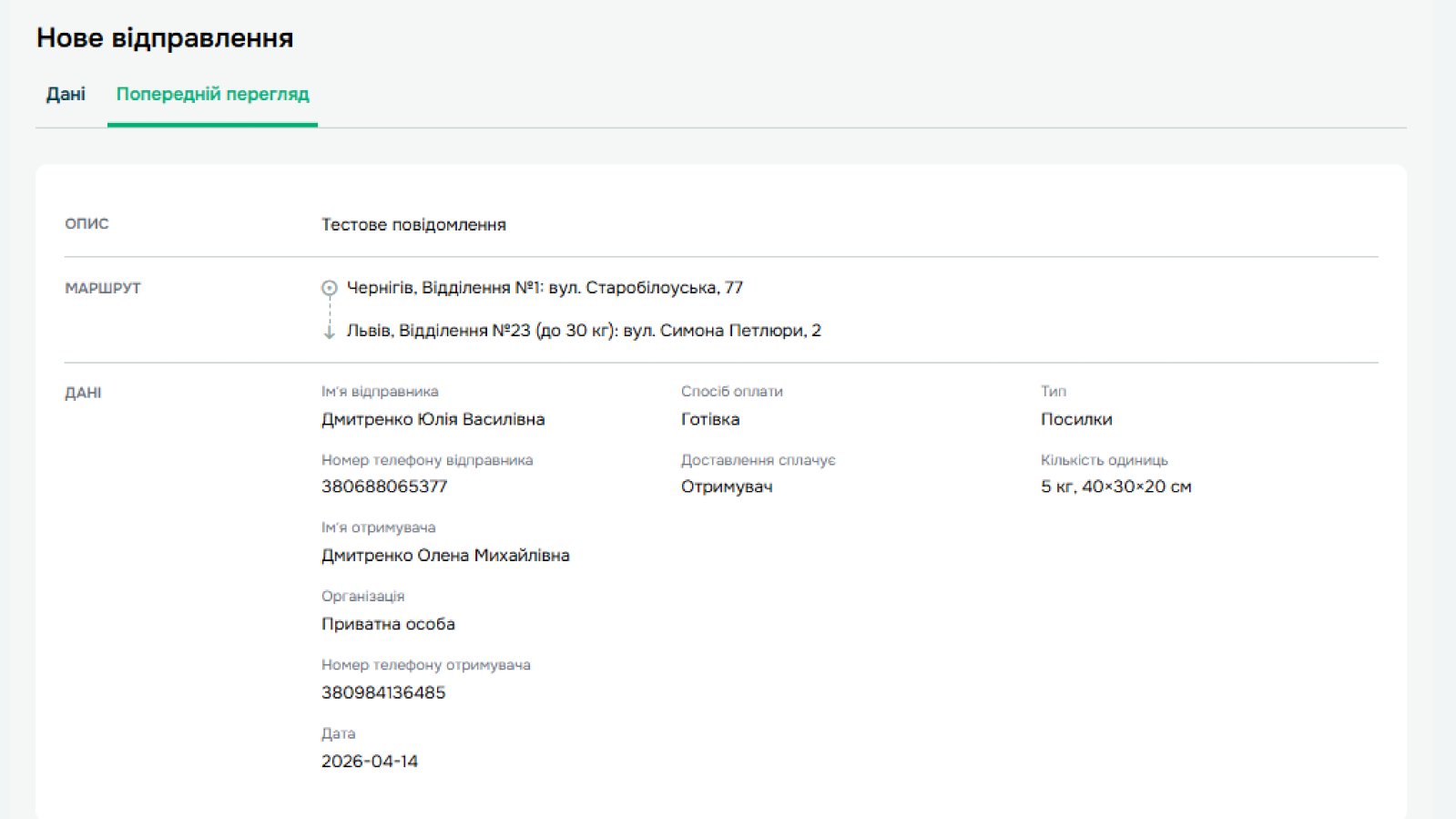
Manual shipment management. Create new shipments in CRM or add existing waybills by number. This helps you work with deliveries created in different ways and keep all related data in one place.
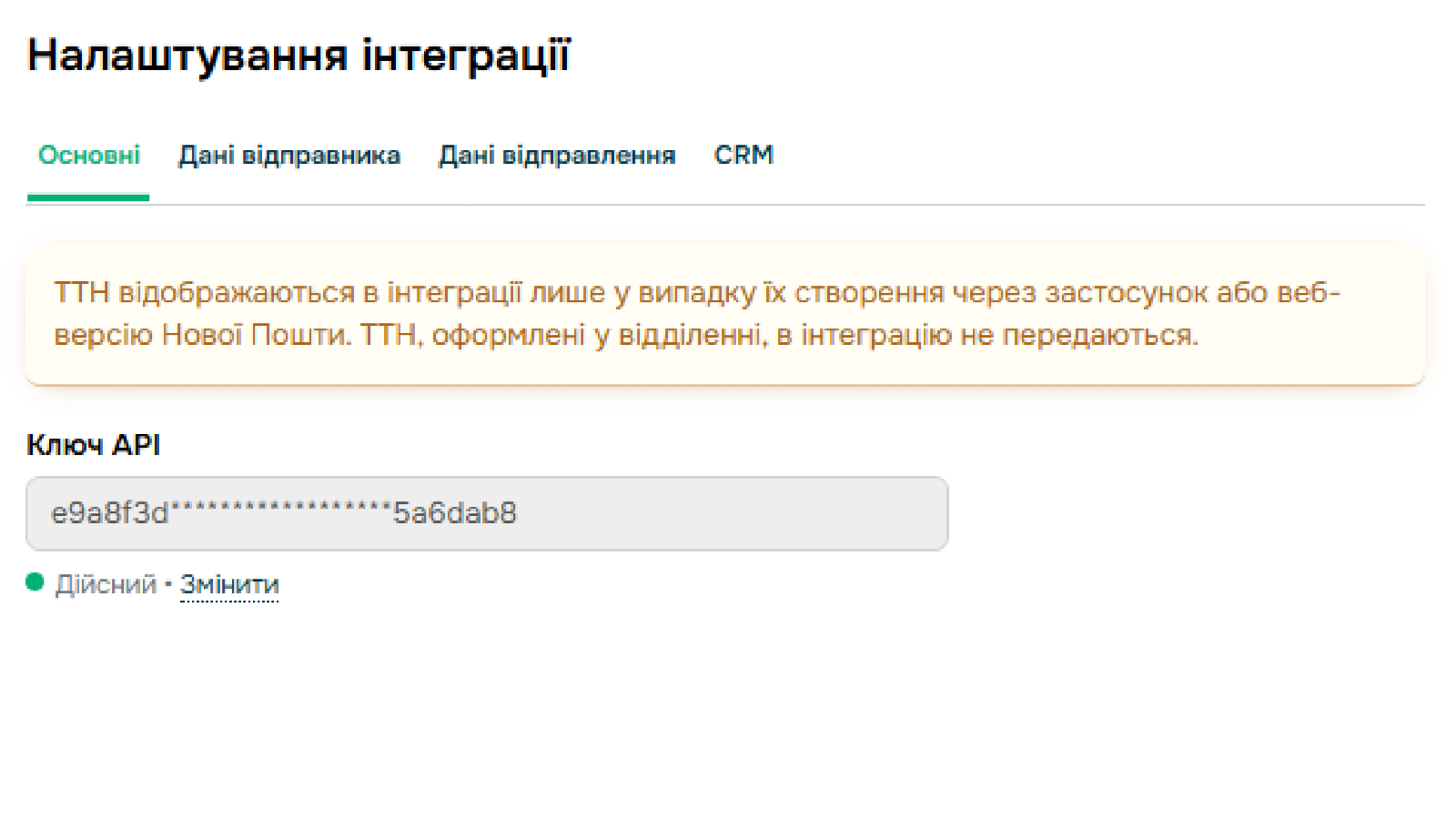
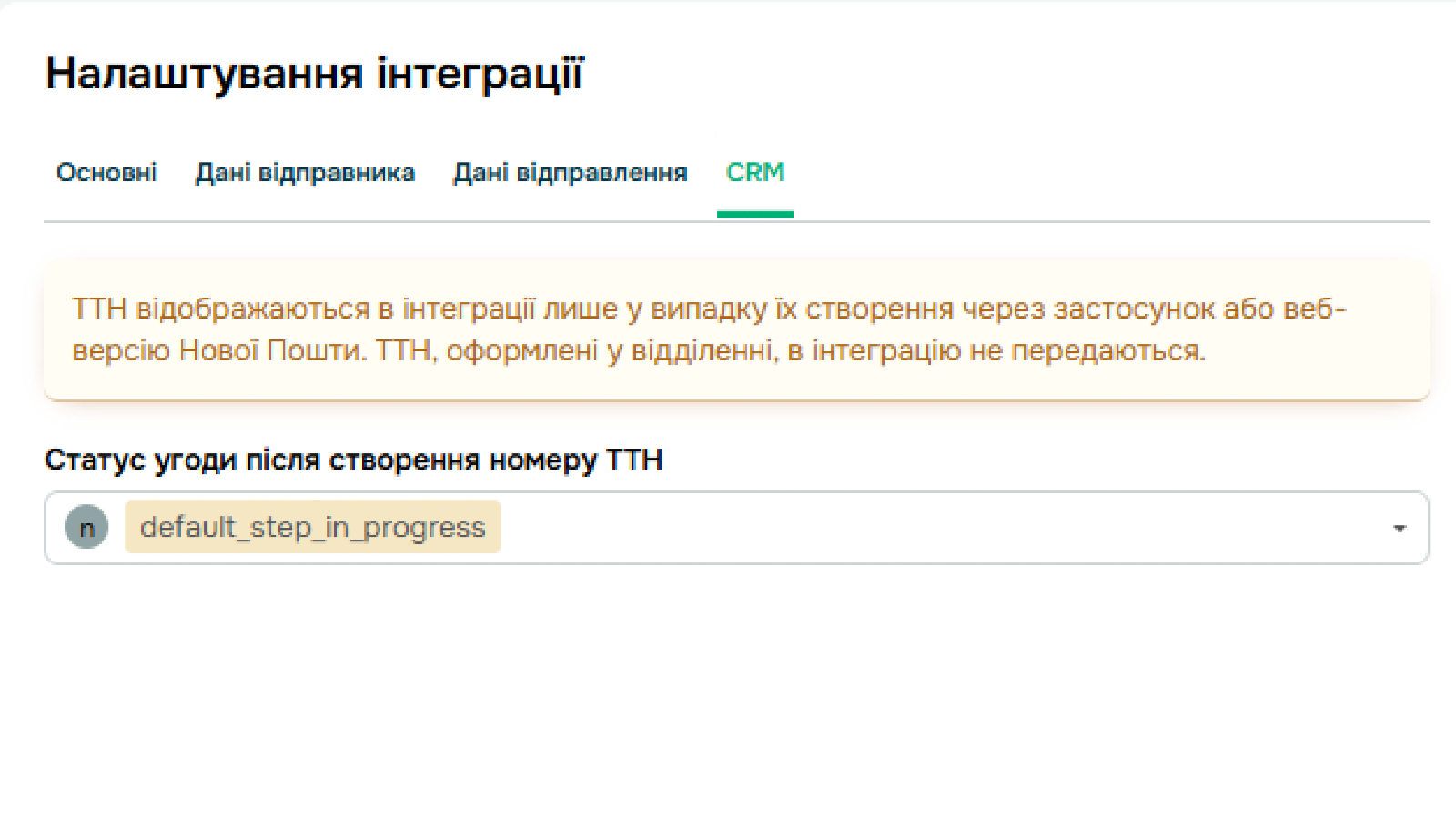
Simple integration setup. Add your API key, configure sender and delivery settings, and choose the CRM stage for automatic waybill creation. Set up the integration once and use these settings when working with shipments in CRM.
Work in one system. Manage Nova Post shipments in SendPulse CRM without switching between tools. Your team can create waybills, view delivery details, and work with deals and contacts in one place.
- Get an API key in your Nova Post business account.
- Install the Nova Post app in the SendPulse app catalog and connect it to your account.
- Add your API key and configure sender, delivery, and CRM settings.
- Create waybills automatically or manually and view them in deal and contact cards.





or