Horoshop
The integration with Horoshop, a platform for creating and managing online stores, allows you to export customer contacts to SendPulse address books. This enables you to launch personalized email and SMS campaigns, send browser web push notifications, and automate communications in the sales funnel.
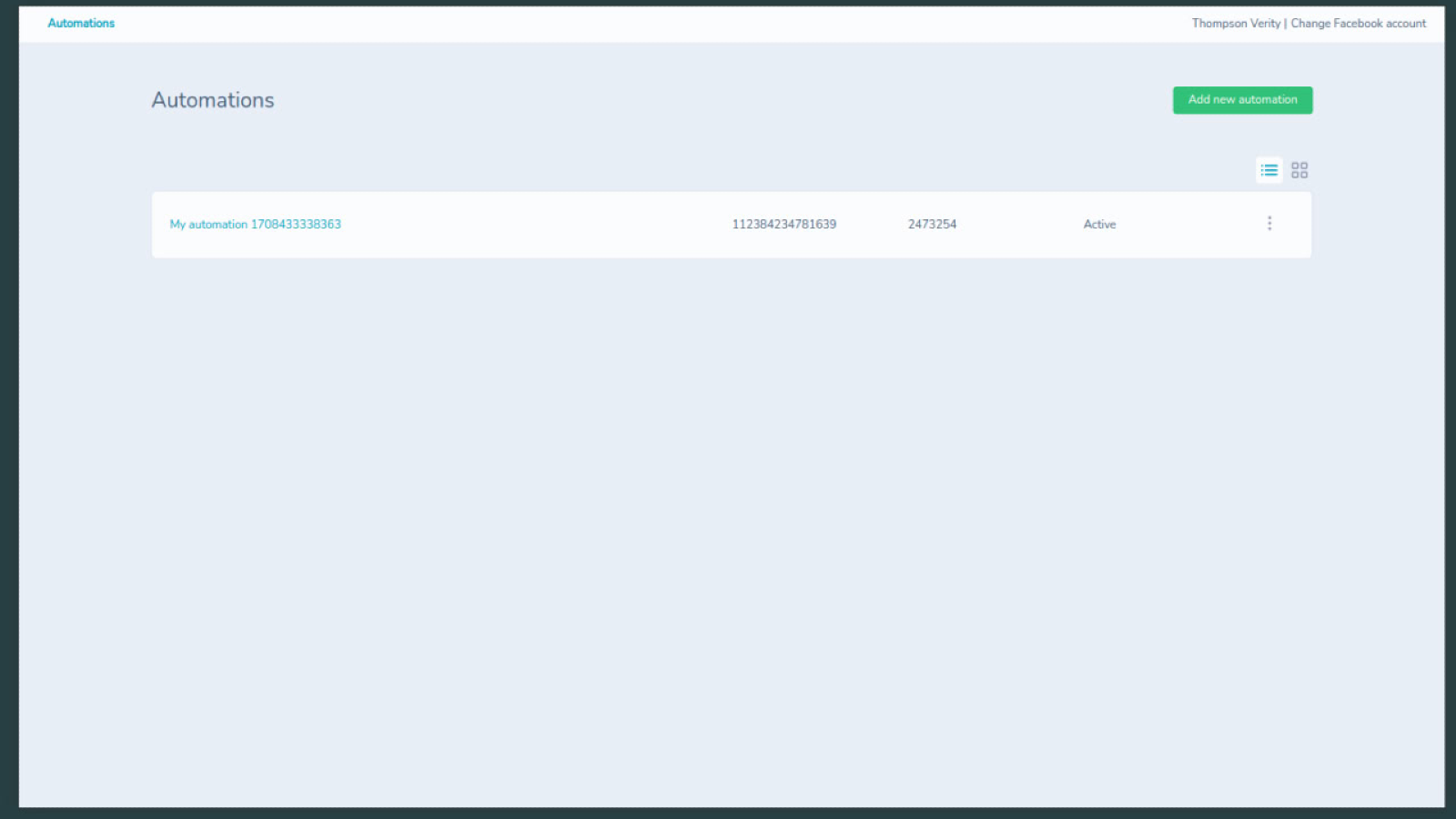
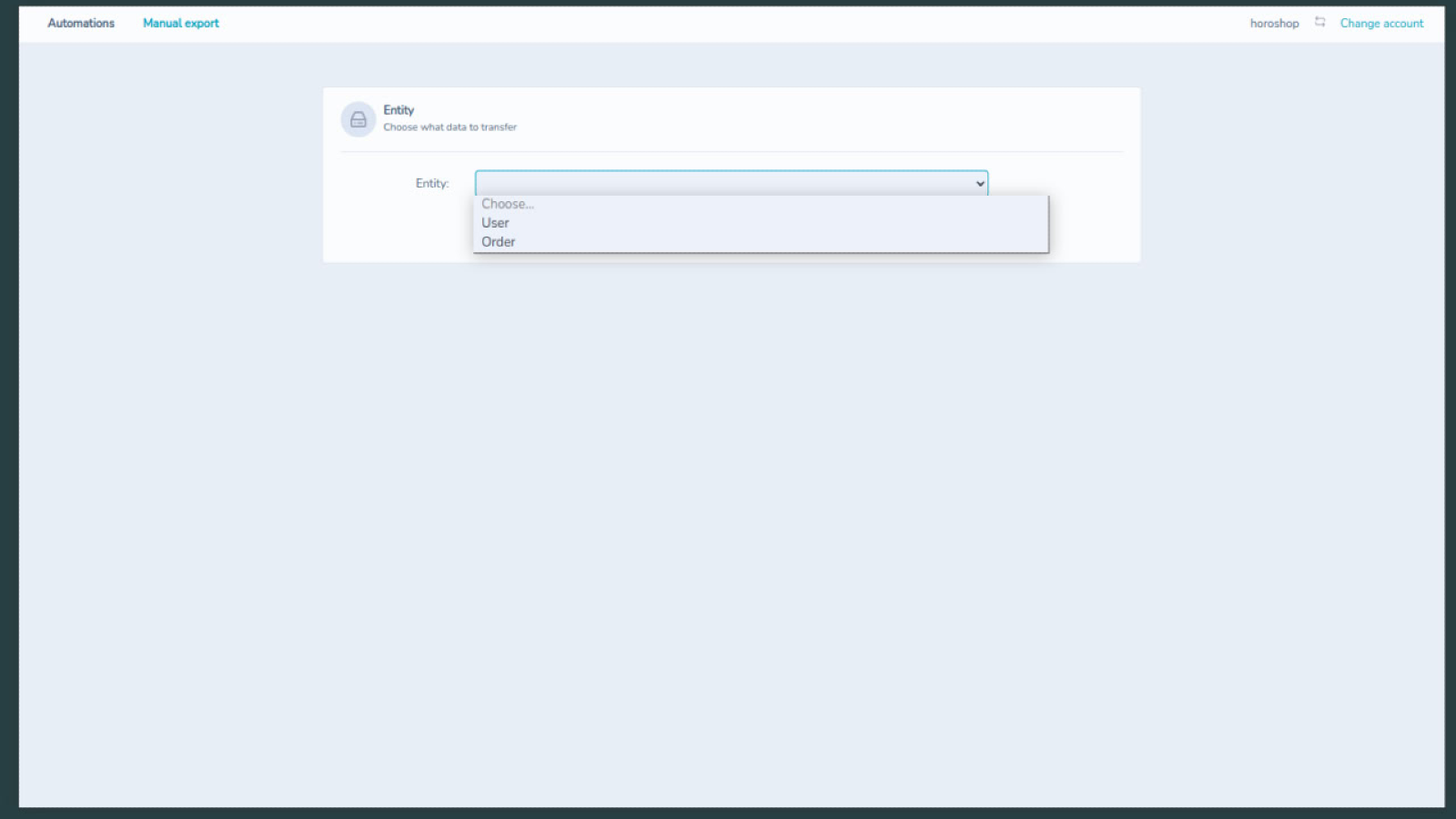
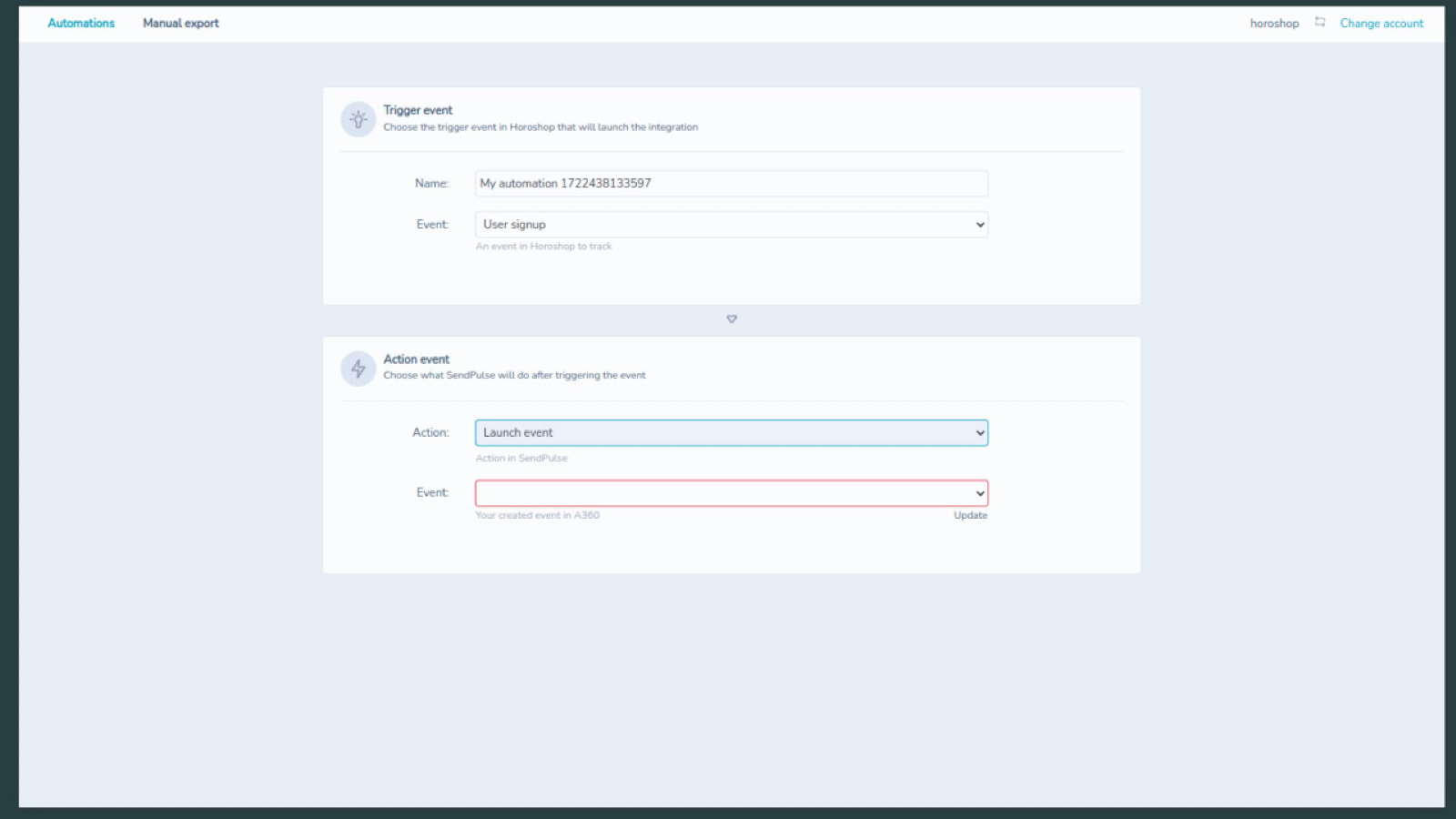
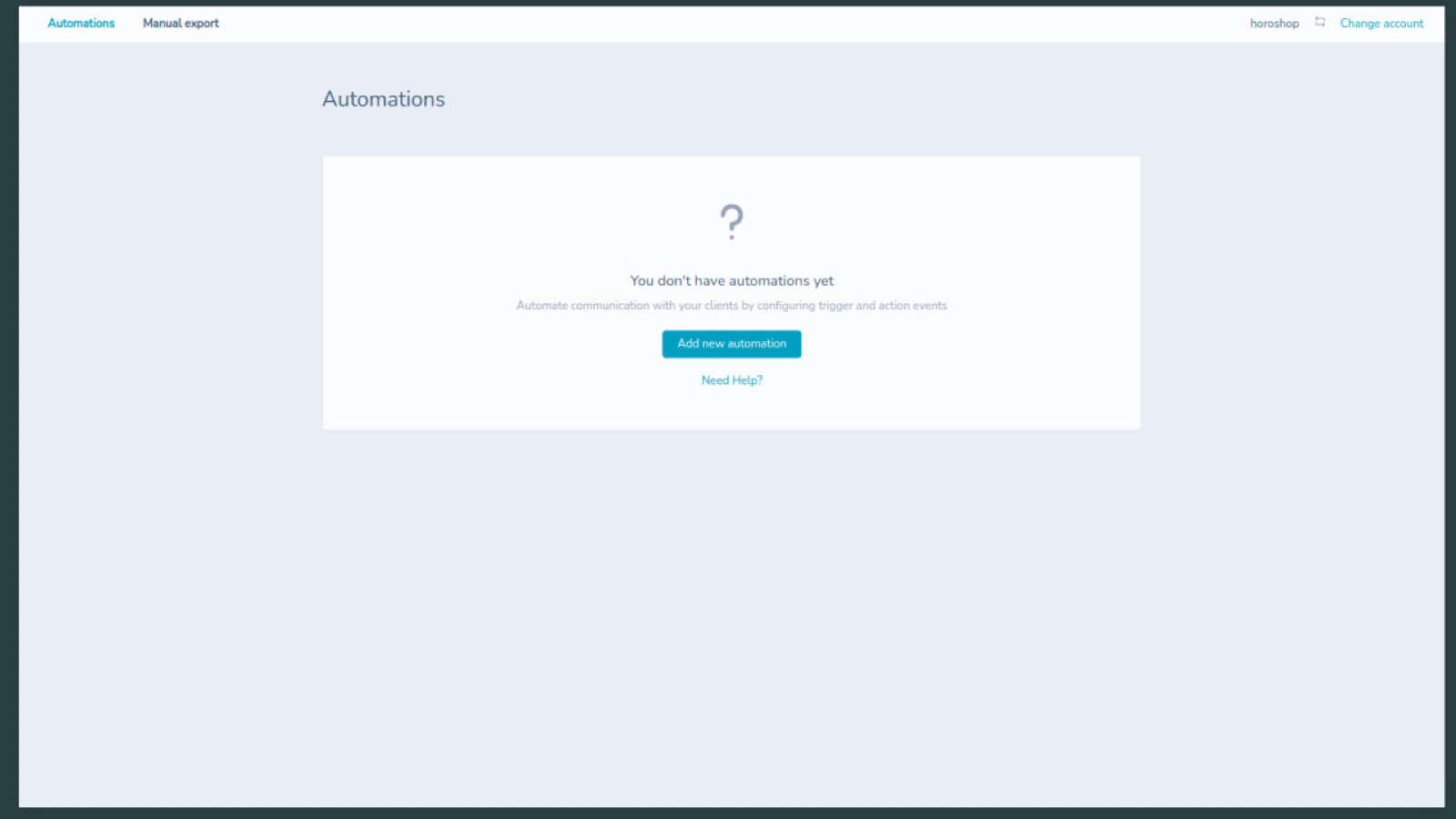
With this integration, you can easily set up an automated multichannel system to ensure customers receive relevant messages based on their position in the sales funnel.
Capabilities of Integration with Horoshop:
- Add new contacts in real time: Add new contacts from Shopify to an address book in real-time. Once the integration is set up, you can send automated mailings with information about your company, thank you messages for registration or purchase, etc.
- Manual export: Export customer or registered user contacts manually, taking variables into account.
- Set up automation scenarios: Configure up to six Automation 360 scenarios based on events in Horoshop. Thank customers for placing orders, recover abandoned carts, provide support, etc., to increase conversions and save managers' time.
- Send web push notifications: Send web push notifications to your online store customers to inform them about new products, promotions, discounts, and other important information.
How to Set Up Integration with Horoshop:
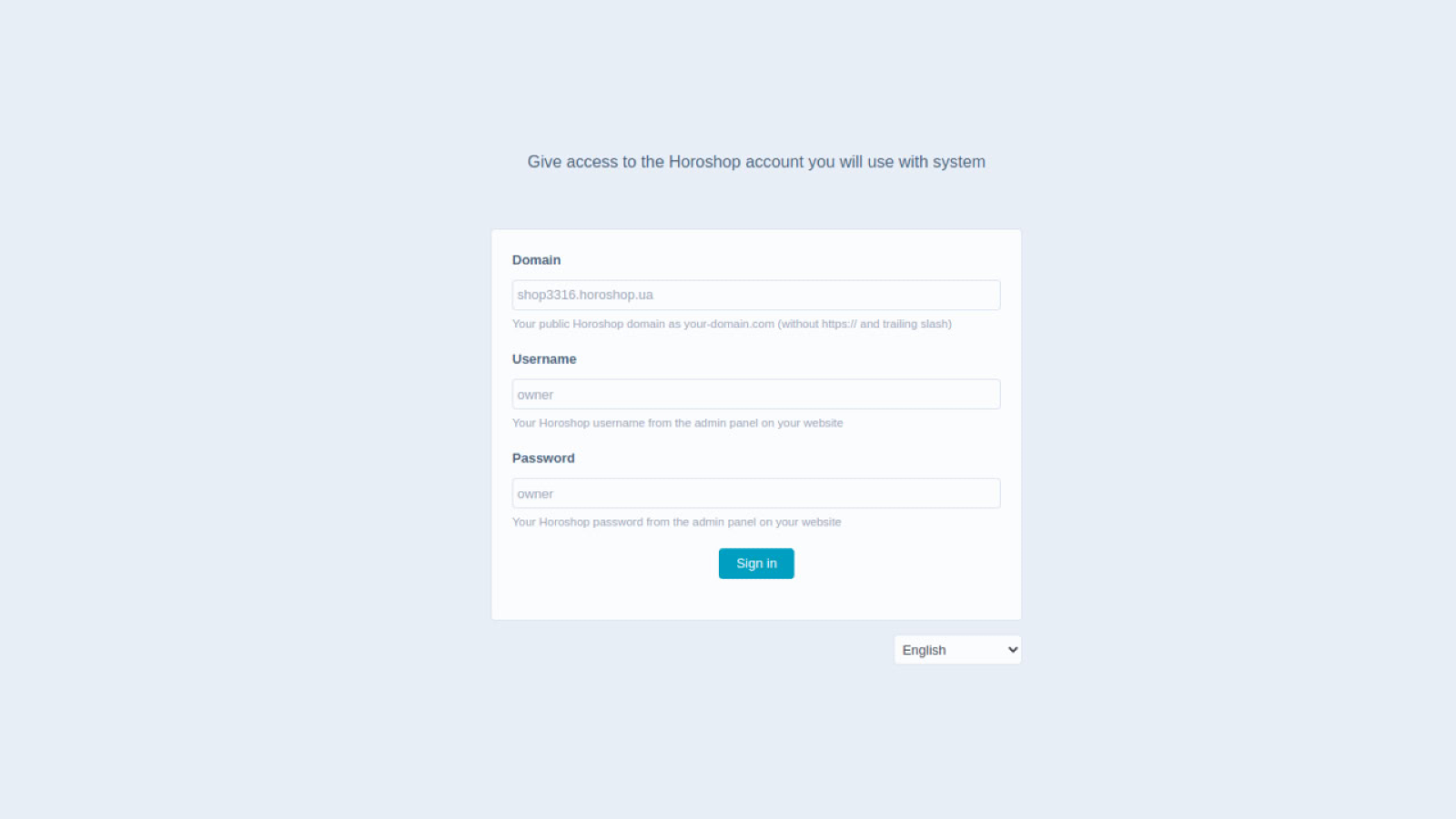
- Go to the Horoshop and SendPulse integration page and enter your details: the public domain of your Horoshop account, login, and password. Click "Login."
- In the new window, click "Connect SendPulse user" and enter your SendPulse account login and password.
- Go to the "Automation" tab and click "Add new automation." Specify the automation name, the event that will trigger the automation, and the action to be performed after the trigger. Match the variables and click "Save automation."
- To perform a manual export, go to the appropriate tab and select the objects to export to SendPulse: users or orders. Select the address book for exporting contacts from the list, match the variables, and click "Export."




or