42min
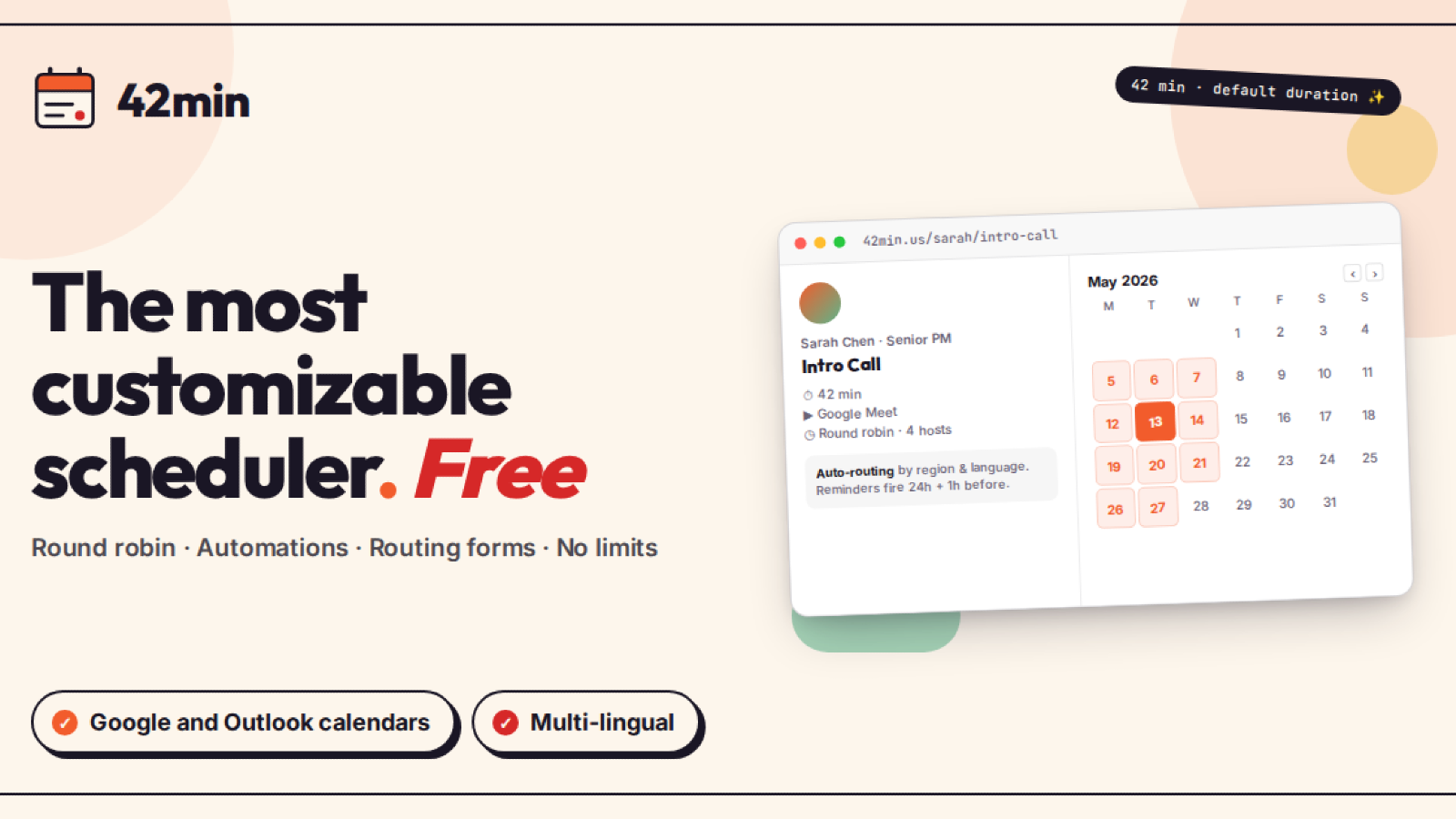
This integration links 42min with SendPulse's CRM system and Automation 360. As soon as a meeting is booked, you can automatically create CRM contacts and deals, log every appointment, and send triggered reminder emails to all participants — right through to canceling or rescheduling meetings from the CRM deal card.
This integration is ideal for sales teams, consultants and coaches, recruiters, and customer success managers — anyone who books meetings through 42min and wants every appointment to land in their CRM and trigger the right follow-up automatically.
Features
- Automatically create and update CRM contacts and deals for every scheduled meeting, place them in the pipeline and stage you choose, and keep them in sync as meetings are rescheduled, canceled, or marked no-show (canceled and no-show meetings move the deal to your Lost stage).
- Log every booking as a note in the CRM and add a prep-task reminder to your task board, so your team is ready before each call.
- Track your meeting sources by capturing UTM tags (source, medium, campaign) on every deal.
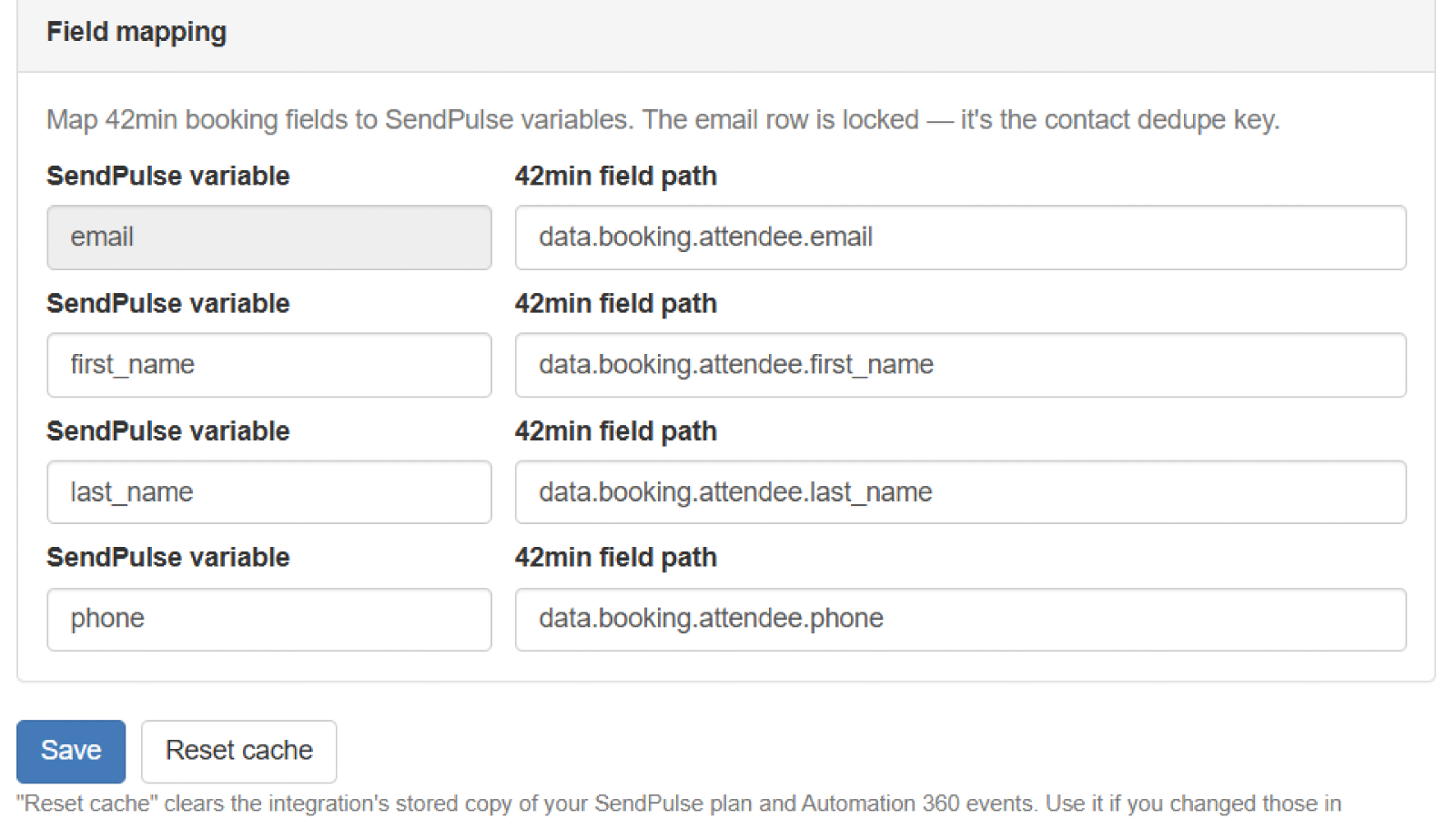
- Sync the answers attendees provide when booking in 42min with your CRM fields using a flexible field mapper.
- Automatically trigger emails, SMS, or chatbot flows in Automation 360 whenever a meeting is scheduled, rescheduled, canceled, updated, or marked no-show.
- Cancel or reschedule 42min meetings directly from the SendPulse CRM deal card — without leaving your CRM.
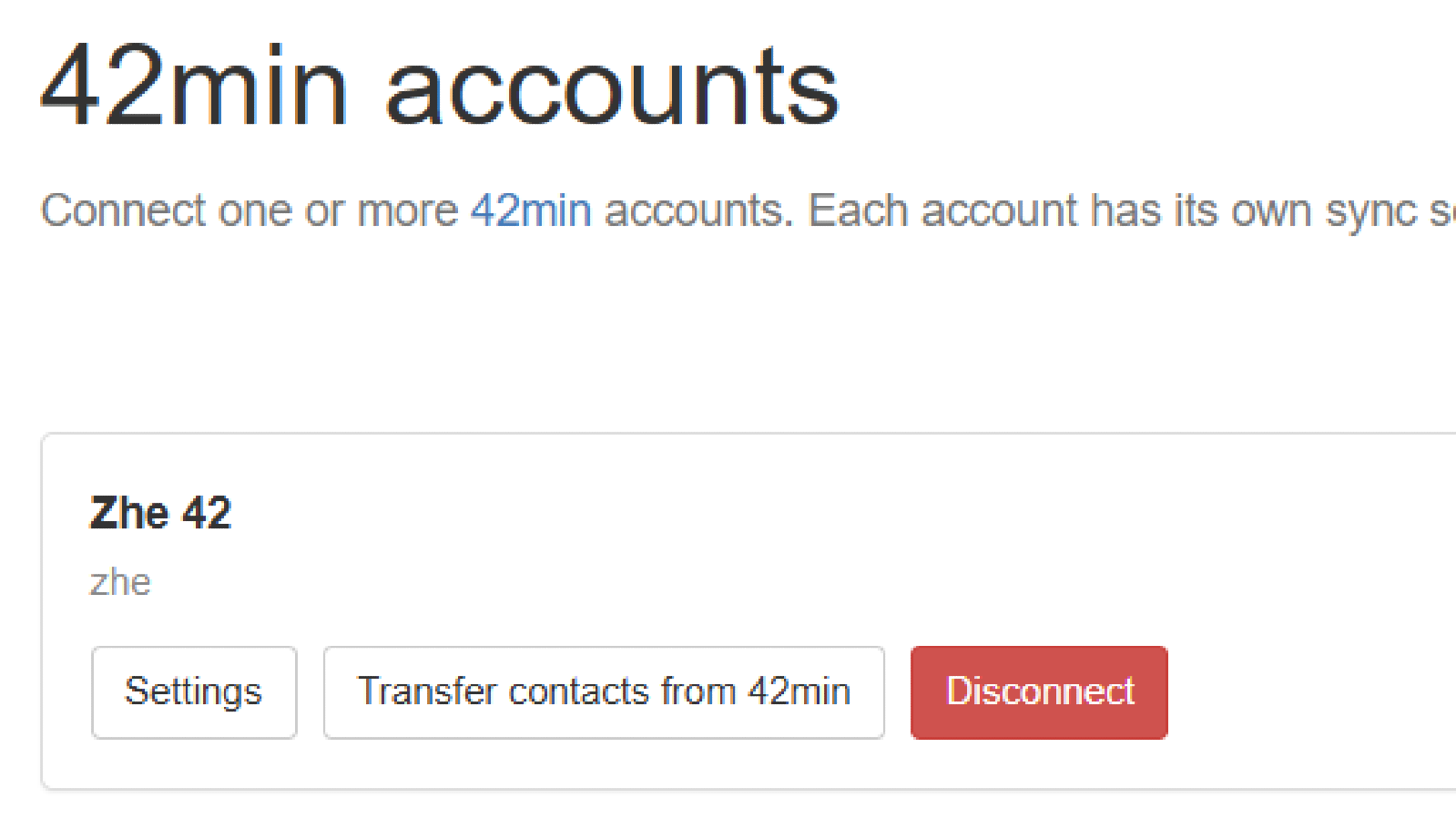
- Connect multiple 42min accounts to a single SendPulse account, each with its own settings and field mapping.
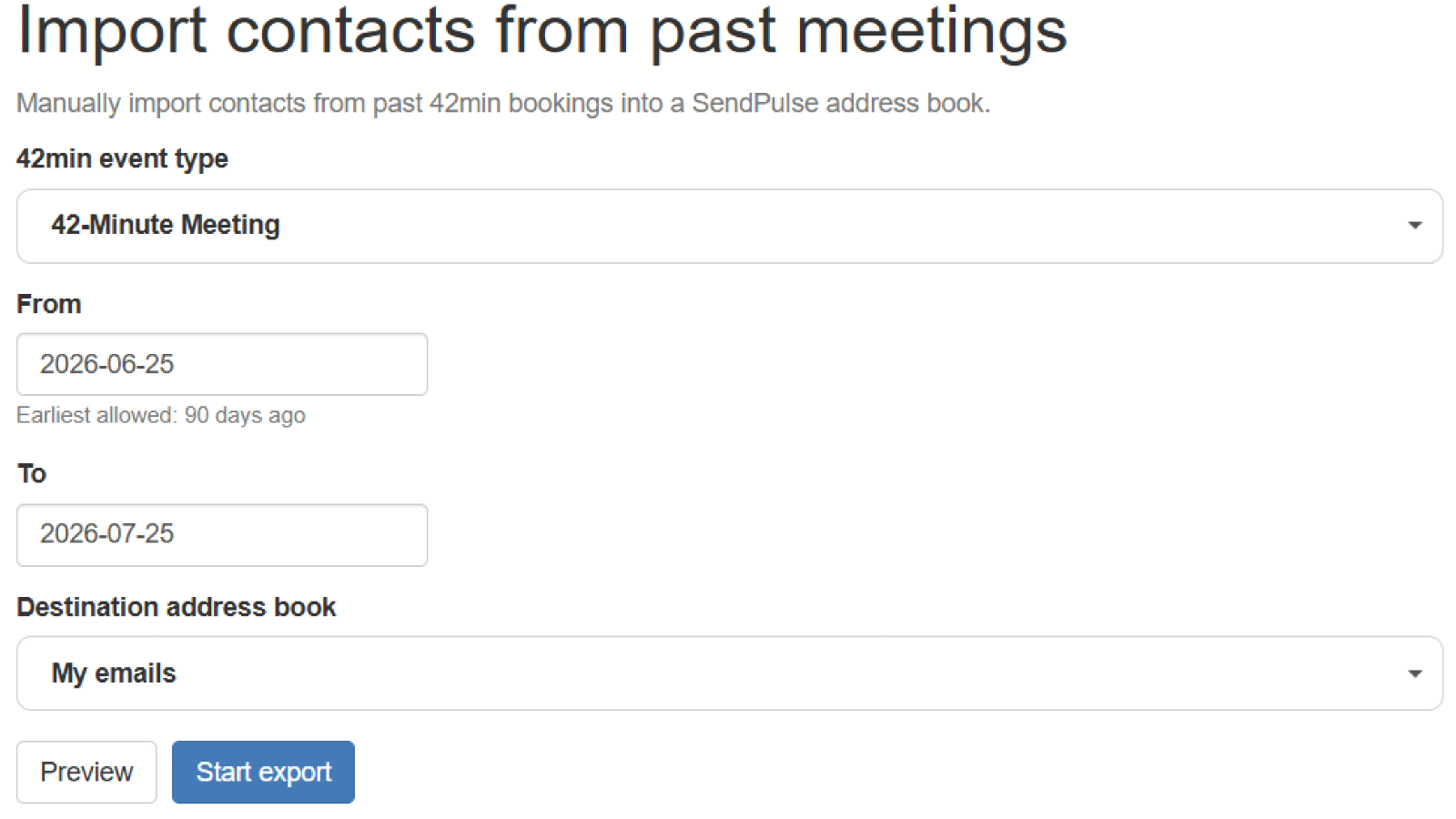
- Import your existing 42min meetings into a SendPulse mailing list to grow your audience — without emailing past attendees.
How to integrate with 42min
- Log in to your 42min.us account.
- Log in to your SendPulse account, go to Marketplace, and find the 42min integration.
- Click Install and grant the required permissions by clicking Accept. Once installed, the integration will appear in your list of available integrations.
- Click Continue with 42min and then Connect to 42min to authorize access to your account. You can repeat this step to connect more than one 42min account.
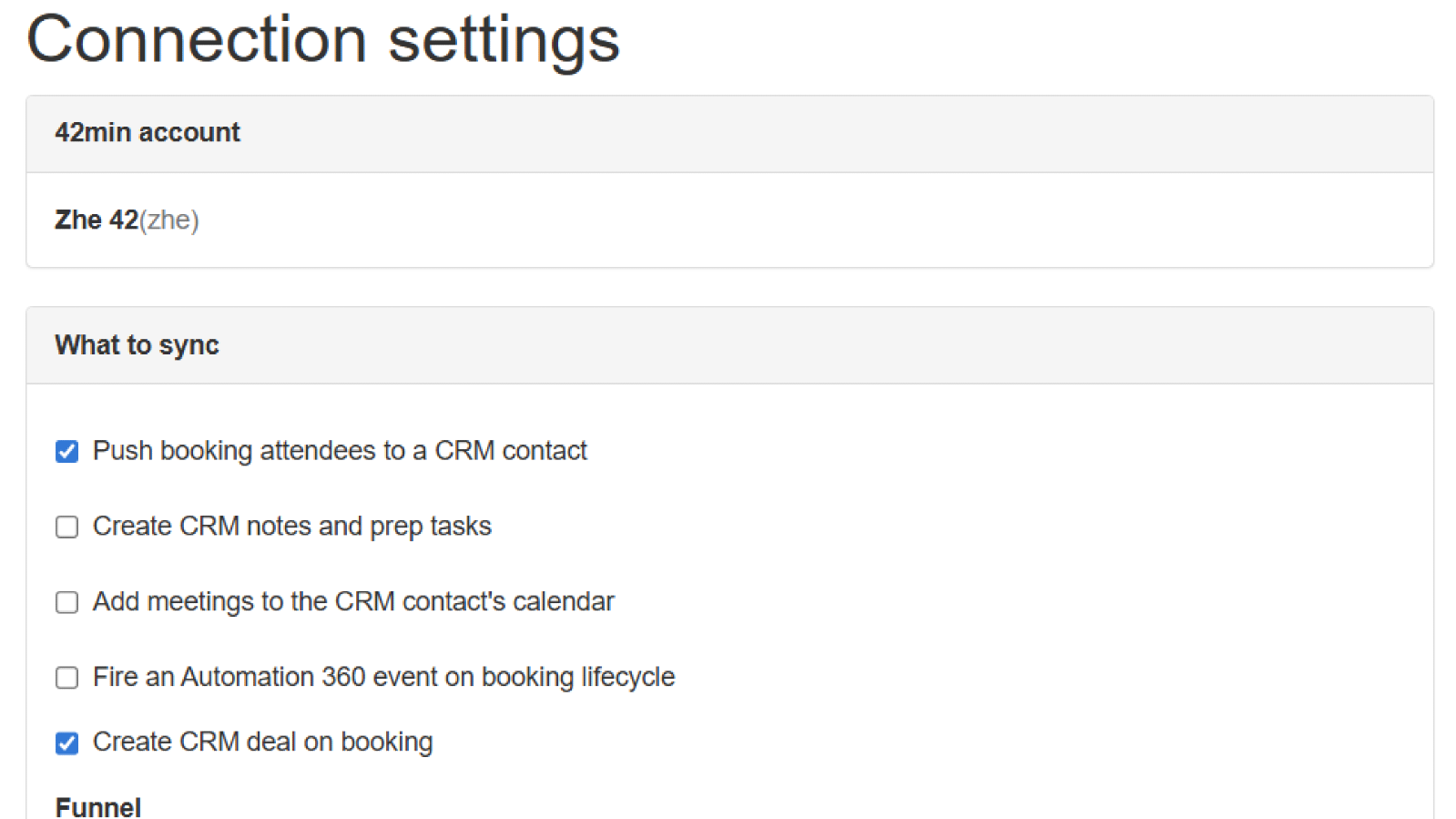
- Open the connection's settings and choose what to sync: Synchronize contacts with CRM to automatically create CRM contacts and deals for new meetings, and/or Automation 360 to launch automated email, SMS, or chatbot flows after a meeting is scheduled. Map your 42min fields to your CRM fields and, for Automation 360, select the event that will trigger your flow.
- Click Save to activate the integration. From that point on, every new meeting in 42min syncs to SendPulse automatically.



or